
This page is not an official page of the app or its developer, but an independent editorial publication created for informational and commentary purposes. Unless expressly stated otherwise, neither the app nor its developer is affiliated with, endorsed by, sponsored by, authorized by, or otherwise officially connected with MWM, Apple, Google Play, the app publisher, or the app's developer, and nothing on this page implies that the app was developed using MWM's services. Any trademarks, logos, screenshots, and other content remain the property of their respective owners.

Stop Motion Video Maker Studio
Turn any video clip into a professional-grade animation for Reels and TikTok. The easiest way for creators and small businesses to achieve that high-end handmade aesthetic without the hours of work.
Downloads
100User Rating
Total Ratings
0Publisher
Category
Photo & VideoLocales
1Latest Version
1.0Size
234.7 MBFirst Released
Jan 17, 2025Professional Stop Motion, Zero Effort
Transform your everyday videos into high-end stop motion masterpieces. Designed for the 'prosumer' creator, our studio gives you the professional aesthetic for Reels and TikToks without the manual frame-by-frame grind.
Instant Animation Magic
Skip the tripod and the hours of work. Simply upload any video clip and our engine converts it into a captivating stop motion animation in seconds.
Precision Frame Control
Customize the 'jerkiness' and speed of your edits. Adjust frame rates to perfectly match trending audio beats or achieve that signature Life Lapse aesthetic.
Frequently Asked Questions
Everything you need to know about Stop Motion Video Maker Studio
What is Stop Motion Video Maker Studio?
Stop Motion Video Maker Studio by Life Lapse transforms any video clip into a stop motion movie or animation. It offers intuitive tools to create captivating reels and shorts for social media sharing.
How do I create a stop motion video with Stop Motion Video Maker Studio?
Stop Motion Video Maker Studio allows you to create stop motion animation in seconds through its easy-to-use app. You can adjust frame rates and clip rates to achieve desired speeds.
Can I adjust video speed in Stop Motion Video Maker Studio?
Yes, Stop Motion Video Maker Studio allows users to choose from various frame and clip rates to slow down, speed up, or maintain video speed. The app also features a dedicated speed adjustment interface.
What are the subscription plans for Stop Motion Video Maker Studio?
Stop Motion Video Maker Studio offers three premium subscription plans: 1 week for $6.99, 1 month for $17.99, and 1 year for $44.99. Subscriptions provide unlimited access to premium features.
How do I cancel my Stop Motion Video Maker Studio subscription?
You can cancel your Stop Motion Video Maker Studio subscription through your iTunes settings. Cancellation must occur at least 24 hours before the end of the next subscription cycle to prevent renewal.
Does Stop Motion Video Maker Studio support sharing to social media?
Yes, you can share your stop motion videos created with Stop Motion Video Maker Studio directly to popular social media platforms like Facebook, Instagram, Stories, Twitter, and YouTube.
Can I apply filters to videos in Stop Motion Video Maker Studio?
Yes, Stop Motion Video Maker Studio includes a "Video Filter" feature. This allows users to apply various filters to their stop motion creations directly within the app's editing interface.
Does Stop Motion Video Maker Studio allow adjustment of animation direction?
Yes, Stop Motion Video Maker Studio features a "Direction" option within its editing tools. Users can choose animation flows like "Front", "Front - Back", "Back", and "Back + Front".
The following screenshots and description are sourced directly from the app's official store listing and are the property of the app developer.
App Store
Screenshots
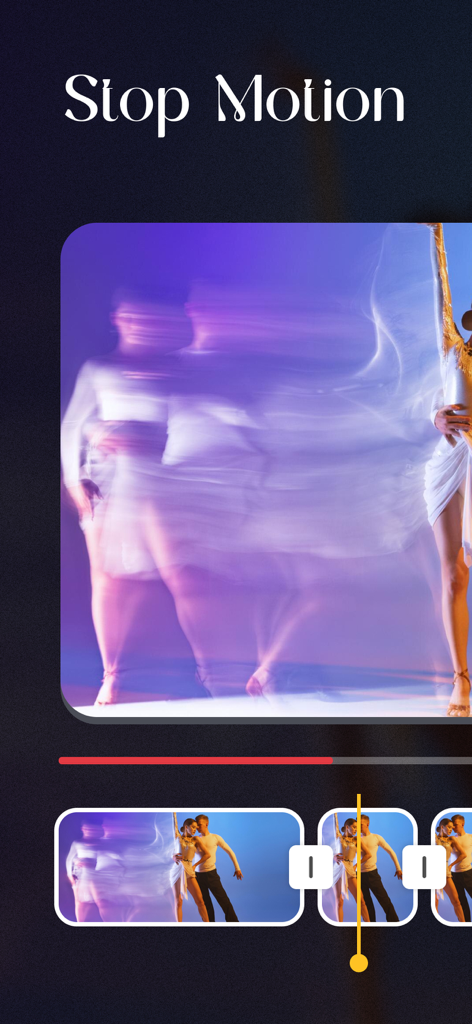
Mobile app interface showing video frames converted into a stop motion animation
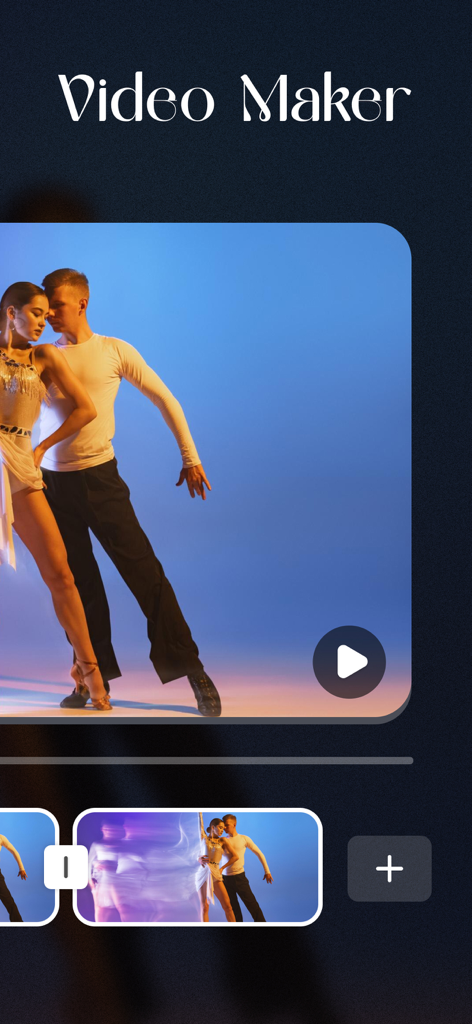
Interface of the Stop Motion Video Maker Studio app showing a video editing timeline with a dance clip
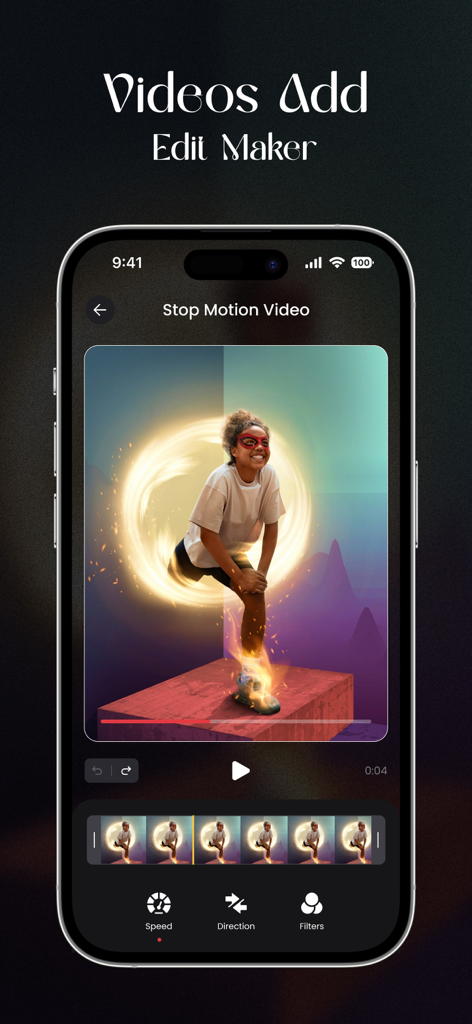
A smartphone showing the Stop Motion Video Maker Studio app interface with video editing controls and a frame-by-frame timeline.
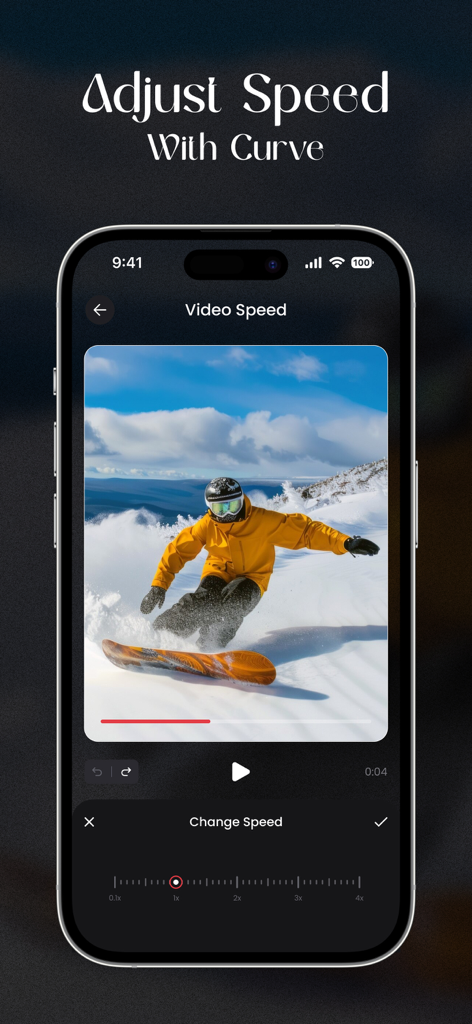
Smartphone screen showing the video speed adjustment interface in the Stop Motion Video Maker Studio app with a snowboarding video preview
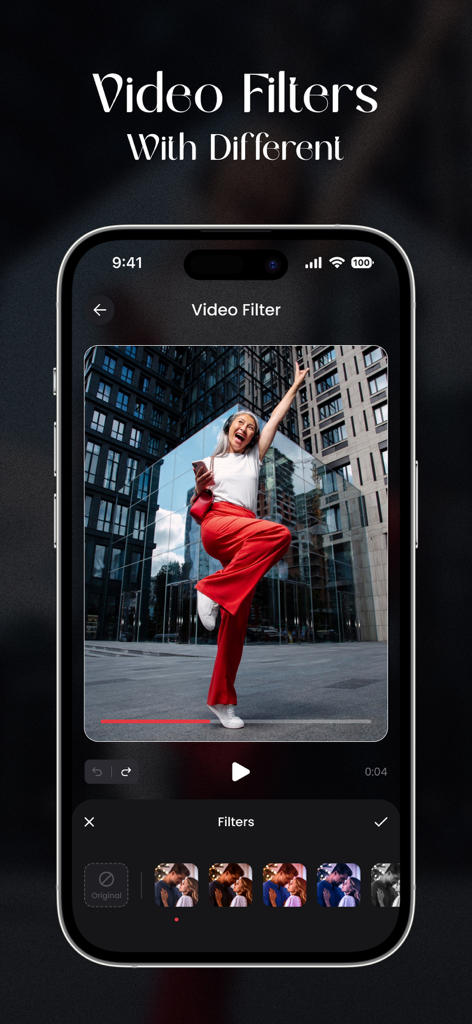
Smartphone screen showing the video filters feature in the Stop Motion Video Maker Studio app with a preview of a dancing woman.
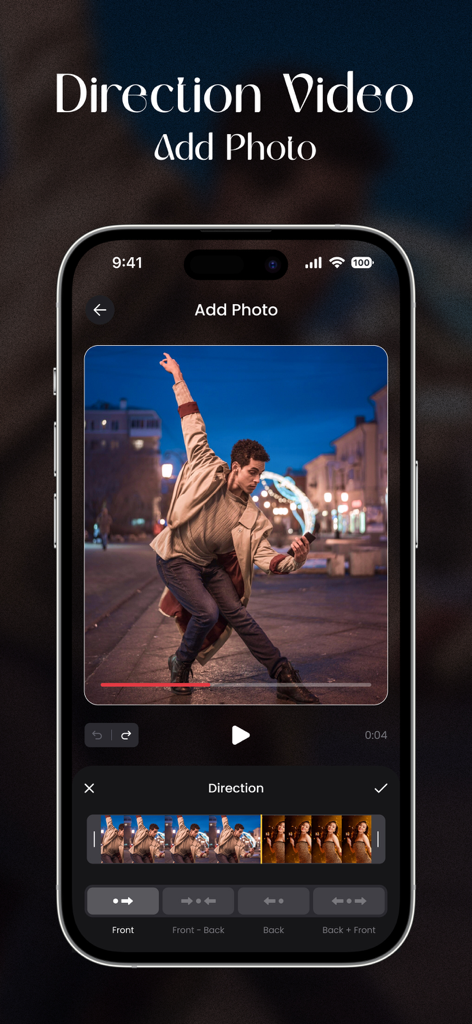
Mobile app interface showing video direction controls and a preview of a dancer for a stop motion project
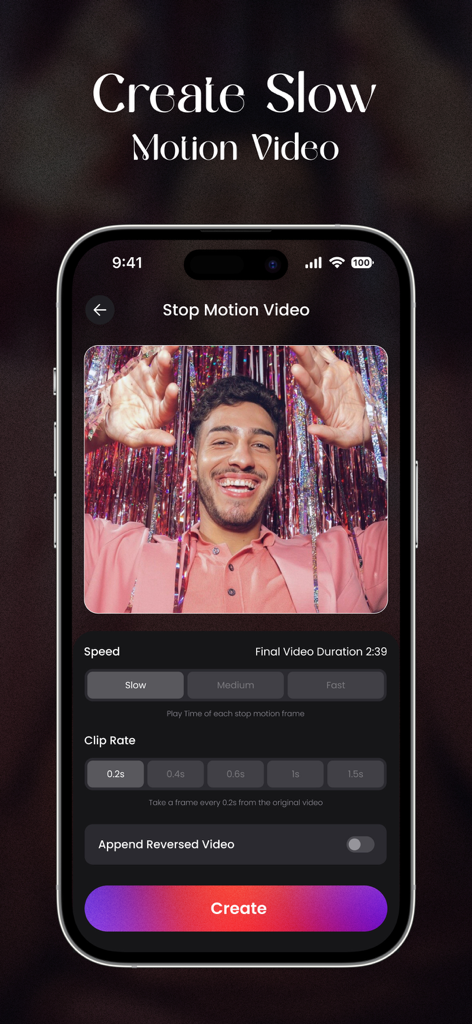
Interface of Stop Motion Video Maker Studio showing slow motion and clip rate settings for video editing
Description
Download
More Like This
Top-ranked apps in the same category

CapCut: Photo & Video Editor
BYTEDANCE PTE. LTD.

Instagram, Inc.

YouTube
Google LLC

Canva: AI Photo & Video Editor
Canva Pty Ltd

Snapchat
Snap, Inc.

快手
Beijing Kwai Technology Co., Ltd.

Edits: Video Editor
Instagram, Inc.

Meitu- AI Photo & Video Editor
Xiamen Meitu Technology Co., Ltd.

Google Photos: Backup & Edit
Google LLC
This page is not an official page of the app or its developer, but an independent editorial publication created for informational and commentary purposes. Unless expressly stated otherwise, neither the app nor its developer is affiliated with, endorsed by, sponsored by, authorized by, or otherwise officially connected with MWM, Apple, Google Play, the app publisher, or the app's developer, and nothing on this page implies that the app was developed using MWM's services. Any trademarks, logos, screenshots, and other content remain the property of their respective owners.