
This page is not an official page of the app or its developer, but an independent editorial publication created for informational and commentary purposes. Unless expressly stated otherwise, neither the app nor its developer is affiliated with, endorsed by, sponsored by, authorized by, or otherwise officially connected with MWM, Apple, Google Play, the app publisher, or the app's developer, and nothing on this page implies that the app was developed using MWM's services. Any trademarks, logos, screenshots, and other content remain the property of their respective owners.


Story saver : Video saver
The ultimate tool for Gen Z and Millennials to archive WhatsApp statuses instantly, message new contacts without cluttering your phonebook, and keep every memory safe.
Downloads
762K+User Rating
Total Ratings
600Publisher
Category
Photo & VideoLocales
21Latest Version
2.1Size
32.1 MBFirst Released
Feb 15, 2023Preserve Your Social Highlights
Stop missing out on the moments that matter. Save, organize, and share WhatsApp statuses instantly while maintaining total privacy.
One-Tap Status Saves
Archive high-quality videos and photos directly to your camera roll before they vanish forever.
Private Content Browsing
Download and view statuses without a trace. No login required and zero 'seen' receipts for ultimate privacy.
Frequently Asked Questions
Everything you need to know about Story saver : Video saver
What is the Story saver : Video saver app?
The Story saver : Video saver app saves and shares social media posts, specifically status updates from WhatsApp. It allows users to store posts from contacts, groups, and stories.
How does the Story saver : Video saver app work?
Users open the Story saver : Video saver app, select a post they wish to save, then choose to save it to their device or share it with contacts. Posts can also be deleted.
Can I save WhatsApp status updates with the Story saver : Video saver app?
Yes, the Story saver : Video saver app allows users to save status updates of contacts from WhatsApp to their device, including posts from contacts, groups, and stories.
Is the Story saver : Video saver app free to use?
Yes, the Story saver : Video saver app is a free application. It allows users to download and save statuses with a single click, without requiring any login.
Can the Story saver : Video saver app share saved content to other social media platforms?
Yes, the Story saver : Video saver app allows sharing saved statuses on platforms like WhatsApp, Facebook, Messenger, Gmail, Twitter, Snapchat, Save to Drive, and Telegram.
Does Story saver : Video saver require a login to download statuses?
No, the Story saver : Video saver app does not require any login to download and save statuses. It supports one-click downloads for user convenience.
Can I send direct messages without saving a number using Story saver : Video saver?
Yes, the Story saver : Video saver app includes a feature enabling users to send direct messages to anyone without needing to save their number in their contacts.
What are the subscription details for the Story saver : Video saver app?
Subscription payments are charged to an iTunes Account upon purchase. Subscriptions auto-renew unless turned off 24 hours before the period ends. Renewal costs are charged within 24 hours before renewal.
Does Story saver : Video saver support saving both images and videos?
Yes, the Story saver : Video saver app supports saving both images and videos. Users can view and save all image and video content from statuses.
Is the Story saver : Video saver app affiliated with WhatsApp?
No, the Story saver : Video saver app is not affiliated with, sponsored, or endorsed by WhatsApp, Inc. WhatsApp is a copyright of WhatsApp, Inc.
The following screenshots and description are sourced directly from the app's official store listing and are the property of the app developer.
App Store
Screenshots
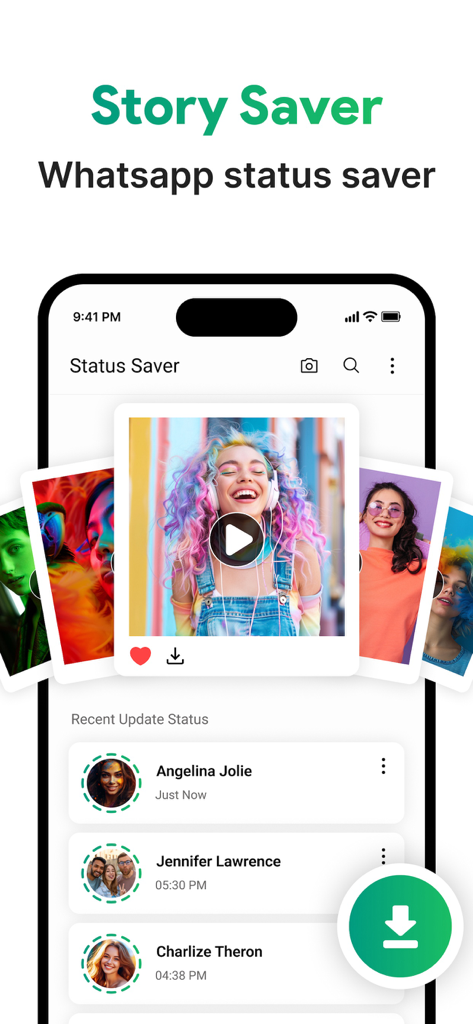
Interface of Story Saver app displaying recent WhatsApp status updates and a download button
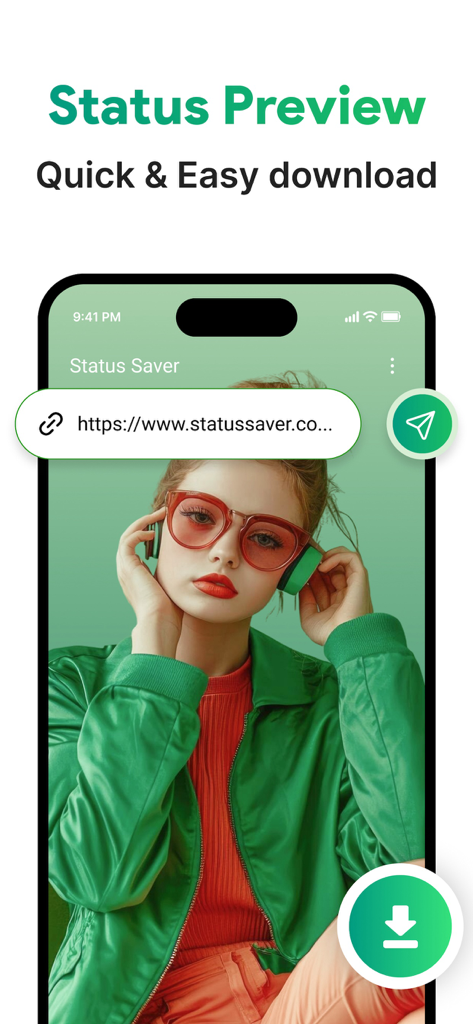
App interface showing a WhatsApp status preview with a quick download button
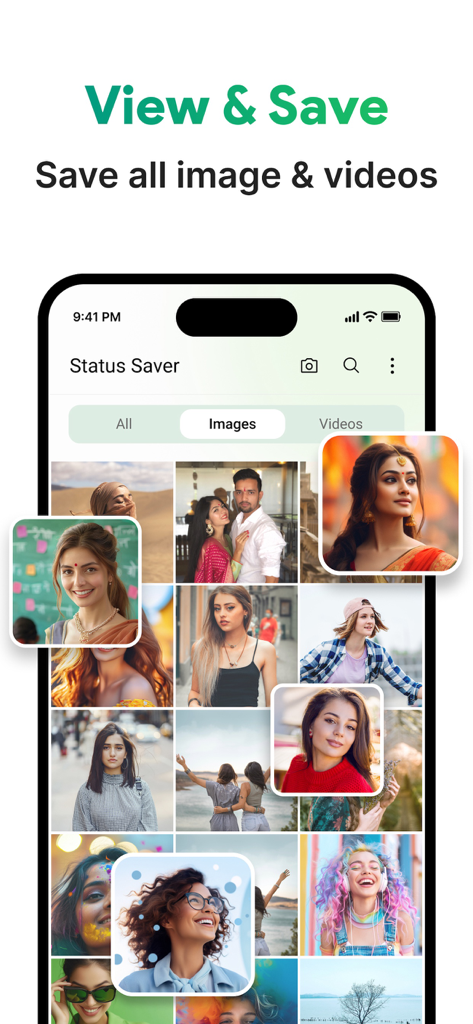
Interface of the Story Saver app displaying a grid of saved images and videos from WhatsApp statuses
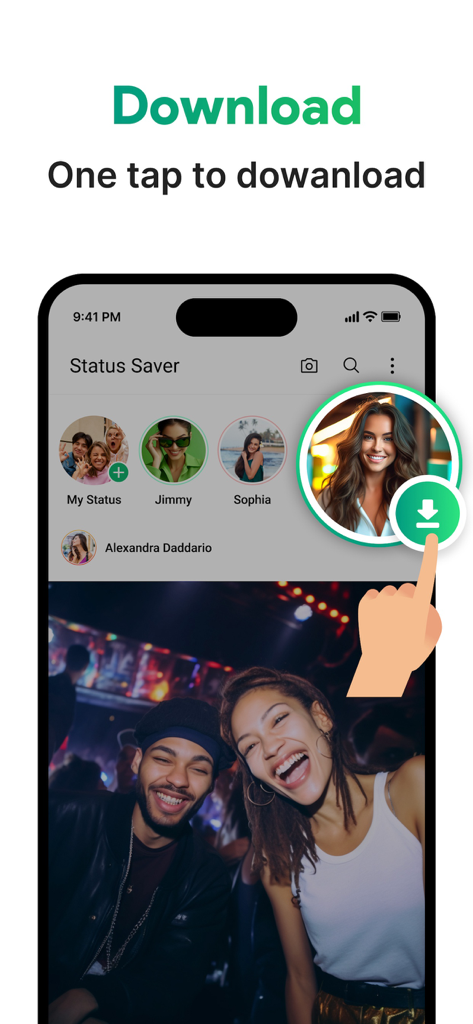
Story Saver app showing one tap download for social media status
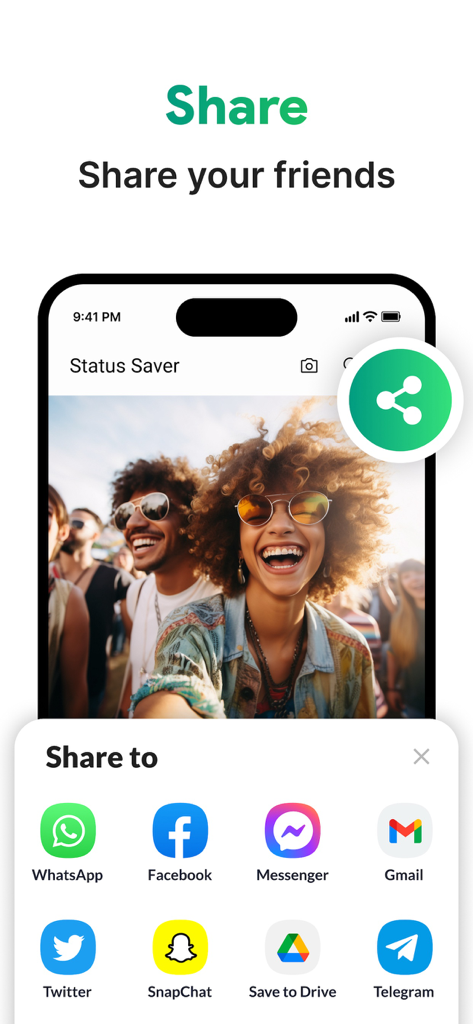
A mobile app screen displaying options to share saved video statuses to various social media platforms.
Description
Download
More Like This
Apps with similar features and user experience

Status Video Saver Reposter
Ketan Kathiriya

Status Saver and Save Story
Ahmed Bastam

Status Saver: Download Status
Vivek Warde

Status Saver : Videos
Natalie Stirner

Status Saver: Photo & Video
Kubra Gurler

Status Saver - Videos Saver
NAITIK, RAMESHBHAI VIRANI

Status Download For Whatsapp +
Pramod Tapaniya
This page is not an official page of the app or its developer, but an independent editorial publication created for informational and commentary purposes. Unless expressly stated otherwise, neither the app nor its developer is affiliated with, endorsed by, sponsored by, authorized by, or otherwise officially connected with MWM, Apple, Google Play, the app publisher, or the app's developer, and nothing on this page implies that the app was developed using MWM's services. Any trademarks, logos, screenshots, and other content remain the property of their respective owners.