Strongbox - Password Manager
Download on App Store

This page is not an official page of the app or its developer, but an independent editorial publication created for informational and commentary purposes. Unless expressly stated otherwise, neither the app nor its developer is affiliated with, endorsed by, sponsored by, authorized by, or otherwise officially connected with MWM, Apple, Google Play, the app publisher, or the app's developer, and nothing on this page implies that the app was developed using MWM's services. Any trademarks, logos, screenshots, and other content remain the property of their respective owners.

Logo of Strongbox - Password Manager
Download on App Store

Strongbox - Password Manager

Take total control of your digital security with military-grade encryption, open-source KeePass compatibility, and YubiKey support. No lock-in, no mandatory clouds—just elite protection for tech-savvy professionals.

Key Figures

Downloads

110K+

User Rating

4.7/5

Total Ratings

11K+

Publisher

Phoebe Code Limited

Category

Productivity

Locales

18

Latest Version

1.64.1

Size

133.0 MB

First Released

Jul 20, 2014
Features

Professional-Grade Security for Power Users

Take total control of your digital identity with an open-source, high-security manager designed for those who refuse to compromise on privacy.

Hardware-Backed Security

Shield your most sensitive data with YubiKey hardware token support and seamless biometric authentication via Face ID or Touch ID.

Zero-Knowledge Cloud Freedom

Avoid provider lock-in by choosing your own storage. Sync securely via iCloud, Dropbox, or your private SFTP and WebDAV servers.

The following screenshots and description are sourced directly from the app's official store listing and are the property of the app developer.

App Store

Screenshots
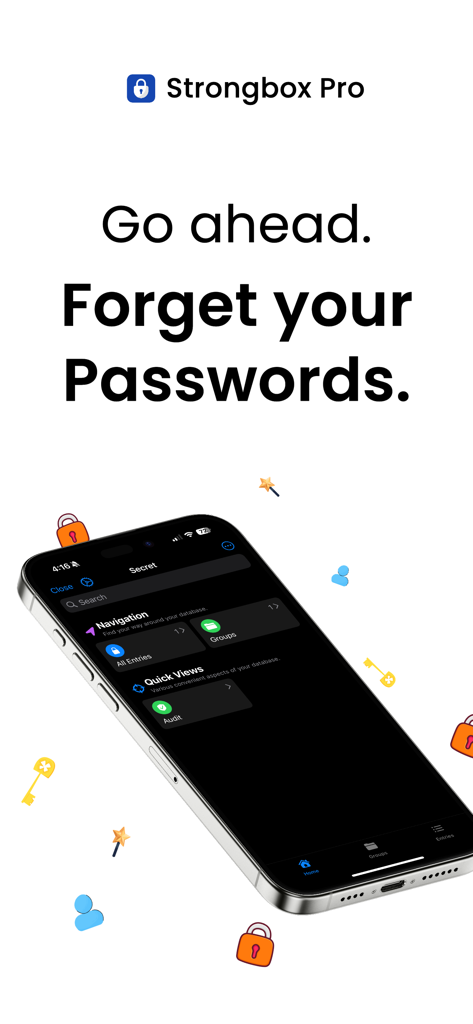
Strongbox - Password Manager - Strongbox Pro password manager app interface on an iPhone with the text Forget your Passwords
Strongbox Pro password manager app interface on an iPhone with the text Forget your Passwords

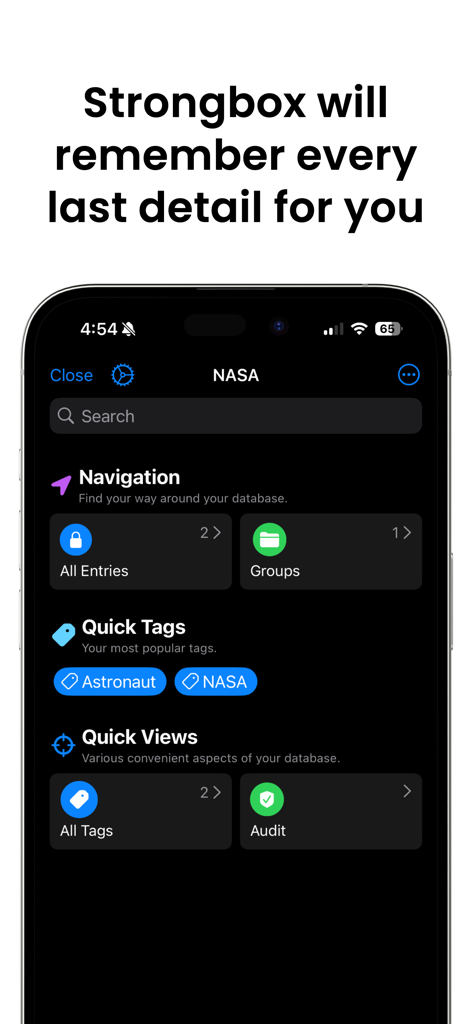
Strongbox - Password Manager - Strongbox app dashboard showing password navigation and tags on an iPhone
Strongbox app dashboard showing password navigation and tags on an iPhone

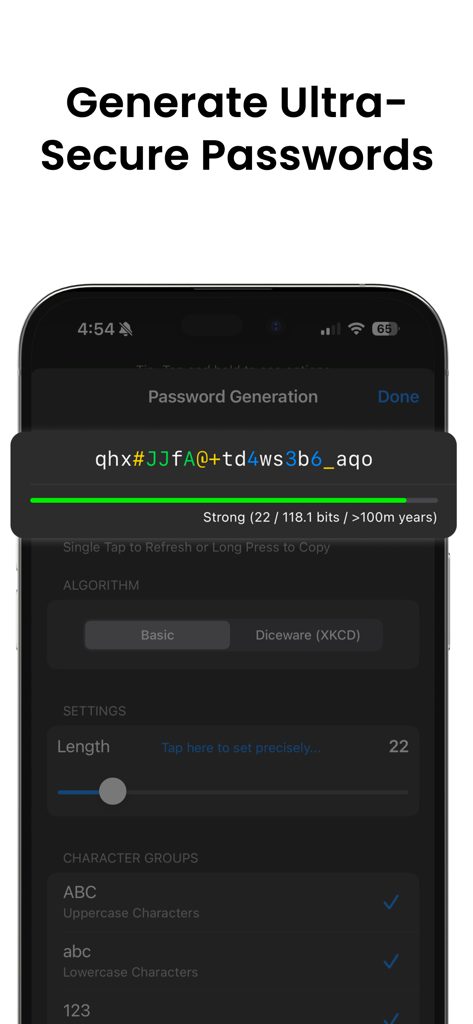
Strongbox - Password Manager - Strongbox app interface showing the generation of a complex ultra-secure password
Strongbox app interface showing the generation of a complex ultra-secure password

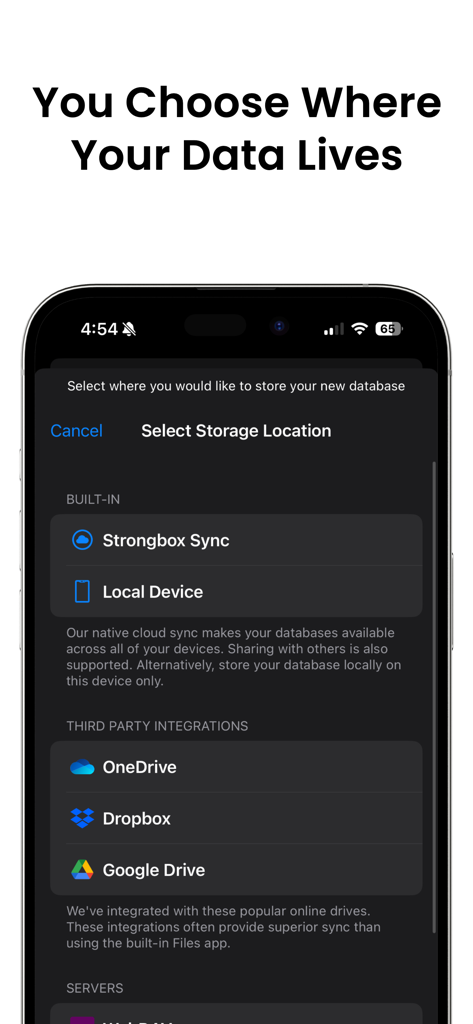
Strongbox - Password Manager - Strongbox app screen showing storage location choices for password databases including local device and cloud services like Dropbox and Google Drive
Strongbox app screen showing storage location choices for password databases including local device and cloud services like Dropbox and Google Drive

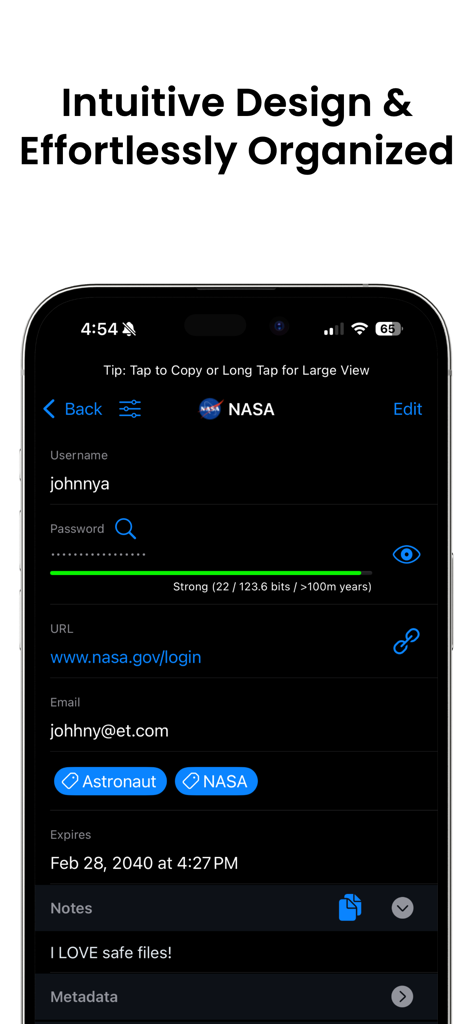
Strongbox - Password Manager - Strongbox password manager showing an organized entry with username, password strength meter, and custom tags.
Strongbox password manager showing an organized entry with username, password strength meter, and custom tags.

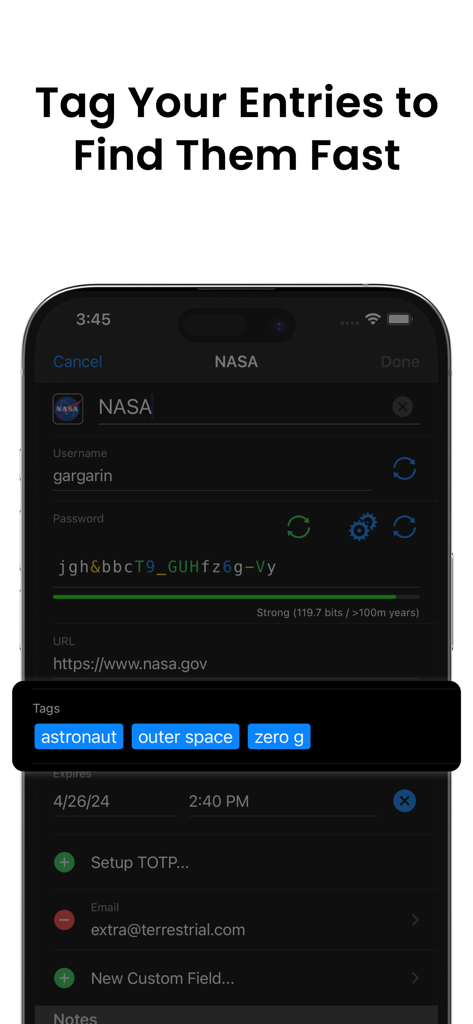
Strongbox - Password Manager - Strongbox app interface showing custom tags like astronaut and outer space added to a password entry for quick searching.
Strongbox app interface showing custom tags like astronaut and outer space added to a password entry for quick searching.

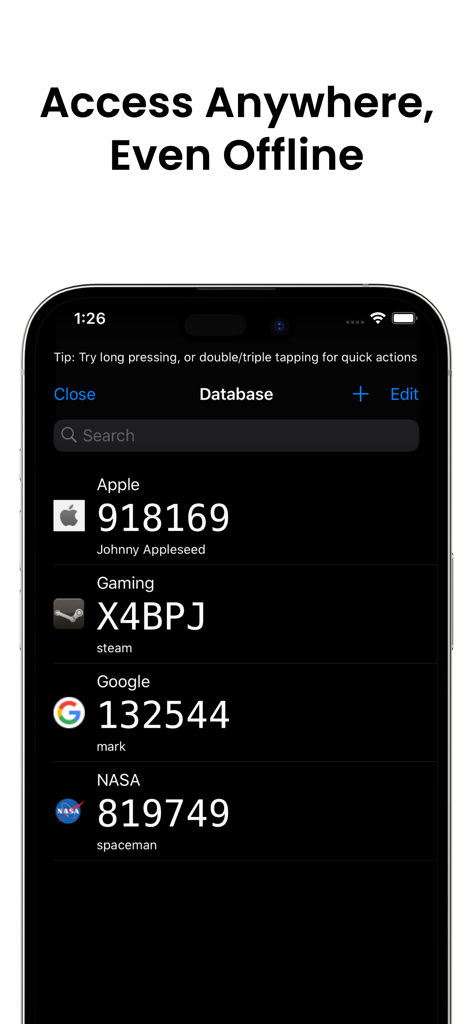
Strongbox - Password Manager - Strongbox password manager app displaying a list of 2FA TOTP codes in dark mode on an iPhone
Strongbox password manager app displaying a list of 2FA TOTP codes in dark mode on an iPhone

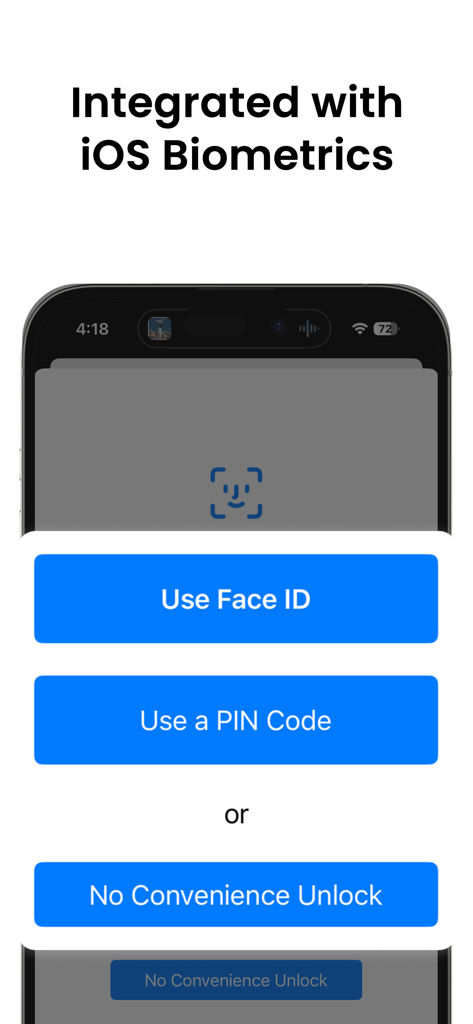
Strongbox - Password Manager - Strongbox app screen showing Face ID and PIN code unlock options integrated with iOS biometrics
Strongbox app screen showing Face ID and PIN code unlock options integrated with iOS biometrics

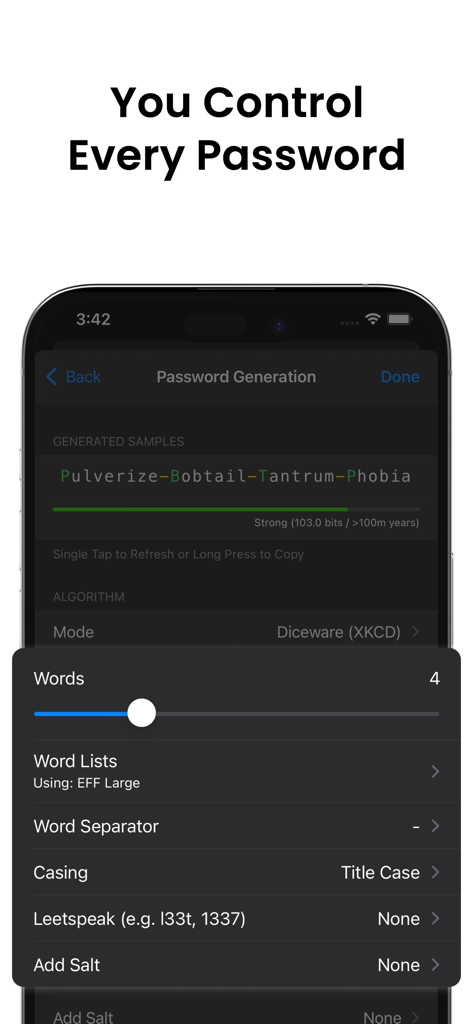
Strongbox - Password Manager - Strongbox app interface for generating secure passwords using the Diceware method.
Strongbox app interface for generating secure passwords using the Diceware method.

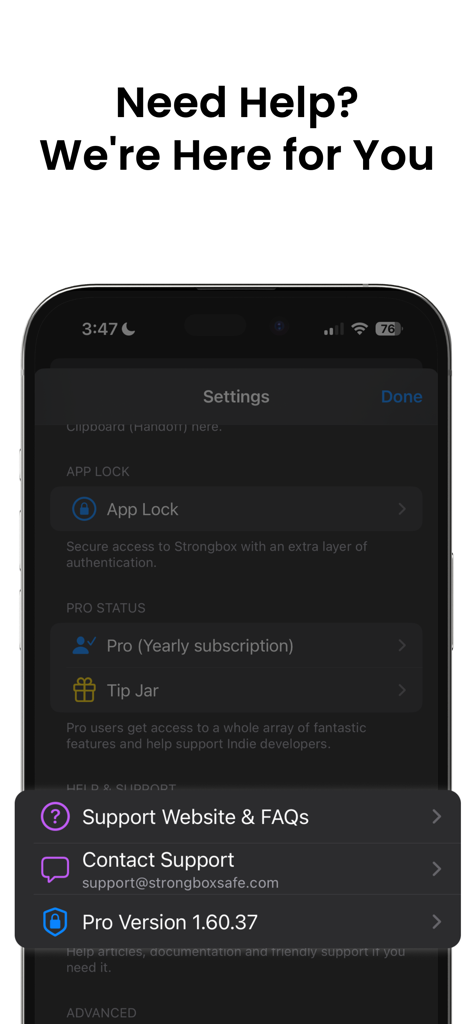
Strongbox - Password Manager - Strongbox app help and support menu with contact and FAQ links

Strongbox app help and support menu with contact and FAQ links

Description

Strongbox is an application for keeping all your passwords safely stored and protected by one master password. Supporting the open source Password Safe and KeePass formats. *** Features *** - Face ID/Touch ID Unlock for the ultimate in convenience, security and speed. - Passkey support - The latest, most convenient and most secure authentication method (passkeys). - PIN Code Unlock with a Duress PIN option for those tricky situations. - YubiKey protection - secure your databases with a hardware token. - Secure - protected by time tested military grade cryptography. - Private - Isolated In-App attachments viewer for your sensitive documents, photos & videos. - Audit your passwords - Automatically check your database for weak password including a 'Have I Been Pwned?' check. - Cloud Support, so you can access your cloud safes using iCloud, Dropbox, OneDrive, Google Drive, WebDAV or SFTP even when offline. Use the built in Files app for many other storage options or store them securely only on your local device. You choose your storage. - Search your entire set of passwords and secrets instantly and powerfully, with deep search. Autocomplete new entries, and auto generate secure passwords. - Compatible - Import/Export by Files app, Email, CSV, iTunes File Sharing or use cloud storage. - Standards compliant - using the time tested Password Safe and KeePass formats so you can import any existing password safe you have. - Features galore - Incredibly configurable password generation including Diceware (XKCD) & regular passwords. - Timed Auto Clear Clipboard. - Entry History. - KeePass Field References, Tags, Custom Icon & FavIcons (including automatic search & download). - Two Factor Authentication codes (TOTP) - QR Code, Steam & Manual. *** Strongbox is Freemium *** This means that Strongbox is free with a basic feature set, but if you like there are enhanced Pro features too. You can opt-in to a 90 day Free Trial of all the Pro features if you like, no obligations, but most find the Free version perfectly adequate. --------------------------------------------------------------------- • Strongbox provides In-App Purchases (both auto renewable subscriptions and one-off non-consumable) for Pro versions of the App • An outright/upfront (i.e. non In-App Purchase) option exists also, please see the Strongbox website for details. • Subscriptions are auto renewable with recurring billing. Cancel anytime. • The time period of the subscriptions are monthly, 3-monthly or yearly at users discretion • The user can also choose to purchase a 'Lifetime' one-off Pro version of the App • Payment will be charged to iTunes Account at confirmation of purchase • Subscription automatically renews unless auto-renew is turned off at least 24-hours before the end of the current period • Account will be charged for renewal within 24-hours prior to the end of the current period, and identify the cost of the renewal • Subscriptions may be managed by the user and auto-renewal may be turned off by going to the user's Account Settings after purchase • Any unused portion of a free trial period, if offered, will be forfeited when the user purchases a subscription to that publication, where applicable • Strongbox Privacy Policy may be found here: https://strongboxsafe.com/privacy-policy/ • Strongbox Terms of Use may be found here: https://strongboxsafe.com/terms/

Download

Download on App Store

This page is not an official page of the app or its developer, but an independent editorial publication created for informational and commentary purposes. Unless expressly stated otherwise, neither the app nor its developer is affiliated with, endorsed by, sponsored by, authorized by, or otherwise officially connected with MWM, Apple, Google Play, the app publisher, or the app's developer, and nothing on this page implies that the app was developed using MWM's services. Any trademarks, logos, screenshots, and other content remain the property of their respective owners.







