
This page is not an official page of the app or its developer, but an independent editorial publication created for informational and commentary purposes. Unless expressly stated otherwise, neither the app nor its developer is affiliated with, endorsed by, sponsored by, authorized by, or otherwise officially connected with MWM, Apple, Google Play, the app publisher, or the app's developer, and nothing on this page implies that the app was developed using MWM's services. Any trademarks, logos, screenshots, and other content remain the property of their respective owners.


Superimpose
Unleash your creativity with desktop-class tools on mobile. From precise hair masking to complex multi-layer art, create stunning surreal visuals and professional composites in minutes.
Downloads
755K+User Rating
Total Ratings
9K+Publisher
Category
Photo & VideoLocales
9Latest Version
9.3.1Size
298.0 MBFirst Released
Jun 17, 2011Master the Art of Mobile Compositing
Unleash your creativity with professional-grade tools designed for the modern digital artist. Transform your photos into high-resolution masterpieces with precision and ease.
Precision Masking & Cutouts
Tackle the toughest details, from fine hair to complex edges, using our suite of smart masking tools, magic lasso, and color range selectors.
Pro-Level Layering & Blending
Compose complex scenes by layering multiple images with desktop-grade blend modes, perspective correction, and natural shadow effects.
The following screenshots and description are sourced directly from the app's official store listing and are the property of the app developer.
App Store
Screenshots
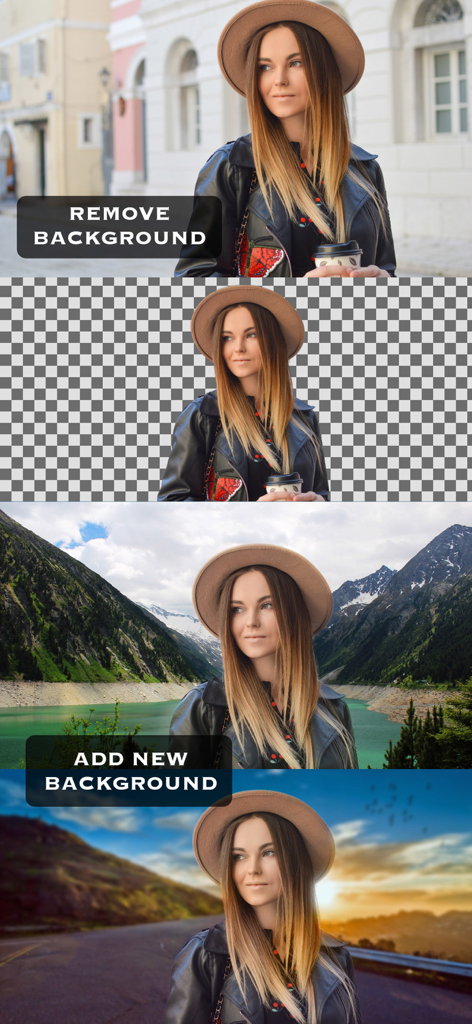
Demonstration of a photo background being removed and replaced with different scenic landscapes using the Superimpose app.
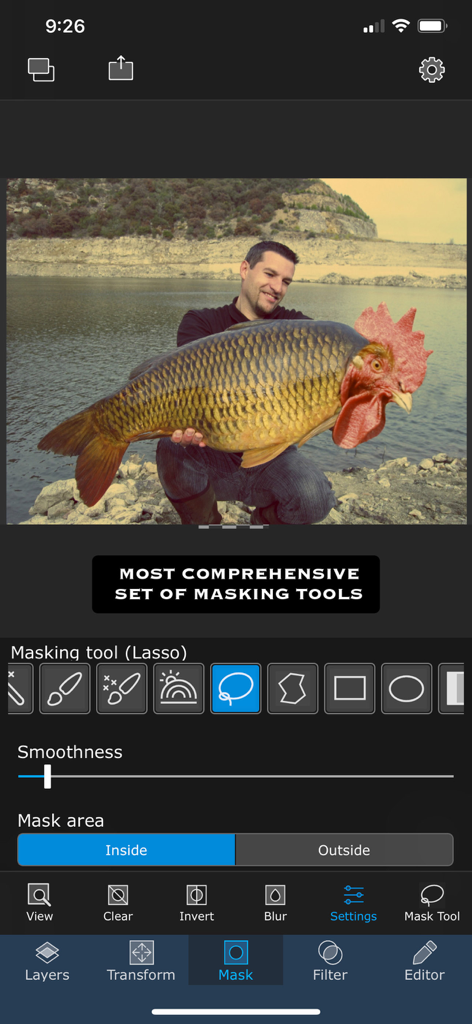
Superimpose app interface showing professional masking tools and a surreal photo composite of a fish with a rooster head.
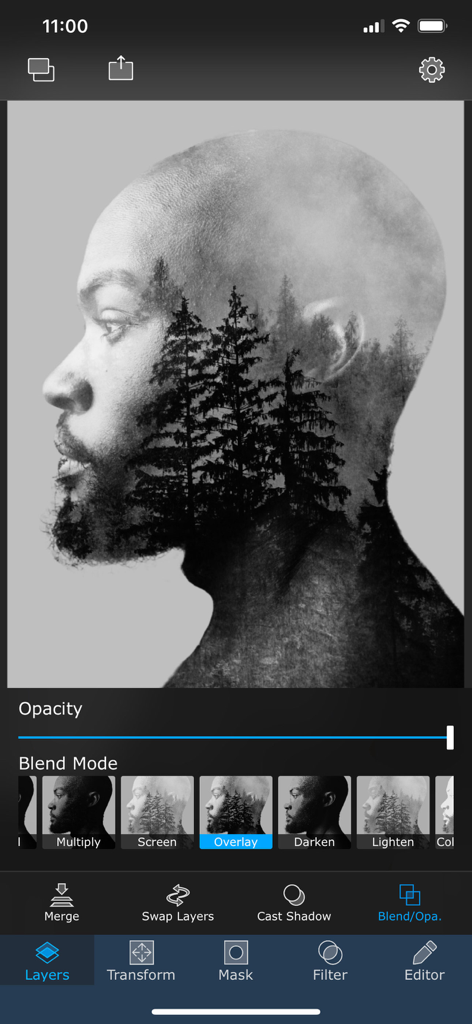
A mobile app interface showing a double exposure effect with forest trees overlaid on a man's side profile.
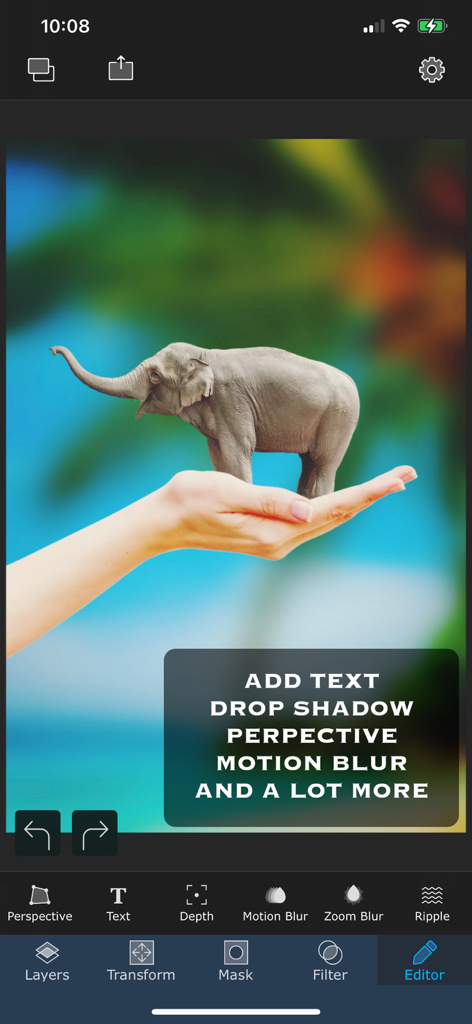
A surreal photo composite of a tiny elephant standing on a human hand created in the Superimpose app.
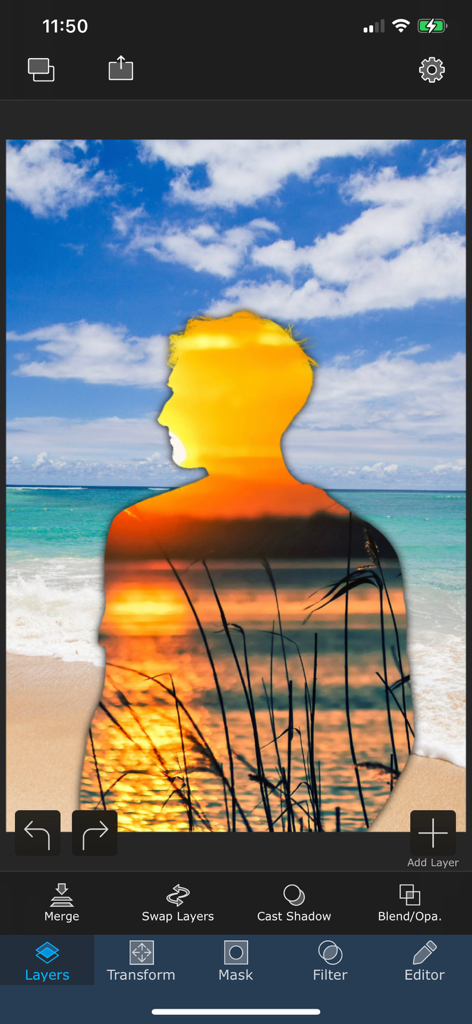
A mobile interface for the Superimpose app showing a silhouette of a person with a double exposure sunset effect layered over a beach scene
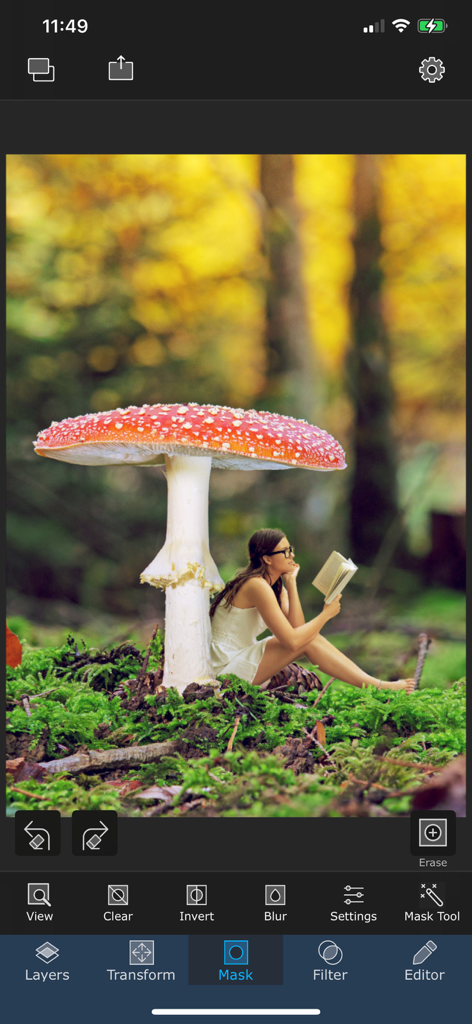
Surreal photo editing with masking tools in the Superimpose app.
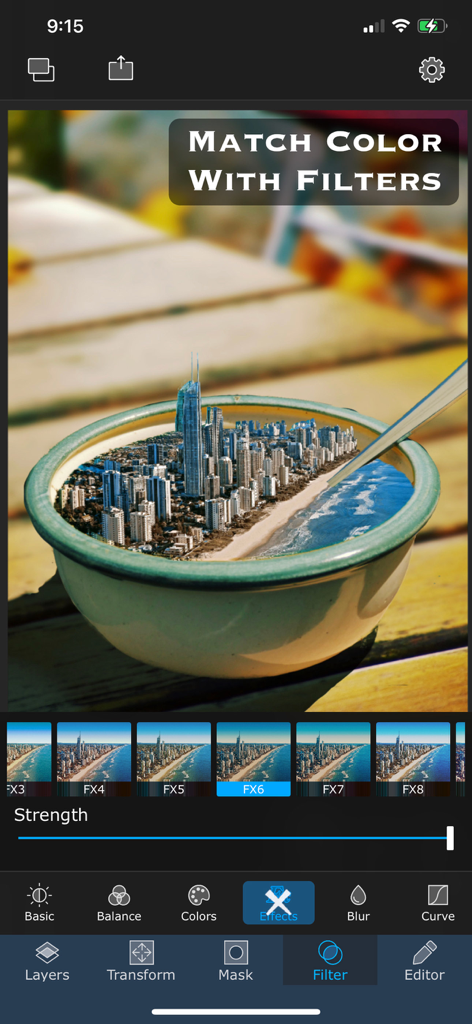
Superimpose app screen showing color matching filters applied to a surreal city in a bowl image composition
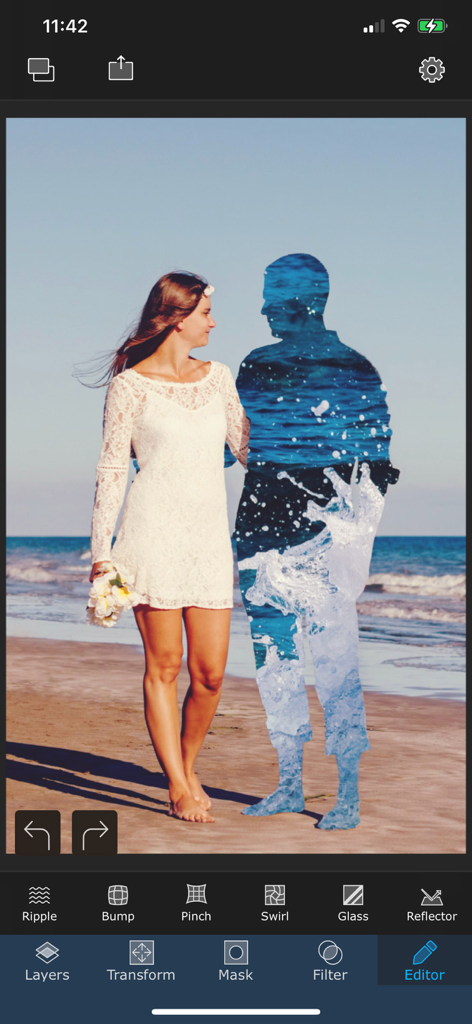
A surreal double exposure photo edit in the Superimpose app showing a woman walking on a beach next to a man's silhouette filled with water textures.
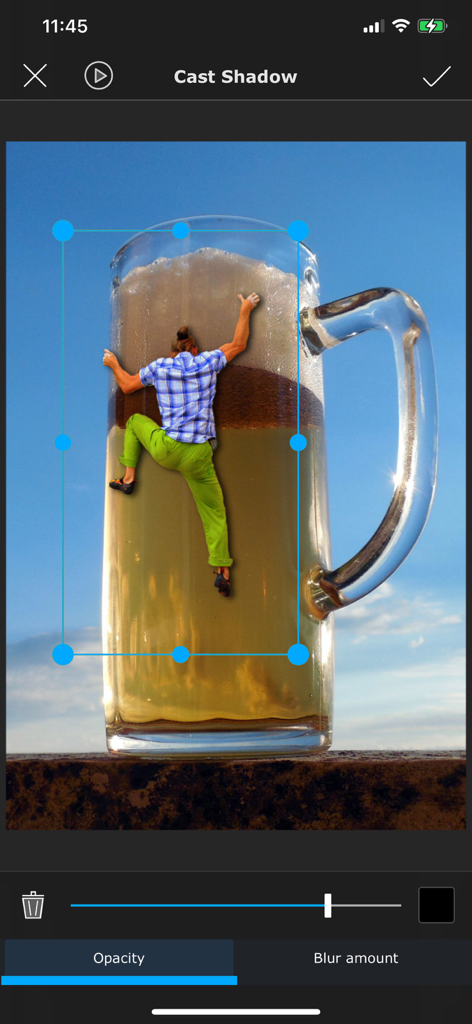
A surreal photo composite of a person climbing a giant mug of beer being edited with the Superimpose cast shadow tool.
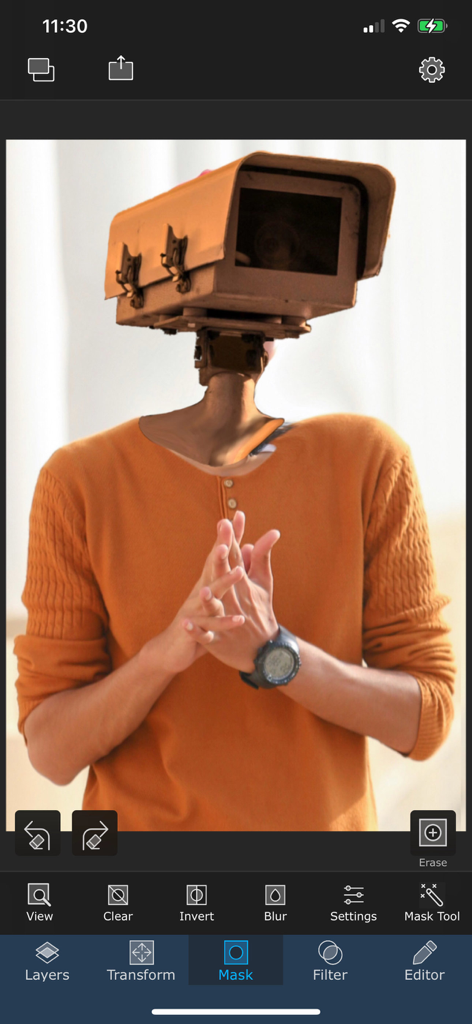
Surreal photo edit of a man with a camera head created in the Superimpose app interface
Description
Download
More Like This
Top-ranked apps in the same category

CapCut: Photo & Video Editor
BYTEDANCE PTE. LTD.

Instagram, Inc.

YouTube
Google LLC

Canva: AI Photo & Video Editor
Canva Pty Ltd

Snapchat
Snap, Inc.

快手
Beijing Kwai Technology Co., Ltd.

Edits: Video Editor
Instagram, Inc.

Meitu- AI Photo & Video Editor
Xiamen Meitu Technology Co., Ltd.

Google Photos: Backup & Edit
Google LLC
This page is not an official page of the app or its developer, but an independent editorial publication created for informational and commentary purposes. Unless expressly stated otherwise, neither the app nor its developer is affiliated with, endorsed by, sponsored by, authorized by, or otherwise officially connected with MWM, Apple, Google Play, the app publisher, or the app's developer, and nothing on this page implies that the app was developed using MWM's services. Any trademarks, logos, screenshots, and other content remain the property of their respective owners.