
This page is not an official page of the app or its developer, but an independent editorial publication created for informational and commentary purposes. Unless expressly stated otherwise, neither the app nor its developer is affiliated with, endorsed by, sponsored by, authorized by, or otherwise officially connected with MWM, Apple, Google Play, the app publisher, or the app's developer, and nothing on this page implies that the app was developed using MWM's services. Any trademarks, logos, screenshots, and other content remain the property of their respective owners.


symplr Workforce
Take control of your shifts, clock in with ease, and manage your timecards from anywhere. Built for the frontline, designed for your life.
Downloads
1M+User Rating
Total Ratings
1K+Publisher
Category
BusinessLocales
1Latest Version
2025.3.0Size
48.6 MBFirst Released
Nov 12, 2014Effortless Control Over Your Workday
Designed for the fast-paced healthcare environment, symplr Workforce puts scheduling, time tracking, and shift management in the palm of your hand.
Flexible Shift Swapping
Take charge of your work-life balance by trading shifts, requesting time off, and picking up open slots whenever it suits your schedule.
Smart Location Clocking
Eliminate the walk to the wall-clock. Use location-based check-ins to start your shift instantly and receive notifications to ensure accuracy.
Frequently Asked Questions
Everything you need to know about symplr Workforce
How do employees use symplr Workforce for self-scheduling?
Employees use symplr Workforce to add shifts during designated self-scheduling periods. The app displays available periods and remaining days for scheduling, streamlining the process.
Can symplr Workforce employees trade shifts?
Yes, employees can request to trade shifts using symplr Workforce. The app facilitates requesting a trade with a specific co-worker, subject to approval and adherence to hospital policies.
How does symplr Workforce handle location mismatches during clocking in/out?
The symplr Workforce app notifies employees if their clock-in location mismatches the expected location. Managers can correct a clocking or location mismatch by editing the schedule or the clocking record.
Can managers approve employee timecards in symplr Workforce?
Yes, managers can approve employee clockings, calendars, and timecards directly within the symplr Workforce application. This feature centralizes and simplifies time management tasks for supervisors.
What employee information can managers view in symplr Workforce?
Managers using symplr Workforce can view their employees' timecards, requests, exceptions, and contact information. This provides comprehensive oversight of staff activities and needs.
How does symplr Workforce alert about missed clockings?
The symplr Workforce app notifies both employees and managers about missed clockings. Employees can view their own alerts, while managers see alerts for their team members.
Does symplr Workforce provide staffing level insights for managers?
Yes, symplr Workforce provides managers with hourly staffing level insights. This feature helps identify situations of over or understaffing that require immediate attention or adjustments.
How do employees request time off using symplr Workforce?
Employees request time off directly through the symplr Workforce app. They can view their schedule and submit non-duty requests, which are then subject to managerial approval.
Can employees add or edit clockings in symplr Workforce?
Yes, employees can add, edit, or delete their clockings and calendar entries within the symplr Workforce app. This allows for correcting any discrepancies in their time records.
Does symplr Workforce help managers monitor preventable overtime?
Yes, symplr Workforce allows managers to view preventable overtime. This feature assists managers in identifying and addressing potential situations that contribute to unnecessary overtime costs.
The following screenshots and description are sourced directly from the app's official store listing and are the property of the app developer.
App Store
Screenshots
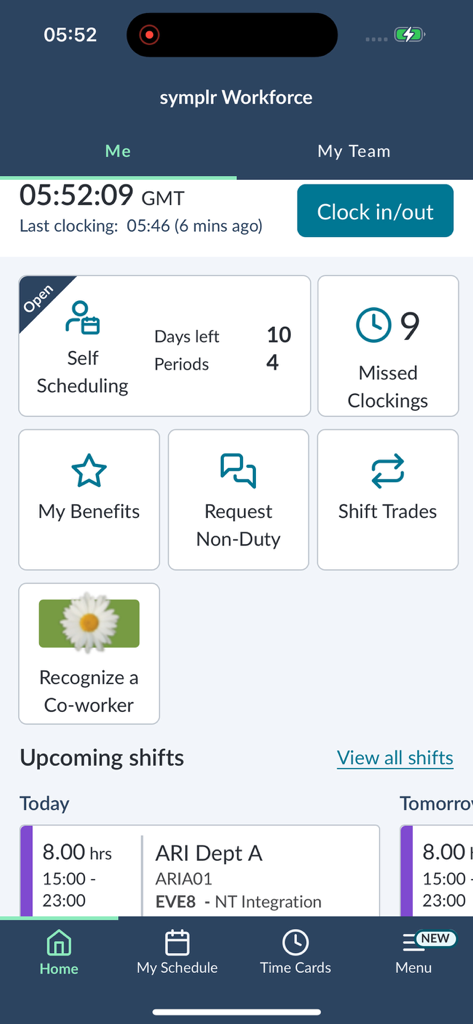
The home dashboard of the symplr Workforce app featuring a clock in out button, self-scheduling options, and upcoming shift details for healthcare professionals.
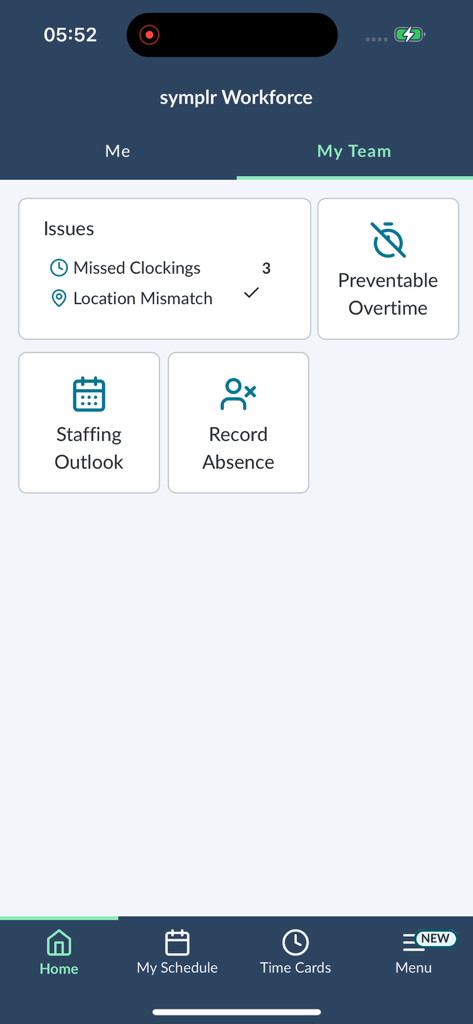
Dashboard of symplr Workforce app showing team staffing outlook and attendance issues.
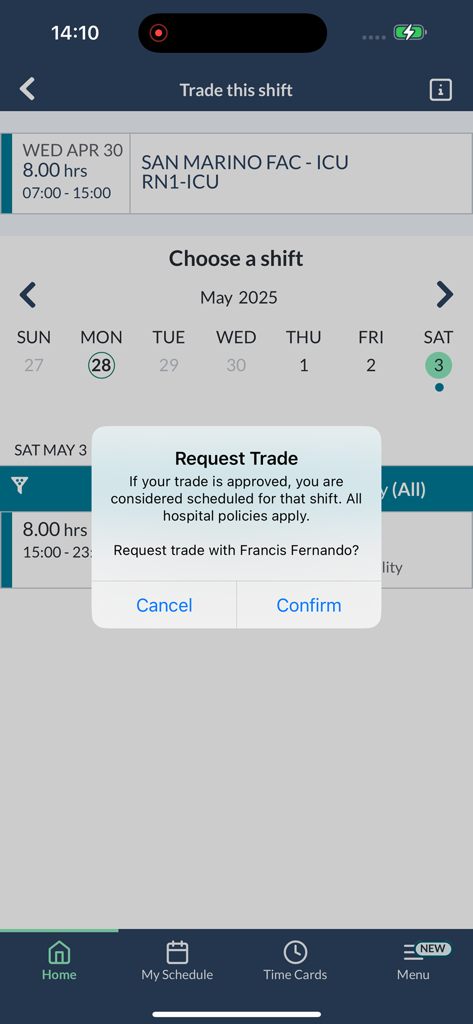
Mobile app screen showing a shift trade request confirmation for a healthcare worker
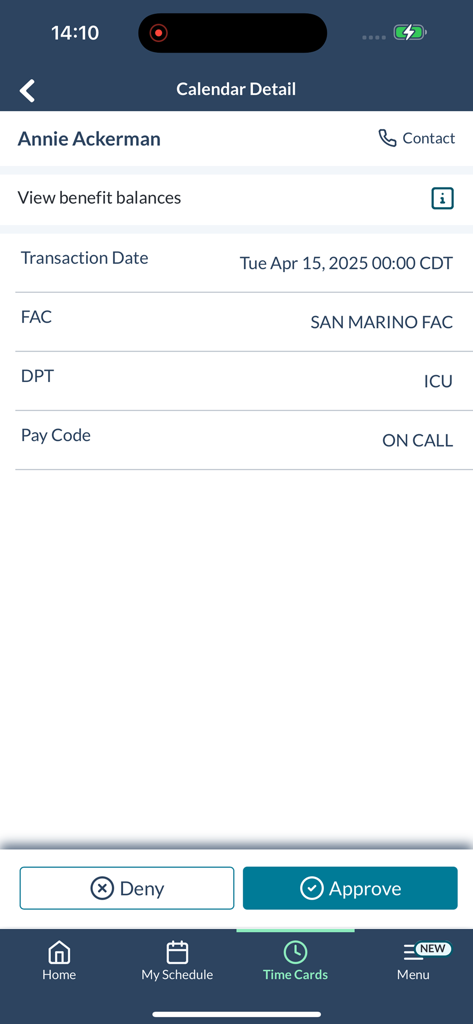
Mobile screen showing a manager's view to approve or deny an employee timecard request for an on-call shift.
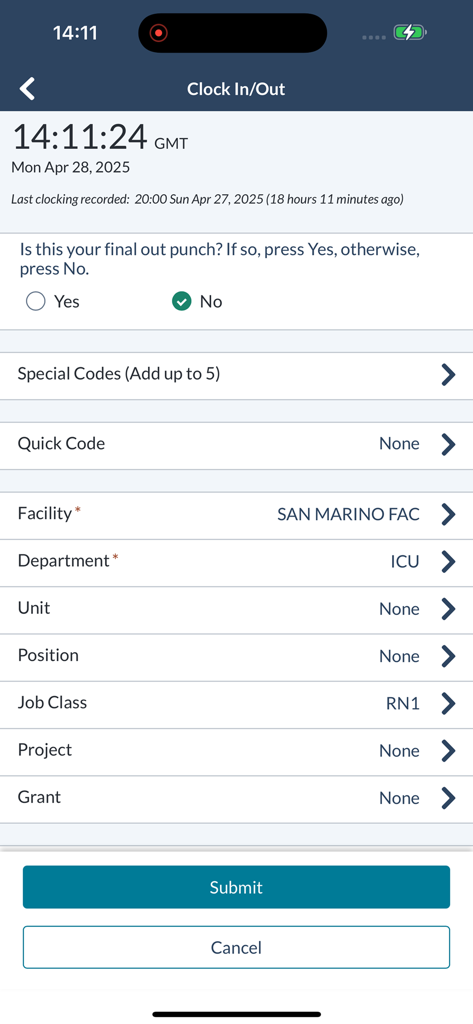
symplr Workforce app screen for clocking in and out of a healthcare shift
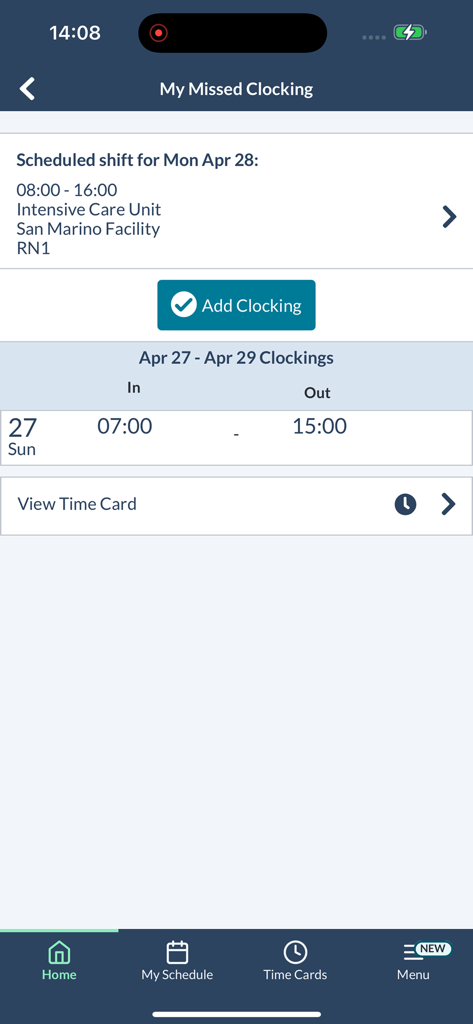
Mobile interface of the symplr Workforce app showing a missed clocking alert and scheduled shift details for a nurse
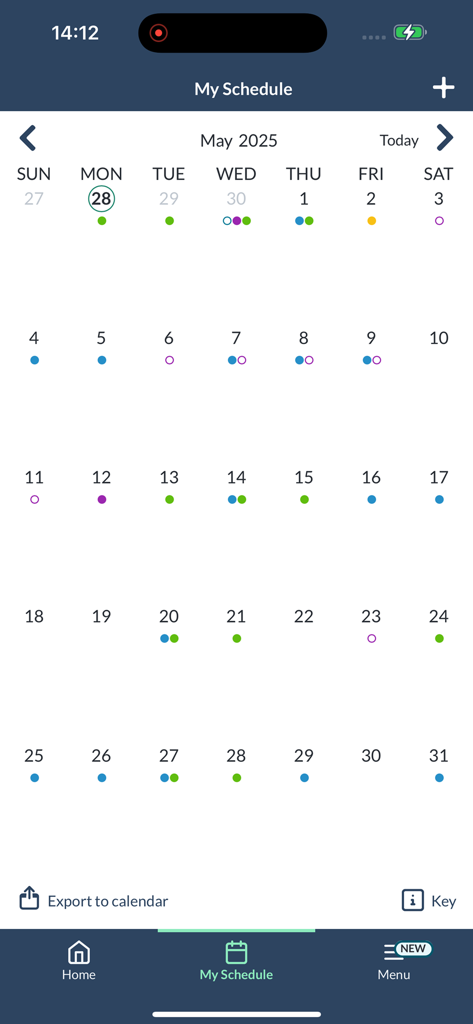
Monthly calendar view in the symplr Workforce app showing scheduled shifts for a healthcare professional.
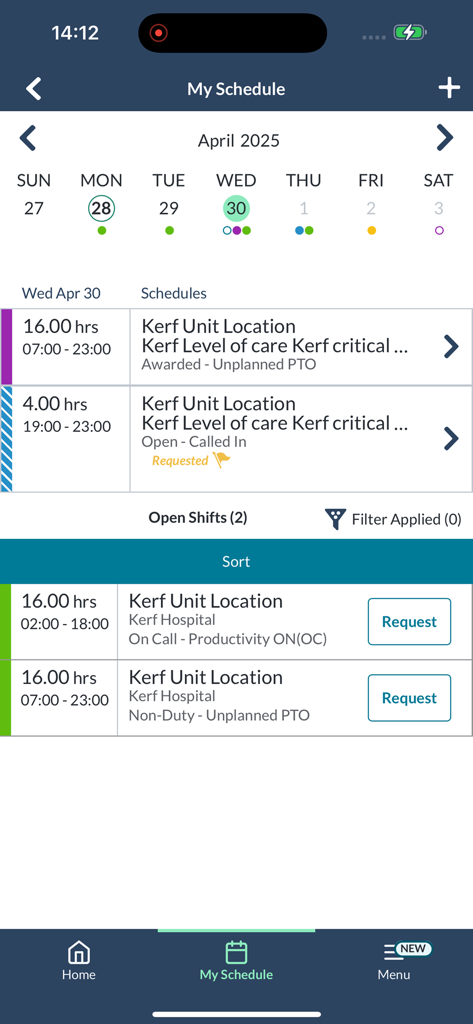
Mobile interface of the symplr Workforce app displaying a monthly calendar and available open shifts for healthcare professionals
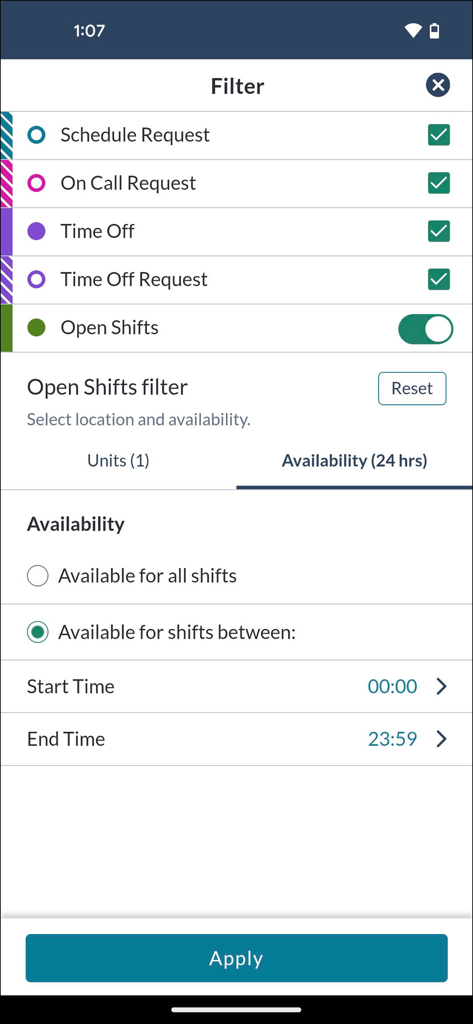
symplr Workforce app shift and availability filter screen
Description
Download
More Like This
Apps with similar features and user experience

Connecteam Team Management App
Connecteam, Inc.

Homebase: Team Management
Pioneer Works, Inc.

7shifts: Employee Scheduling
7shifts, Inc.

When I Work Staff Scheduling
When I Work, Inc.

Jibble: Attendance Tracker
Jibble Tech Sdn Bhd

Legion Workforce Engagement
Legion Technologies Inc.

Crunchtime Teamworx
CrunchTime Information Systems

Restaurant365
Dynamic Methods, Inc

AxisCare Mobile
Centex Axiscare Inc
This page is not an official page of the app or its developer, but an independent editorial publication created for informational and commentary purposes. Unless expressly stated otherwise, neither the app nor its developer is affiliated with, endorsed by, sponsored by, authorized by, or otherwise officially connected with MWM, Apple, Google Play, the app publisher, or the app's developer, and nothing on this page implies that the app was developed using MWM's services. Any trademarks, logos, screenshots, and other content remain the property of their respective owners.