Tape Measure・Ruler & Level

Tape Measure・Ruler & Level

Download on App Store
Logo of Tape Measure・Ruler & Level

Tape Measure・Ruler & Level: Professional Accuracy in Your Pocket

Transform your iPhone into a high-precision multi-tool. Measure distances, create floor plans, and align surfaces instantly using advanced AR and LiDAR technology.

Download on App Store

Publisher

Approsta LTD

Category

Utilities

Downloads

900

User Rating

4.6/5

Total Ratings

200

Locales

1

Precision at a Glance

Discover the interface used by 900 users.
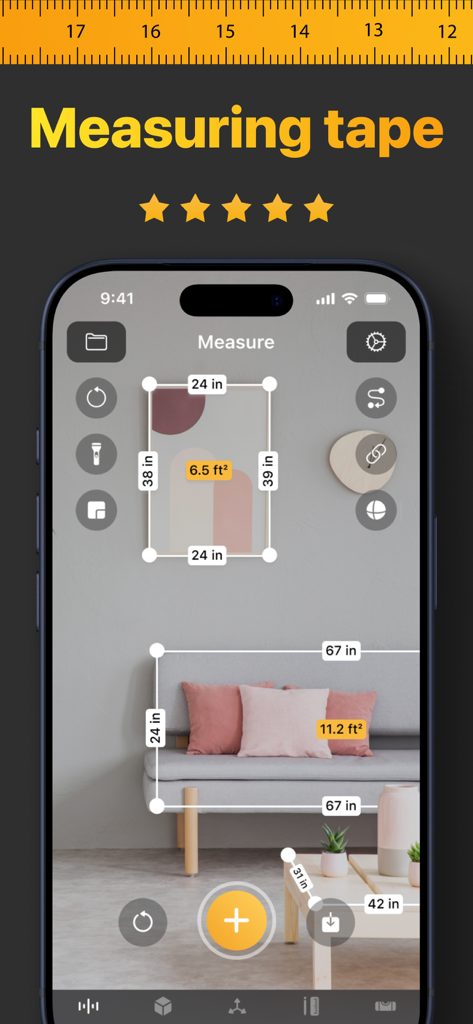
iPhone app showing augmented reality measurements of furniture and wall art

iPhone app showing augmented reality measurements of furniture and wall art

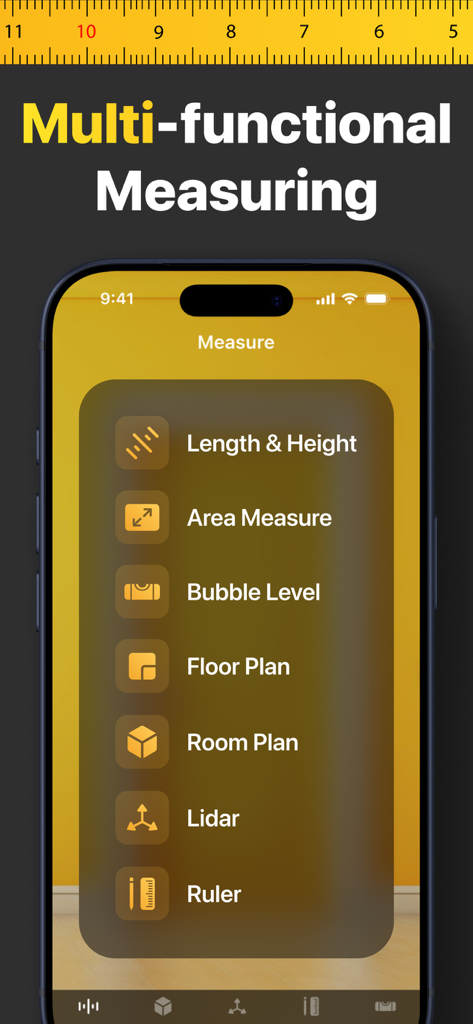
Main menu of the Tape Measure app on iPhone showing tools for length area floor plan and bubble level

Main menu of the Tape Measure app on iPhone showing tools for length area floor plan and bubble level

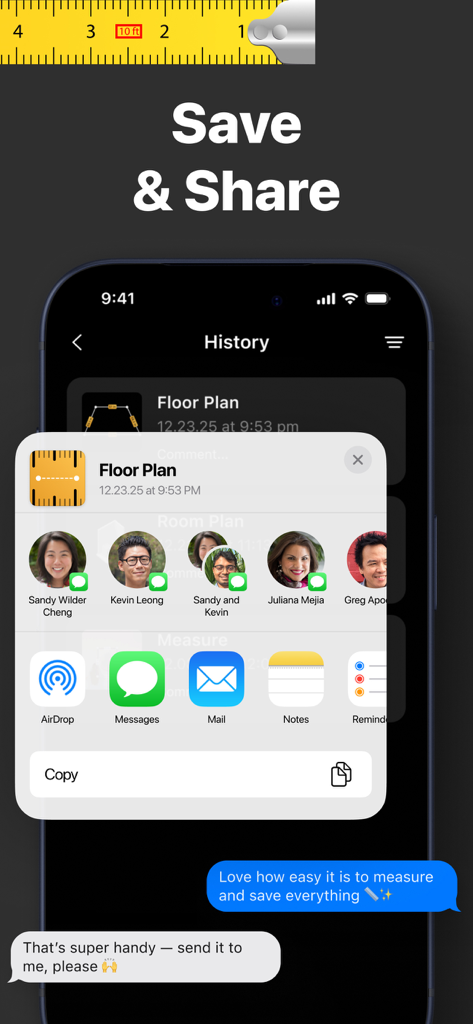
A smartphone displaying the share menu for sending saved floor plans and measurements to contacts.

A smartphone displaying the share menu for sending saved floor plans and measurements to contacts.

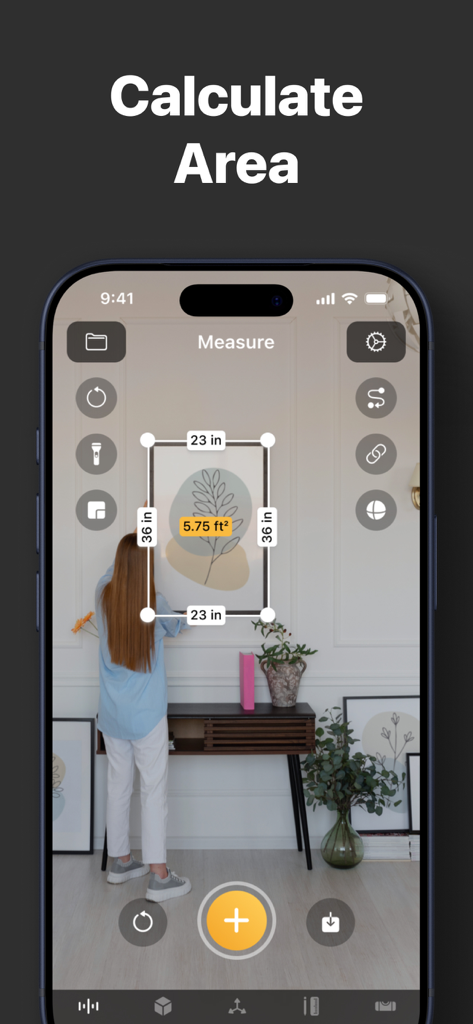
iPhone screen showing the AR area calculation feature of the Tape Measure app

iPhone screen showing the AR area calculation feature of the Tape Measure app

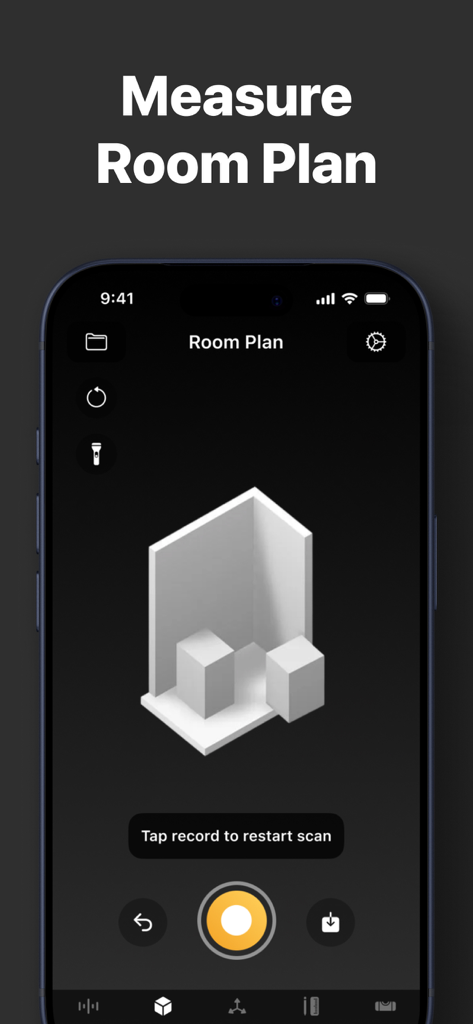
A mobile app interface displaying a 3D room plan measurement feature

A mobile app interface displaying a 3D room plan measurement feature

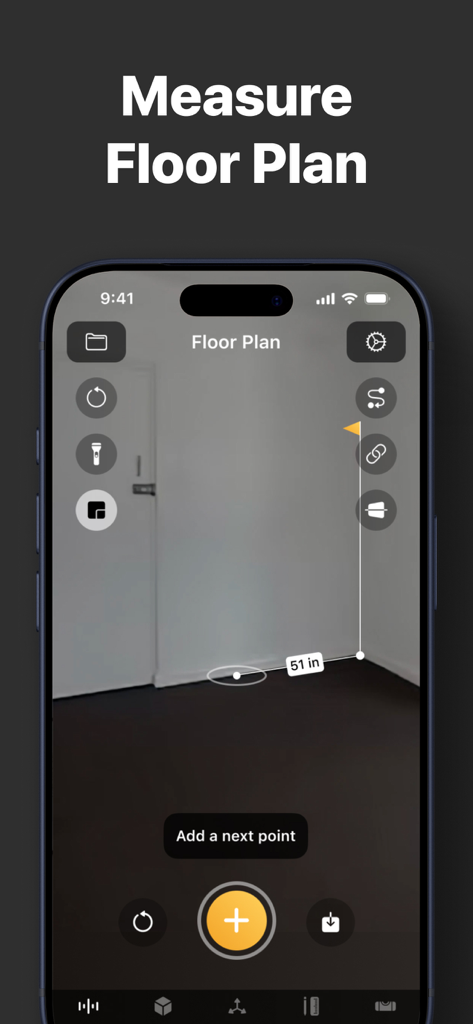
iPhone screen displaying a floor plan measurement using augmented reality technology

iPhone screen displaying a floor plan measurement using augmented reality technology

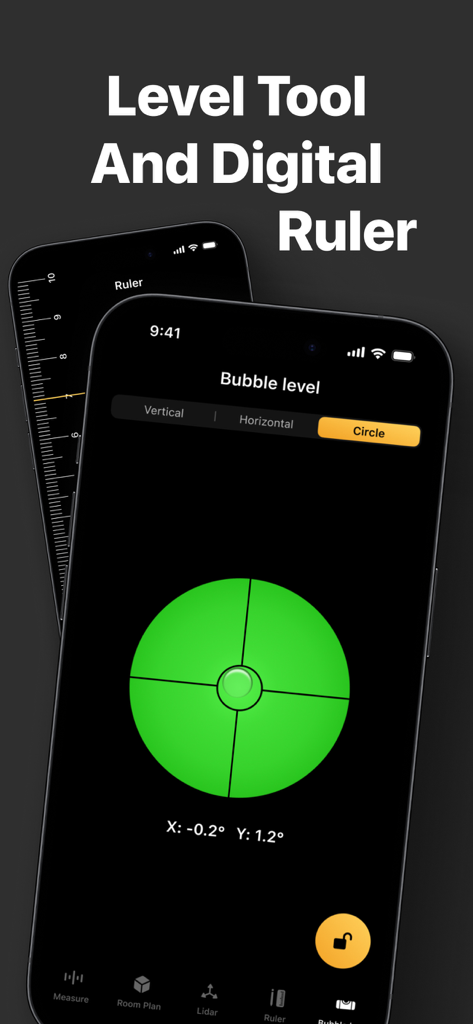
An iPhone displaying a digital bubble level tool and a vertical ruler interface from the Tape Measure app

An iPhone displaying a digital bubble level tool and a vertical ruler interface from the Tape Measure app

Your Professional Measurement Toolkit, Reimagined

The tools that make this app stand out, trusted by 900 users.

📏

AR-Powered Precision

Point and tap to measure lengths, heights, and distances instantly. Replace your bulky tape measure with professional-grade AR accuracy.

📐

Instant Floor Plans

Map out entire rooms and calculate square footage in seconds. Perfect for planning renovations, furniture layouts, or real estate walkthroughs.

⚖️

Digital Bubble Level

Ensure every shelf is straight and every frame is perfect. Use the integrated level for flawless alignment on both horizontal and vertical surfaces.

About the app

Everything you need to know about Tape Measure・Ruler & Level.

Description

Turn your iPhone into a powerful multi-tool measuring kit. Forget about bulky physical tape measures or spirit levels—now you have everything you need right in your pocket. Using advanced Augmented Reality (AR) and LiDAR technology, this app allows you to measure distances, heights, and areas with professional accuracy. Whether you are an architect, a contractor, a DIY enthusiast, or just need to measure a room for new furniture, our tool is designed for you. KEY FEATURES: ◉ AR Tape Measure & Ruler Measure linear sizes in cm, m, mm, inches, or feet. Simply point your camera and tap to measure length, width, and height of any object in the real world. ◉ Distance & Height Tool Instantly measure the distance from your device’s camera to a specific point. Easily determine the height of walls, doors, or people. ◉ Area & Floor Plan Need to calculate square footage? Select the corners of a room or surface to instantly get the area measurement. Perfect for flooring, painting, and construction estimates. ◉ Bubble Level Tool Ensure your paintings hang straight and your shelves are perfectly aligned. Our precise digital level works on both vertical and horizontal surfaces. ◉ LiDAR Scanner Support Utilize the power of the LiDAR sensor (on supported devices) for faster, more accurate scanning and room mapping. ◉ Save & Share Save your measurements and floor plans directly in the app. Share them with clients or family members in a few taps. WHY CHOOSE US? - User-friendly interface: clean and intuitive. - High precision: powered by Apple’s latest ARKit. - All-in-one utility: Ruler, Tape Measure, Level, and Plan Maker. SUBSCRIPTION INFORMATION: Subscribe to get unlimited access to all Pro features, including Area Tool, Floor Plan export, and Ad-free experience. - Payment will be charged to your iTunes Account at confirmation of purchase. - Subscription automatically renews unless auto-renew is turned off at least 24-hours before the end of the current period. - You can manage your subscriptions and turn off auto-renewal by going to your Account Settings after purchase. Terms of Use: https://measureapp.biz/Terms.html Privacy Policy: https://measureapp.biz/Privacy-Policy.html

Latest Version

6.3

Size

56.5 MB

First Released

Feb 20, 2024

Ready to Measure with Professional Precision?

Join thousands of DIYers and professionals who have ditched bulky tools for the ultimate iPhone AR kit. Precise, portable, and ready for any project.

Download on App Store

App information, icons, screenshots, and descriptions displayed on this page are sourced from the Apple App Store and are the property of their respective developers. Download estimates and rankings are based on MWM's proprietary models and may not reflect actual figures. This page is provided for informational and analytical purposes only.

Believe this page infringes your intellectual property? File a dispute