
This page is not an official page of the app or its developer, but an independent editorial publication created for informational and commentary purposes. Unless expressly stated otherwise, neither the app nor its developer is affiliated with, endorsed by, sponsored by, authorized by, or otherwise officially connected with MWM, Apple, Google Play, the app publisher, or the app's developer, and nothing on this page implies that the app was developed using MWM's services. Any trademarks, logos, screenshots, and other content remain the property of their respective owners.

Tape Measure™
Stop guessing. The app turns your device into an instant digital toolkit, giving you ultimate spatial control.
Downloads
5M+User Rating
Total Ratings
111.4KPublisher
Category
UtilitiesLocales
7Latest Version
4.10Size
46.6 MBFirst Released
Sep 19, 2017Evaluating core functionalities for advanced measurement and spatial planning.
Key Features Analysis: Tape Measure™
3D Floor Plan Generation
It allows users to automatically generate detailed 3D models with measurements by scanning a room, providing advanced spatial understanding.
Precise AR Tape Measure
The app provides an augmented reality tape measure for precise and accurate length measurements of objects and spaces directly through the device's camera.
Comprehensive 2D Floor Plan Creation
It enables users to create detailed 2D floor plans, assisting with spatial planning, project layouts, and design visualizations.
Height Measurement Tool
This tool features a dedicated function for accurately measuring the height of objects, walls, and other vertical dimensions.
Area Calculation Tool
It allows users to quickly calculate the area of surfaces, simplifying material estimation, budgeting, and project planning.
Snap & Chain Measurements
The app supports advanced snap and chain measurement techniques for greater efficiency and accuracy in complex or consecutive measurements.
Dual Unit System (Imperial & Metric)
It provides flexible measurement options, supporting both Imperial and Metric unit systems to cater to diverse user preferences and international standards.
Digital Bubble & Surface Level
This tool features digital bubble and surface levels for ensuring perfect alignment and horizontal/vertical precision in installations and construction.
Frequently Asked Questions
Everything you need to know about Tape Measure™
What is the Tape Measure™ app?
The Tape Measure™ app transforms an iPhone into a digital toolset for precise and accurate measurements, utilizing advanced AI and computer vision.
What measurement tools are included in the Tape Measure™ app?
Tape Measure™ includes tools like Tape Measure, Ruler, Height Tool, Bubble Level, Floor Plan Tool, 3D Floor Plan Tool, Area Tool, Surface Level, and Flashlight.
Can the Tape Measure™ app measure height?
Yes, the Tape Measure™ app includes a dedicated Height Tool to measure human height with precision.
How does the 3D Floor Plan tool function in Tape Measure™?
The 3D Floor Plan tool in Tape Measure™ scans a room and automatically generates a 3D model with measurements.
Does the Tape Measure™ app feature a bubble level?
Yes, the Tape Measure™ app provides a Bubble Level tool for surface leveling and angle measurement.
Can the Tape Measure™ app create floor plans?
Yes, Tape Measure™ features a Floor Plan Tool and a 3D Floor Plan Tool for generating 2D and 3D floor plans.
Does Tape Measure™ support imperial and metric measurement units?
Yes, the Tape Measure™ app supports both imperial and metric units for all measurements.
Is Tape Measure™ available on Apple Vision Pro?
Yes, the Tape Measure™ app's Tape Measure feature is available on Apple Vision Pro.
Are all Tape Measure™ tools compatible with iPad devices?
No, the Level Tool and Flashlight are currently not available on iPad devices within the Tape Measure™ app.
Does the 3D Floor Plan tool in Tape Measure™ require specific hardware?
Yes, the 3D Floor Plan tool in Tape Measure™ requires a Lidar-enabled iPhone or iPad to function.
What is Tape Measure Pro?
Tape Measure Pro is a subscription service that grants access to all tools and features within the Tape Measure™ app, plus an ad-free experience.
What subscription plans does Tape Measure Pro offer?
Tape Measure Pro offers weekly, monthly, or yearly subscription plans.
Does Tape Measure Pro include a free trial?
Yes, each weekly, monthly, or yearly subscription plan for Tape Measure Pro comes with a free 3-day trial.
How can I manage my Tape Measure Pro subscription?
Users manage Tape Measure Pro subscriptions and auto-renewal settings via their iTunes Account Settings after purchase.
Where are the Terms of Use for Tape Measure™ located?
The Terms of Use for Tape Measure™ are available at tapemeasure.app/terms and also apple.com/legal/internet-services/itunes/dev/stdeula/.
Where can I find the Privacy Policy for Tape Measure™?
The Privacy Policy for the Tape Measure™ app is accessible at tapemeasure.app/privacy.
The following screenshots and description are sourced directly from the app's official store listing and are the property of the app developer.
App Store
Screenshots
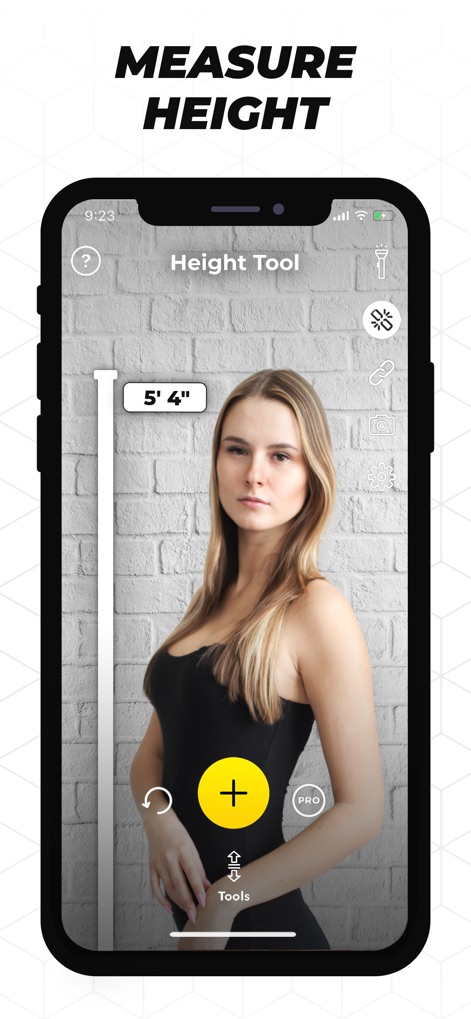
The app seamlessly measures height using its dedicated Height Tool and an intuitive AR overlay for instant results.
Effortless Height Measurement
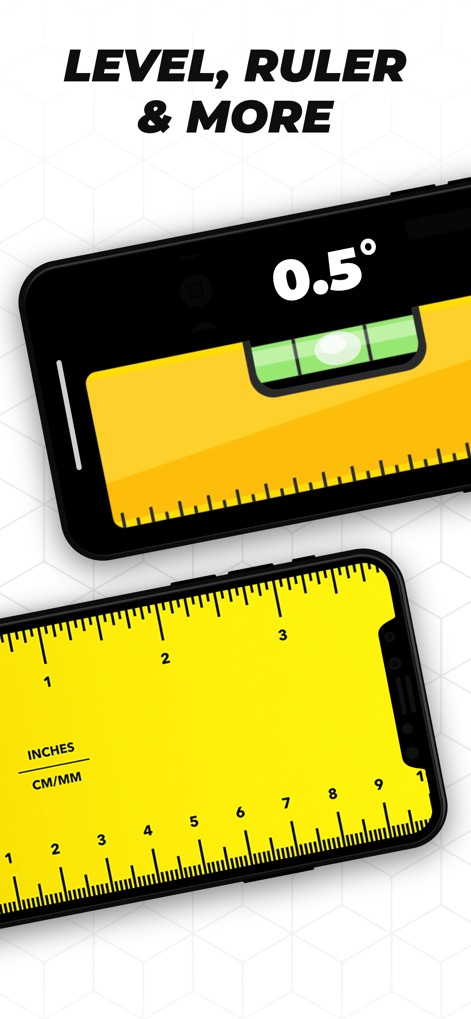
Discover the app's essential utilities, including a precise Bubble Level for perfect alignment and a versatile Digital Ruler with imperial and metric units.
Versatile Utility Tools
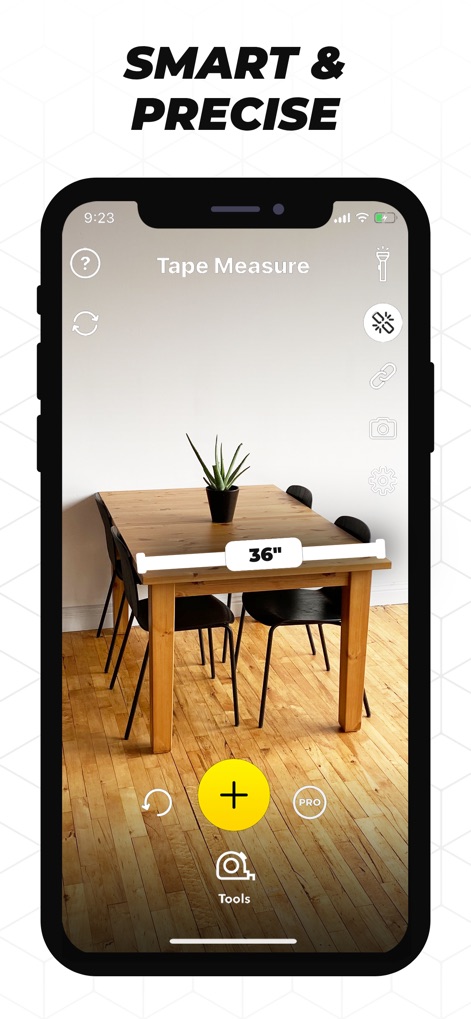
Users can precisely measure objects within their environment with the intelligent Tape Measure function, projecting clear measurements directly onto the AR overlay.
Smart AR Measurement
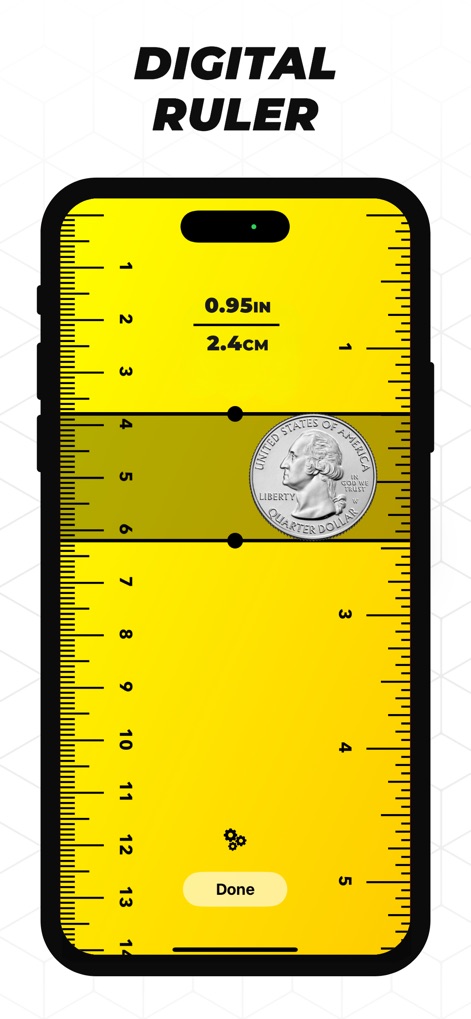
The Digital Ruler provides accurate small-scale measurements, allowing users to switch effortlessly between imperial and metric units for convenience.
Pocket Digital Ruler
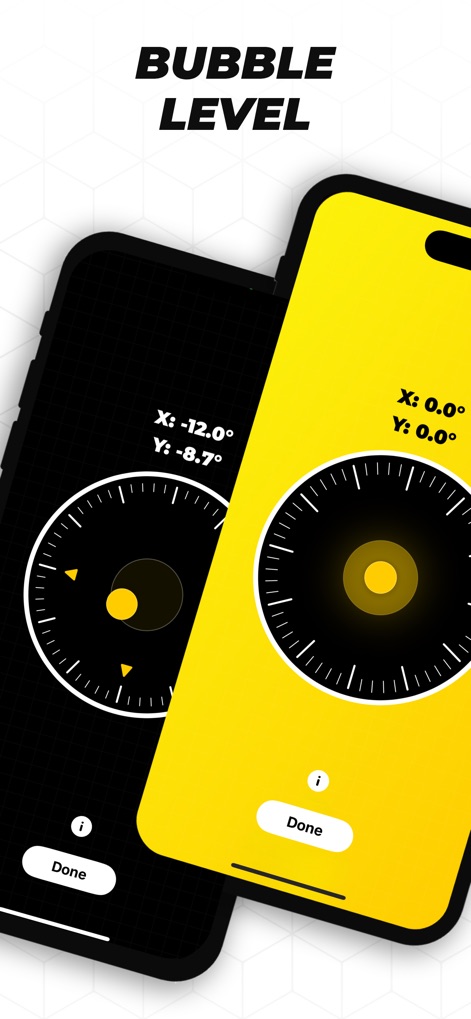
Achieve perfect alignment with the advanced Bubble Level, displaying precise X and Y coordinates for detailed surface leveling.
Precision Leveling System
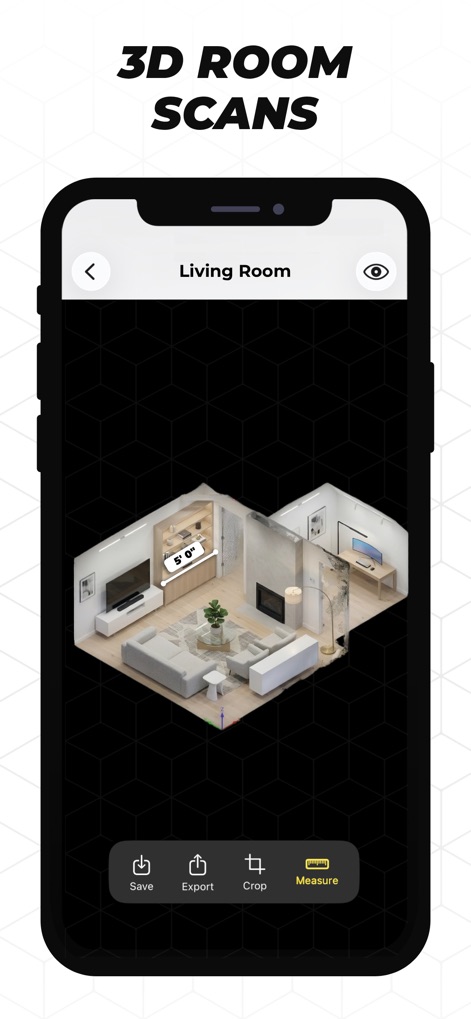
Explore detailed 3D models of scanned rooms, complete with accurate measurement overlays and flexible options to save or export projects.
Immersive 3D Scans
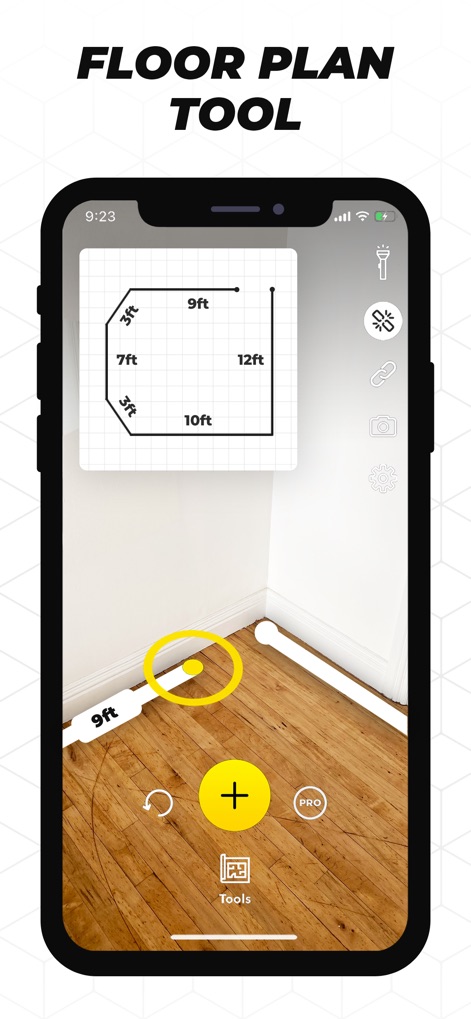
The Floor Plan Tool allows users to create accurate floor layouts in real-time using AR tracing and dynamic measurement displays.
Real-time Floor Planning
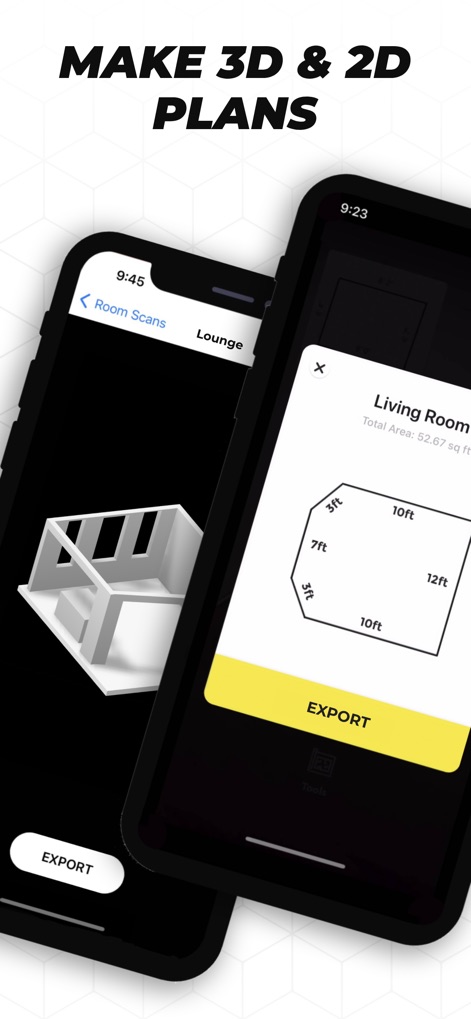
This tool generates both detailed 3D models and precise 2D floor plans, offering comprehensive views for any spatial planning project.
Seamless Plan Generation
Description
Download
More Like This
Apps with similar features and user experience

Pocket Bubble Level XXL
ExaMobile S.A.

Measuring Tape +ㅤ
Rocket Apps GmbH

CamToPlan - 3D Scanner & LiDAR
Tasmanic Editions

Tape Measure: AR Ruler
Veysel OTI

Home Planner - AI Room Design
Room Planner Ltd

Polycam 3D Scanner, LiDAR, 360
Polycam Inc.

Measuring Tape+ Measure AR app
MEASURE TECH SOCIEDAD LIMITADA

Tape Measure®
AI Photo Editor Lab SRL

Bubble Level for iPhone
Lemondo Apps LLC
This page is not an official page of the app or its developer, but an independent editorial publication created for informational and commentary purposes. Unless expressly stated otherwise, neither the app nor its developer is affiliated with, endorsed by, sponsored by, authorized by, or otherwise officially connected with MWM, Apple, Google Play, the app publisher, or the app's developer, and nothing on this page implies that the app was developed using MWM's services. Any trademarks, logos, screenshots, and other content remain the property of their respective owners.