
This page is not an official page of the app or its developer, but an independent editorial publication created for informational and commentary purposes. Unless expressly stated otherwise, neither the app nor its developer is affiliated with, endorsed by, sponsored by, authorized by, or otherwise officially connected with MWM, Apple, Google Play, the app publisher, or the app's developer, and nothing on this page implies that the app was developed using MWM's services. Any trademarks, logos, screenshots, and other content remain the property of their respective owners.


TapeACall Pro: Call Recorder
Capture every detail of your important interviews, legal consultations, and client deals. Enjoy unlimited recording, instant cloud syncing, and the peace of mind that comes with having the receipt for every conversation.
Downloads
409K+User Rating
Total Ratings
30K+Publisher
Category
BusinessLocales
24Latest Version
5.11.12Size
121.1 MBFirst Released
Jan 22, 2013Capture Every Detail with Professional Reliability
The #1 choice for journalists, legal experts, and business leaders who need unlimited call recording and seamless workflow integration.
Unlimited Call Recording
Record incoming and outgoing calls of any duration with no per-minute fees and no limit on how many recordings you can store.
Seamless Workflow Sync
Instantly upload your recordings to Google Drive, Dropbox, or Evernote, or export them as MP3s for your professional archives.
The following screenshots and description are sourced directly from the app's official store listing and are the property of the app developer.
App Store
Screenshots
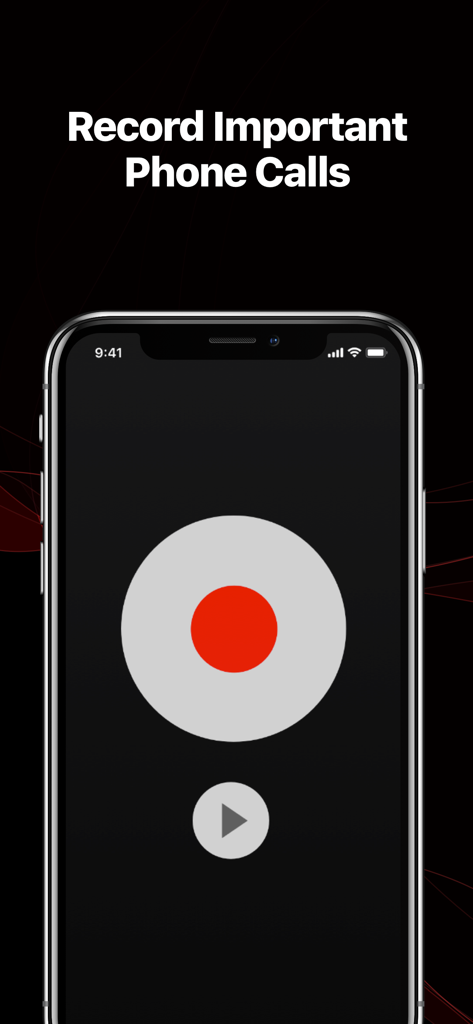
TapeACall Pro app interface displaying a large red record button and the headline Record Important Phone Calls
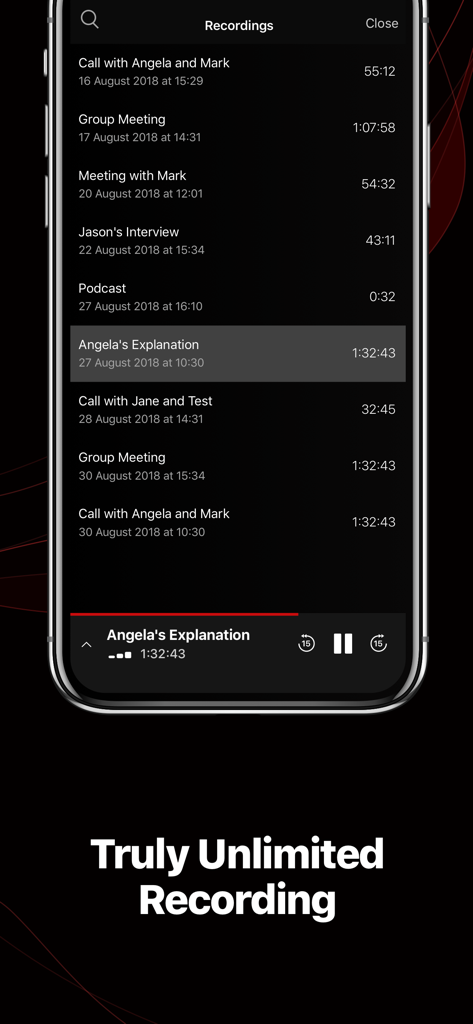
A list of call recordings in the TapeACall Pro app on an iPhone showing various business meetings and interviews
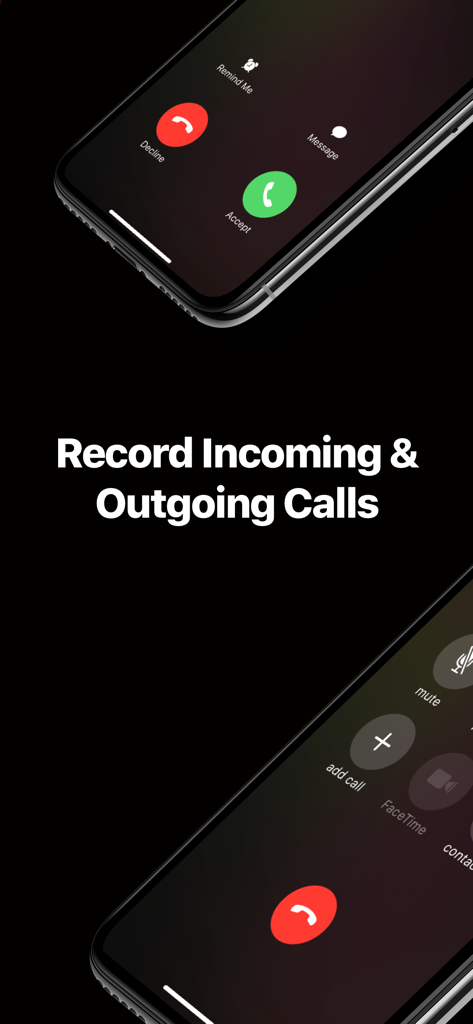
TapeACall Pro app interface demonstrating how to record incoming and outgoing calls on an iPhone
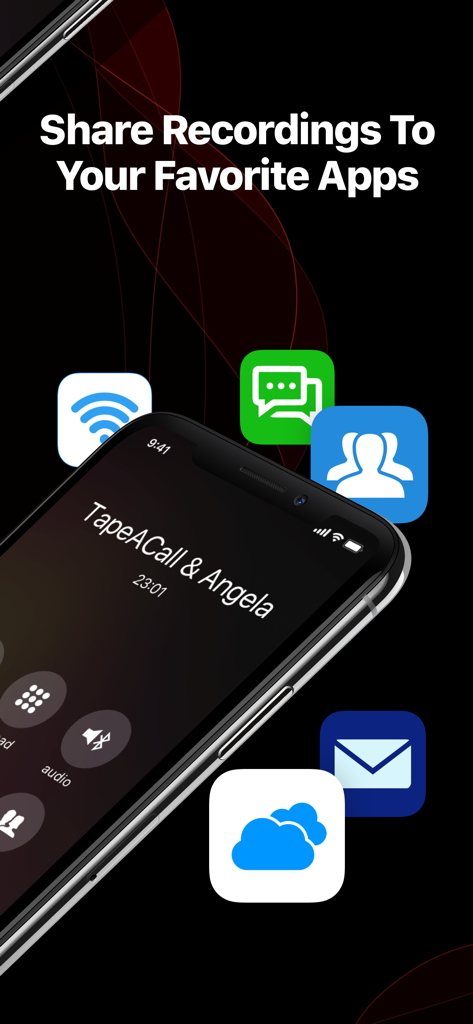
iPhone screen showing options to share call recordings to various apps
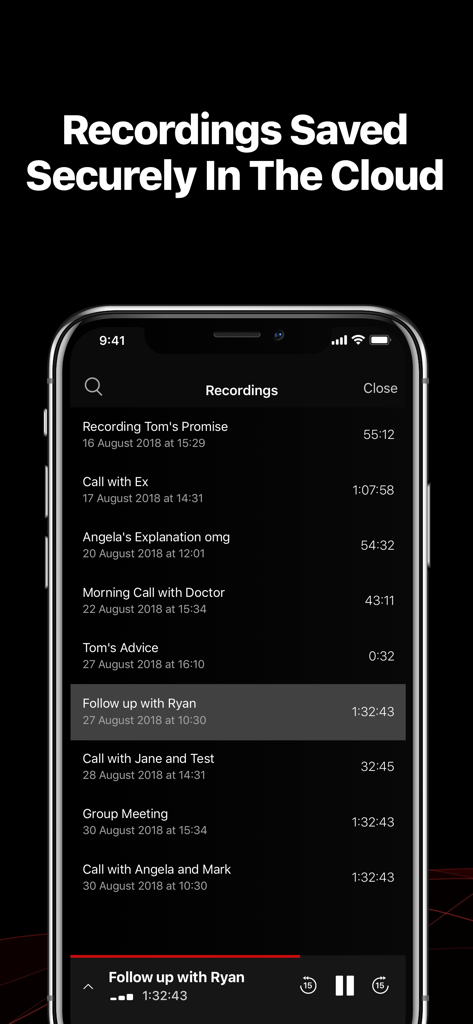
A list of call recordings saved securely in the cloud within the TapeACall Pro app interface
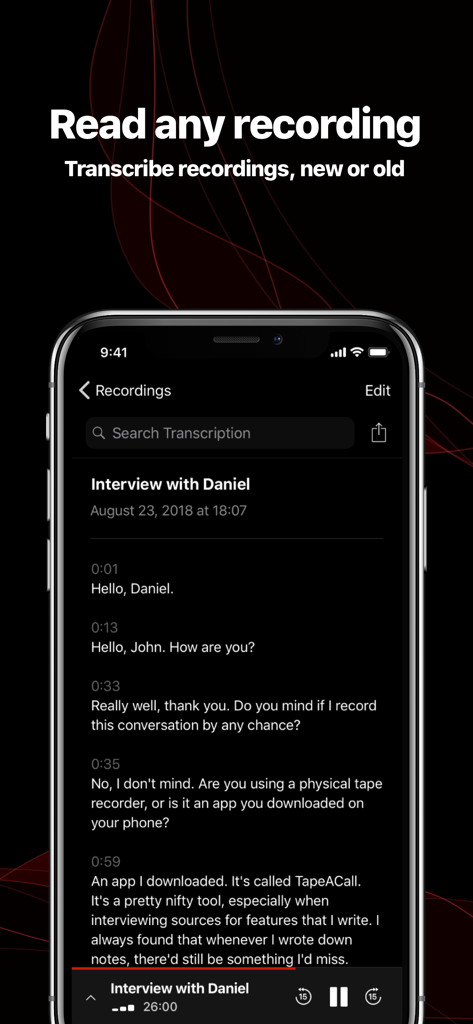
TapeACall Pro app interface displaying a text transcript of a recorded phone call interview
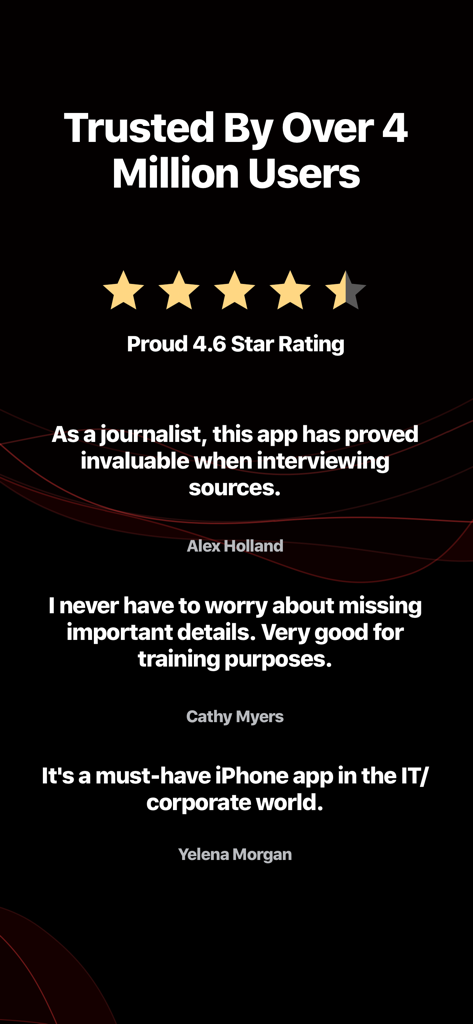
User testimonials and a 4.6 star rating for TapeACall Pro call recorder app
Description
Download
More Like This
Apps with similar features and user experience

Beside (M1): AI Receptionist
Interface, Inc.

Call Recorder for iPhone.
JatApp LLC

Voice Recorder & Audio Editor
TapMedia Ltd

Call Recorder App ◉ACR MyCalls
AppAmore Limited

Switch - Call recording app
Atlas Guide, Inc.

Call Recorder App-Voice Record
WindTalking LLC

TeleMe – Record on 2nd Number
Gelenk Networks Inc.

Call Recorder: Record All
Henrieta Jaworski

Record Phone Calls App - Auto
Henning Christensen Bonde Søgaard
This page is not an official page of the app or its developer, but an independent editorial publication created for informational and commentary purposes. Unless expressly stated otherwise, neither the app nor its developer is affiliated with, endorsed by, sponsored by, authorized by, or otherwise officially connected with MWM, Apple, Google Play, the app publisher, or the app's developer, and nothing on this page implies that the app was developed using MWM's services. Any trademarks, logos, screenshots, and other content remain the property of their respective owners.