Teleprompter Studio
Teleprompter Studio

This page is not an official page of the app or its developer, but an independent editorial publication created for informational and commentary purposes. Unless expressly stated otherwise, neither the app nor its developer is affiliated with, endorsed by, sponsored by, authorized by, or otherwise officially connected with MWM, Apple, Google Play, the app publisher, or the app's developer, and nothing on this page implies that the app was developed using MWM's services. Any trademarks, logos, screenshots, and other content remain the property of their respective owners.
Logo of Teleprompter Studio

Teleprompter Studio

Master your on-camera presence with voice-aware scrolling and professional mirror mode designed for creators, educators, and professionals.

Key Figures

Downloads

100+

User Rating

1.0/5

Total Ratings

0

Publisher

Tan Chia Ling

Category

Photo & Video

Locales

1

Latest Version

1.0

Size

2.3 MB

First Released

Oct 10, 2025
Features

Deliver Your Message with Absolute Confidence

From AI-powered voice tracking to professional studio mirroring, Teleprompter Studio provides the precision tools you need to nail every take in record time.

Smart Voice-Sync Scrolling

The script follows your lead. Our intelligent tracking adjusts scroll speed to your natural speaking pace, ensuring your delivery sounds authentic and unscripted.

Studio-Ready Mirror Mode

Level up your production gear. Easily flip your text horizontally for seamless use with professional beam-splitter glass and high-end teleprompter rigs.

The following screenshots and description are sourced directly from the app's official store listing and are the property of the app developer.

App Store

Screenshots
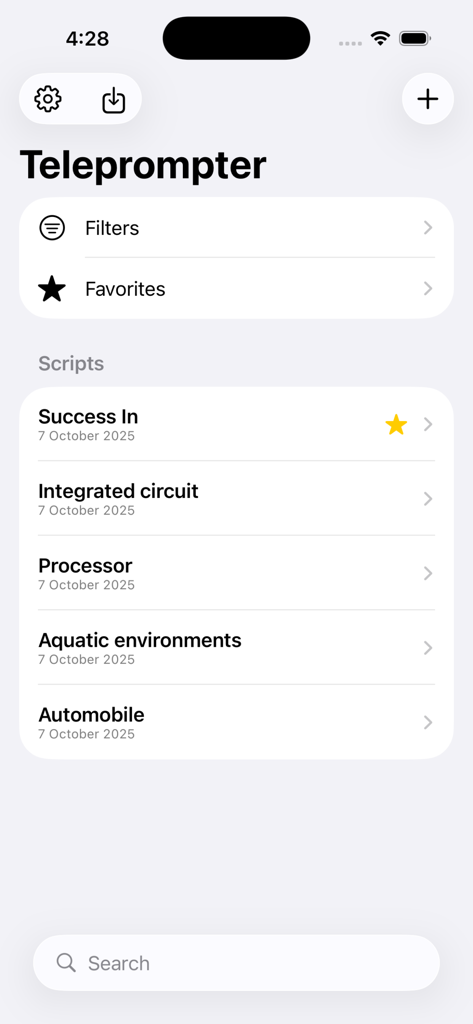
Teleprompter Studio - Teleprompter Studio app interface showing a list of scripts with search and organization features

Teleprompter Studio app interface showing a list of scripts with search and organization features
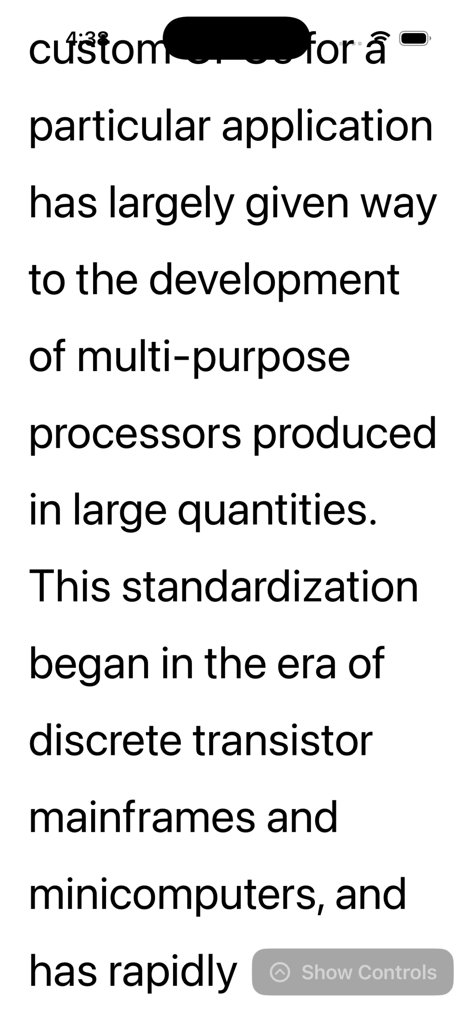
Teleprompter Studio - Teleprompter Studio app showing a large text script in light mode with a show controls button
Teleprompter Studio app showing a large text script in light mode with a show controls button

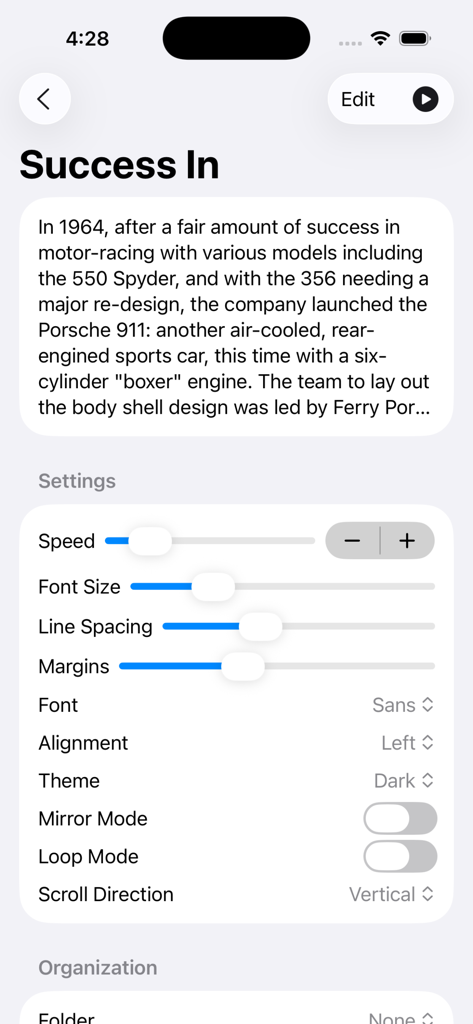
Teleprompter Studio - Teleprompter Studio settings screen showing script customization options for scrolling speed font size line spacing and mirror mode
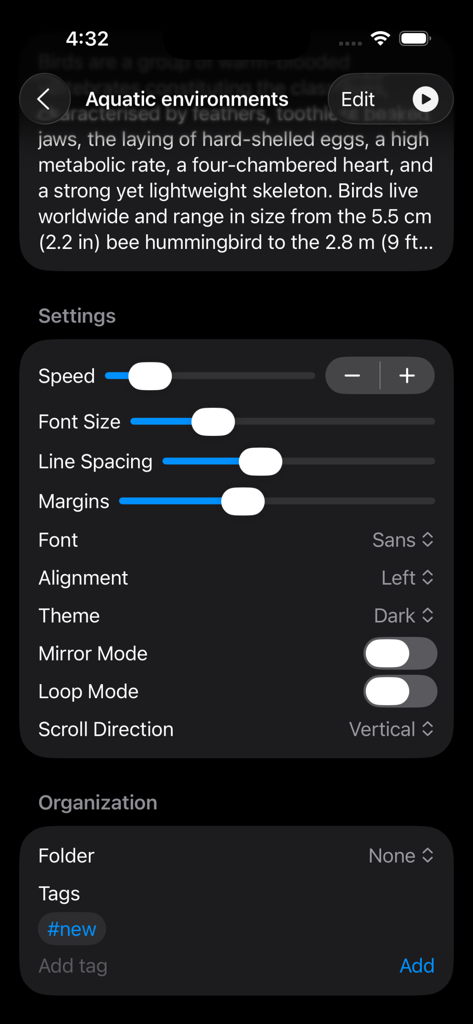
Teleprompter Studio settings screen showing script customization options for scrolling speed font size line spacing and mirror mode

Teleprompter Studio - Edit script interface of Teleprompter Studio app with text editor and cue options
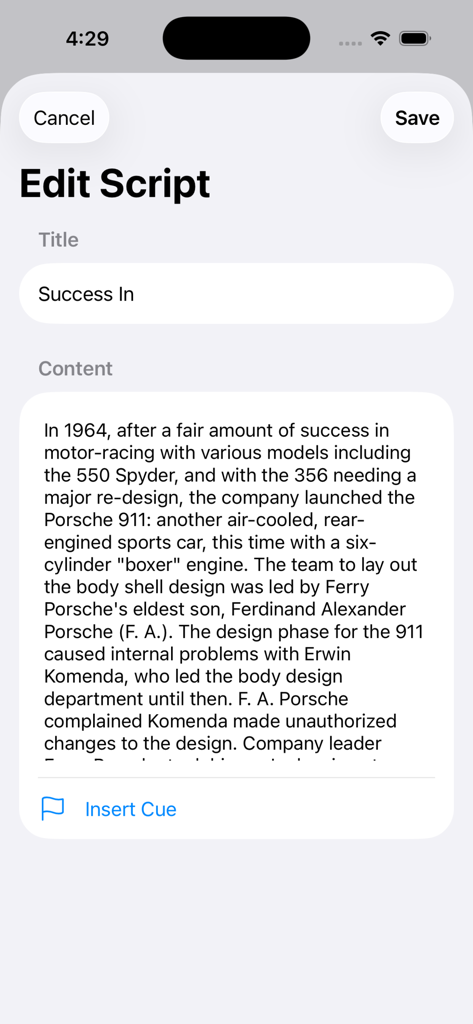
Edit script interface of Teleprompter Studio app with text editor and cue options

Teleprompter Studio - Teleprompter Studio interface showing script text and scrolling controls for speed and font size
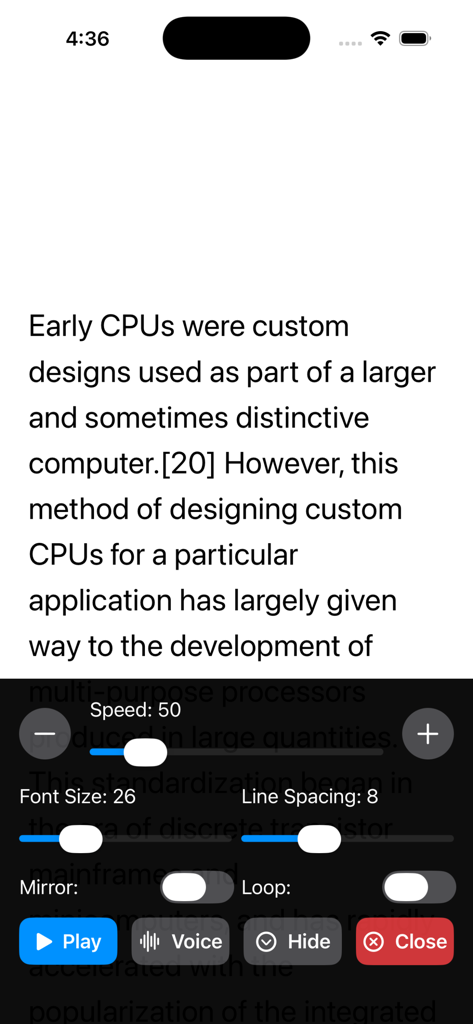
Teleprompter Studio interface showing script text and scrolling controls for speed and font size

Teleprompter Studio - Teleprompter Studio app script library showing a list of scripts with swipe actions for favorite and delete
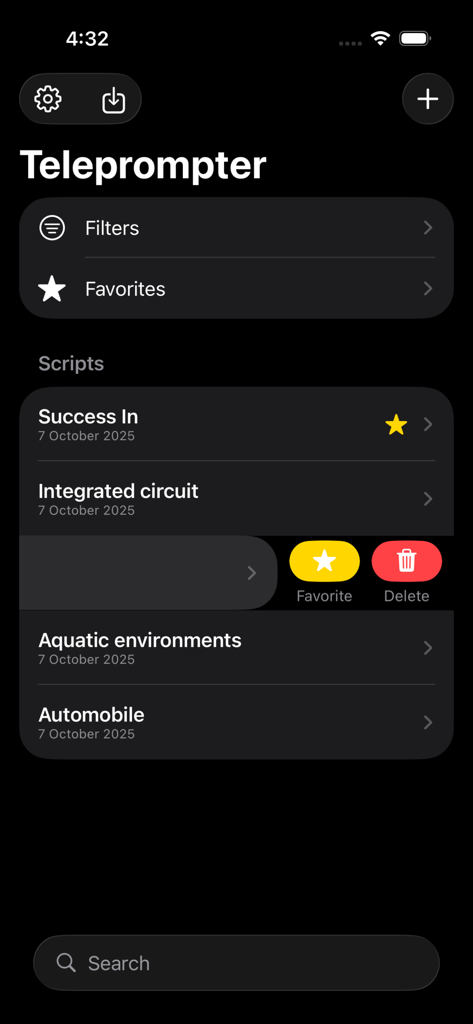
Teleprompter Studio app script library showing a list of scripts with swipe actions for favorite and delete

Teleprompter Studio - Teleprompter Studio interface for customizing script scrolling speed and text appearance
Teleprompter Studio interface for customizing script scrolling speed and text appearance

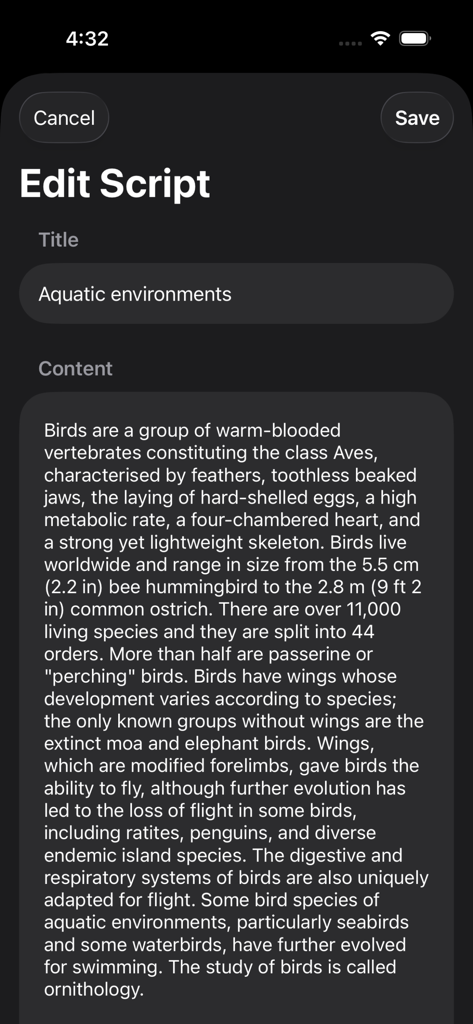
Teleprompter Studio - Teleprompter Studio app screen for editing script title and content in dark mode
Teleprompter Studio app screen for editing script title and content in dark mode

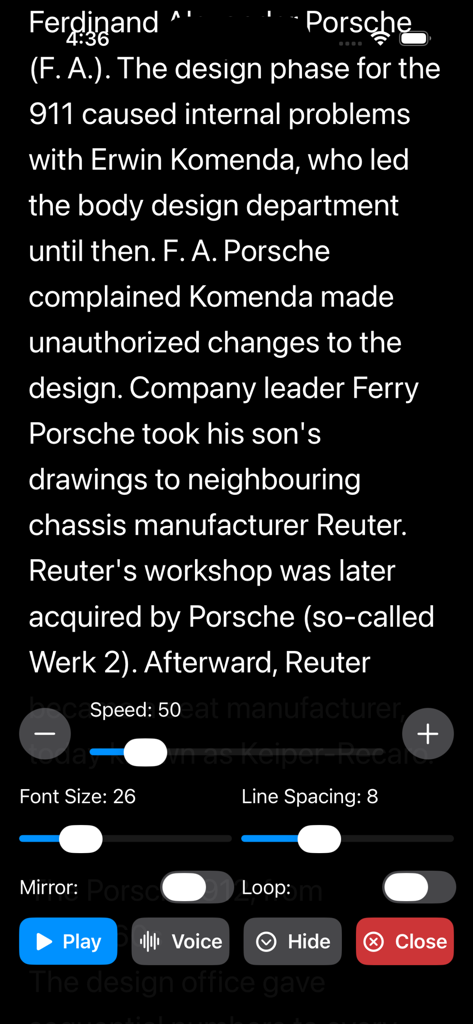
Teleprompter Studio - Teleprompter Studio app interface showing a scrolling script with controls for speed font size and mirror mode in dark theme
Teleprompter Studio app interface showing a scrolling script with controls for speed font size and mirror mode in dark theme

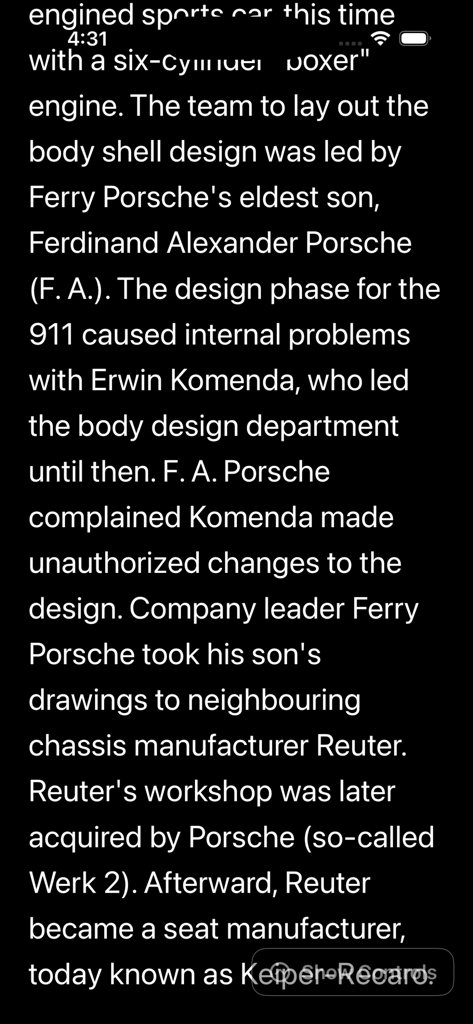
Teleprompter Studio - Interface of Teleprompter Studio app displaying a scrolling script in dark mode on an iPhone screen.

Interface of Teleprompter Studio app displaying a scrolling script in dark mode on an iPhone screen.

Description

Teleprompter – Smooth, Mirrorable, Voice-Aware Script Scrolling Turn your iPhone or iPad into a professional teleprompter. Teleprompter delivers smooth, customizable scrolling with clear, readable text and studio‑ready controls — perfect for presenters, creators, educators, and anyone recording polished video with confidence. Why you’ll love it • Crystal‑clear readability: Choose font, size, spacing, alignment, margins, and theme (Light or Dark) for maximum comfort on any setup. • Effortless control: Tap to play/pause, adjust speed on the fly, or minimize controls to keep your screen clean while recording. • Mirror mode: Flip text horizontally for use with beam-splitter teleprompter rigs. • Vertical or horizontal scroll: Match your preference or rig orientation. • Looping or one‑shot: Auto-reset to start when finished, or loop continuously for practice sessions. • Smart voice input: Optional voice‑energy tracking dynamically adapts scroll speed to your speaking pace. • Cues and highlights: Add [CUE: …] markers to emphasize important moments with automatic highlighting. • Save your place: Your last position is saved so you can pick up exactly where you left off. • Organize your scripts: Tag, favorite, and group into folders for a tidy library. • Fast import: Bring in scripts from plain text, PDF, or .docx files. • A lightweight native app that runs quickly. Key features • Adjustable speed (fine-grained control with buttons and slider) • Font families: Sans, Serif, Mono • Line spacing and margins • Text alignment: Left or Center • Light/Dark themes with high contrast text • Mirror mode for teleprompter glass • Vertical or horizontal scrolling • Looping toggle • Full-screen teleprompter with optional control overlay • Voice‑aware scrolling (uses microphone and on‑device speech recognition permissions) • Cues: Write [CUE: Smile], [CUE: Pause], etc. to auto-highlight moments • Library with favorites, folders, and tags • In‑app editor for quick script updates • Import .txt, .pdf, and .docx Designed for creators • Record with confidence: Clean, distraction‑free reading experience • Practice your delivery: Loop and voice‑responsive speed help you rehearse naturally • Production‑ready: Mirror mode and horizontal scroll support your teleprompter rig Privacy‑minded • Voice input is optional and used only to adjust scrolling speed in real time. You can turn it off at any time. Get started in seconds 1. Import or paste your script 2. Adjust speed and appearance 3. Hit Play — and deliver your message with confidence Teleprompter makes every take smoother, faster, and more professional. Download now and elevate your on‑camera presence. Thanks for your support and visit nitrio.com for more apps for your iOS devices.

Download

This page is not an official page of the app or its developer, but an independent editorial publication created for informational and commentary purposes. Unless expressly stated otherwise, neither the app nor its developer is affiliated with, endorsed by, sponsored by, authorized by, or otherwise officially connected with MWM, Apple, Google Play, the app publisher, or the app's developer, and nothing on this page implies that the app was developed using MWM's services. Any trademarks, logos, screenshots, and other content remain the property of their respective owners.