
This page is not an official page of the app or its developer, but an independent editorial publication created for informational and commentary purposes. Unless expressly stated otherwise, neither the app nor its developer is affiliated with, endorsed by, sponsored by, authorized by, or otherwise officially connected with MWM, Apple, Google Play, the app publisher, or the app's developer, and nothing on this page implies that the app was developed using MWM's services. Any trademarks, logos, screenshots, and other content remain the property of their respective owners.

Tempo Focus - Pomodoro Timer
The all-in-one Pomodoro timer and app blocker designed for students and professionals who need to reclaim their time and stay in the zone.
Downloads
100+User Rating
Total Ratings
0Publisher
Category
ProductivityLocales
1Latest Version
1.0.1Size
21.9 MBFirst Released
Mar 21, 2026Reclaim Your Focus
Stop fighting distractions and start getting things done. Tempo integrates a science-backed timer with powerful app blocking to create the ultimate environment for deep work.
Deep Work App Blocker
Eliminate the urge to scroll. Use Apple Screen Time integration to automatically silence distracting apps the moment your timer starts.
Optimized Pomodoro Cycles
Maintain peak mental energy with structured 25-minute sprints and restorative breaks designed to prevent burnout and time-blindness.
The following screenshots and description are sourced directly from the app's official store listing and are the property of the app developer.
App Store
Screenshots
Tempo Focus app splash screen with the tagline Build a rhythm for deep work
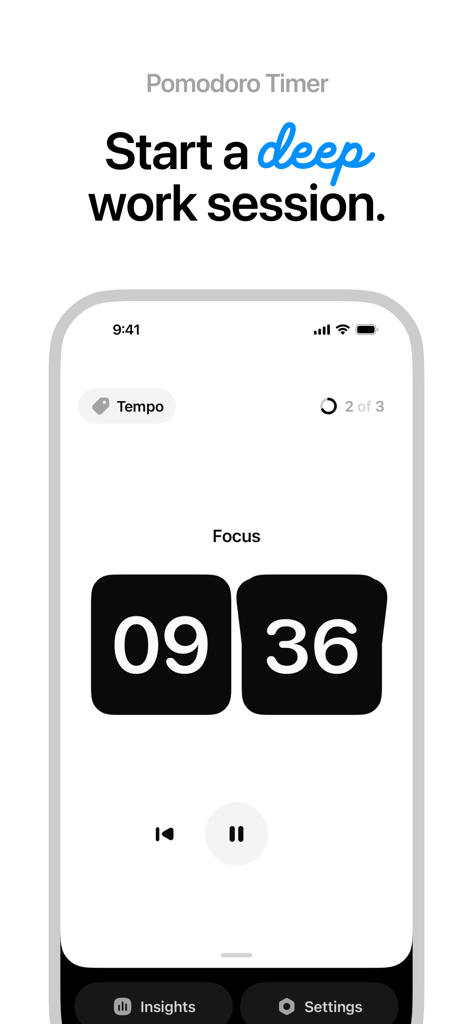
Minimalist Pomodoro timer interface for starting a deep work session in the Tempo Focus app
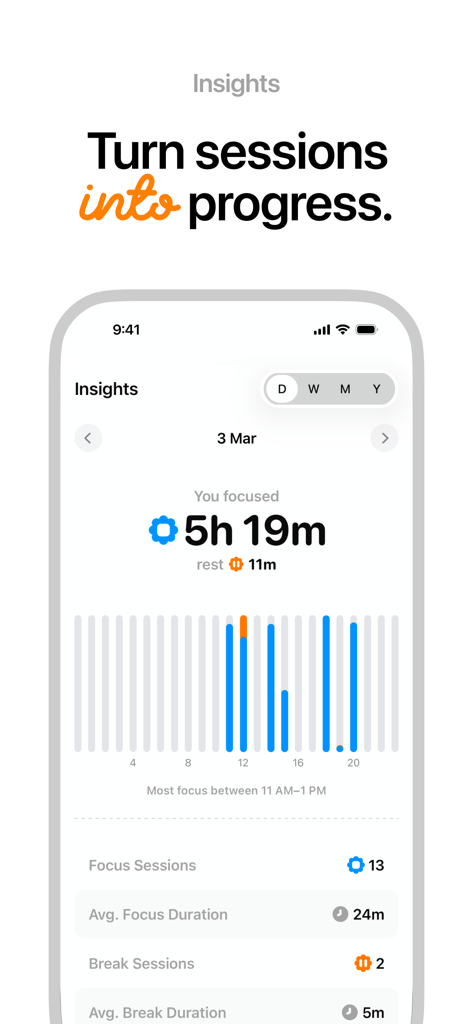
Daily insights screen showing a bar chart of focus activity and total focus time of five hours and nineteen minutes
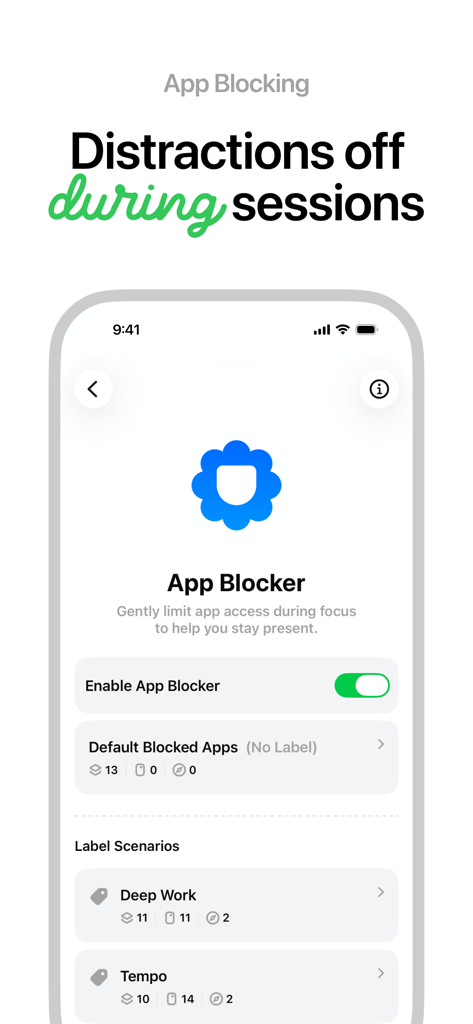
Tempo Focus app blocker settings to limit distractions during focus sessions
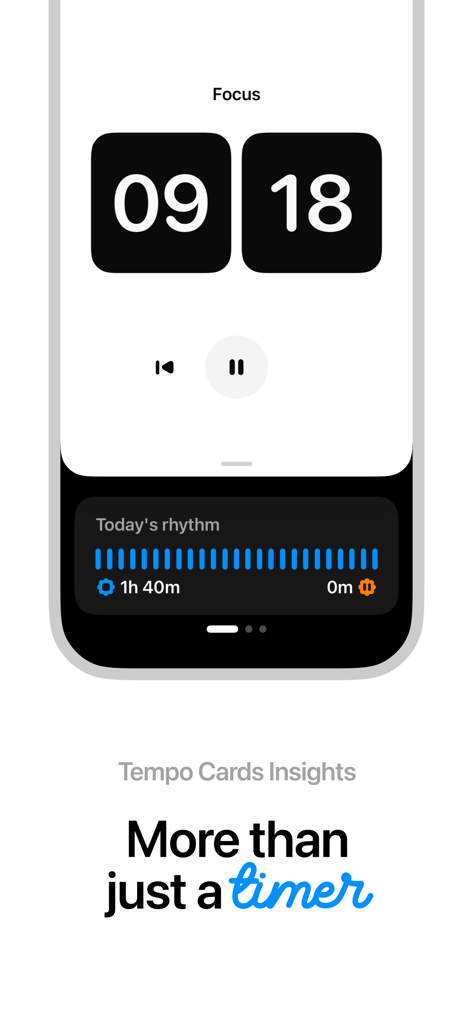
Tempo Focus app showing a Pomodoro timer and daily productivity rhythm insights.
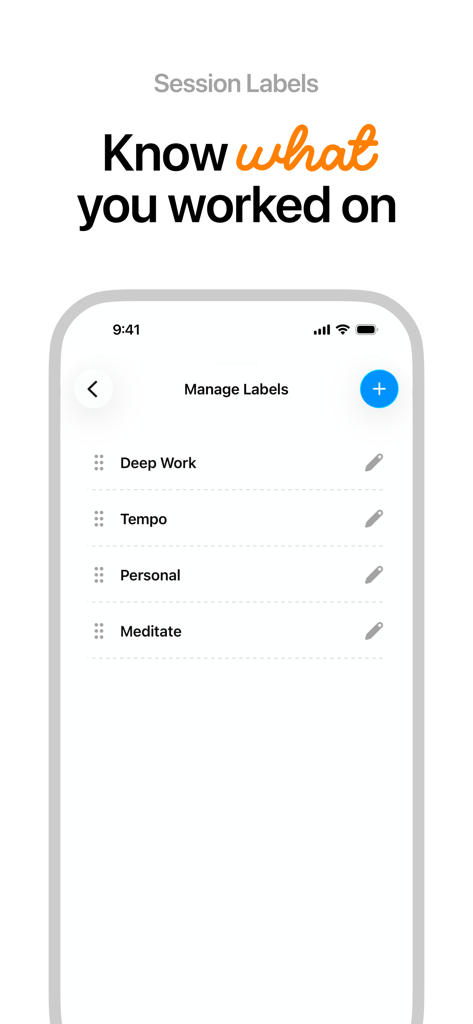
A screen showing session labels like Deep Work and Personal in the Tempo Focus app
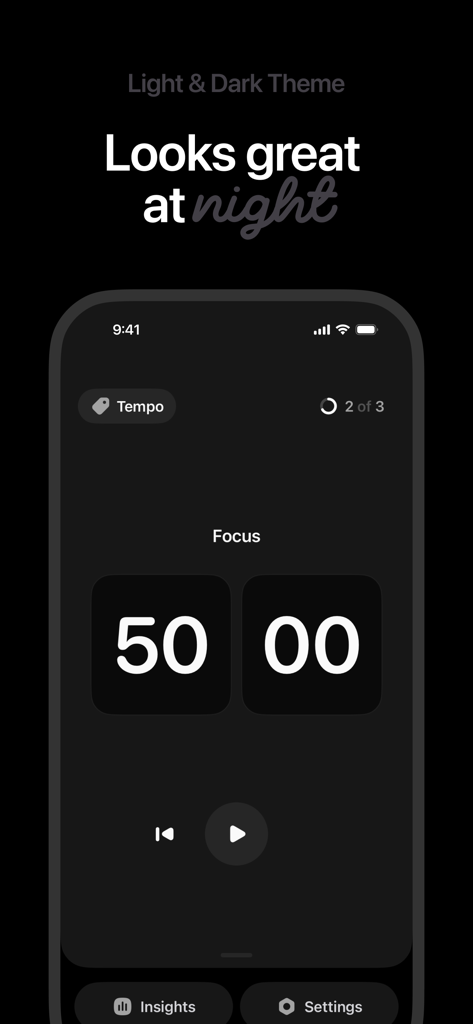
Tempo Focus app interface in dark mode showing a 50-minute Pomodoro timer session
Description
Download
More Like This
Top-ranked apps in the same category
Google Gemini
Google LLC
ChatGPT
OpenAI OpCo, LLC

Claude by Anthropic
Anthropic PBC

Gmail - Email by Google
Google LLC

千问 - 阿里最强大模型官方AI助手
Shanghai Zhixin Puhui Technology Co., Ltd.

Grok - AI Chat & Video
X.AI Corporation
Google Drive
Google LLC

Microsoft Authenticator
Microsoft Corporation
Google Sheets
Google LLC
This page is not an official page of the app or its developer, but an independent editorial publication created for informational and commentary purposes. Unless expressly stated otherwise, neither the app nor its developer is affiliated with, endorsed by, sponsored by, authorized by, or otherwise officially connected with MWM, Apple, Google Play, the app publisher, or the app's developer, and nothing on this page implies that the app was developed using MWM's services. Any trademarks, logos, screenshots, and other content remain the property of their respective owners.