
This page is not an official page of the app or its developer, but an independent editorial publication created for informational and commentary purposes. Unless expressly stated otherwise, neither the app nor its developer is affiliated with, endorsed by, sponsored by, authorized by, or otherwise officially connected with MWM, Apple, Google Play, the app publisher, or the app's developer, and nothing on this page implies that the app was developed using MWM's services. Any trademarks, logos, screenshots, and other content remain the property of their respective owners.


TensorArt - AI photo Editor
Explore 400+ unique styles, from traditional ink wash to oil painting. Enjoy secure on-device processing and high-definition results—your photos never leave your phone.
Downloads
4K+User Rating
Total Ratings
300Publisher
Category
Photo & VideoLocales
2Latest Version
2.2.3Size
75.4 MBFirst Released
Jun 30, 2020Elevate Your Aesthetic with AI Artistry
Transform your photos into professional-grade digital art with over 400 filters and advanced on-device processing designed for the modern creator.
Privacy-First Local Rendering
Your photos never leave your device. Process stunning art locally without uploading to servers, ensuring your data stays private and secure.
400+ Signature Art Styles
From traditional Chinese ink wash to modern impressionism, explore a vast library of museum-quality textures that redefine mobile photo editing.
The following screenshots and description are sourced directly from the app's official store listing and are the property of the app developer.
App Store
Screenshots
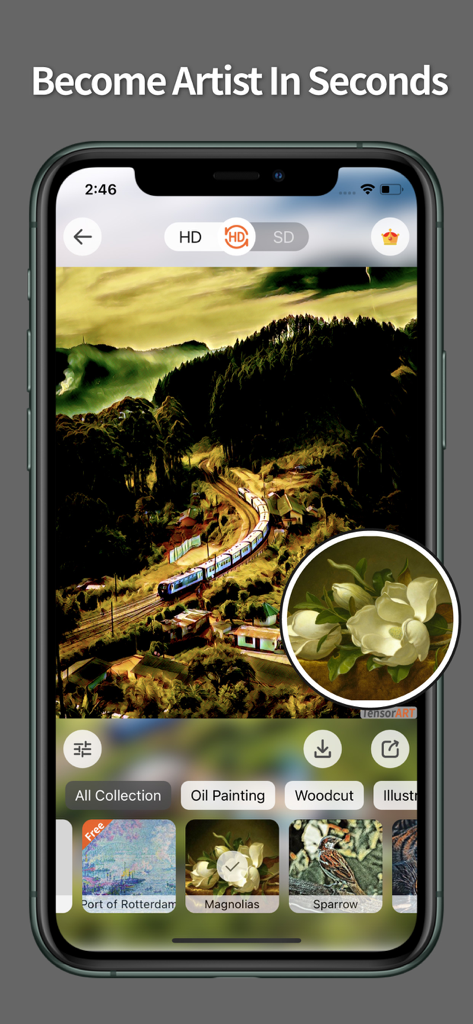
TensorArt app interface showcasing an oil painting art filter applied to a landscape photo
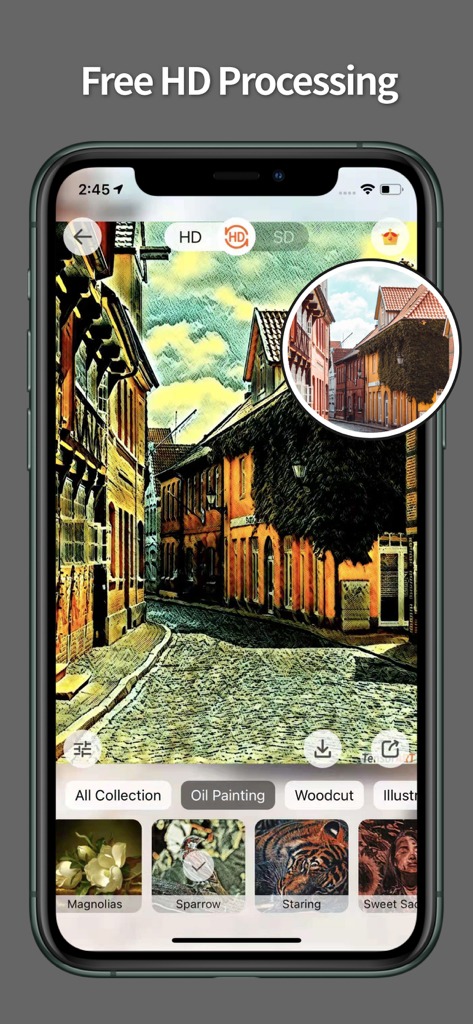
TensorArt app interface showing an oil painting filter applied to a street photo with high definition processing
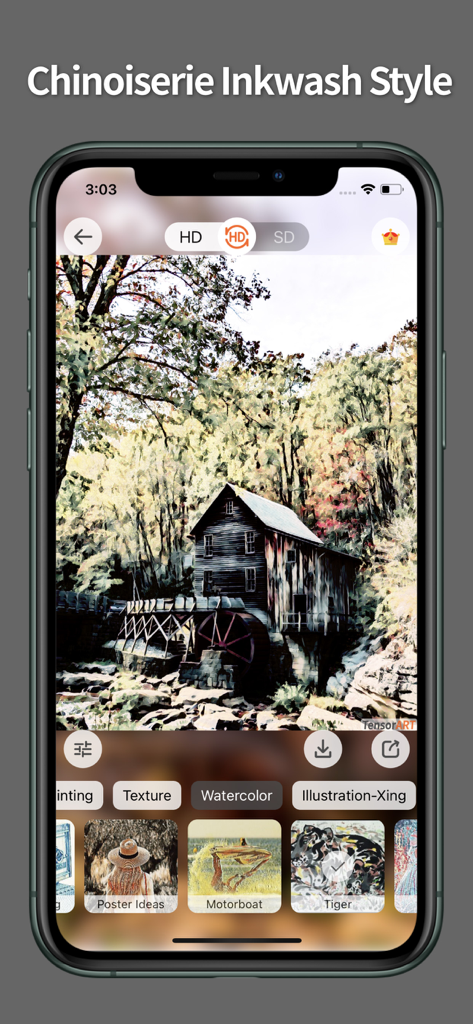
TensorArt app interface showing an inkwash art filter applied to a photo of a mill
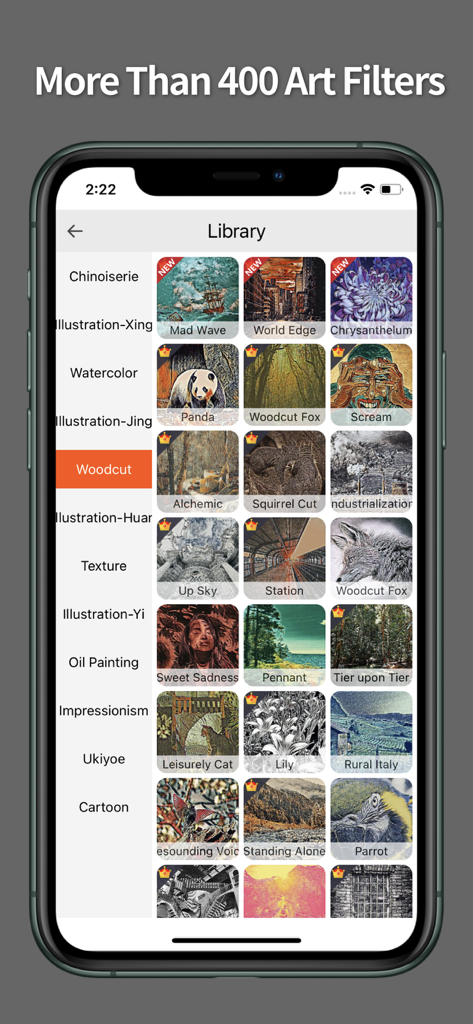
A library of artistic filters in the TensorArt app featuring woodcut, oil painting, and watercolor styles on an iPhone screen.
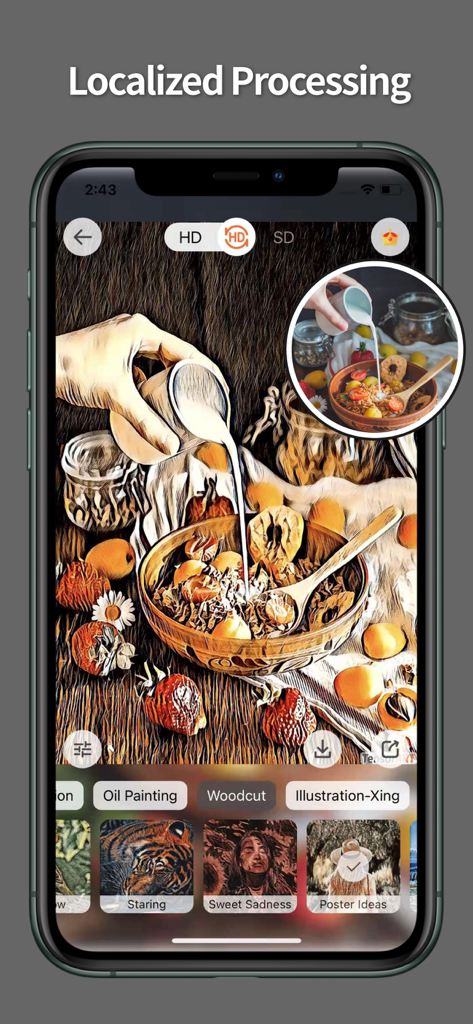
TensorArt app interface showing localized photo processing with a woodcut artistic filter applied to a breakfast bowl photo
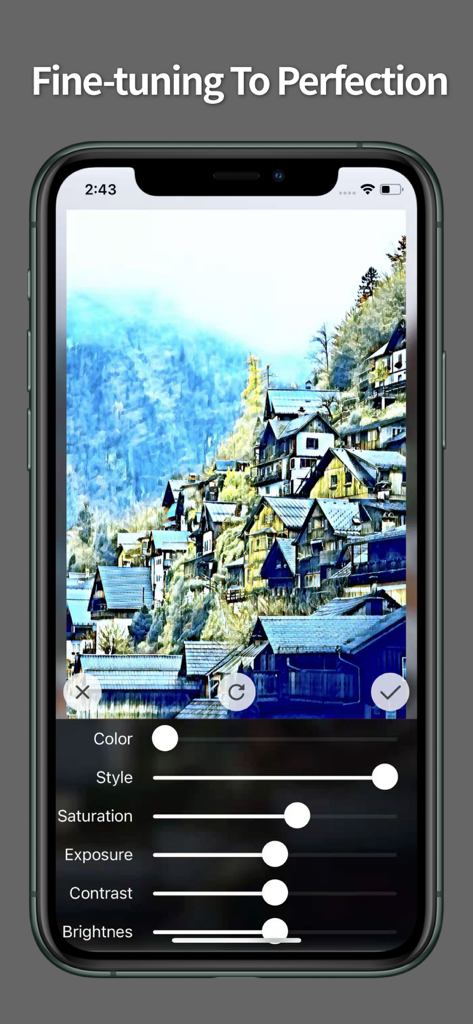
A smartphone screen displaying the TensorArt app with editing sliders to fine tune an artistic village photo
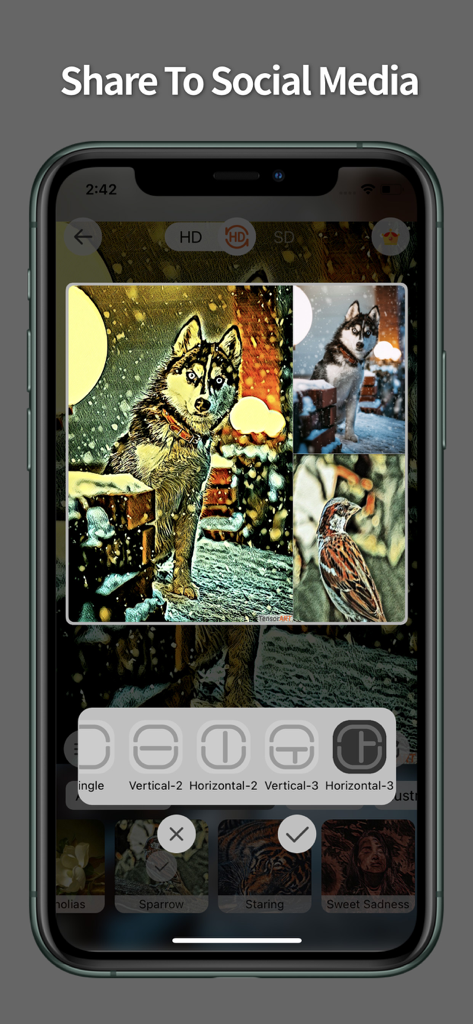
TensorArt app interface showing photo collage layouts and artistic filters applied to animal images
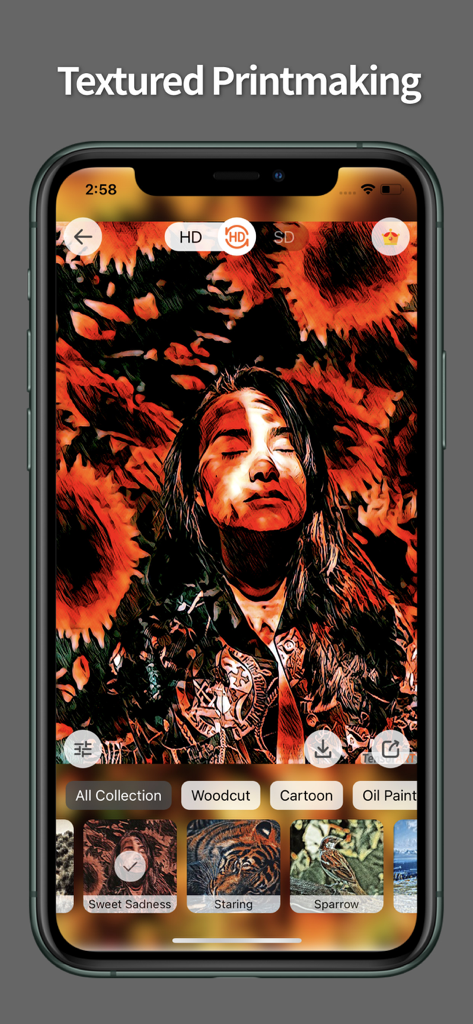
TensorArt app interface showing a portrait with a textured woodcut printmaking filter applied
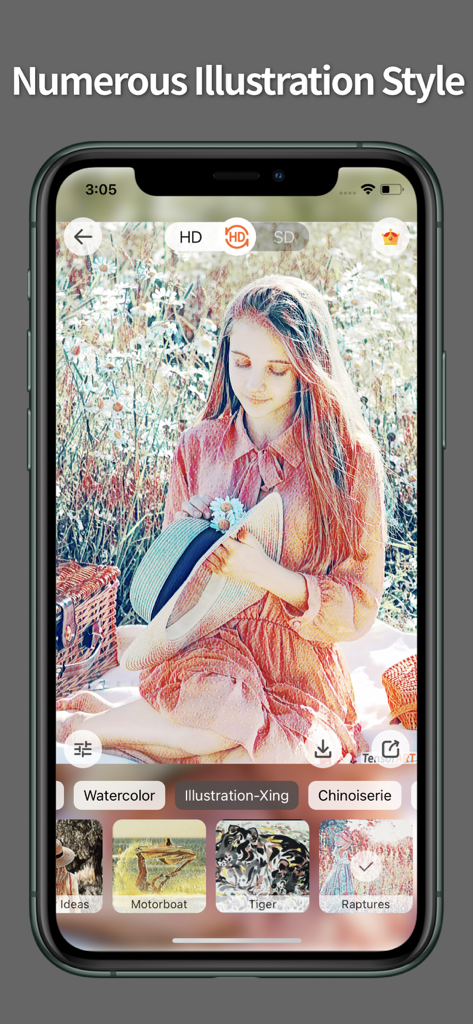
A smartphone interface showing the TensorArt app with an illustration filter applied to a photo of a woman in a flower field
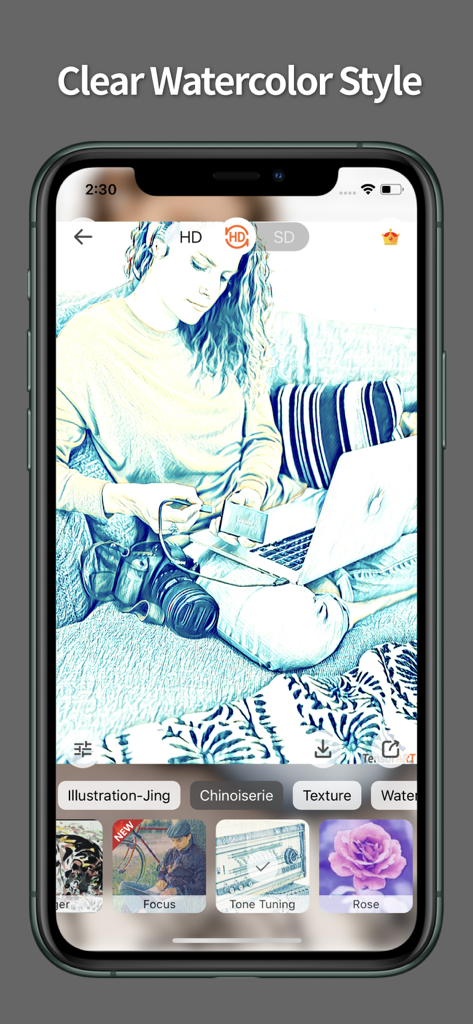
Smartphone displaying the TensorArt app with a clear watercolor style filter applied to a photo
Description
Download
More Like This
Top-ranked apps in the same category

CapCut: Photo & Video Editor
BYTEDANCE PTE. LTD.

Instagram, Inc.

YouTube
Google LLC

Canva: AI Photo & Video Editor
Canva Pty Ltd

Snapchat
Snap, Inc.

快手
Beijing Kwai Technology Co., Ltd.

Edits: Video Editor
Instagram, Inc.

Meitu- AI Photo & Video Editor
Xiamen Meitu Technology Co., Ltd.

Google Photos: Backup & Edit
Google LLC
This page is not an official page of the app or its developer, but an independent editorial publication created for informational and commentary purposes. Unless expressly stated otherwise, neither the app nor its developer is affiliated with, endorsed by, sponsored by, authorized by, or otherwise officially connected with MWM, Apple, Google Play, the app publisher, or the app's developer, and nothing on this page implies that the app was developed using MWM's services. Any trademarks, logos, screenshots, and other content remain the property of their respective owners.