
This page is not an official page of the app or its developer, but an independent editorial publication created for informational and commentary purposes. Unless expressly stated otherwise, neither the app nor its developer is affiliated with, endorsed by, sponsored by, authorized by, or otherwise officially connected with MWM, Apple, Google Play, the app publisher, or the app's developer, and nothing on this page implies that the app was developed using MWM's services. Any trademarks, logos, screenshots, and other content remain the property of their respective owners.


Terminux: SSH Client
Empowering DevOps and SysAdmins with secure multi-session access, integrated SFTP, and real-time performance monitoring across all your Apple devices.
Downloads
21K+User Rating
Total Ratings
200Publisher
Category
Developer ToolsLocales
2Latest Version
1.8.1Size
55.0 MBFirst Released
Jun 28, 2024Command Your Infrastructure from Anywhere
The most robust SSH client for iOS and macOS, built for DevOps professionals and system administrators who need secure, high-performance remote access on the go.
Enterprise-Grade Security
Protect your production environments with key-based authentication, 2FA support, and military-grade encryption protocols.
Professional Multitasking
Handle server outages efficiently using multiple tabbed sessions and split-view windows to monitor logs and run commands simultaneously.
Frequently Asked Questions
Everything you need to know about Terminux: SSH Client
What is Terminux: SSH Client?
Terminux is a cutting-edge SSH client designed to simplify and enhance remote server management. It offers a user-friendly interface and robust features for IT professionals and developers needing reliable SSH access.
Does Terminux: SSH Client offer advanced security features?
Yes, Terminux provides advanced security through key-based authentication, two-factor authentication, and strong encryption protocols to ensure secure connections for remote server management.
Can Terminux: SSH Client manage multiple server sessions simultaneously?
Yes, Terminux allows users to manage multiple SSH sessions simultaneously. It includes tabbed and split-view options, enabling efficient multitasking for remote server management.
Is the terminal environment in Terminux: SSH Client customizable?
Yes, Terminux offers a customizable terminal environment. Users can personalize their experience with various themes, fonts, and colors to enhance readability and user preference.
Does Terminux: SSH Client support file transfer capabilities?
Yes, Terminux supports seamless file transfers between a local machine and remote servers. It integrates SFTP and SCP protocols for efficient and secure data movement.
Does Terminux: SSH Client support scripting and automation?
Yes, Terminux includes built-in scripting capabilities and supports custom macros and shortcuts. This allows users to automate repetitive tasks and save time during server management.
How does Terminux: SSH Client help with session organization?
Terminux helps with session organization by allowing users to save and organize their SSH sessions. It uses profiles and bookmarks for quick and easy access to frequently used servers.
Can Terminux: SSH Client monitor server performance?
Yes, Terminux includes performance monitoring tools. It provides detailed analytics to monitor a server’s real-time performance, aiding in efficient server management.
Does Terminux: SSH Client sync across multiple Apple devices?
Yes, Terminux supports synchronization between iPhone, iPad, and Mac devices. This ensures a consistent server management experience across different platforms.
What authentication methods does Terminux: SSH Client support?
Terminux supports password-based and SSH key-based authentication for secure connections. These options are available during the connection setup process within the app.
How can users contact support for Terminux: SSH Client?
Users can contact support for Terminux by emailing help.app007@gmail.com for assistance with the application.
Where can I find the privacy policy for Terminux: SSH Client?
The privacy policy for Terminux: SSH Client is available at https://www.freeprivacypolicy.com/live/de501fa3-782a-48dd-b33f-83d8bc220c5c.
The following screenshots and description are sourced directly from the app's official store listing and are the property of the app developer.
App Store
Screenshots
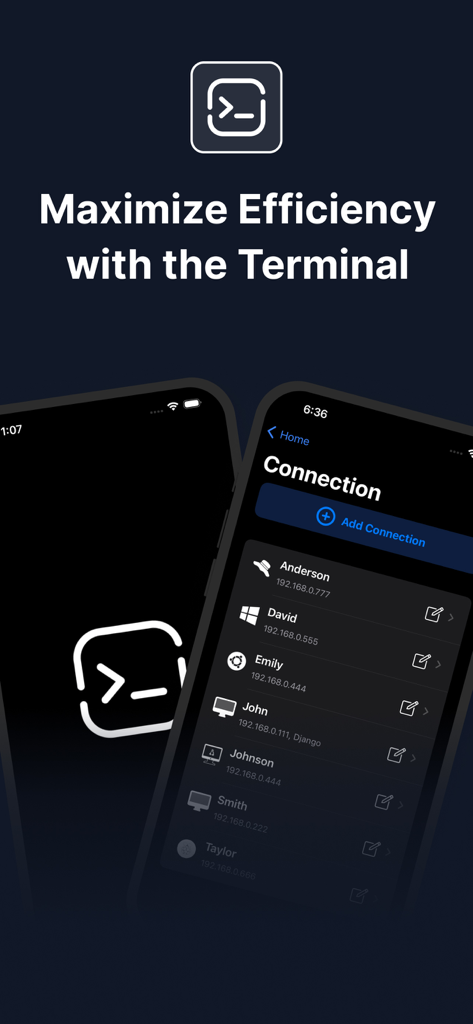
Terminux app interface showing a list of remote SSH server connections on a smartphone screen
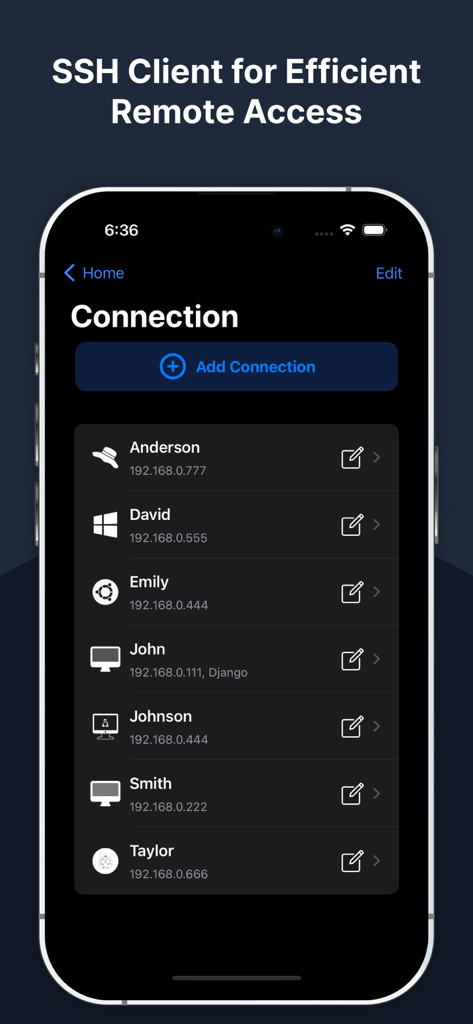
Terminux SSH Client app interface showing a list of saved remote server connections on an iPhone
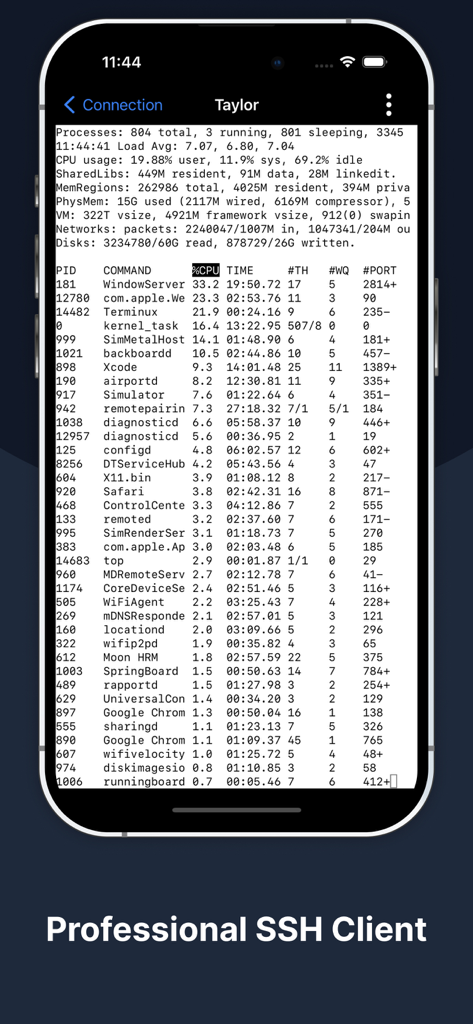
Terminux app on iPhone displaying active system processes in a terminal window.
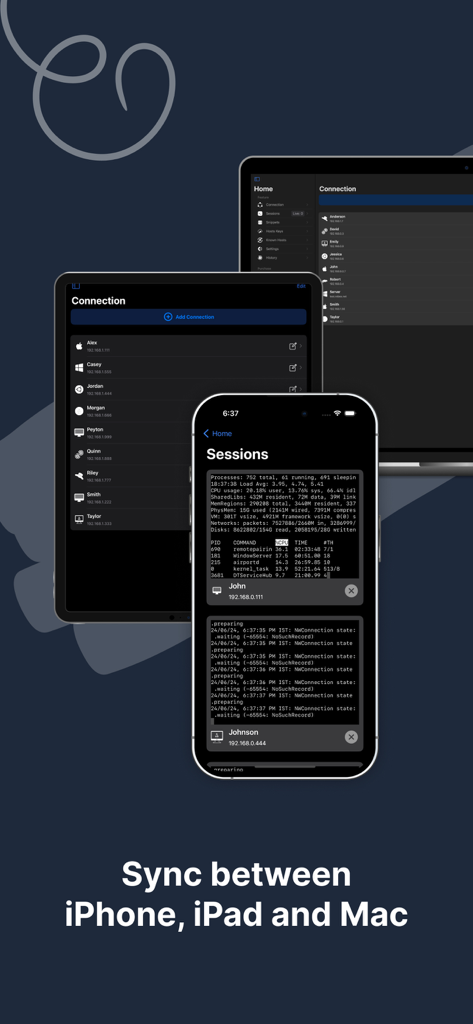
Terminux SSH client interface displayed on iPhone, iPad, and Mac showing device synchronization.
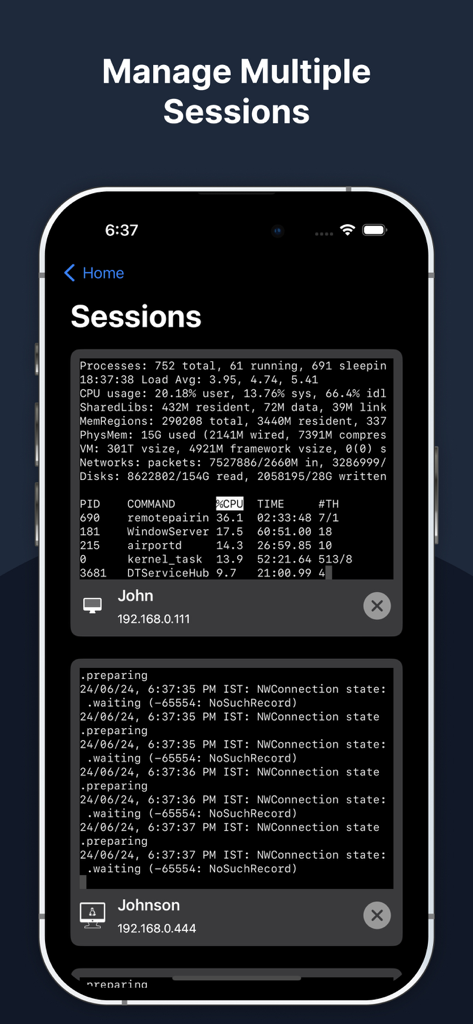
Terminux app interface displaying multiple SSH terminal sessions on a mobile device
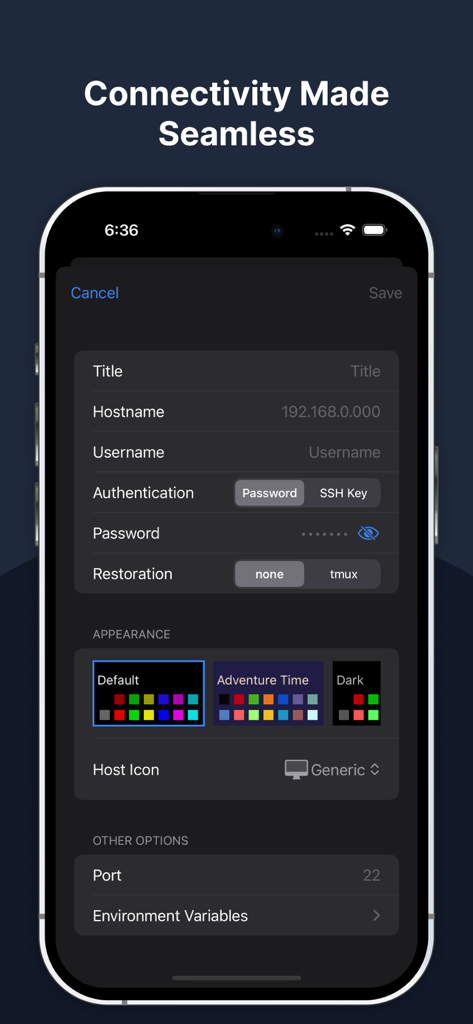
SSH connection configuration screen in the Terminux app showing hostname and authentication settings.
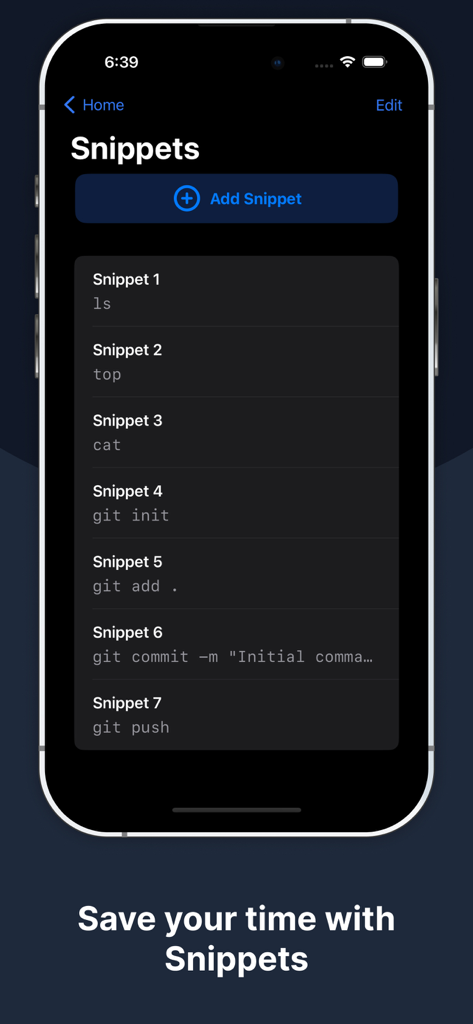
Terminux app interface showing a list of saved command snippets for quick server management
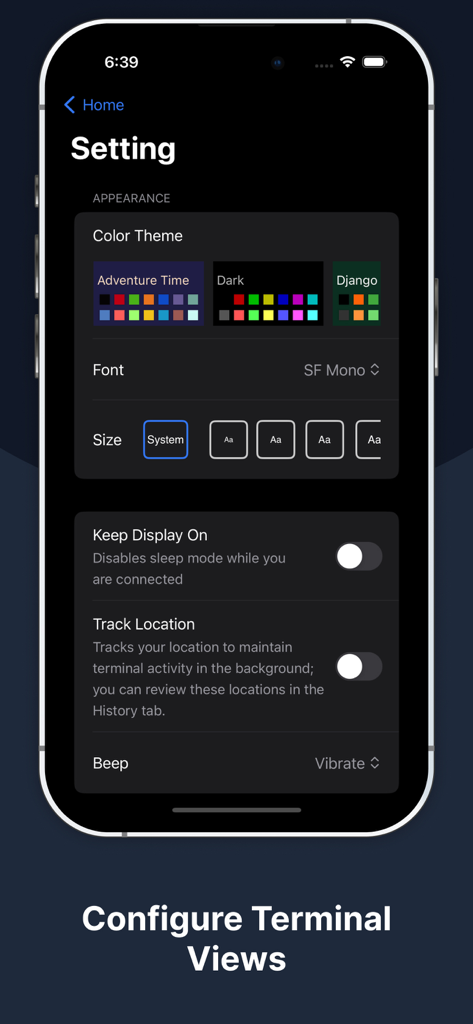
Terminux app settings interface for terminal appearance including color themes and font configurations
Description
Download
More Like This
Top-ranked apps in the same category

TestFlight
Apple Inc.

Replit: Vibe Code Apps
Replit, Inc

GitHub
GitHub

O-KAM Pro
Shenzhen VeePai IoT Intelligent Technology LLC

Apple Developer
Apple Inc.

Expo Go
650 Industries, Inc.

Scriptable
Simon Stovring

App Store Connect
Apple Inc.

Sekai: Create · Remix · Play
Versa AI, Inc.
This page is not an official page of the app or its developer, but an independent editorial publication created for informational and commentary purposes. Unless expressly stated otherwise, neither the app nor its developer is affiliated with, endorsed by, sponsored by, authorized by, or otherwise officially connected with MWM, Apple, Google Play, the app publisher, or the app's developer, and nothing on this page implies that the app was developed using MWM's services. Any trademarks, logos, screenshots, and other content remain the property of their respective owners.