
This page is not an official page of the app or its developer, but an independent editorial publication created for informational and commentary purposes. Unless expressly stated otherwise, neither the app nor its developer is affiliated with, endorsed by, sponsored by, authorized by, or otherwise officially connected with MWM, Apple, Google Play, the app publisher, or the app's developer, and nothing on this page implies that the app was developed using MWM's services. Any trademarks, logos, screenshots, and other content remain the property of their respective owners.

Termly
Bring your Claude, Aider, and Copilot workflows to iPhone and iPad. Review, debug, and commit with full desktop context and zero setup.
Downloads
500+User Rating
Total Ratings
0Publisher
Category
Developer ToolsLocales
1Latest Version
1.9Size
11.6 MBFirst Released
Oct 30, 2025Desktop-Class Coding in Your Pocket
Termly brings your professional AI workflow to your mobile devices, providing the full context of your desktop environment without the friction of setup.
Full AI Stack Integration
Connect Claude, Aider, and Copilot directly. Prompt, refactor, and debug using your favorite LLMs with your full project context intact.
Zero-Config Mirroring
Skip the tedious environment setup. Termly mirrors your desktop workspace in real-time, letting you pick up exactly where you left off.
The following screenshots and description are sourced directly from the app's official store listing and are the property of the app developer.
App Store
Screenshots
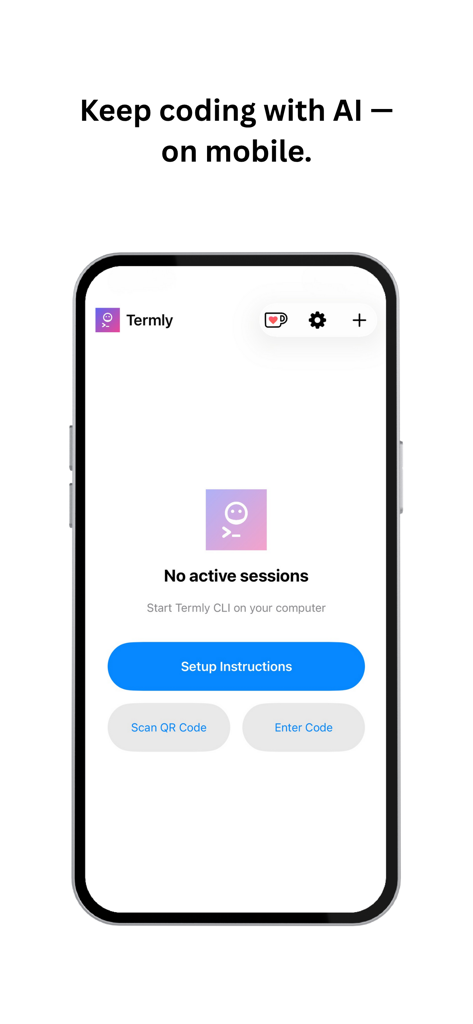
The Termly app interface on an iPhone showing the setup screen to connect a desktop AI coding session via QR code or manual entry.
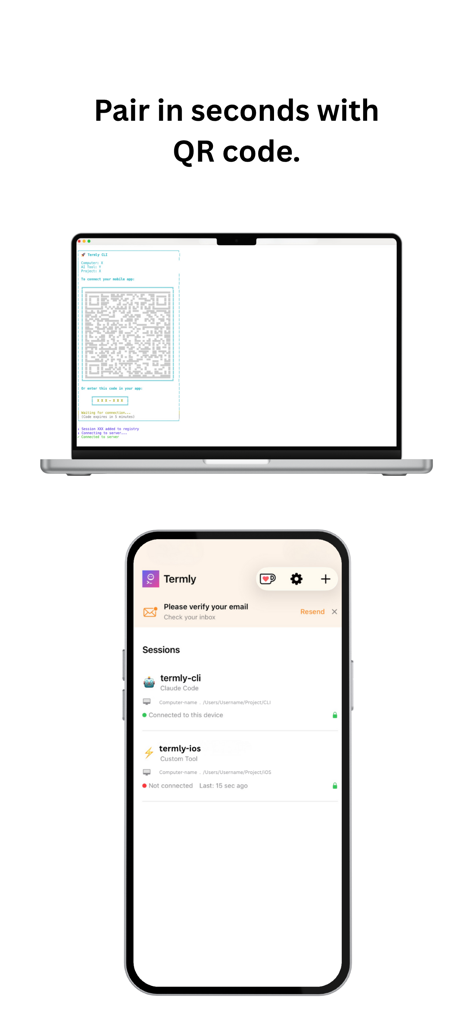
A laptop screen showing a QR code for quick pairing with the Termly app on an iPhone to sync AI coding workflows.
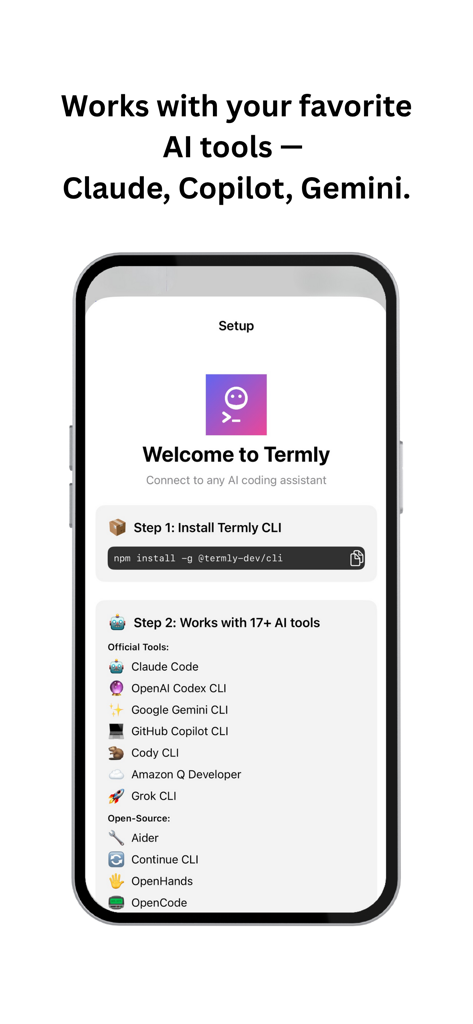
Termly mobile app setup screen displaying compatibility with AI tools like Claude, Copilot, and Gemini.
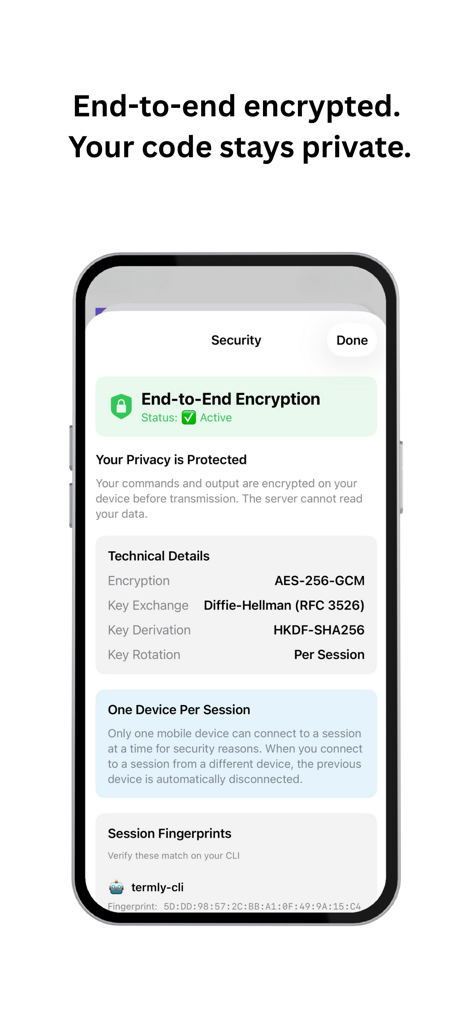
Termly app interface displaying end to end encryption settings and technical security protocols
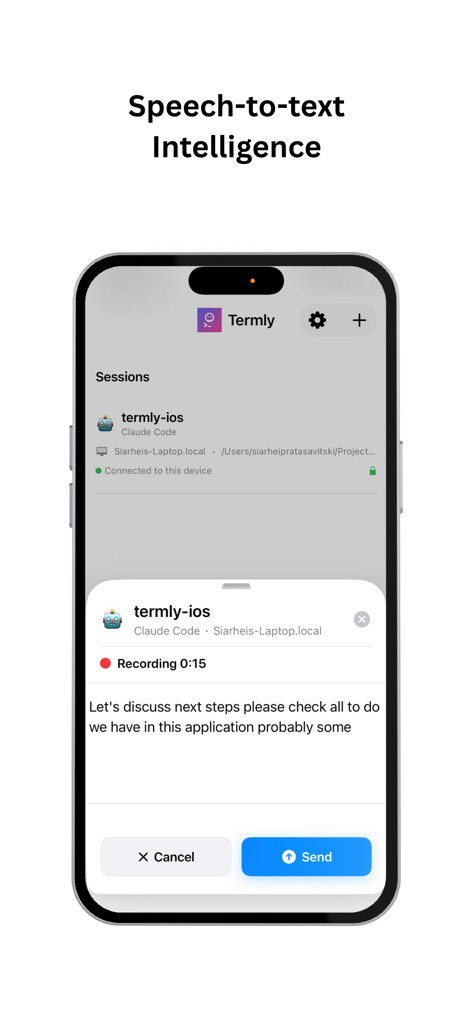
Termly mobile app interface showing speech-to-text voice recording for AI coding prompts on an iPhone
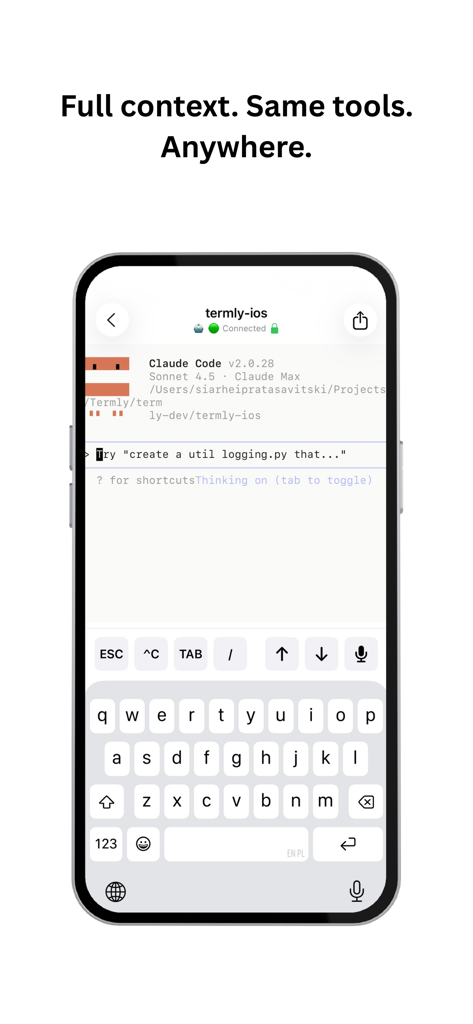
Termly app terminal interface on iPhone with AI coding assistant prompt
Description
Download
More Like This
Top-ranked apps in the same category

TestFlight
Apple Inc.

Replit: Vibe Code Apps
Replit, Inc
GitHub
GitHub

O-KAM Pro
Shenzhen VeePai IoT Intelligent Technology LLC

Apple Developer
Apple Inc.
Emergent AI: Vibe Code Apps
Emergent Labs Inc

Expo Go
650 Industries, Inc.

Scriptable
Simon Stovring

ProxyPin - Open Source Capture
Minimalist Network Co., Ltd.
This page is not an official page of the app or its developer, but an independent editorial publication created for informational and commentary purposes. Unless expressly stated otherwise, neither the app nor its developer is affiliated with, endorsed by, sponsored by, authorized by, or otherwise officially connected with MWM, Apple, Google Play, the app publisher, or the app's developer, and nothing on this page implies that the app was developed using MWM's services. Any trademarks, logos, screenshots, and other content remain the property of their respective owners.