
This page is not an official page of the app or its developer, but an independent editorial publication created for informational and commentary purposes. Unless expressly stated otherwise, neither the app nor its developer is affiliated with, endorsed by, sponsored by, authorized by, or otherwise officially connected with MWM, Apple, Google Play, the app publisher, or the app's developer, and nothing on this page implies that the app was developed using MWM's services. Any trademarks, logos, screenshots, and other content remain the property of their respective owners.


Text Reader - Text to Speech
Attention is finite; this app transforms your reading into effortless listening, granting you back precious time and mental energy.
Downloads
100k+User Rating
Total Ratings
483Publisher
Category
ProductivityLocales
33Latest Version
1.3.31Size
125.8 MBFirst Released
Aug 8, 2022An analytical overview highlighting the core capabilities and user benefits for efficient content consumption.
Key Features of Text Reader - Text to Speech (SPEAKTOR)
Built-in Screen Reader
This tool features a built-in screen reader that vocalizes online text content, making it accessible and reducing eye strain for users who find visual scanning difficult.
Advanced Text-to-Speech Conversion
The app provides an AI-powered text-to-speech converter that transforms any written text into natural-sounding speech, enabling effortless audio consumption of diverse content.
Scan and Read Physical Documents
It allows users to scan physical books and documents, converting them into audible speech within minutes, broadening content accessibility beyond digital formats.
Multilingual Content Support
The app supports English and over 40 languages, enabling users to listen to content in various linguistic contexts and broadening its global applicability.
Enhanced Productivity & Multitasking
It enables users to consume information more efficiently, speeding up learning and work processes, and facilitating multitasking by converting text into an audio format.
Reduced Screen Fatigue
The app helps overcome screen fatigue by offering an audio alternative to visual reading, catering to users who prefer to minimize eye strain or find visual content challenging.
Frequently Asked Questions
Everything you need to know about Text Reader - Text to Speech
What is SPEAKTOR, the Text Reader - Text to Speech app?
SPEAKTOR is an AI-powered text-to-speech converter that transforms any text file into spoken audio. It reads aloud written words, making content consumable through listening, and serves as a natural reader and screen reader.
What types of content can SPEAKTOR convert to speech?
SPEAKTOR can convert any text file, written words, stories, articles, documents, and books into speech. It also includes a screen reader feature for online text and can scan physical books to read them aloud.
Does SPEAKTOR support multiple languages and accents?
Yes, SPEAKTOR supports converting text to speech in English and over 40 other languages. It also offers a selection of more than 100 accents for the audio output.
Can users adjust the reading speed in the SPEAKTOR app?
Yes, SPEAKTOR provides reading speed control. Users can adjust the audio speed to listen at their own pace, with available options ranging from 0.6x to 2.4x.
Can SPEAKTOR scan and read physical books or documents?
Yes, SPEAKTOR can scan physical books and documents to read them aloud. This feature allows users to convert printed materials into spoken audio for listening.
Does the SPEAKTOR app provide different speaker voices?
Yes, SPEAKTOR offers a choice of over 15 different speaker personas. Users can select from various voices to personalize their listening experience.
Can users export and save audio files generated by SPEAKTOR?
Yes, SPEAKTOR allows users to export and save their generated audio files. The app supports exporting the audio in common formats such as MP3 and MP4.
Does SPEAKTOR sync content and progress across devices?
Yes, SPEAKTOR offers a feature to sync listening progress and content across multiple devices. This ensures a continuous and seamless experience for users across different platforms.
Can I use SPEAKTOR to listen to content offline?
Yes, SPEAKTOR allows users to listen to books, documents, and other content even when offline. This feature ensures accessibility without an internet connection.
Is SPEAKTOR suitable for business and organizational use?
Yes, SPEAKTOR has introduced text-to-speech solutions specifically for businesses and organizations. This aims to enhance information accessibility for a broader audience.
The following screenshots and description are sourced directly from the app's official store listing and are the property of the app developer.
App Store
Screenshots
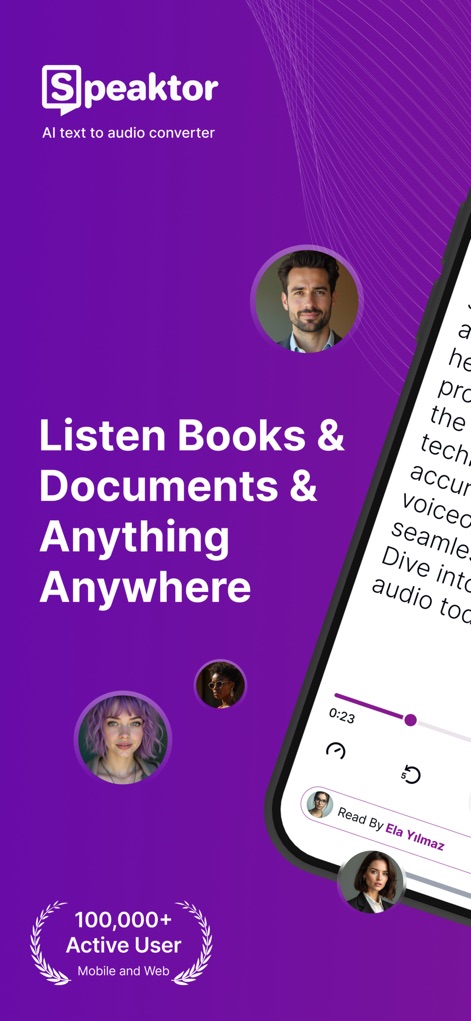
This tool highlights its broad accessibility with a '100,000+ Active User' badge and a clear mobile interface showcasing immediate playback options.
Anytime, Anywhere Audio
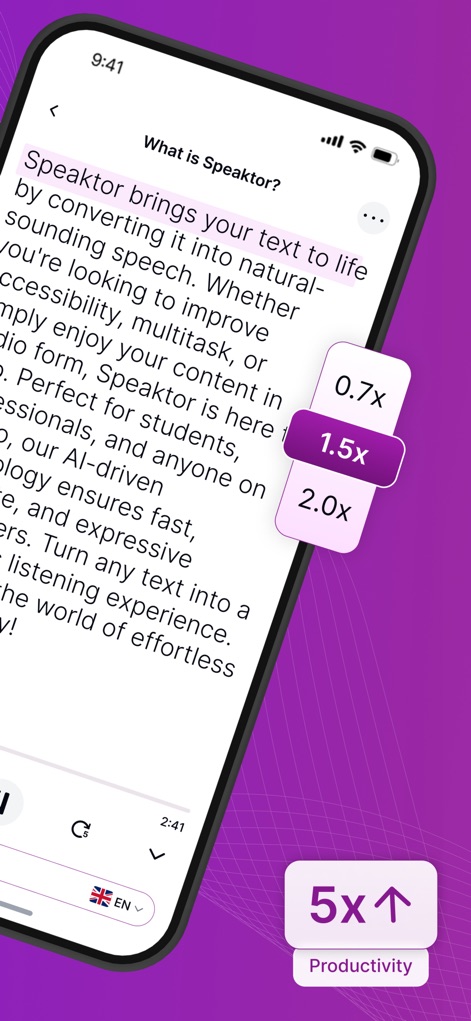
Users can fine-tune their experience with prominent speed adjustment controls (0.7x to 2.0x) and observe the '5x Productivity' badge highlighting the app's benefits.
Boost Your Efficiency

Explore a rich selection of speaker personas, each with a unique name and profession, and easily find the perfect voice using the integrated search function.
Diverse Voice Catalog
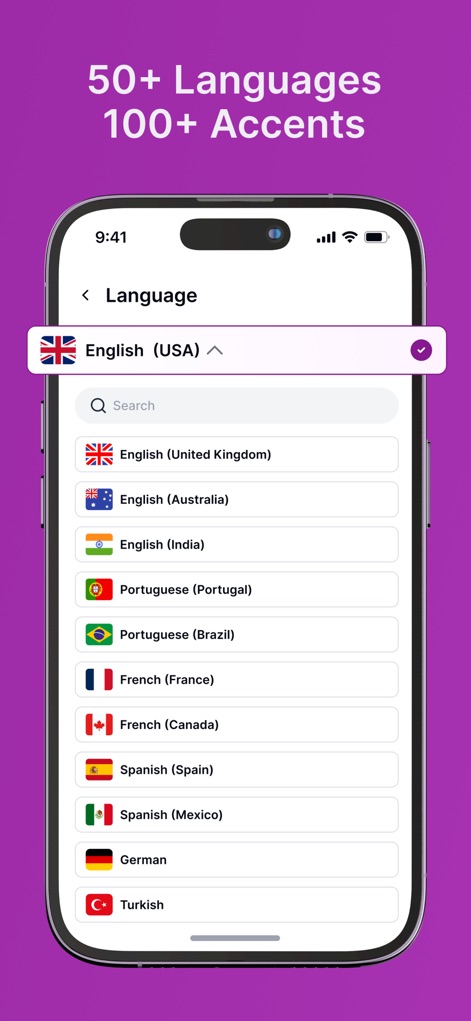
The app offers extensive linguistic versatility, displaying a dropdown list of 50+ languages and accents alongside a convenient search bar for instant selection.
Global Language Support
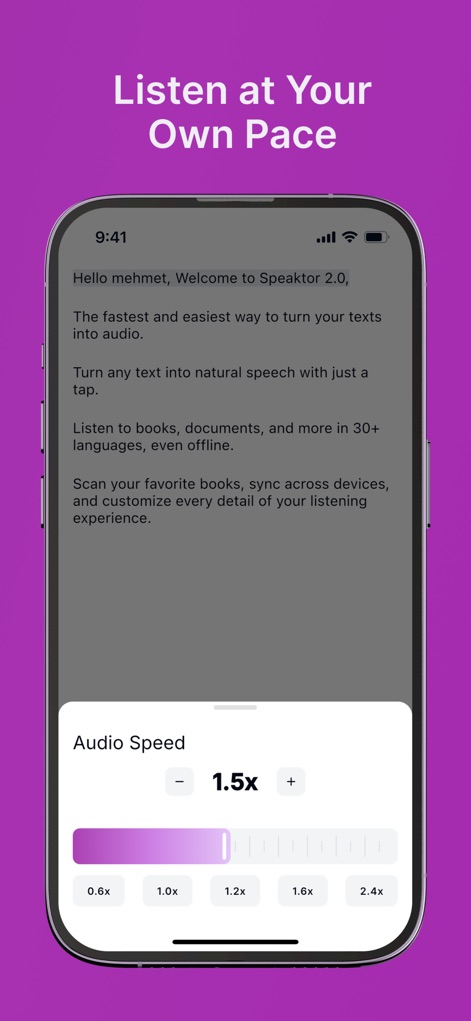
Users can personalize their listening experience with a precise audio speed slider ranging from 0.6x to 2.4x and a clear visual indicator of the selected pace.
Customizable Listening Pace
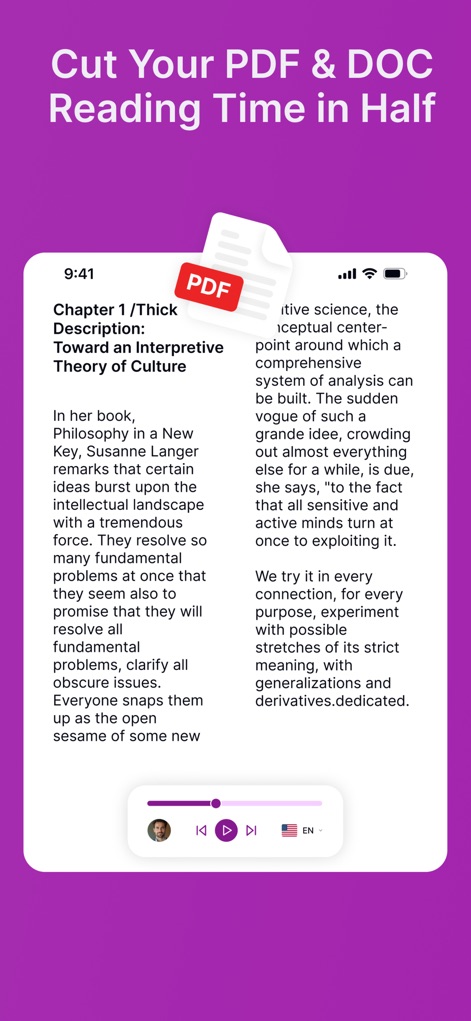
This tool demonstrates seamless integration with documents, showcasing a PDF file being read aloud and a dedicated icon confirming its robust file support.
Document Reading Streamlined
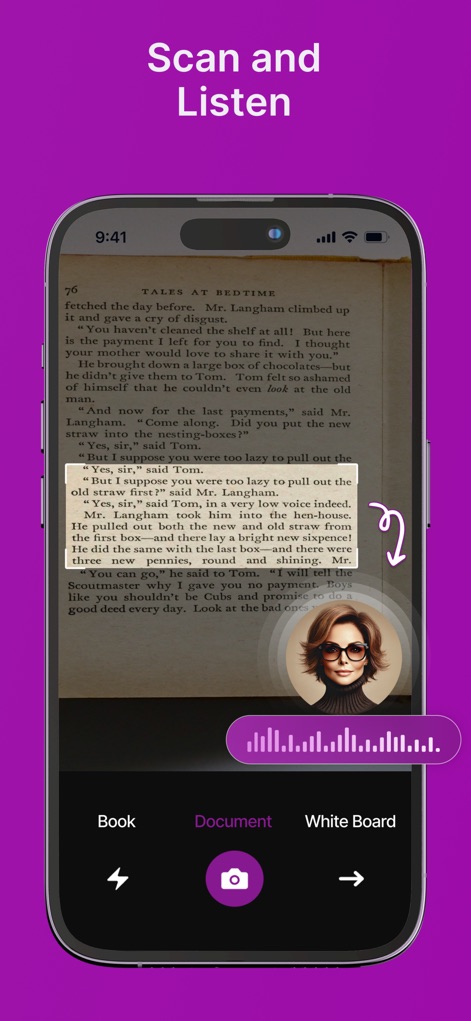
The app's powerful scanning capability is evident through its live camera view capturing text from a book, complemented by a dynamic waveform visualizing the immediate conversion to audio.
Instant Physical Text Scan
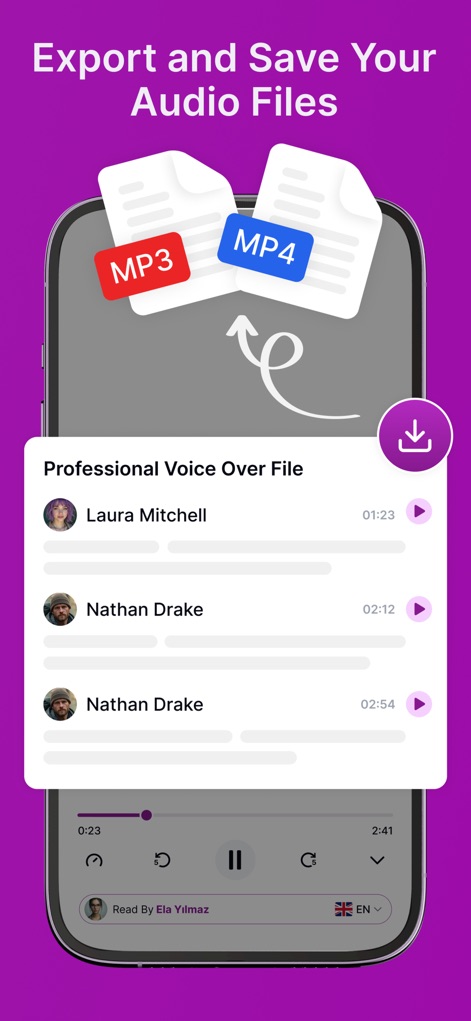
Users can effortlessly manage and share their audio content, as shown by the prominent MP3 and MP4 export icons and a list of generated voice-over files ready for download.
Share Your Audio Creations
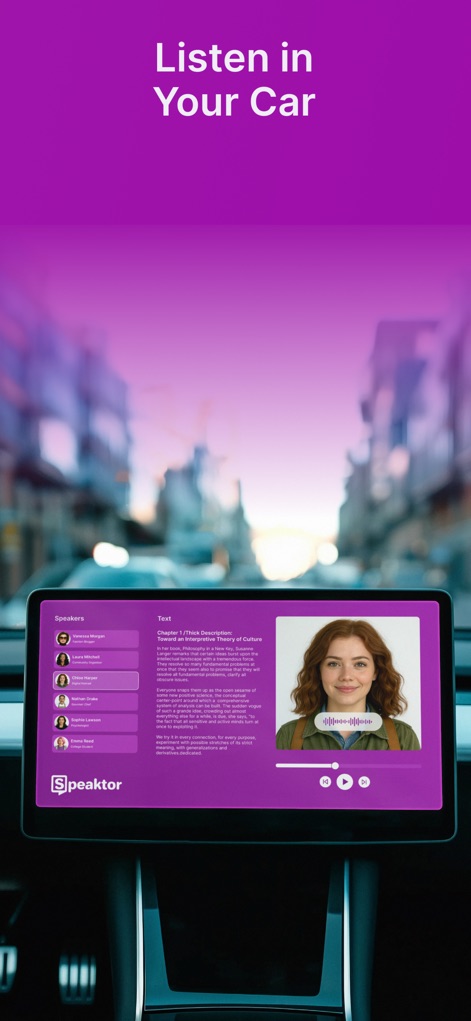
This tool extends its utility to vehicular environments, demonstrating its interface on a car's infotainment system with a clear display of speaker choices and text content.
In-Car Listening Experience
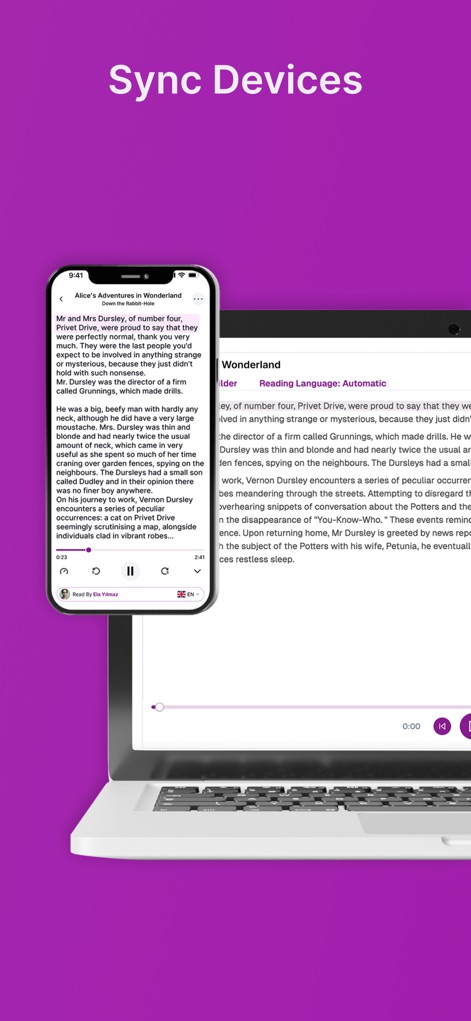
The app ensures continuous content access across platforms, visually representing synchronized text and playback controls on both a mobile phone and a laptop screen.
Seamless Device Synchronization
Description
Download
More Like This
Apps with similar features and user experience

Speechify – Voice AI Assistant
Speechify Inc.

NaturalReader - Text To Speech
NaturalSoft

ElevenReader - Read Text Aloud
Eleven Labs Inc.
Voice Aloud Reader
Marcin Olawski
Peech: Text to Speech Reader
Dopefin Limited
Text to Speech!
Gwyn Durbridge

ListenMe - Text to Speech
SCALEUP YAZILIM HIZMETLERI ANONIM SIRKETI

Readify: AI Natural Read Aloud
New Port LLC

Labs AI : Text to Speech
James Carter
This page is not an official page of the app or its developer, but an independent editorial publication created for informational and commentary purposes. Unless expressly stated otherwise, neither the app nor its developer is affiliated with, endorsed by, sponsored by, authorized by, or otherwise officially connected with MWM, Apple, Google Play, the app publisher, or the app's developer, and nothing on this page implies that the app was developed using MWM's services. Any trademarks, logos, screenshots, and other content remain the property of their respective owners.