
This page is not an official page of the app or its developer, but an independent editorial publication created for informational and commentary purposes. Unless expressly stated otherwise, neither the app nor its developer is affiliated with, endorsed by, sponsored by, authorized by, or otherwise officially connected with MWM, Apple, Google Play, the app publisher, or the app's developer, and nothing on this page implies that the app was developed using MWM's services. Any trademarks, logos, screenshots, and other content remain the property of their respective owners.

Text to Speech PDF Reader
Boost your productivity and focus with synchronized highlighting and natural voices. Whether you're commuting, multitasking, or managing ADHD, master your PDFs seamlessly across all your Apple devices for a fraction of the cost of other apps.
Downloads
30K+User Rating
Total Ratings
2K+Publisher
Category
ProductivityLocales
1Latest Version
2.9.1Size
9.6 MBFirst Released
Jun 28, 2020Maximize Your Productivity and Learning
Transform dense PDFs into high-quality audio experiences. Perfect for students, professionals, and neurodivergent learners who need to master more content in less time.
Learn Anywhere, Anytime
Turn your commute, gym session, or chores into productive study time with natural-sounding AI voices and seamless iCloud sync across all your devices.
Enhanced Focus & Retention
Follow along with simultaneous word highlighting and auto-scrolling, providing the multi-sensory reinforcement essential for ADHD and Dyslexia focus.
The following screenshots and description are sourced directly from the app's official store listing and are the property of the app developer.
App Store
Screenshots
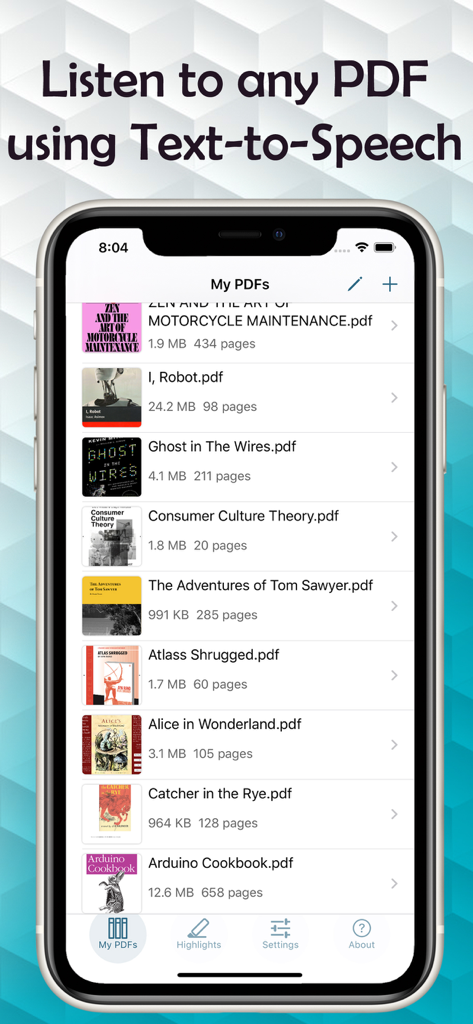
A library of PDF files in the Text to Speech PDF Reader app on an iPhone screen
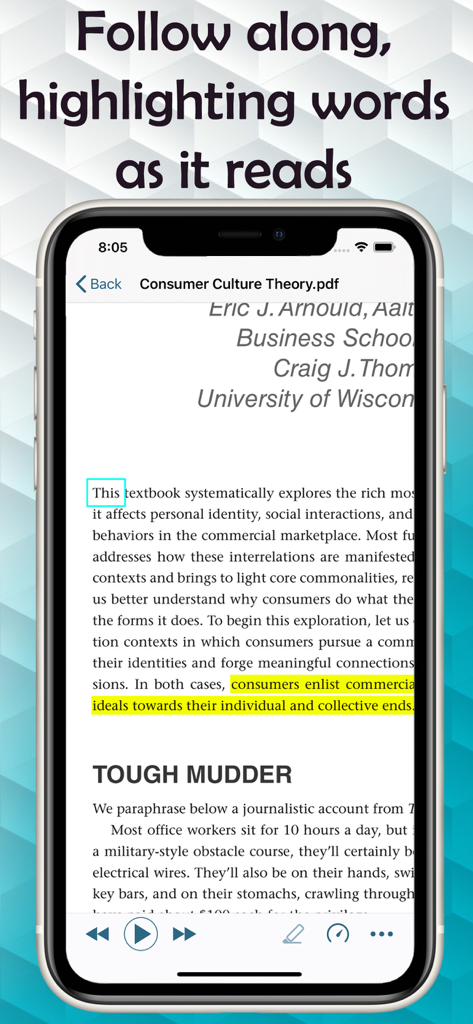
Text to Speech PDF Reader app interface showing real time word highlighting while reading a document
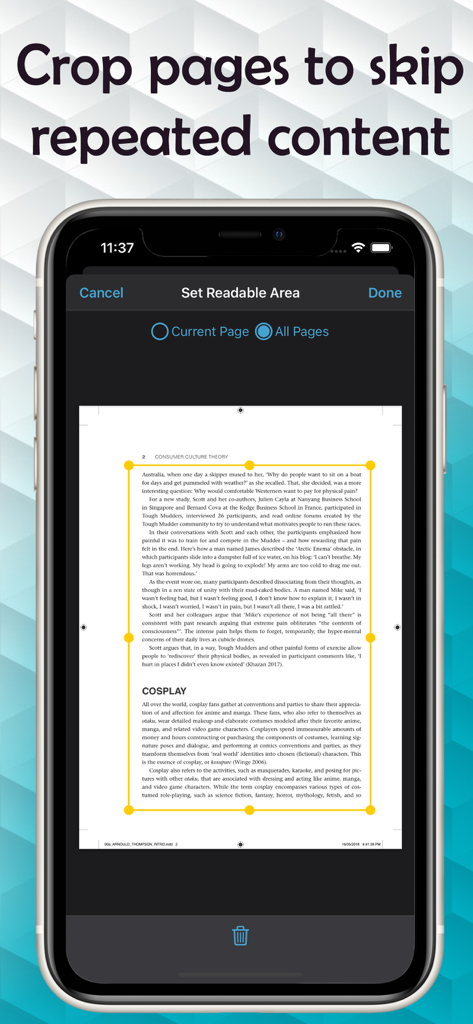
Smartphone screen showing the crop tool in the Text to Speech PDF Reader app to skip repeated page content like headers.
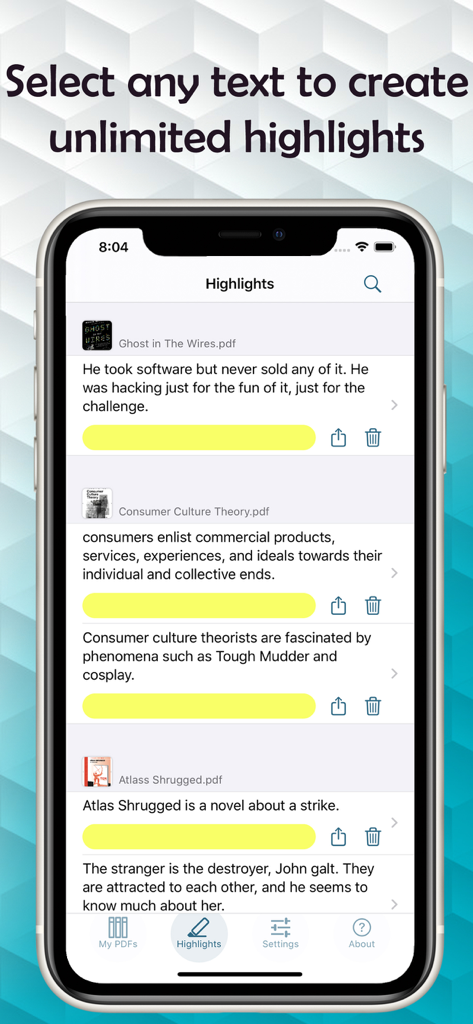
iPhone screen showing saved text highlights from various PDF documents within the app
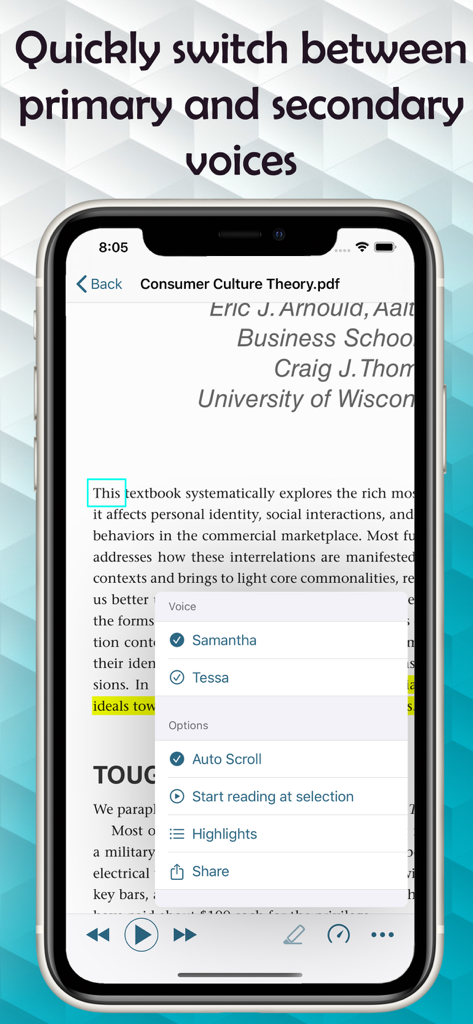
iPhone displaying a PDF reader app with a voice selection menu to switch between primary and secondary voices
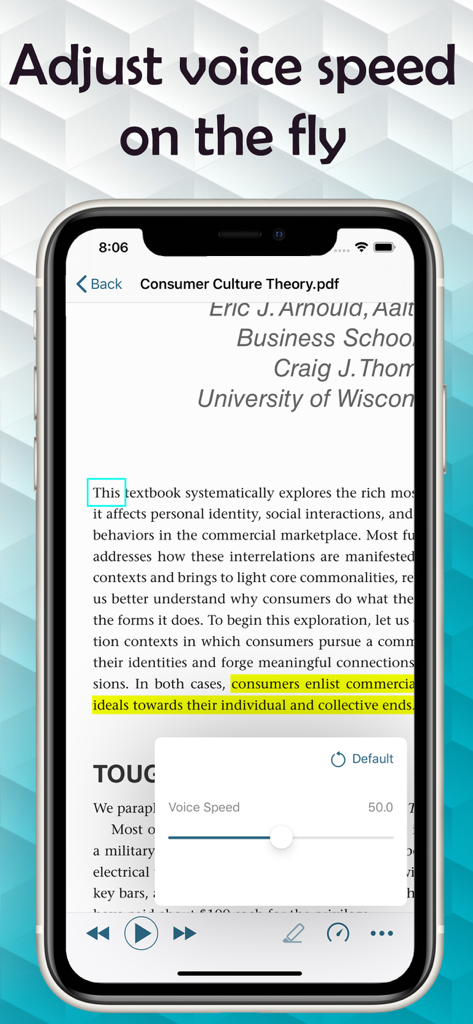
iPhone screen showing a PDF document with a voice speed adjustment slider in the TTS PDF Reader app
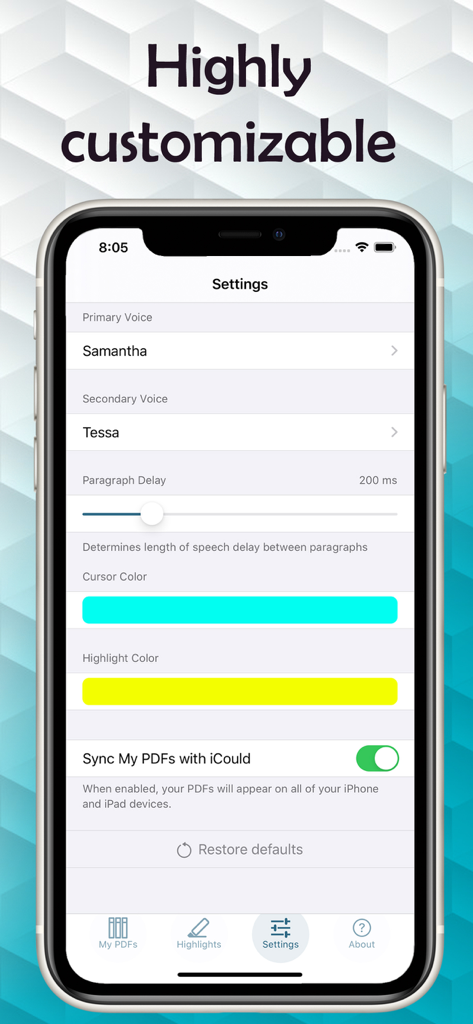
Settings screen of the Text to Speech PDF Reader app showing customization options for voices, paragraph delay, and color highlights.
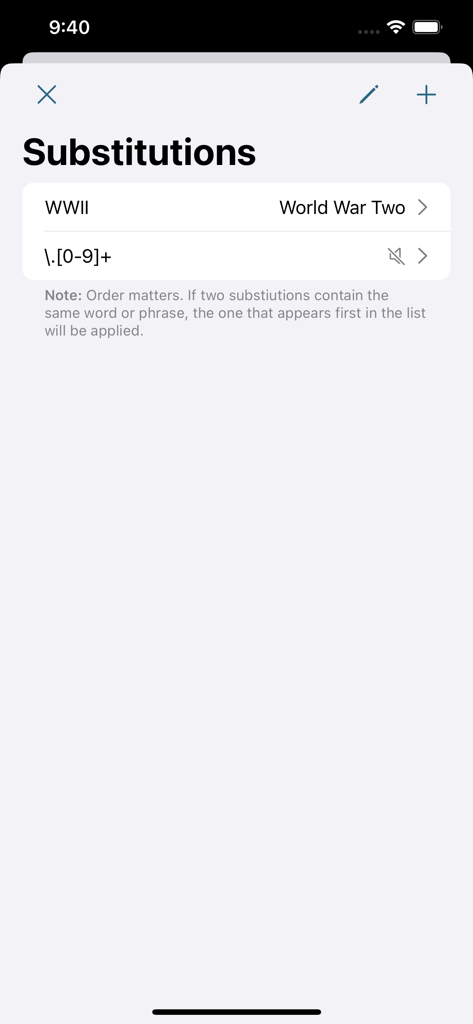
A screen showing custom text substitutions for the text to speech engine such as converting WWII to World War Two
Description
Download
More Like This
Top-ranked apps in the same category

ChatGPT
OpenAI OpCo, LLC

Google Gemini
Google LLC

Grok
X.AI Corporation

Gmail - Email by Google
Google LLC

千问 - 阿里最强大模型官方AI助手
Shanghai Zhixin Puhui Technology Co., Ltd.

Google Drive
Google LLC

Microsoft Authenticator
Microsoft Corporation

Google Sheets
Google LLC

Google Docs
Google LLC
This page is not an official page of the app or its developer, but an independent editorial publication created for informational and commentary purposes. Unless expressly stated otherwise, neither the app nor its developer is affiliated with, endorsed by, sponsored by, authorized by, or otherwise officially connected with MWM, Apple, Google Play, the app publisher, or the app's developer, and nothing on this page implies that the app was developed using MWM's services. Any trademarks, logos, screenshots, and other content remain the property of their respective owners.