TextPort: Text Message Export
Download on App Store

This page is not an official page of the app or its developer, but an independent editorial publication created for informational and commentary purposes. Unless expressly stated otherwise, neither the app nor its developer is affiliated with, endorsed by, sponsored by, authorized by, or otherwise officially connected with MWM, Apple, Google Play, the app publisher, or the app's developer, and nothing on this page implies that the app was developed using MWM's services. Any trademarks, logos, screenshots, and other content remain the property of their respective owners.

Logo of TextPort: Text Message Export
Download on App Store

TextPort: Text Message Export

The simplest way to archive iMessage, WhatsApp, and Telegram chats. Perfect for legal documentation, business compliance, or safeguarding your most precious digital memories.

Key Figures

Downloads

400

User Rating

4.2/5

Total Ratings

400

Publisher

TSUBASA TECHNOLOGIES LIMITED LIABILITY COMPANY

Category

Utilities

Locales

22

Latest Version

3.18

Size

60.4 MB

First Released

May 16, 2025
Features

Secure Your Digital Paper Trail

Whether for legal evidence, business records, or personal memories, TextPort turns your chats into organized, searchable documents in seconds.

Court-Ready PDF Exports

Transform your iMessages and SMS into professional, timestamped PDF or CSV files perfect for legal documentation and compliance.

One App, All Your Chats

Seamlessly export conversations across WhatsApp, Telegram, Messenger, and Instagram DMs with a simple, step-by-step process.

The following screenshots and description are sourced directly from the app's official store listing and are the property of the app developer.

App Store

Screenshots
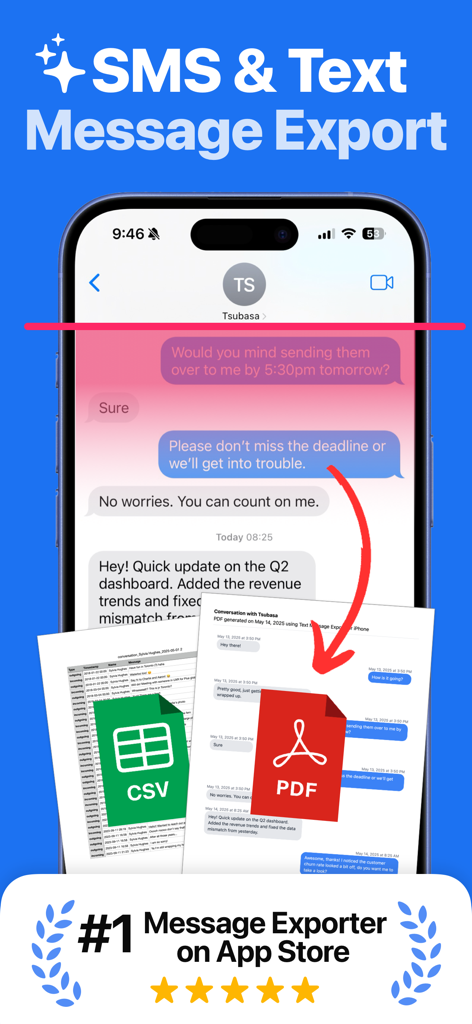
TextPort: Text Message Export - TextPort app interface showing SMS and text message export to PDF and CSV file formats on an iPhone.
TextPort app interface showing SMS and text message export to PDF and CSV file formats on an iPhone.

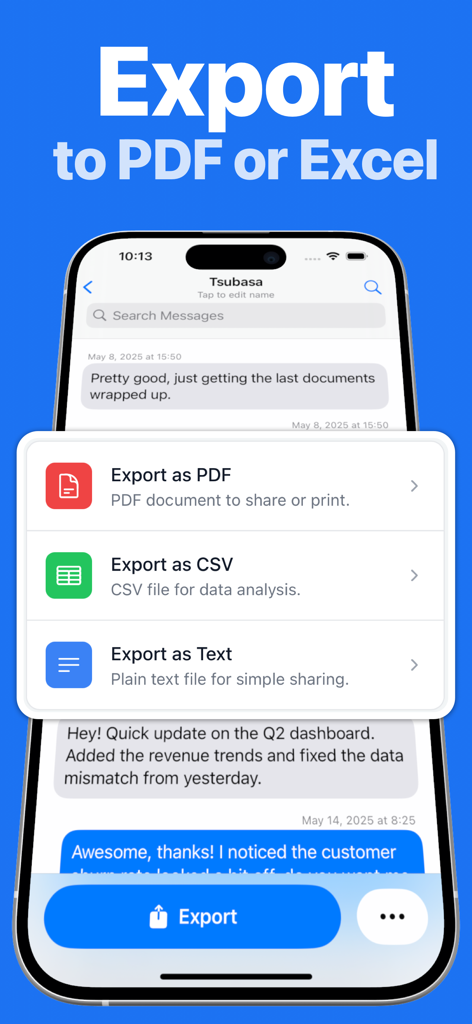
TextPort: Text Message Export - Screen showing TextPort app options to export iPhone messages to PDF, CSV, or plain text.
Screen showing TextPort app options to export iPhone messages to PDF, CSV, or plain text.

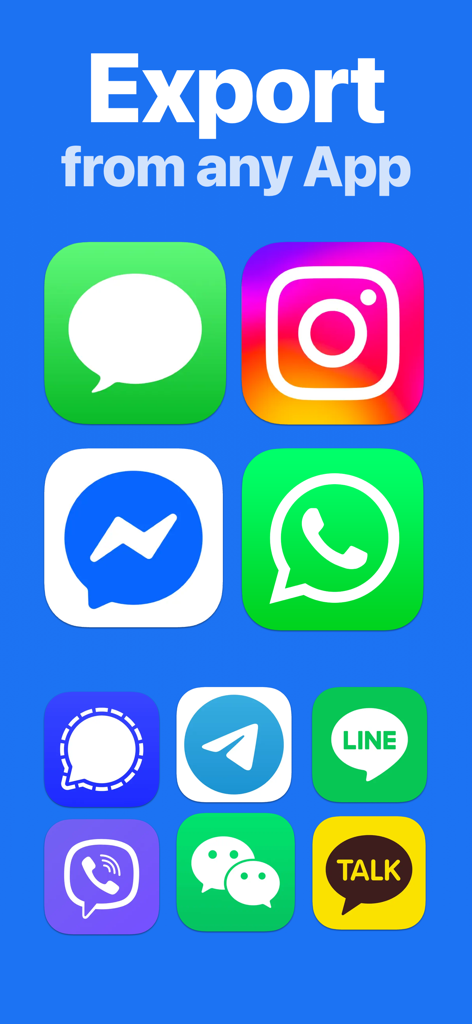
TextPort: Text Message Export - Interface showing icons of supported messaging apps for exporting text history including WhatsApp iMessage and Instagram
Interface showing icons of supported messaging apps for exporting text history including WhatsApp iMessage and Instagram

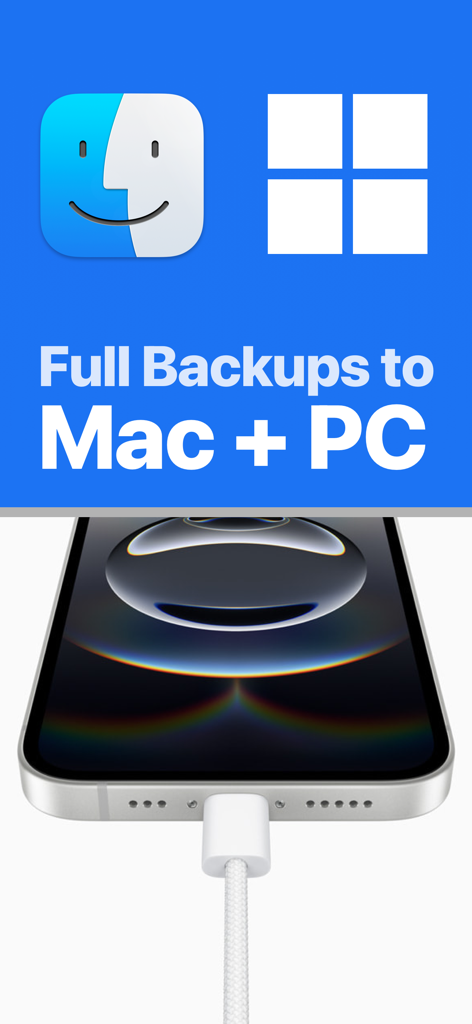
TextPort: Text Message Export - iPhone connected to a cable illustrating full message backups to Mac and PC computers
iPhone connected to a cable illustrating full message backups to Mac and PC computers

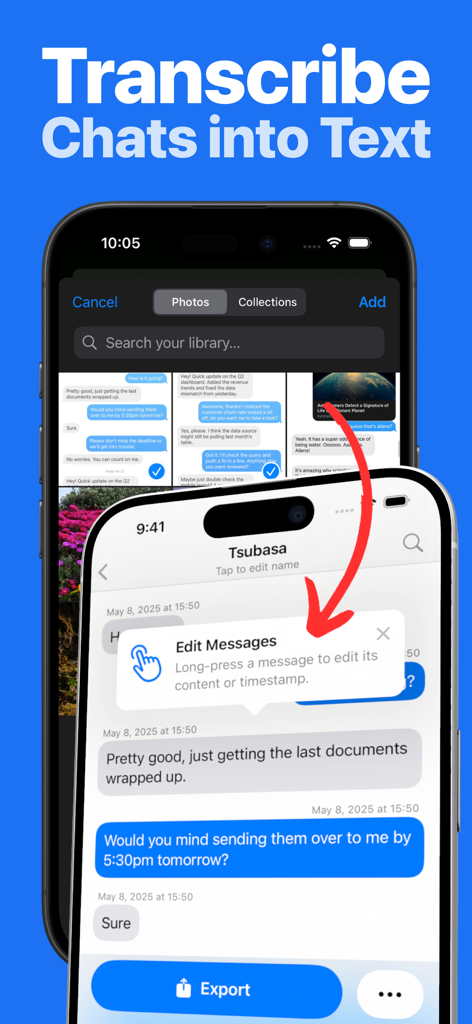
TextPort: Text Message Export - Interface showing how to transcribe chat screenshots into editable text within the TextPort app.

Interface showing how to transcribe chat screenshots into editable text within the TextPort app.

TextPort: Text Message Export - TextPort app promotional screen showing average rating of 4.2 and install now button

TextPort app promotional screen showing average rating of 4.2 and install now button

Description

TextPort is the easiest way to download text messages from iPhone and export conversations from any messaging app on your device. Whether you need to export text messages from iPhone for personal archiving, legal documentation, or peace of mind, TextPort makes it effortless to backup and preserve your important conversations, memories, and information. Export all you messages at once using our desktop app or transcribe screenshots of your chats into data you can search, download, backup and print. Looking for how to download text messages from iPhone? TextPort provides the simplest solution to save your SMS, iMessage, WhatsApp, Messenger, Telegram, and other messaging app conversations in multiple formats directly on your iPhone. KEY FEATURES • Universal iMessage Exporter & More: Works as an iMessage exporter and supports downloading text messages from iPhone across all messenger apps—SMS, WhatsApp, Messenger, Instagram DMs, Telegram, and more. • iPhone Export Text Messages to PDF: Easily export text messages from iPhone to PDF, CSV, or plain text. Perfect for those searching for how to export text messages from iPhone in accessible formats. • Download Text Messages iPhone Made Simple: Clear step-by-step guidance ensures anyone can start downloading text messages from iPhone in minutes—no technical knowledge required. • No Limits: Export as many conversations or messages as you need. The best app to download text messages from iPhone without restrictions. • Decipher Textmessage: Turn you chats into data you can backup, download, print and export. • Reliable Customer Support: Get quick help whenever you need it from our dedicated support team. WHY CHOOSE TEXTPORT? • Complete Text Message Backup: The ultimate solution for those wondering how to download messages from iPhone securely for future reference. • Professional PDF Export: Ideal for users who need to export text messages from iPhone to PDF for legal documentation, business records, or client correspondence. • Easy Organization: Quickly archive and download iPhone text messages, making them easy to search, review, or print. • Personal Archives: Safely preserve memories—perfect for anyone learning how to download texts from iPhone to keep meaningful conversations. PERFECT FOR • Professionals needing documented proof of communication who want to export text messages from iPhone • Individuals looking for how to download text messages from iPhone to securely back up meaningful messages • Businesses requiring conversation exports for compliance or record-keeping • Anyone searching for a reliable iMessage exporter or text message backup solution • Love mobile app by users of apps like iMazing, Touchcopy, Copytrans, Phoneview GET STARTED WITH TEXTPORT Discover how easy it is to backup and download text messages from iPhone: • How to export text messages from iPhone — Simple step-by-step process • iPhone export text messages to PDF — Create professional PDF documents of your conversations • How to download messages from iPhone — Quick backup to your computer • Export text messages from iPhone to CSV for easy analysis and organization SUBSCRIPTION DETAILS A subscription gives you full access to unlimited message exporting, multiple file formats including PDF export, and premium customer support. Terms: https://www.apple.com/legal/internet-services/itunes/dev/stdeula/ Privacy Policy: https://exportiphonemessages.com/privacy

Download

Download on App Store

This page is not an official page of the app or its developer, but an independent editorial publication created for informational and commentary purposes. Unless expressly stated otherwise, neither the app nor its developer is affiliated with, endorsed by, sponsored by, authorized by, or otherwise officially connected with MWM, Apple, Google Play, the app publisher, or the app's developer, and nothing on this page implies that the app was developed using MWM's services. Any trademarks, logos, screenshots, and other content remain the property of their respective owners.