
This page is not an official page of the app or its developer, but an independent editorial publication created for informational and commentary purposes. Unless expressly stated otherwise, neither the app nor its developer is affiliated with, endorsed by, sponsored by, authorized by, or otherwise officially connected with MWM, Apple, Google Play, the app publisher, or the app's developer, and nothing on this page implies that the app was developed using MWM's services. Any trademarks, logos, screenshots, and other content remain the property of their respective owners.


WT Chat Backup Restore Delete
Downloads
750k+User Rating
Total Ratings
5.3KPublisher
Category
ReferenceLocales
1Latest Version
3.9Size
90.4 MBFirst Released
Feb 5, 2022An analytical overview of essential functionalities for WhatsApp data management and privacy.
Key Features of WT Chat Backup Restore Delete
Access to Deleted Chats
It allows users to access chats, media, and documents even after they have been deleted from WhatsApp, providing a recovery solution with a familiar preview.
Comprehensive Chat & Media Backup
The app provides a robust solution to back up important WhatsApp conversations, including all associated media, links, and documents.
Secure Backup with Biometrics
This tool features advanced security options like passcode, Touch ID, or Face ID to protect backed-up private chats from unauthorized access.
Flexible Chat Import Options
It allows users to import chat histories not only from WhatsApp but also from WhatsApp Business, Google Drive, File Manager, and other stored locations.
Private Chat Viewing & Retention
The app enables users to view their chats privately and securely within the application, allowing them to delete the same conversations from WhatsApp while retaining access.
Export Backup to External Storage
It allows users to export their backed-up WhatsApp chats, media, and documents to external storage alternatives like hard drives for enhanced data portability and archiving.
Authentic Chat Viewing Interface
This tool features a viewing interface that faithfully reproduces chats, photos, videos, audio, documents, and links with timestamps, mirroring the original WhatsApp experience.
Direct Chat with Unsaved Contacts
It allows users to initiate conversations with unsaved or one-time contacts on WhatsApp without the need to save the number, streamlining communication.
Frequently Asked Questions
Everything you need to know about WT Chat Backup Restore Delete
What is the WT Chat Backup Restore Delete app?
The WT Chat Backup Restore Delete app (WhatsApp Backup) securely backs up WhatsApp conversations, media, links, and documents. It allows users to access deleted chats and view them privately with a WhatsApp-like preview.
Does WT Chat Backup Restore Delete allow access to deleted WhatsApp chats?
Yes, the WhatsApp Backup app allows you to access deleted chats, media, and documents after import. It provides a WhatsApp-like preview for viewing the content.
Does the WhatsApp Backup app offer unlimited chat storage?
Yes, the WhatsApp Backup app provides unlimited chat backups. It also includes all-in-one media access and smart chat search features for comprehensive data management.
How does the WT Chat Backup Restore Delete app secure private chats?
The WT Chat Backup Restore Delete app allows private viewing of chats. It secures backups with a passcode, Touch ID, or Face ID, keeping your WhatsApp backup safe and protected.
Which platforms does WhatsApp Backup support for importing chats?
WhatsApp Backup supports importing chats from WhatsApp, WhatsApp Business, Google Drive, and File Manager. This offers versatility for users with various chat sources.
Can I view media files within the WhatsApp Backup app?
Yes, the WhatsApp Backup app allows viewing photos, videos, audios, documents, and links. It displays them with perfect timestamps, mimicking the original WhatsApp interface.
Does the WT Chat Backup Restore Delete app have a text-to-speech feature?
Yes, the WT Chat Backup Restore Delete app includes text-to-speech. With one click, you can hear backed-up messages clearly, which is useful for different languages.
What are the steps to import a WhatsApp chat into the WT Chat Backup Restore Delete app?
To import a chat, tap it in WhatsApp, go to contact info, select "export chat," choose to attach media, and then select the WA Backup App. The chat imports automatically.
Does WhatsApp Backup allow chatting with unknown numbers?
Yes, the "Click to chat for WhatsApp" feature allows chatting with unknown people or one-time contacts without saving their number. This maintains ongoing conversations efficiently.
Can I export chats from the WT Chat Backup Restore Delete app to other storage?
Yes, you can export WhatsApp chats, media, and documents from the app. This allows saving them to your hard drive or other storage alternatives as needed.
How much does a subscription for the WhatsApp Backup app cost?
A Weekly Subscription costs $1.99 USD, Monthly is $2.99 USD, and Yearly is $19.99 USD. These prices are for the WhatsApp Backup app (WT Chat Backup Restore Delete).
How do users manage their WT Chat Backup Restore Delete app subscription?
Users manage their WT Chat Backup Restore Delete app subscription via iTunes Account Settings. Auto-renewal must be turned off there at least 24 hours before the current period ends.
The following screenshots and description are sourced directly from the app's official store listing and are the property of the app developer.
App Store
Screenshots
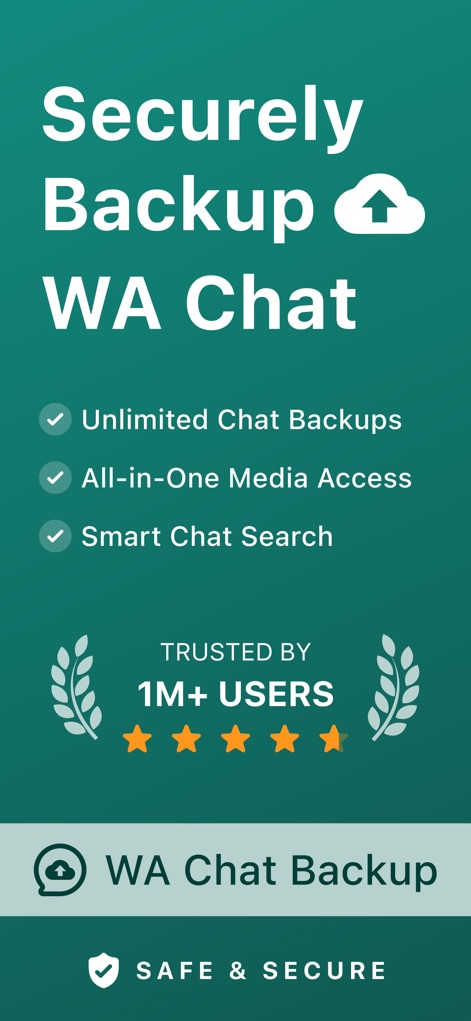
See how the app highlights unlimited chat backups and proudly displays its "Trusted by 1M+ Users" badge, assuring reliability.
Secure Chat Backup

This screenshot reveals a chat list interface that mirrors WhatsApp's design, complete with options like "Broadcast Lists" for familiar navigation.
Familiar Chat Interface

Observe how the app accurately displays chat conversations, including both text messages and embedded images, alongside a "Last Sync" timestamp.
Detailed Chat View

The app presents an organized view of media files, accessible through dedicated "Media," "Links," and "Docs" tabs, replicating the WhatsApp experience.
Comprehensive Media Access
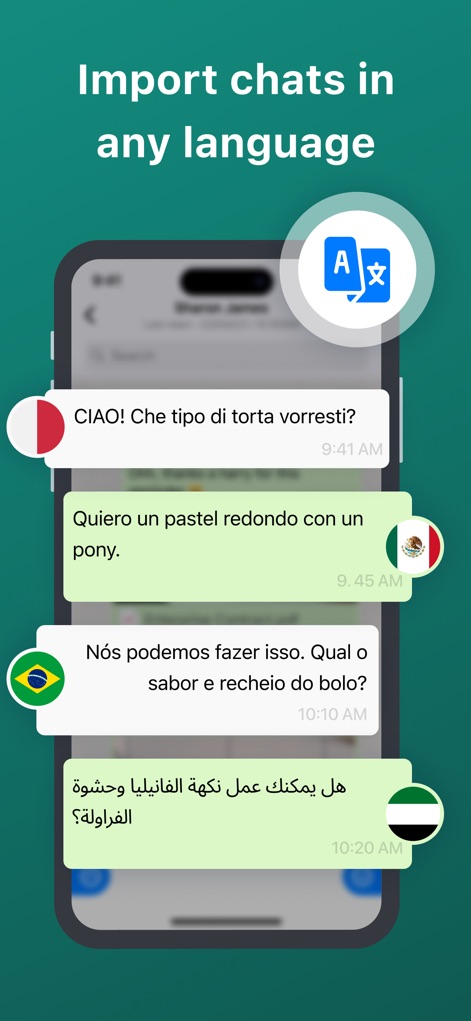
This visual demonstrates the app's capability to display chats in multiple languages, complemented by a prominent language translation icon.
Multilingual Chat Import
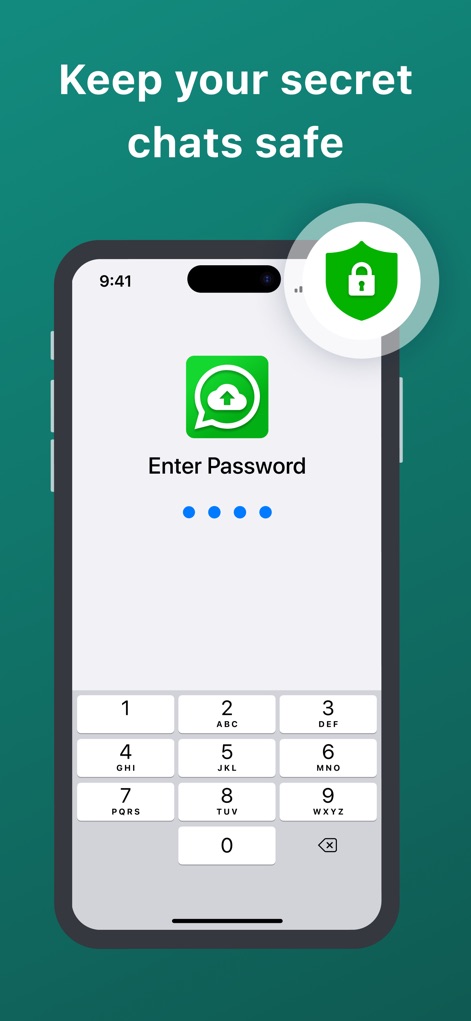
Users can secure their private chats using a passcode entry screen, reinforced by a clear security shield icon to protect data.
Private Chat Security

Discover the app's flexibility in importing chats from various platforms, including direct options for WhatsApp Business and Google Drive.
Versatile Import Sources

This step-by-step guide illustrates the initial action of tapping on a contact within WhatsApp, guiding users through the import process.
Easy Import Guide

The screenshot highlights the "Export Chat" option and the subsequent sharing sheet, showcasing the app's dedicated icon for seamless integration.
Streamlined Export Process

A clear "Success! Chat Imported" message is displayed, featuring a prominent green checkmark icon, confirming the completion of the import process.
Successful Import Confirmation
Description
Download
More Like This
Apps with similar features and user experience

Chat Backup Assistant: Textify
muge deniz

Recover Deleted Messages: WARB
SERPINTY DIJITAL HIZMETLER LIMITED SIRKETI

REWA: Backup Messages Pro
Emre Boyabat

WT Backup & Restore - StoryBox
Jayshri Pipaliya

Dual Messenger & Duo Web
菲 张

TextPort: Text Message Export
TSUBASA TECHNOLOGIES LIMITED LIABILITY COMPANY

Delox Recover Deleted Messages
Gizem Yildirim

AppToCloud - Copy My Data
Zipo Apps Ltd.

Backup my Chats & Photos
Arpana Singh
This page is not an official page of the app or its developer, but an independent editorial publication created for informational and commentary purposes. Unless expressly stated otherwise, neither the app nor its developer is affiliated with, endorsed by, sponsored by, authorized by, or otherwise officially connected with MWM, Apple, Google Play, the app publisher, or the app's developer, and nothing on this page implies that the app was developed using MWM's services. Any trademarks, logos, screenshots, and other content remain the property of their respective owners.