
This page is not an official page of the app or its developer, but an independent editorial publication created for informational and commentary purposes. Unless expressly stated otherwise, neither the app nor its developer is affiliated with, endorsed by, sponsored by, authorized by, or otherwise officially connected with MWM, Apple, Google Play, the app publisher, or the app's developer, and nothing on this page implies that the app was developed using MWM's services. Any trademarks, logos, screenshots, and other content remain the property of their respective owners.


The Video Converter
Turn any video into MP4, MP3, or GIF in under 15 seconds. Say goodbye to 'File Not Supported' and hello to a seamless mobile-first workflow.
Downloads
2M+User Rating
Total Ratings
10K+Publisher
Category
UtilitiesLocales
23Latest Version
26.0.2Size
41.9 MBFirst Released
Jul 13, 2014Professional Conversion Tools in Your Pocket
Designed for content creators and digital professionals who need to bypass format restrictions and get results in seconds, not minutes.
15-Second Processing
Skip the wait. Our lightning-fast engine handles the heavy lifting in the cloud or locally, ensuring your workflow stays uninterrupted.
Universal Format Support
Say goodbye to 'file not supported' errors. Convert between 30+ formats including MP4, MP3, GIF, and WEBM for any platform.
The following screenshots and description are sourced directly from the app's official store listing and are the property of the app developer.
App Store
Screenshots
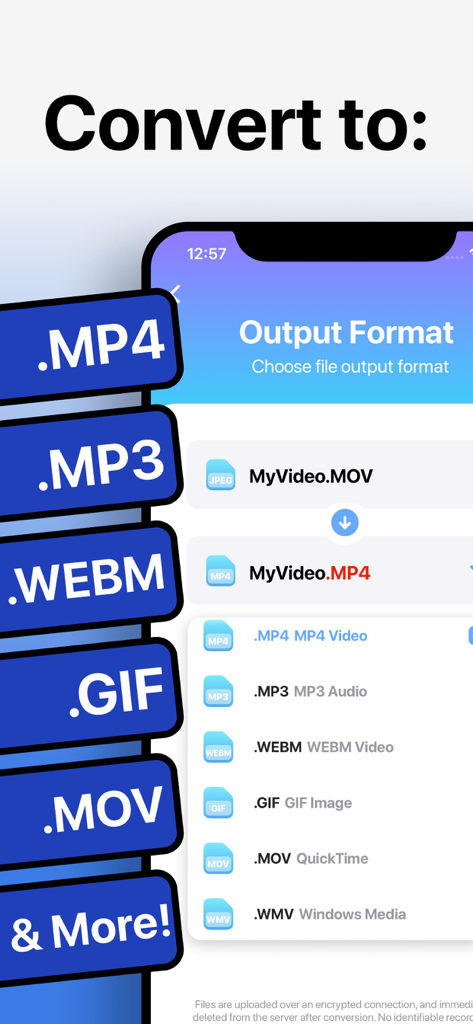
Smartphone screen displaying various video and audio output formats like MP4, MP3, WEBM, and GIF in The Video Converter app.
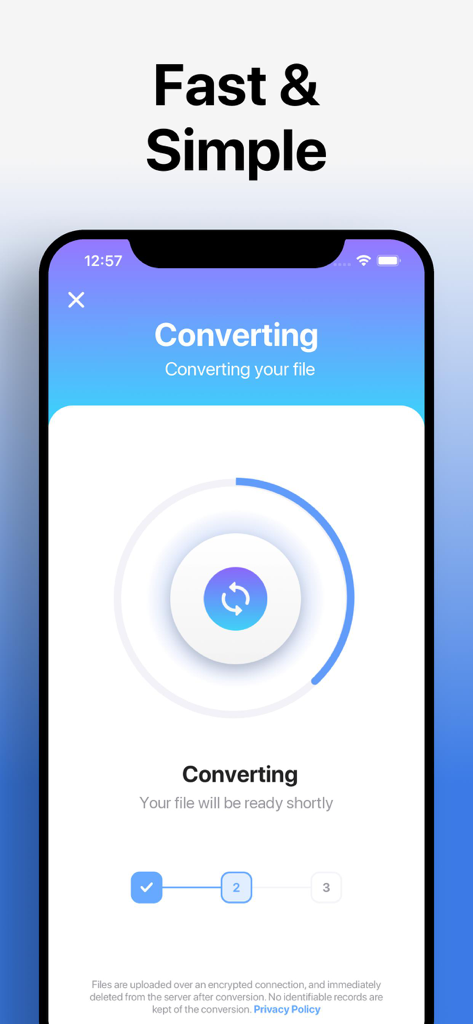
The Video Converter app interface showing a fast and simple file conversion progress screen.
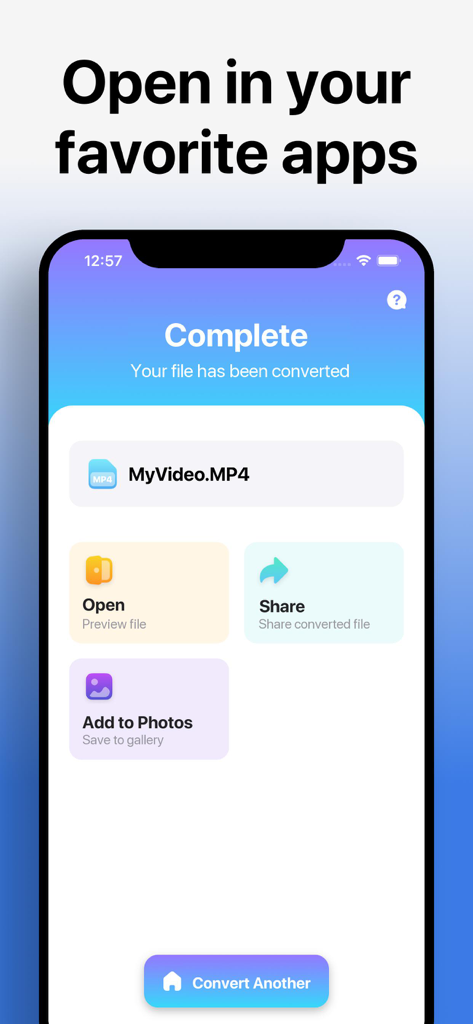
Interface showing a finished video conversion with options to share and save to photos
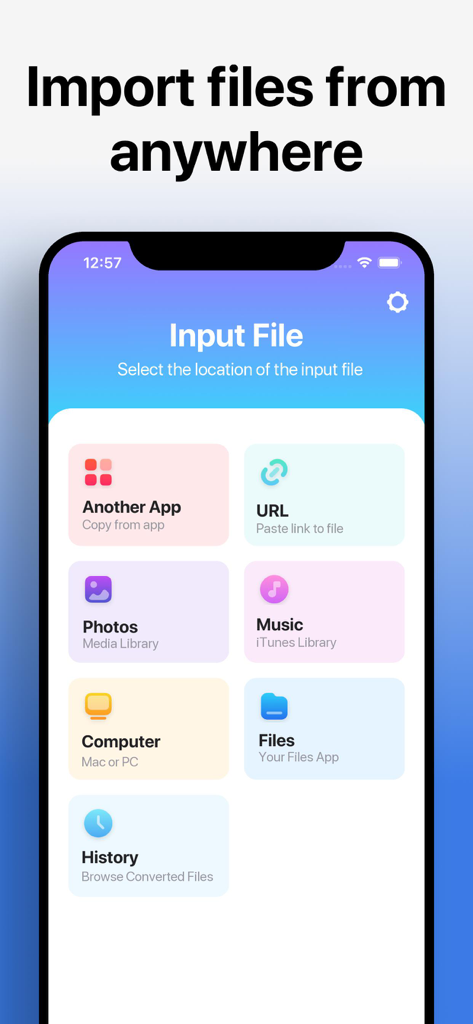
Interface of The Video Converter app showing file import options from photos, music, URL, and computer.
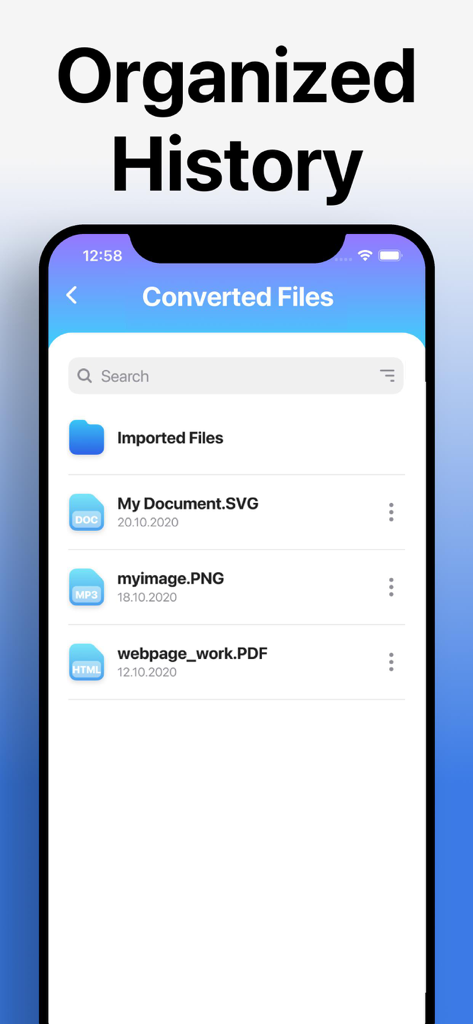
A list of converted files organized in the history tab of The Video Converter app.
Description
Download
More Like This
Apps with similar features and user experience

iConv - Video & PDF Converter
琛 王

Convert PDF to Word OCR
Tu Phan

PDF Converter – Photos to PDF
SMDA GROUP SP. Z OO

Toolbox by Paperclip
WuHan Paperclip Technology Co., Ltd.

Video Converter and Compressor
Inverse.AI

Video Converter & Compressor
WEBDIA INC.

全能格式转换王-视频音频转换图片文件格式处理
大为 方

PDF Converter: Convert to PDFㅤ
Roberto Hayes

The Document Converter
Float Tech, LLC
This page is not an official page of the app or its developer, but an independent editorial publication created for informational and commentary purposes. Unless expressly stated otherwise, neither the app nor its developer is affiliated with, endorsed by, sponsored by, authorized by, or otherwise officially connected with MWM, Apple, Google Play, the app publisher, or the app's developer, and nothing on this page implies that the app was developed using MWM's services. Any trademarks, logos, screenshots, and other content remain the property of their respective owners.