
This page is not an official page of the app or its developer, but an independent editorial publication created for informational and commentary purposes. Unless expressly stated otherwise, neither the app nor its developer is affiliated with, endorsed by, sponsored by, authorized by, or otherwise officially connected with MWM, Apple, Google Play, the app publisher, or the app's developer, and nothing on this page implies that the app was developed using MWM's services. Any trademarks, logos, screenshots, and other content remain the property of their respective owners.


Themes: Color Widgets, Icons
Your phone's default look? Pure beige. This app gives users the power to dictate every visual detail, transforming their screen into a dynamic canvas of personal style.
Downloads
7.5M+User Rating
Total Ratings
27.9KPublisher
Category
UtilitiesLocales
1Latest Version
1.2.7Size
108.7 MBFirst Released
Dec 7, 2020An evaluation of core functionalities tailored for visually driven, trend-conscious users.
Key Features Analysis: Themes: Color Widgets, Icons
Dynamic Widget Content & Scheduling
This tool features dynamic widget scheduling, allowing users to define rules for widgets to display different information (e.g., morning weather, daily calendar, end-of-day activity) throughout the day, maximizing home screen utility and relevance.
Extensive Home Screen Personalization & Stylization
The app offers comprehensive tools to transform the entire home screen, enabling users to curate a visually distinct and personalized digital environment that reflects current aesthetic trends.
Precise Widget Customization
It allows users to precisely adjust each widget's function and appearance to suit individual stylistic preferences, ensuring every element aligns with their desired aesthetic and functional needs.
Variety of Core Widget Types
The app provides a diverse selection of essential homepage widgets, including options for wallpaper, clocks, and weather, offering a solid foundation for creative home screen designs.
Frequently Asked Questions
Everything you need to know about Themes: Color Widgets, Icons
What is Themes: Color Widgets, Icons?
Themes: Color Widgets, Icons allows users to personalize their home screen with custom widgets, icons, and themes by simply swiping within the app.
What features does Themes: Color Widgets, Icons offer for home screen customization?
Themes: Color Widgets, Icons offers customization options including wallpaper, clock, and weather widgets. Users can arrange dynamic widget sets and design personalized widgets to suit their preferences.
Can I customize app icons with Themes: Color Widgets, Icons?
Yes, Themes: Color Widgets, Icons provides over 10,000 exquisite icons for personalizing app appearances and stylizing the home screen.
Does Themes: Color Widgets, Icons include wallpapers?
Yes, Themes: Color Widgets, Icons includes colorful wallpapers. These are organized into categories such as All categories, Dark, Minimalist, and Gradients for diverse home screen personalization.
How does the subscription work for Themes: Color Widgets, Icons?
Themes: Color Widgets, Icons offers a weekly auto-renewable Premium Membership for unlocking all features. Payment is charged to the user's iTunes Account upon purchase confirmation.
How do I manage or cancel my Themes: Color Widgets, Icons subscription?
Users manage their Themes: Color Widgets, Icons subscription and turn off auto-renewal by accessing their iTunes Account Settings after purchase.
Does Themes: Color Widgets, Icons offer a free trial?
Themes: Color Widgets, Icons states that if a free trial period is offered, any unused portion is forfeited upon purchasing a subscription to the app.
Where can I find the Privacy Policy for Themes: Color Widgets, Icons?
The Privacy Policy for Themes: Color Widgets, Icons is located at http://www.qijitech.pro/themescolorwidgetsicons/privacyPolicy.
The following screenshots and description are sourced directly from the app's official store listing and are the property of the app developer.
App Store
Screenshots
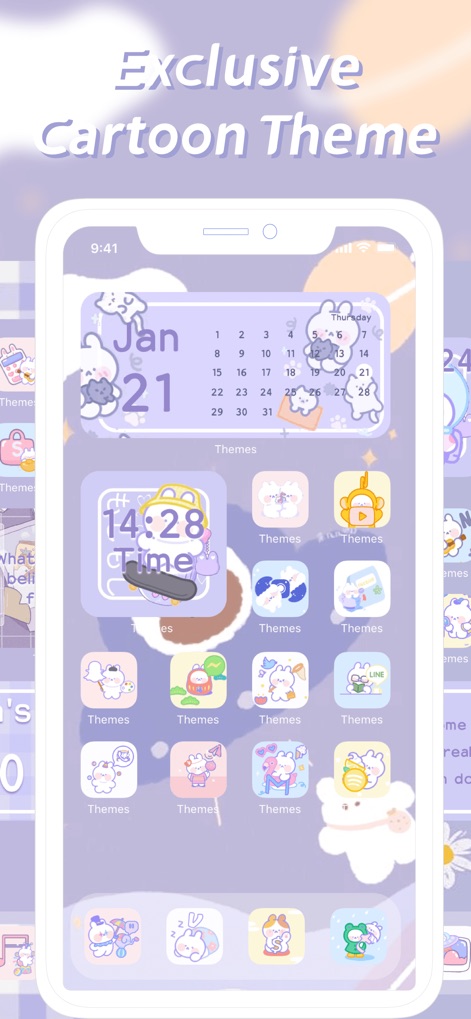
See how Themes: Color Widgets, Icons transforms the home screen with playful cartoon widgets and charming, uniformly styled app icons.
Cartoon Theme Magic
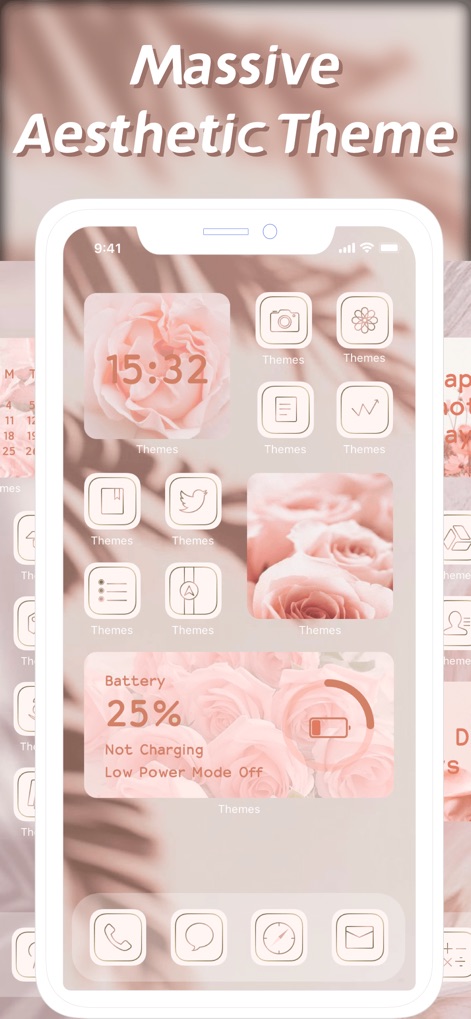
This tool presents a vast "Massive Aesthetic Theme" with an elegant rose-themed clock widget and a sophisticated floral background.
Aesthetic Theme Showcase

Users can explore a "Personalized Creation Widget" gallery, featuring diverse textual and graphic designs for unique home screen elements.
Custom Widget Creations
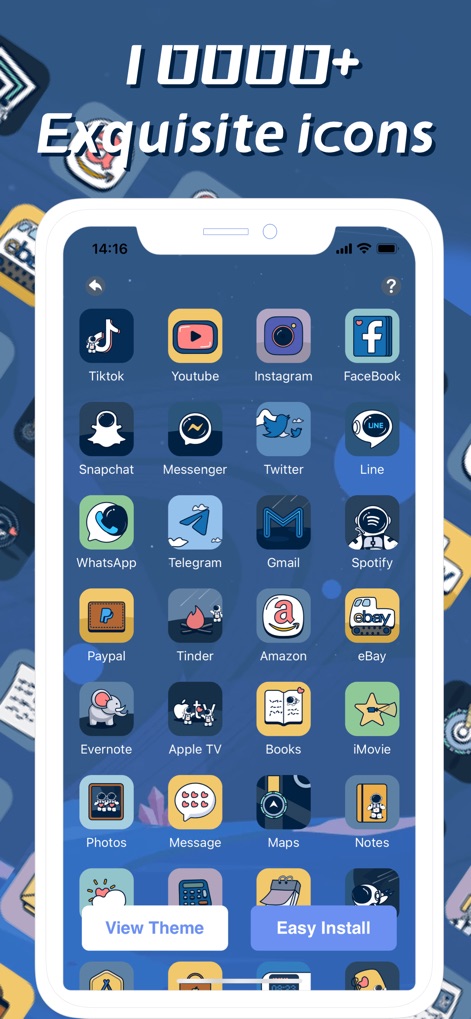
Discover the "10000+ Exquisite icons" library, showcasing a vast collection of app icons in a consistent illustrative style for popular apps.
Exquisite Icon Collection
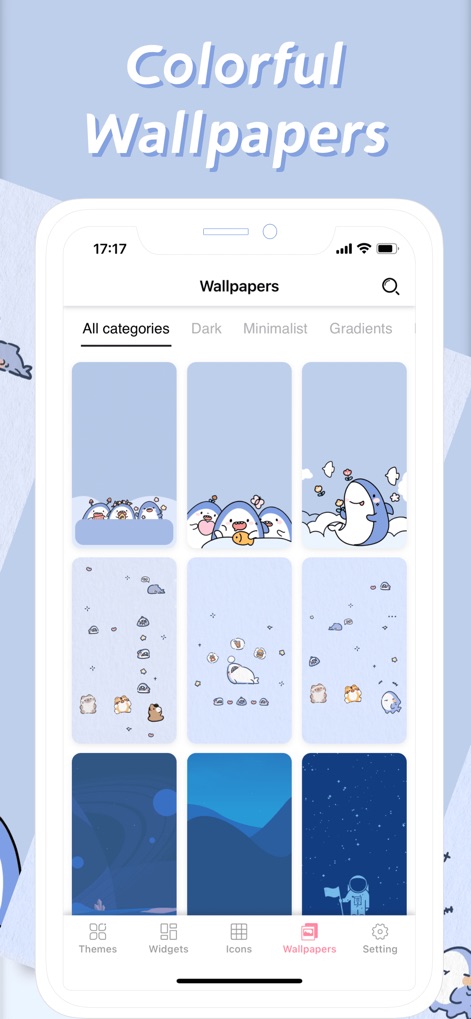
Explore the "Colorful Wallpapers" section, featuring diverse wallpaper categories and charming cartoonish designs to match any mood.
Vibrant Backgrounds Galore
Description
Download
More Like This
Apps with similar features and user experience

iScreen - Widgets & Wallpaper
Xiamen ShenZhuo Information Technology Co., Ltd.

Top Widgets⁺ Icons & Themes
Chengdu Tiange Technology Co., Ltd

Colorful Widget- Widget&Themes
Guangzhou ZHIFENG Information Technology Co.,Ltd.

最美壁纸-手机动态主题AI壁纸
文彬 黄

Clockology Watch Faces
Clockology, LLC

全能实况 - 实况壁纸制作器&视频转实况动态壁纸
Xiamen Infinity Starway Technology Co., Ltd.

Fun Widgets-Widgets&Wallpapers
Beijing Curious Cat Co.Ltd

屏幕精灵 - 个性的动态壁纸&充电动画&来电壁纸秀
Guangzhou Shuhong Network Technology Co., Ltd.

Themes - Widget & Icon Themes
S.HOUSING INTERIOR ARCHITECTURE COMPANY LIMITED
This page is not an official page of the app or its developer, but an independent editorial publication created for informational and commentary purposes. Unless expressly stated otherwise, neither the app nor its developer is affiliated with, endorsed by, sponsored by, authorized by, or otherwise officially connected with MWM, Apple, Google Play, the app publisher, or the app's developer, and nothing on this page implies that the app was developed using MWM's services. Any trademarks, logos, screenshots, and other content remain the property of their respective owners.