
This page is not an official page of the app or its developer, but an independent editorial publication created for informational and commentary purposes. Unless expressly stated otherwise, neither the app nor its developer is affiliated with, endorsed by, sponsored by, authorized by, or otherwise officially connected with MWM, Apple, Google Play, the app publisher, or the app's developer, and nothing on this page implies that the app was developed using MWM's services. Any trademarks, logos, screenshots, and other content remain the property of their respective owners.

Time@Location
Stop manual clock-ins and forgotten hours. Log every billable visit automatically with geofencing—no buttons to press, no accounts required, and 100% private.
Downloads
0User Rating
Total Ratings
0Publisher
Category
ProductivityLocales
4Latest Version
1.3Size
4.2 MBFirst Released
May 8, 2025Automate Your Workday, Reclaim Your Time
Stop wasting hours on manual logs. Time@Location uses smart geofencing to track your billable time automatically while you focus on the work that matters.
Invisible Geofencing
Set it and forget it. Your phone detects when you arrive and leave a job site, logging every minute in the background without you ever opening the app.
Instant Professional Reports
Turn your logs into polished PDF or CSV exports. Eliminate 'admin dread' with ready-to-send documentation for client billing or tax records.
The following screenshots and description are sourced directly from the app's official store listing and are the property of the app developer.
App Store
Screenshots
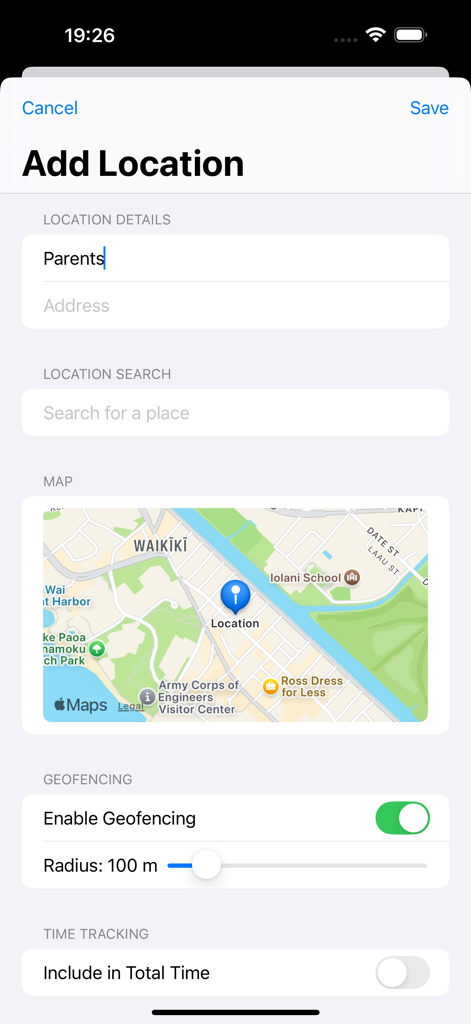
Interface for adding a new tracking location with geofencing radius and map settings.
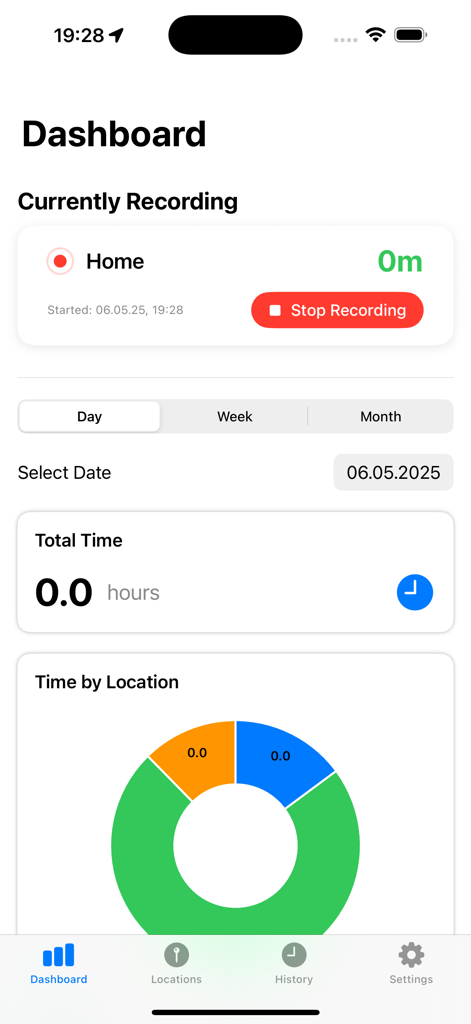
Mobile app dashboard for TimeAtLocation showing a live recording status and a donut chart of time spent by location
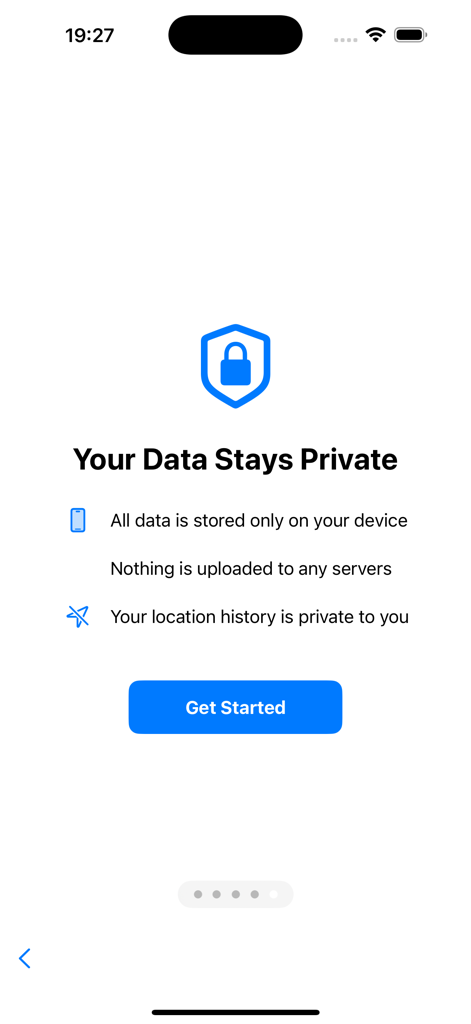
Privacy onboarding screen for the Time at Location app showing local data storage features
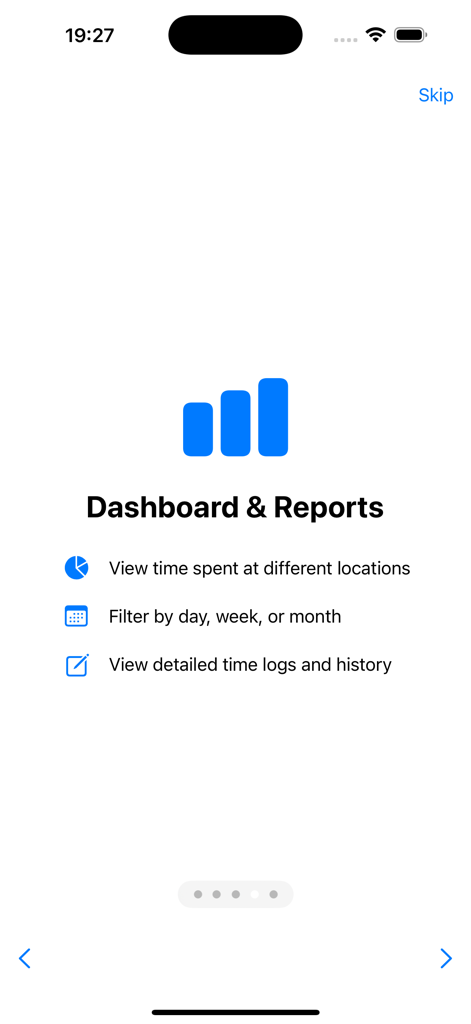
Onboarding screen of the Time at Location app showing Dashboard and Reports features such as time logs and location history
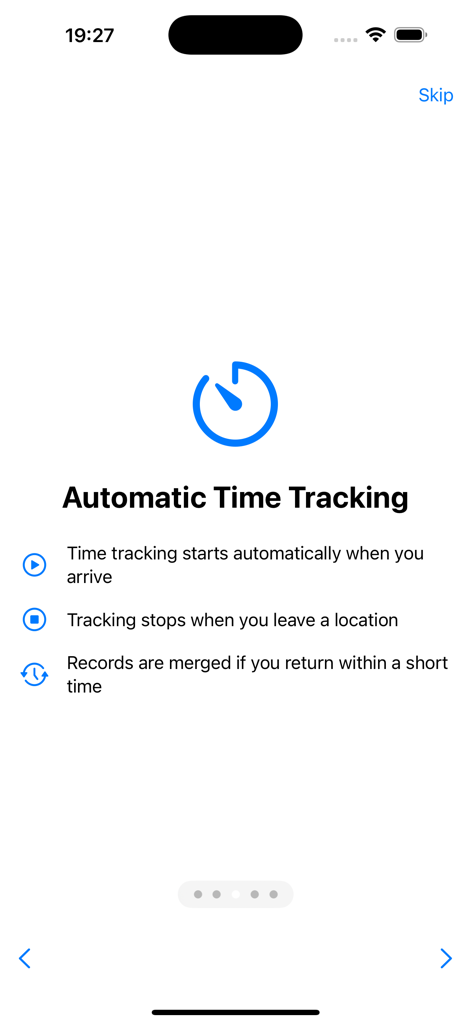
Onboarding screen of the Time@Location app explaining automatic time tracking features based on location arrivals and departures
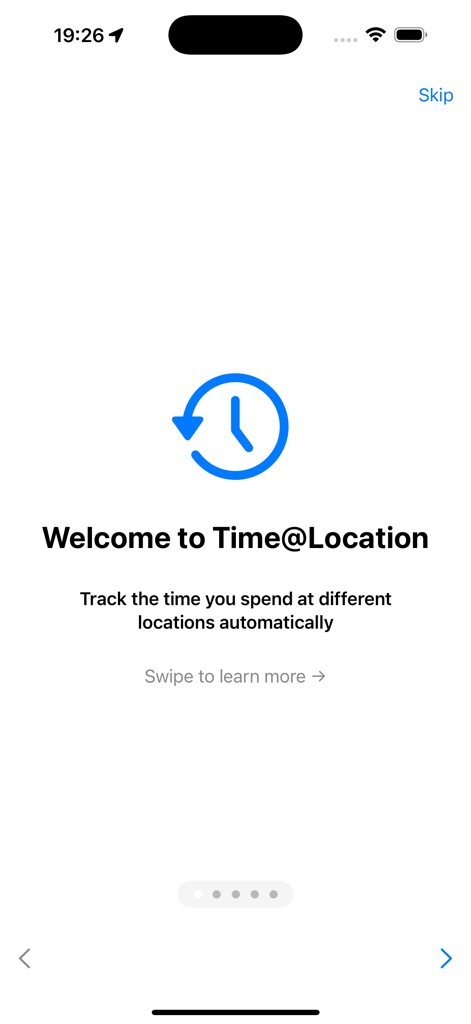
Welcome screen of the Time@Location app introducing automatic location-based time tracking.
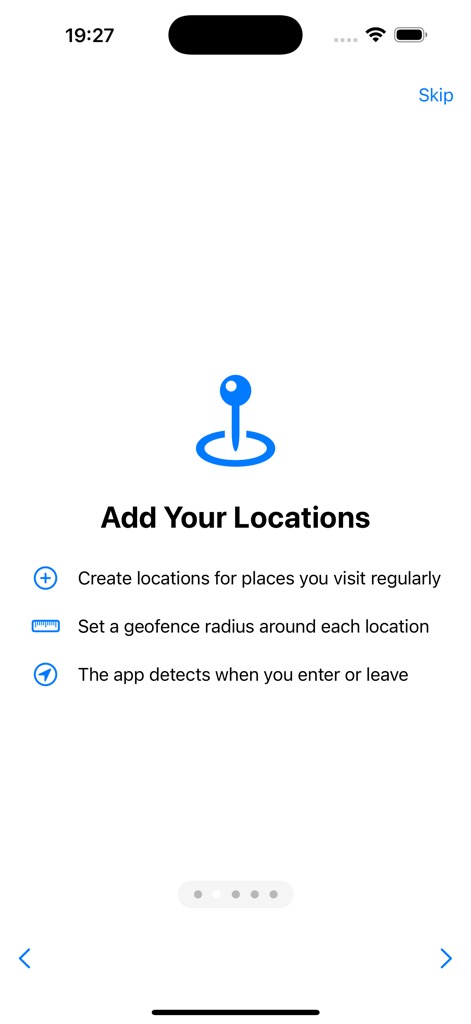
Onboarding screen for the Time at Location app explaining how to add work locations and set geofence radii for automatic tracking.
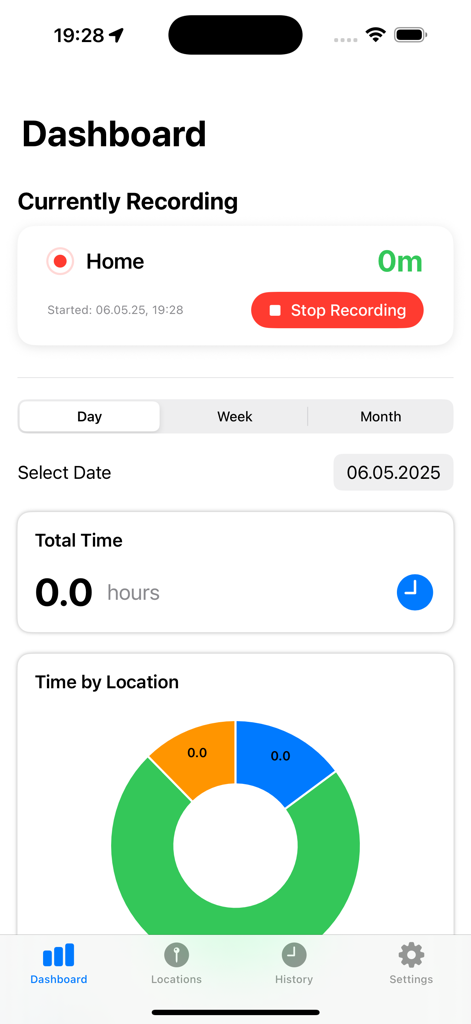
Dashboard of the Time at Location app showing an active geofencing session at Home and a donut chart for time spent by location.
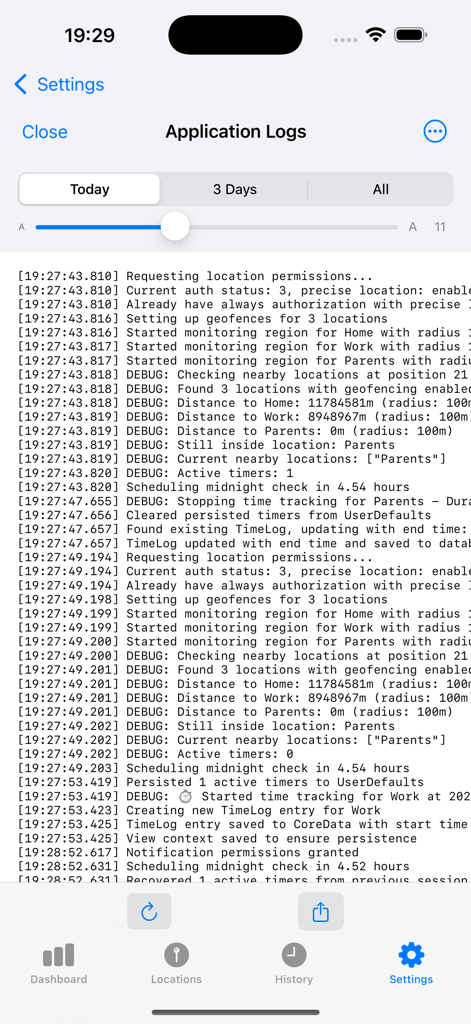
Time@Location application logs screen displaying background geofencing and time tracking events
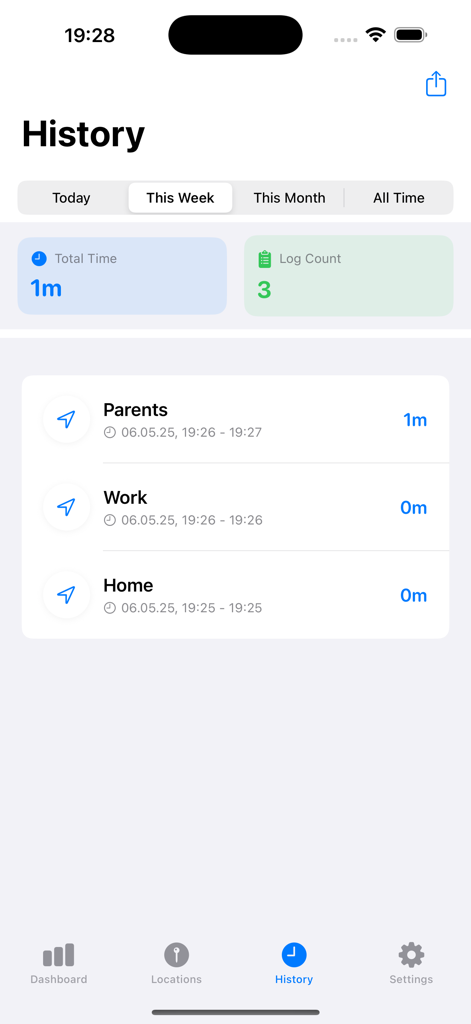
Time@Location app history screen displaying weekly time tracking logs for multiple saved locations
Description
Download
More Like This
Top-ranked apps in the same category

ChatGPT
OpenAI OpCo, LLC

Google Gemini
Google LLC

Claude by Anthropic
Anthropic PBC

Gmail - Email by Google
Google LLC

千问 - 阿里最强大模型官方AI助手
Shanghai Zhixin Puhui Technology Co., Ltd.

Grok - AI Chat & Video
X.AI Corporation
Google Drive
Google LLC

Microsoft Authenticator
Microsoft Corporation
Google Sheets
Google LLC
This page is not an official page of the app or its developer, but an independent editorial publication created for informational and commentary purposes. Unless expressly stated otherwise, neither the app nor its developer is affiliated with, endorsed by, sponsored by, authorized by, or otherwise officially connected with MWM, Apple, Google Play, the app publisher, or the app's developer, and nothing on this page implies that the app was developed using MWM's services. Any trademarks, logos, screenshots, and other content remain the property of their respective owners.