Time’s Up! — Visual Timer

Time’s Up! — Visual Timer


Download on App Store
Logo of Time’s Up! — Visual Timer

Time’s Up! — The Visual Timer That Makes Transitions Fun

Transform routines into engaging activities with interactive puzzle reveals and pixelation. Designed for families, classrooms, and focus-seekers who value privacy and seamless Apple integration.

Download on App Store

Publisher

Overdesigned, LLC

Category

Utilities

Downloads

4K+

User Rating

4.6/5

Total Ratings

200

Locales

1

Time Made Visual

Discover the interface used by 4K+ users.
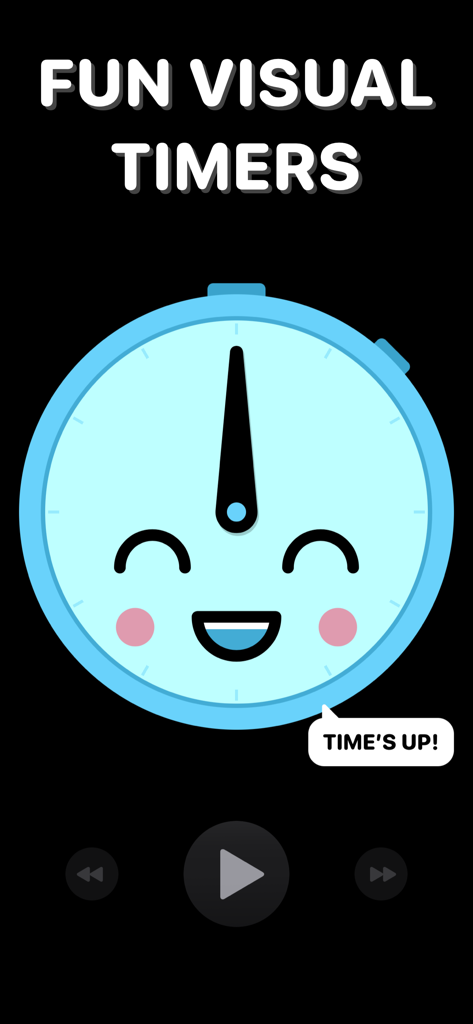
A friendly blue smiling clock face on a dark background with the text Fun Visual Timers

A friendly blue smiling clock face on a dark background with the text Fun Visual Timers

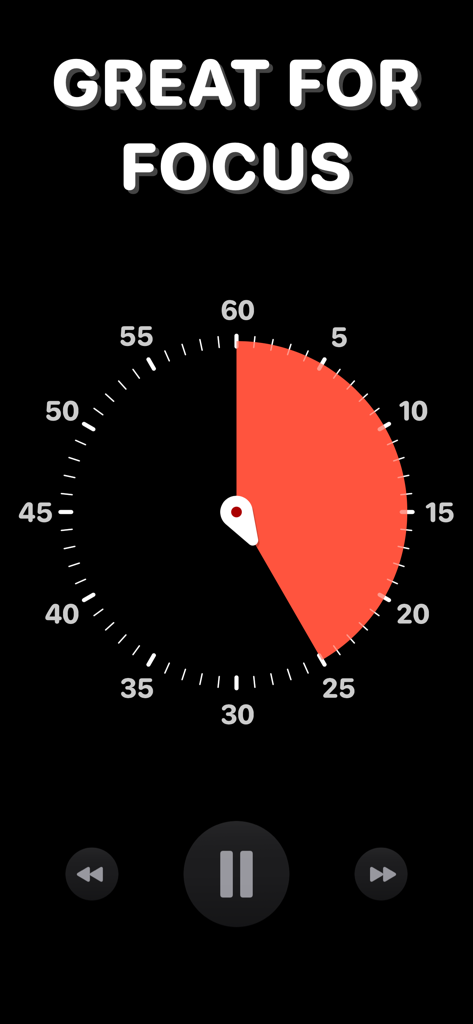
A visual countdown timer interface with a red time segment on a black clock face and the text Great for Focus.

A visual countdown timer interface with a red time segment on a black clock face and the text Great for Focus.

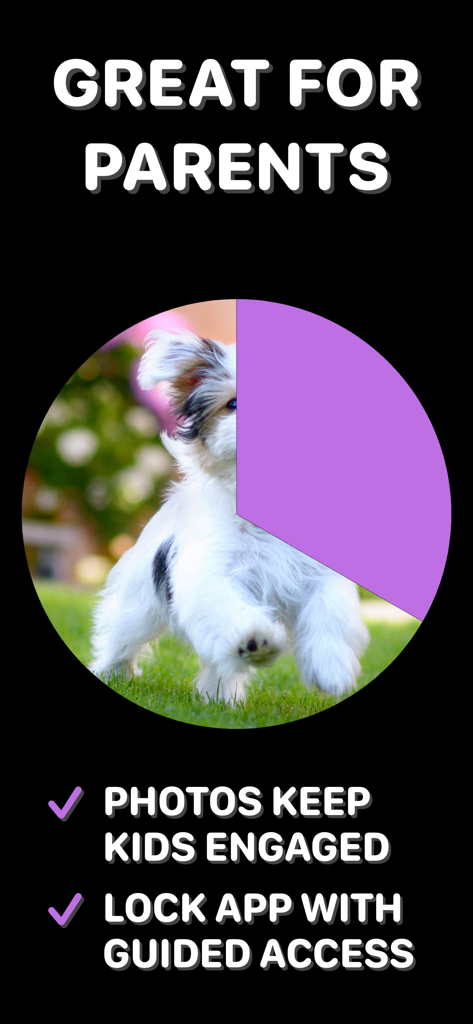
A visual timer screen for parents featuring a photo reveal countdown and guided access lock.

A visual timer screen for parents featuring a photo reveal countdown and guided access lock.

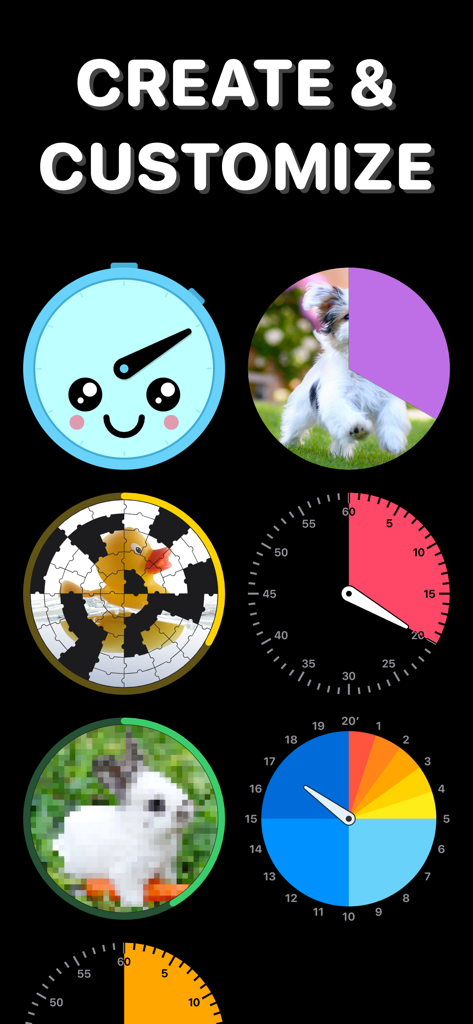
A variety of visual timer designs including puzzle pieces pixelated images and colorful clock faces for kids and productivity

A variety of visual timer designs including puzzle pieces pixelated images and colorful clock faces for kids and productivity

Times Up visual timer displayed on a TV screen highlighting AirPlay and tvOS app features

Times Up visual timer displayed on a TV screen highlighting AirPlay and tvOS app features

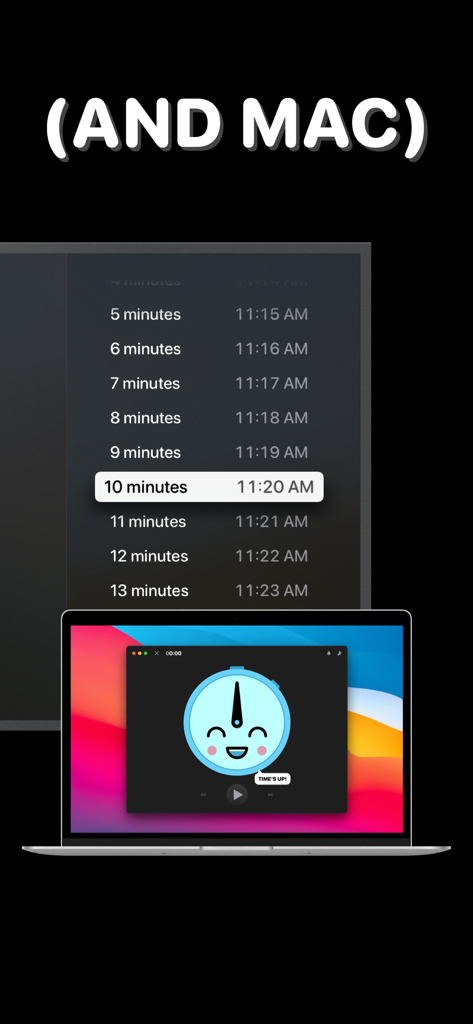
Times Up Visual Timer interface on a MacBook and a large screen display

Times Up Visual Timer interface on a MacBook and a large screen display

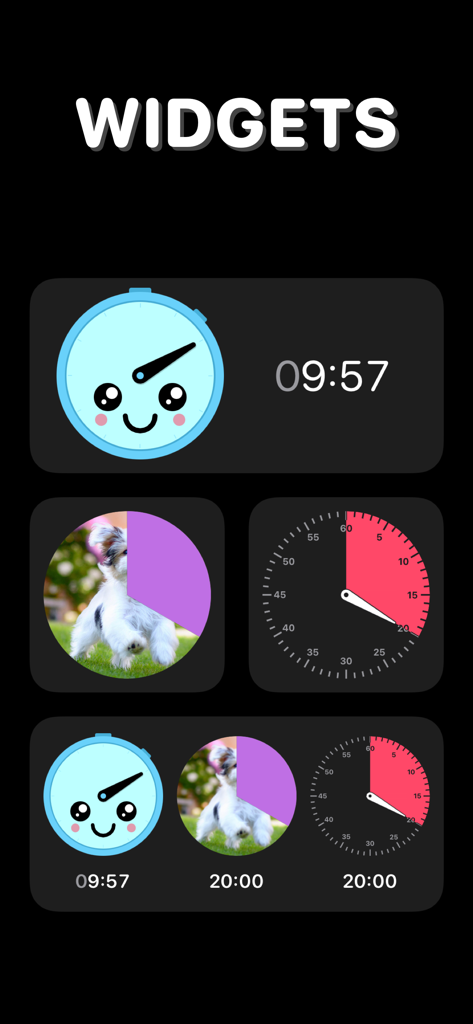
Selection of colorful visual timer widgets including a smiley face and a puppy photo reveal

Selection of colorful visual timer widgets including a smiley face and a puppy photo reveal

Time Management, Visualized

The tools that make this app stand out, trusted by 4K+ users.

🎨

Turn Transitions into Play

Reduce resistance during chores or screen time by turning the countdown into an engaging puzzle or photo reveal that rewards your kids’ patience.

Seamless Apple Integration

Monitor your time at a glance with Live Activities and Dynamic Island support, or AirPlay your timer to any TV for classroom and group activities.

🔒

Privacy First, Distraction-Free

Enjoy a safe environment for your family with zero data tracking, no ads, and Guided Access support to keep children focused on the task at hand.

About the app

Everything you need to know about Time’s Up! — Visual Timer.

Description

Time’s Up! is a fun, visual timer that you’ll actually want to use. Whether it’s for you, your kids, or someone else, Time’s Up! will make counting down much more engaging. Timers can be used at work and at home, whether you’re making sure you take a break or telling kids it’s bedtime.  Timers exist everywhere, but none of them are fun and visually appealing — and that can be important when you’re dealing with kids big and small! Time’s Up! has the features you need to make time fun again — try it for free, NO ADS. Time’s Up! isn’t just for kids and workaholics, though. The possibilities are endless: • Adults who need to set timers to stop them from working for too long without a break. • Kids who don’t want to do their homework but can be convinced to work in smaller chunks. • Setting reading or other activity timers before bed time. • Helping bigger kids focus on an activity for a set amount of time. • Setting timers for exercises — put Time’s Up! on your TV screen using AirPlay and turn a timer into the focal point for your exercise group. • Anything that’s based on a specific amount of time! What makes a timer fun? Time’s Up! has 5 fun styles to choose from, including:  • “Reveal” a photo from your Photo Library as the seconds tick down.  • “Pixelate” makes a photo more clear as a timer gets closer to completion. • “Puzzle” breaks a photo into jigsaw puzzle pieces and then puts the pieces into their places as time progresses. Alternatively, there are more traditional clock faces if you just want a simple timer. Timers can be customized with their own alert sound and color, too. Other key features include: • Sync your timers between iPhone, iPad, Mac, and Apple TV using iCloud. • See your timers on your Lock Screen, Dynamic Island, and Apple Watch with Live Activities (requires iOS 18). • Guided Access to prevent kids from switching apps and changing timers, making sure only you have the power to control time. • Airplay and tvOS support so you can put a timer up on a TV screen. • Get audio updates each minute or countdown the last 10 seconds. • On macOS, you can float the timer window above other apps so it’s always visible. Time’s Up! is a free download with a simple one-time purchase that unlocks the ability to run an unlimited number of timers. ——————— What’s the difference between “Time’s Up! — Visual Timer” and “Time’s Up! Timer (VPP)”? You are looking at the free-to-download version of Time’s Up! that lets you try the app five times before upgrading via in-app purchase. “Time’s Up! Timer (VPP)” is the same app but available paid-upfront with no limits in the app itself. “Time’s Up! Timer (VPP)” exists so educators can purchase the app through Apple’s Volume Purchase Program (VPP) for Education. ——————— Time’s Up! has no ads or data trackers. We believe your data is your own and we don’t collect any of it.

Latest Version

1.9.4

Size

38.2 MB

First Released

Aug 30, 2021

Ready to Make Every Second Count?

Join thousands of parents and professionals turning transitions into play. Start your free trial today on iPhone, iPad, Mac, and Apple TV—no ads, no tracking, and no subscriptions.

Download on App Store

App information, icons, screenshots, and descriptions displayed on this page are sourced from the Apple App Store and are the property of their respective developers. Download estimates and rankings are based on MWM's proprietary models and may not reflect actual figures. This page is provided for informational and analytical purposes only.

Believe this page infringes your intellectual property? File a dispute