
This page is not an official page of the app or its developer, but an independent editorial publication created for informational and commentary purposes. Unless expressly stated otherwise, neither the app nor its developer is affiliated with, endorsed by, sponsored by, authorized by, or otherwise officially connected with MWM, Apple, Google Play, the app publisher, or the app's developer, and nothing on this page implies that the app was developed using MWM's services. Any trademarks, logos, screenshots, and other content remain the property of their respective owners.

To do List: Task Manager, AI
Stop the overwhelm and start achieving. Harness AI to automate your schedule, capture tasks via voice, and master deep work with built-in Pomodoro timers—all in one beautifully customizable app designed for high achievers.
Downloads
0User Rating
Total Ratings
0Publisher
Category
ProductivityLocales
11Latest Version
2.3.1Size
80.3 MBFirst Released
Feb 15, 2022Master Your Day with AI-Powered Productivity
Stop juggling multiple apps. Combine smart planning, focus timers, and AI assistance into one sleek command center designed for your high-achieving lifestyle.
AI-Powered Task Generation
Banish decision fatigue. Our AI assistant transforms your big ideas into clear, actionable checklists in seconds.
Deep Work Pomodoro Timer
Maximize your focus and reclaim your time. Use built-in sessions to stay productive and avoid the social media scroll.
The following screenshots and description are sourced directly from the app's official store listing and are the property of the app developer.
App Store
Screenshots
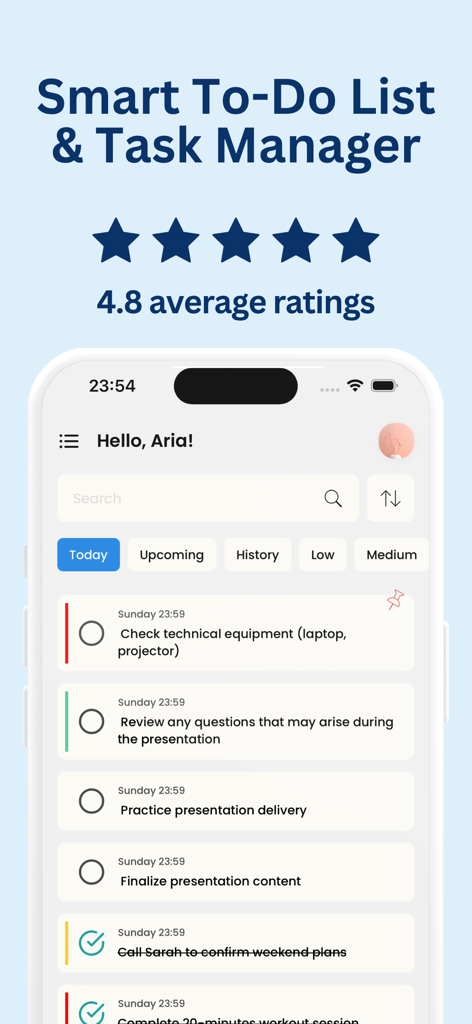
Interface of the Smart To Do List app showing daily tasks and a four point eight star rating
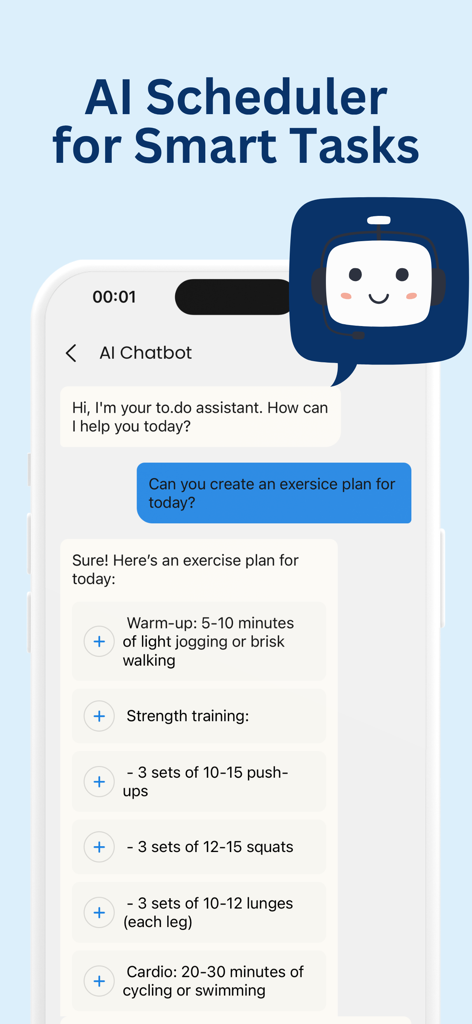
A screenshot of the To do List app showing an AI chatbot creating a personalized exercise schedule for a user.
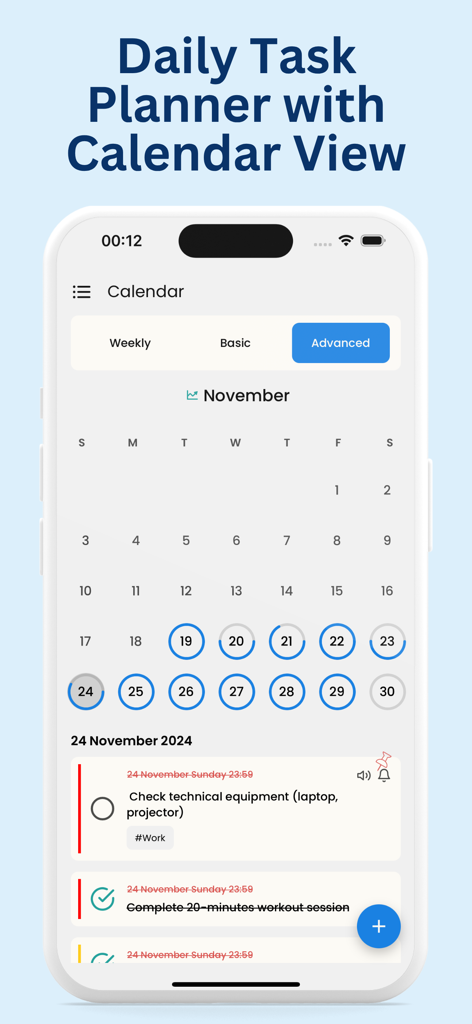
Mobile app interface showing a monthly calendar for November with a daily task list featuring work and fitness activities
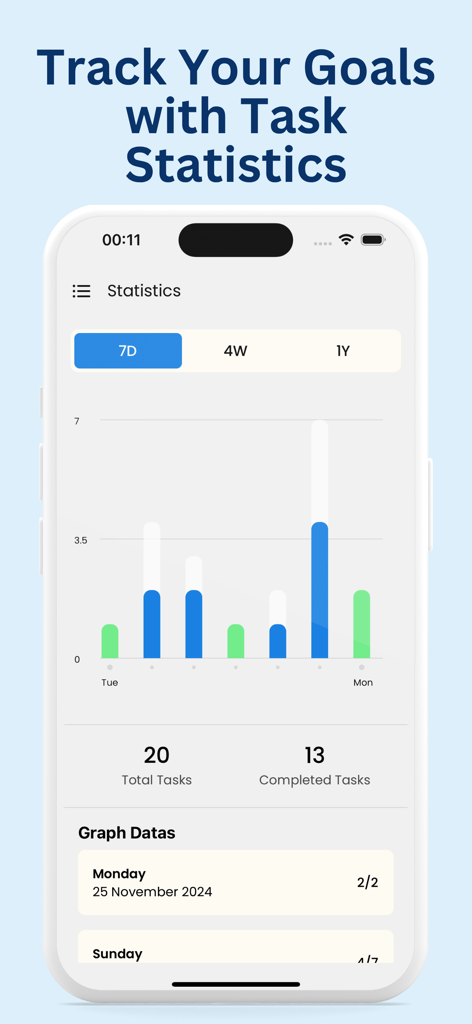
A productivity app interface showing task completion statistics and goal tracking graphs for a seven day period.
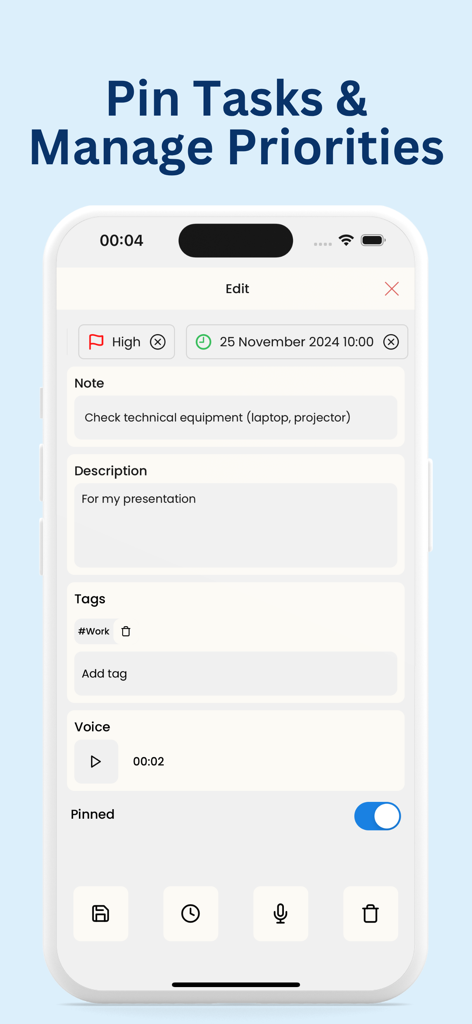
Mobile app screen showing task editing with priority flags, notes, work tags, and a toggle to pin the task.
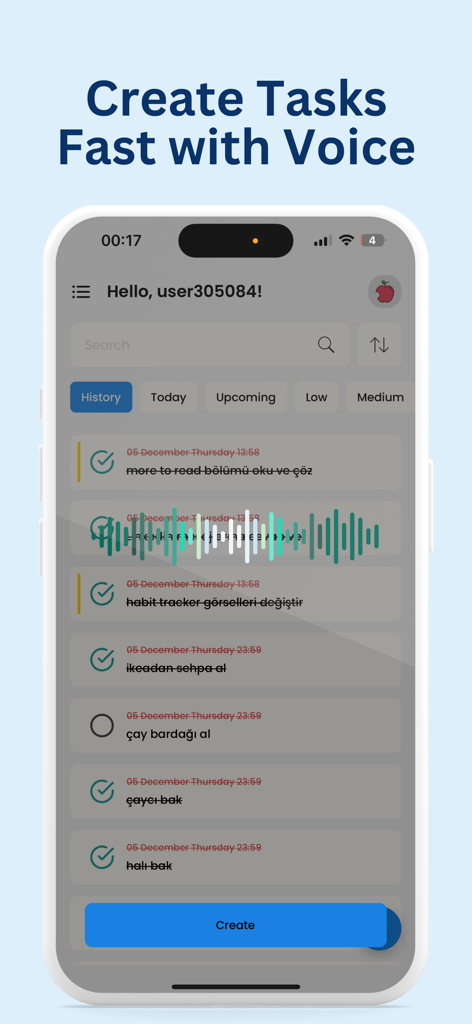
To do List app interface showing voice input for fast task creation
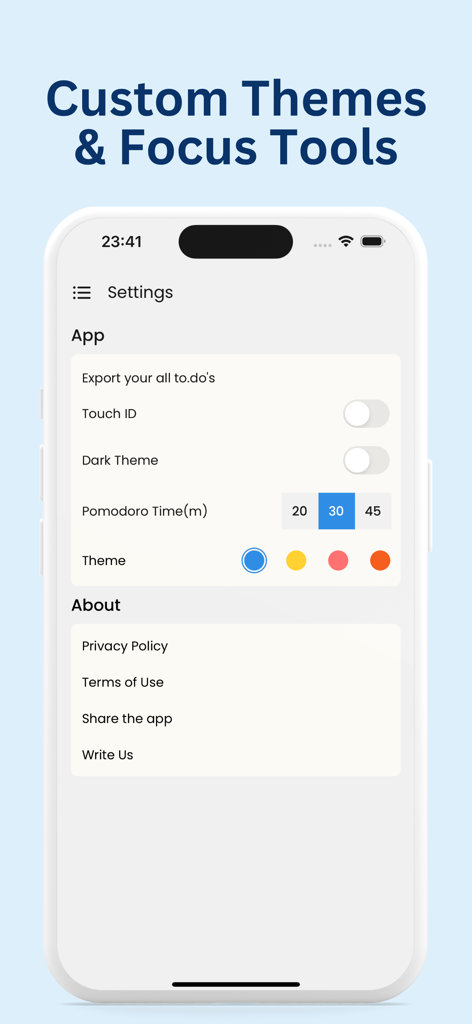
A mobile app settings screen showing customization options for themes and a Pomodoro focus timer for the To do List app.
Description
Download
More Like This
Top-ranked apps in the same category

ChatGPT
OpenAI OpCo, LLC

Google Gemini
Google LLC

Grok
X.AI Corporation

Gmail - Email by Google
Google LLC

千问 - 阿里最强大模型官方AI助手
Shanghai Zhixin Puhui Technology Co., Ltd.

Google Drive
Google LLC

Microsoft Authenticator
Microsoft Corporation

Google Sheets
Google LLC
Google Docs
Google LLC
This page is not an official page of the app or its developer, but an independent editorial publication created for informational and commentary purposes. Unless expressly stated otherwise, neither the app nor its developer is affiliated with, endorsed by, sponsored by, authorized by, or otherwise officially connected with MWM, Apple, Google Play, the app publisher, or the app's developer, and nothing on this page implies that the app was developed using MWM's services. Any trademarks, logos, screenshots, and other content remain the property of their respective owners.