Todo - Task List Organizer

Todo - Task List Organizer

Download on App Store
Logo of Todo - Task List Organizer

Todo - Task List Organizer: Master Your Workflow with Proven GTD Power

The award-winning task manager built for professionals and high-achievers who demand more than a simple list. Organize complex projects, sync across your Apple ecosystem, and conquer your day with the system that has stood the test of time.

Download on App Store

Publisher

Appigo, Inc.

Category

Productivity

Downloads

87K+

User Rating

3.7/5

Total Ratings

4K+

Locales

12

Productivity in Action

Discover the interface used by 87K+ users.
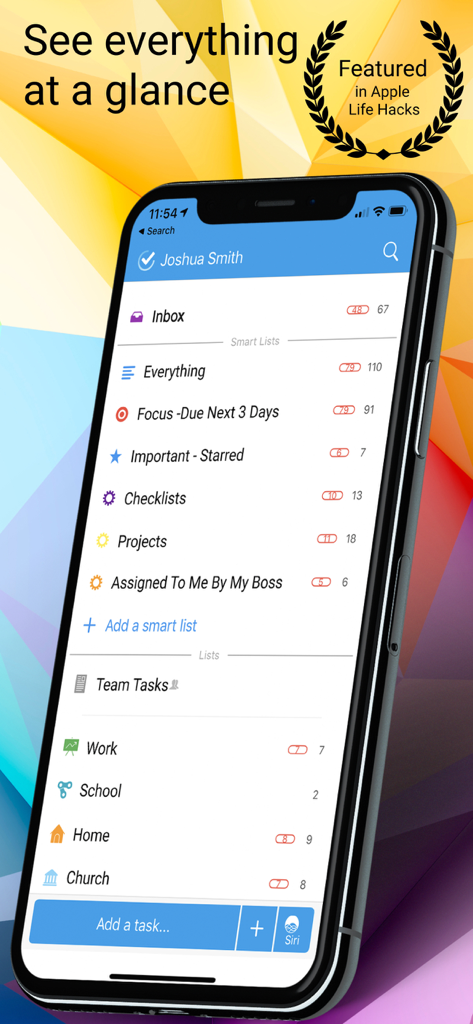
iPhone screen showing the Todo app dashboard with various smart lists and task categories like Work and Home.

iPhone screen showing the Todo app dashboard with various smart lists and task categories like Work and Home.

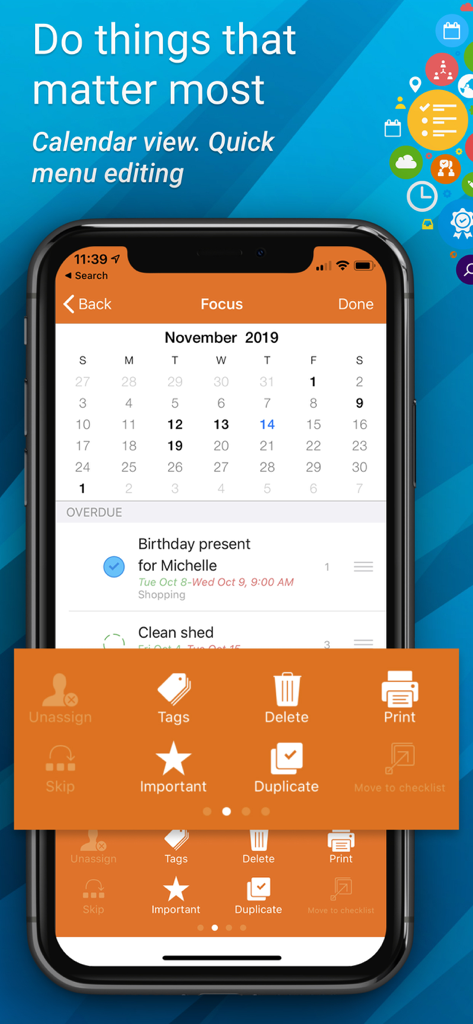
Todo app interface showing calendar view and quick action menu on an iPhone.

Todo app interface showing calendar view and quick action menu on an iPhone.

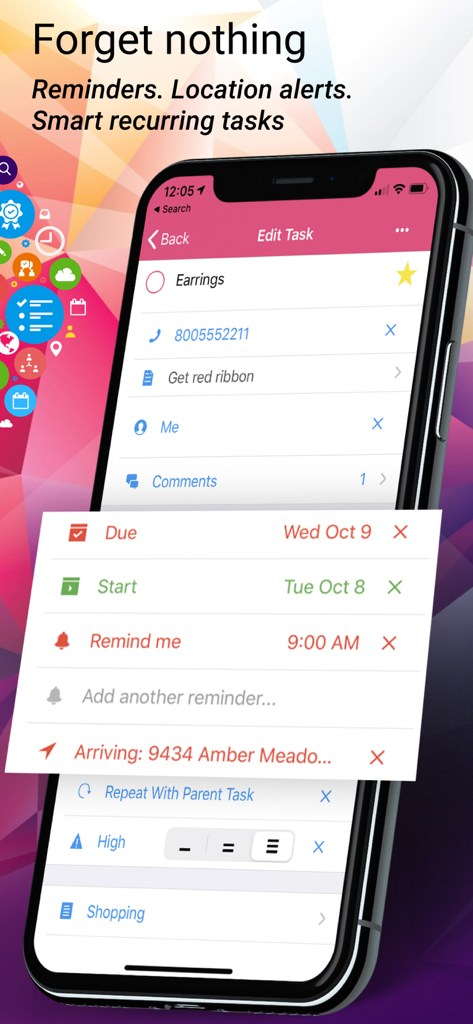
Todo app interface showing task details with due dates, reminders, and location alerts.

Todo app interface showing task details with due dates, reminders, and location alerts.

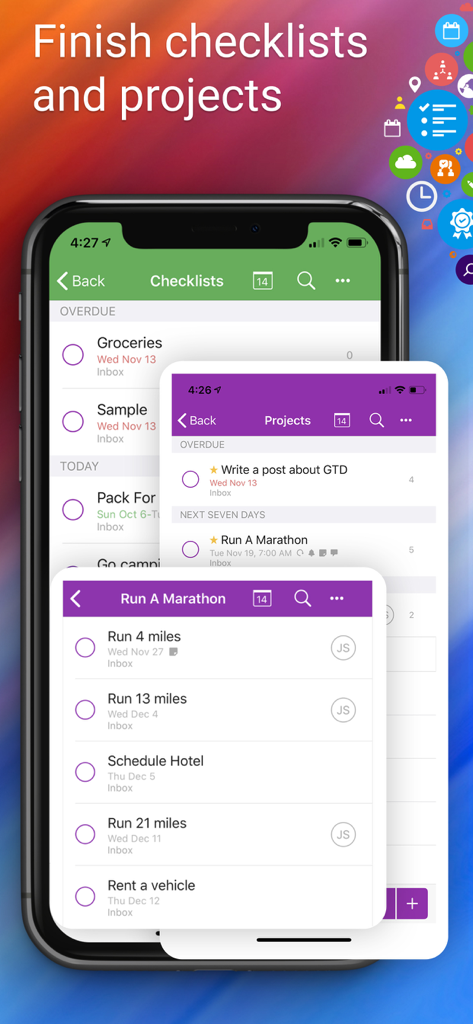
Interface of Todo app showing organized checklists and project tasks on an iPhone screen.

Interface of Todo app showing organized checklists and project tasks on an iPhone screen.

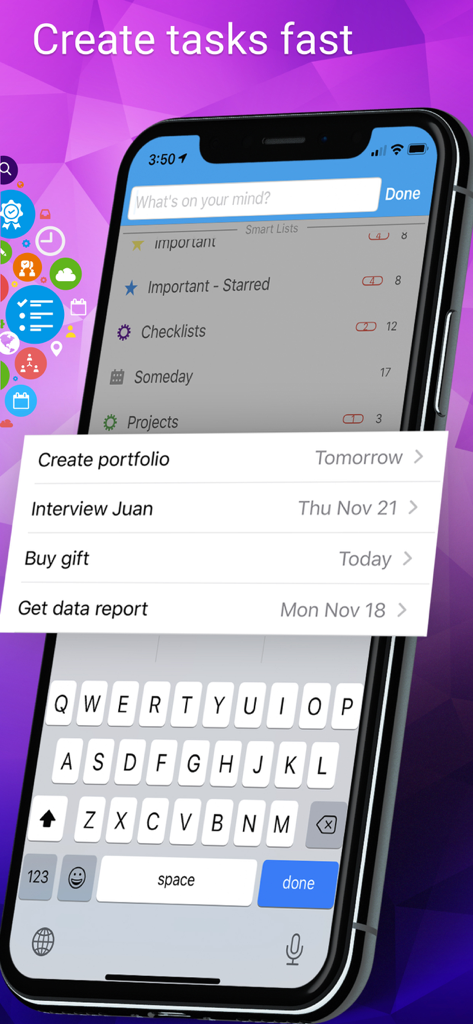
iPhone screen showing the Todo app interface for creating tasks quickly with smart lists and an open keyboard

iPhone screen showing the Todo app interface for creating tasks quickly with smart lists and an open keyboard

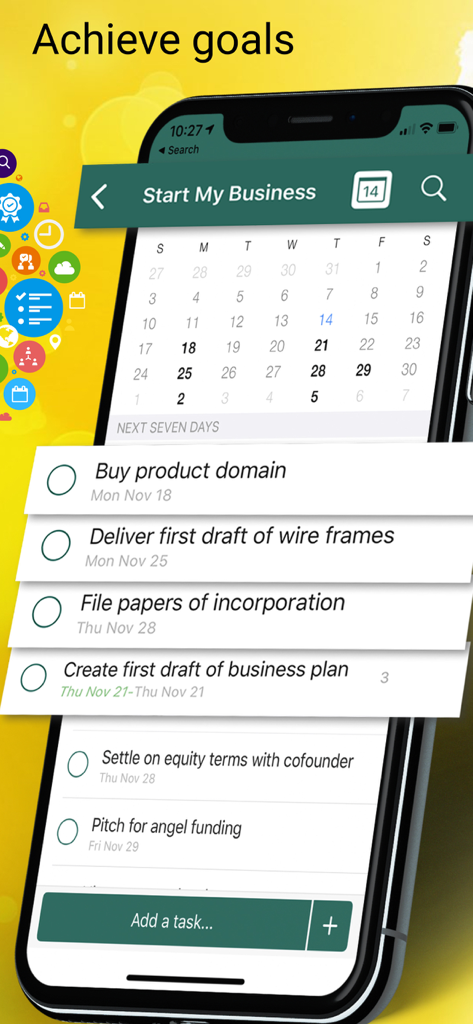
Todo task list organizer showing project management for a new business

Todo task list organizer showing project management for a new business

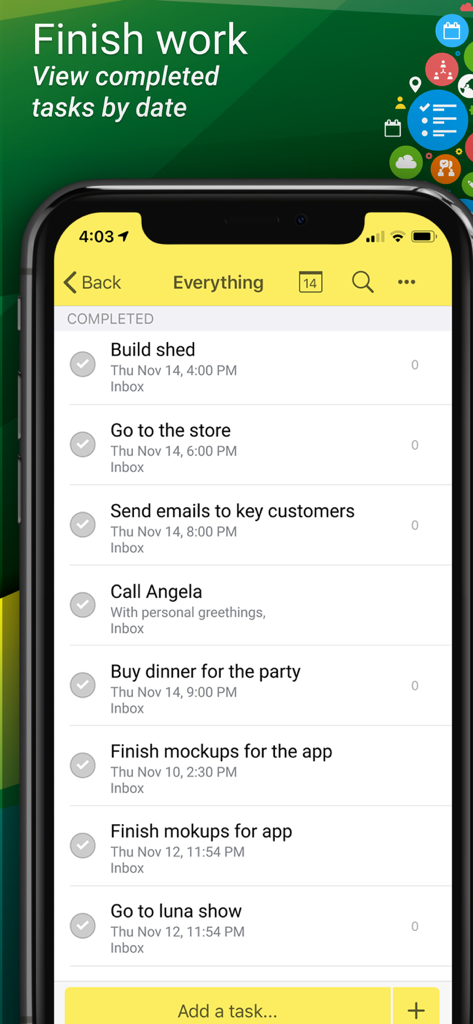
A screenshot of the Todo app displaying a list of completed tasks organized by date on an iPhone

A screenshot of the Todo app displaying a list of completed tasks organized by date on an iPhone

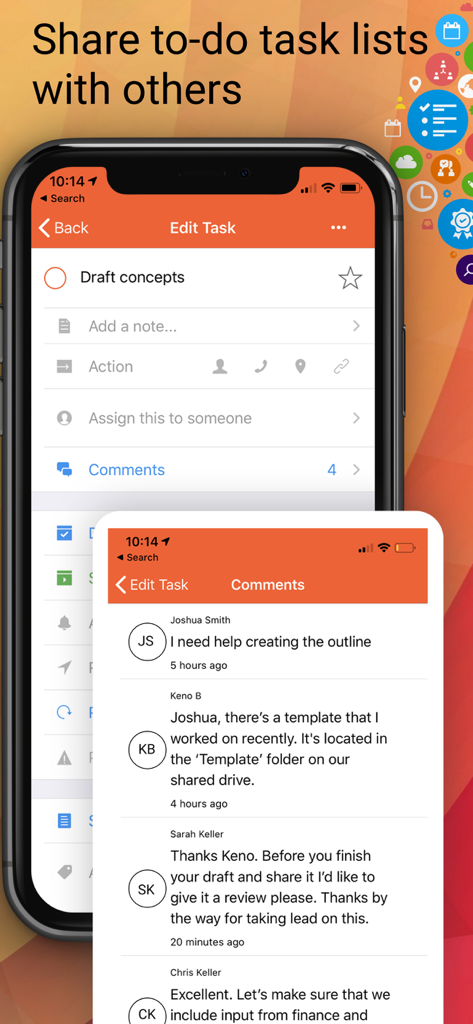
Interface showing shared task lists and team comments in the Todo app

Interface showing shared task lists and team comments in the Todo app

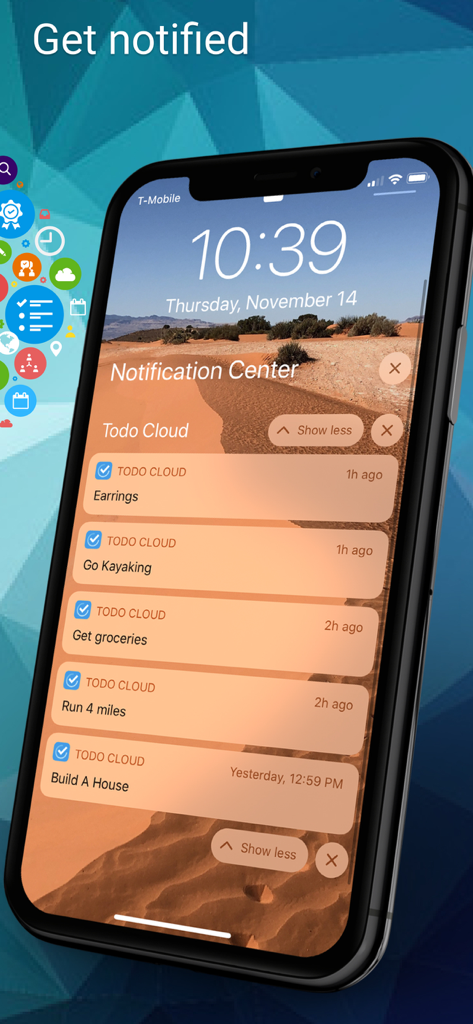
An iPhone lock screen displaying multiple task reminders and notifications from the Todo Cloud app.

An iPhone lock screen displaying multiple task reminders and notifications from the Todo Cloud app.

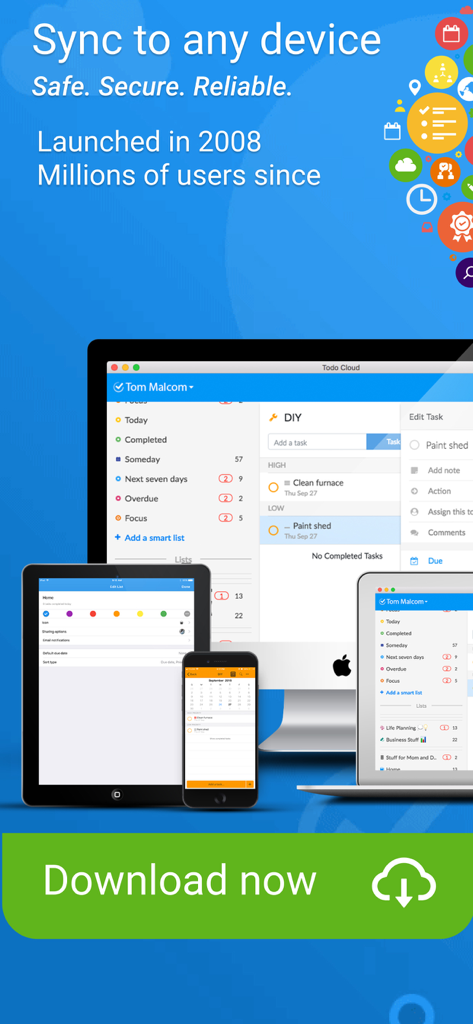
Todo app interface showing synchronization across iPhone iPad and Mac computers

Todo app interface showing synchronization across iPhone iPad and Mac computers

Maximize Your Daily Impact

The tools that make this app stand out, trusted by 87K+ users.

🧠

Proven GTD Workflow

Reduce your mental load using multi-level priorities, contexts, and sub-tasks based on the world-renowned Getting Things Done methodology.

ā˜ļø

Total Ecosystem Sync

Your tasks are always with you. Automatically sync across your iPhone, Mac, and iPad so you can stay productive at your desk or on the go.

šŸ“

Context-Aware Alerts

Never miss a beat with location-based reminders. Get notified to pick up groceries when you're near the store or handle tasks the moment you arrive at the office.

About the app

Everything you need to know about Todo - Task List Organizer.

Description

This is the original To-Do and Task Management List and one of the most popular, powerful, and award-winning to-do list and task manager iOS and iPad apps ever! Todo has been used by millions of individuals, families and teams for GETTING THINGS DONE. "Todo has stood the test of time" -Silicon Slopes. Winner of the ā€œBest Productivity App for iPadā€ (Best Apps Ever, To-Do Apps) and listed among the ā€œTop Ten Paid Productivity Apps..." "Appigo Todo oozes with awesomeness. I’ve tried numerous iOS task-management apps, and none to date have satisfied me as much as Todo.ā€ –Macworld, 4.5 stars. Four main reasons to consider Todo: 1. REAL PRODUCTIVITY. Unlike lightweight, freebie or cutesy list tools, Todo 10 is useful when you have a deadline, NEED to focus, prioritize and get things done quickly--from home or school projects to dozens of detailed work tasks. Includes: Projects, Sub-tasks, Start Dates, Due Dates, Recurring Tasks (with detailed recurring options), Multiple Task Alerts, Overdue Tasks, Drag and Drop, Search, Print Lists, Folders, and much more. 2. PROVEN GTD METHODOLOGY. Todo uses the popular Getting Things Done approach with Focus To-do Lists, Starred Tasks, Multi-level Priorities, Quick Entry, Context, and Projects with Layered and Prioritized Sub-Tasks—all recommended GTD approaches. 3. BUILT-IN SYNCING. Sync automatically in the background with Todo Cloud Sync. Keep everything in sync, access your data from any device and never be locked into a specific service—your data remains yours. 4. COOLNESS • Add, schedule, and organize your to-dos • Set due dates and reminders to never miss an important date or deadline • Quickly add tasks using Siri, Email or Todo Cloud’s Quick Add buttons • Streamline projects, checklists and tasks using customized Siri commands. • Customize task reminders based on day (January 1), time (2:00pm) and place (when you are near the grocery store) • Create themed lists to organize your to-dos: home, work, friends, etc. • Take control of how you view and execute your to-dos with Todo Smart Lists • Collaborate with friends, family and/or team members using Shared Lists • Leave yourself (or others) updates through in-task notes and comments • Create recurring tasks for those to-dos that come over and over again • Sync your to-dos across all your devices 14 day FREE trial! Todo Cloud is one of the most affordable individual or team task management solutions. Others cost $10- $50 more per year, and some even require you to pay extra for every platform. Not Todo Cloud. The Todo subscription will be charged to your credit card through your iTunes account. Your subscription will automatically renew unless cancelled at least 24-hours before the end of the current period. You can cancel the subscription renewal at any time, and the subscription you purchased will remain active until the end of the current period. Manage your subscriptions on the App Store's Account Settings after purchase (http://support.apple.com/kb/ht4098). EXCELLENT CUSTOMER SUPPORT Please visit us for help at http://help.appigo.com or email support@appigo.com Terms of Use - https://appigo.com/terms-of-use/ Privacy Policy - https://appigo.com/privacy-policy/

Latest Version

10.1.15

Size

114.7 MB

First Released

Sep 18, 2013

Master Your Workflow and Get Things Done Today

Join millions of professionals and families using the original, award-winning task manager. Start your 14-day free trial and sync across all your Apple devices.

Download on App Store

App information, icons, screenshots, and descriptions displayed on this page are sourced from the Apple App Store and are the property of their respective developers. Download estimates and rankings are based on MWM's proprietary models and may not reflect actual figures. This page is provided for informational and analytical purposes only.

Believe this page infringes your intellectual property? File a dispute