
This page is not an official page of the app or its developer, but an independent editorial publication created for informational and commentary purposes. Unless expressly stated otherwise, neither the app nor its developer is affiliated with, endorsed by, sponsored by, authorized by, or otherwise officially connected with MWM, Apple, Google Play, the app publisher, or the app's developer, and nothing on this page implies that the app was developed using MWM's services. Any trademarks, logos, screenshots, and other content remain the property of their respective owners.

TopDirector
Transform your iPad into a high-end broadcast studio. Master multi-camera streams with NDI®, SRT, and real-time graphics for professional sports, events, and education—all with a one-time purchase for lifetime use.
Downloads
9K+User Rating
Total Ratings
300Publisher
Category
Photo & VideoLocales
3Latest Version
1.8.4Size
92.2 MBFirst Released
Sep 7, 2021Professional Broadcasting Without the Rack
TopDirector equips you with a pro-grade mobile control room to produce multi-cam live streams, sports broadcasts, and professional interviews anywhere.
Seamless Multi-Cam Control
Connect up to 9 inputs via NDI, SRT, or RTSP. Switch sources in real-time for a high-end production feel without the expensive hardware.
Pro Sports & Live Graphics
Add live scoreboards, real-time slow-motion playback, and custom vector titles to give your local games a network TV aesthetic.
The following screenshots and description are sourced directly from the app's official store listing and are the property of the app developer.
App Store
Screenshots
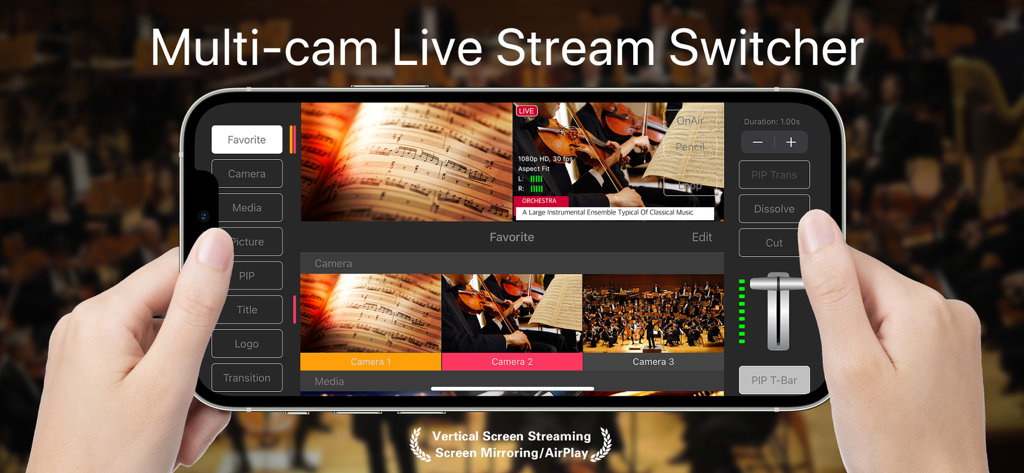
TopDirector mobile app interface on an iPhone displaying a professional multi-camera live stream switcher with video feeds and transition controls.
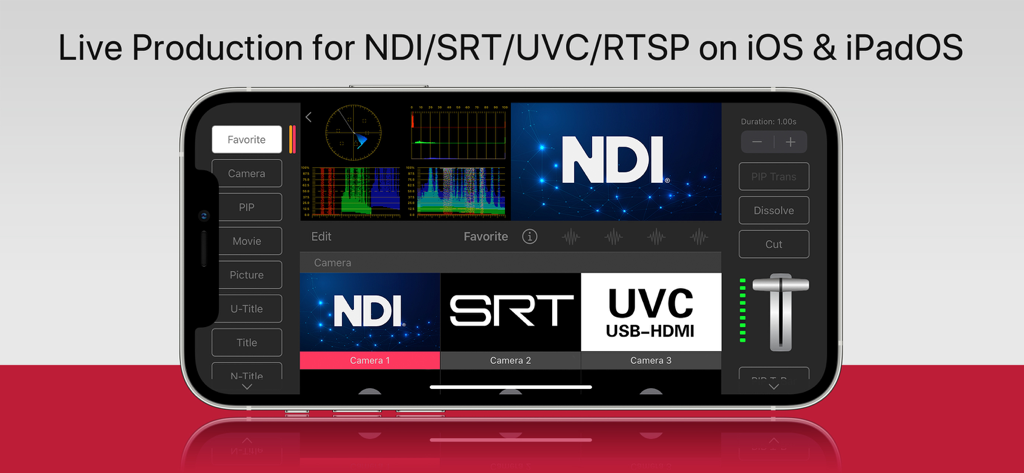
TopDirector app interface on iPhone showing live production controls with NDI and SRT support
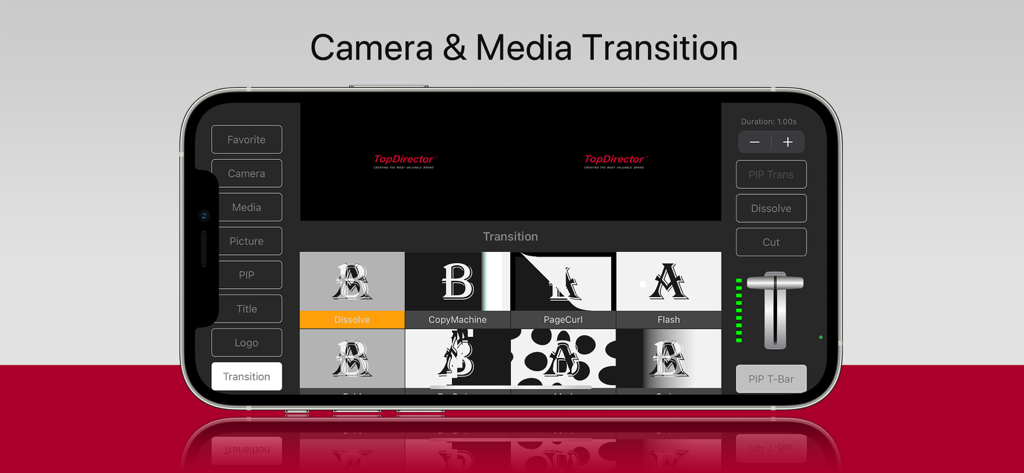
TopDirector mobile app interface showing a grid of video transition effects and a professional T-bar controller for live broadcasting
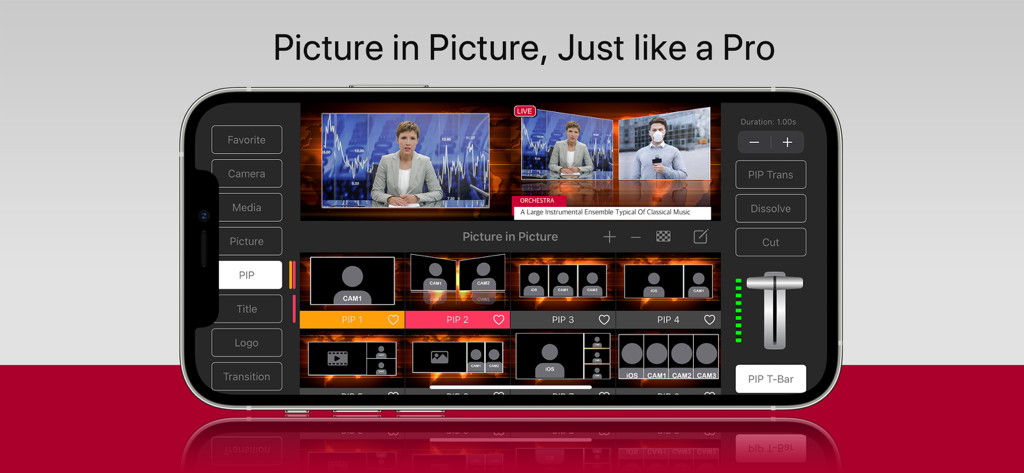
TopDirector mobile app interface showing professional picture-in-picture transition settings and multi-cam video layouts on an iPhone.
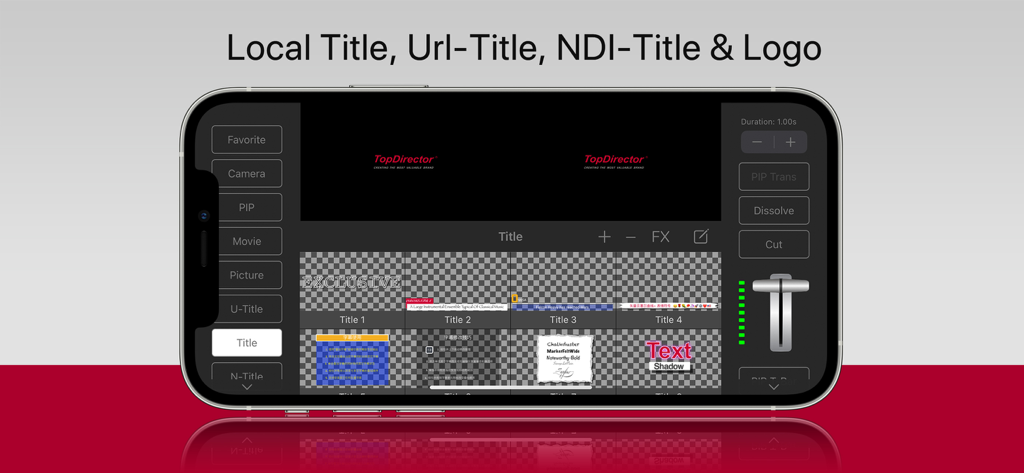
TopDirector mobile app interface for managing local titles and logos during a live broadcast
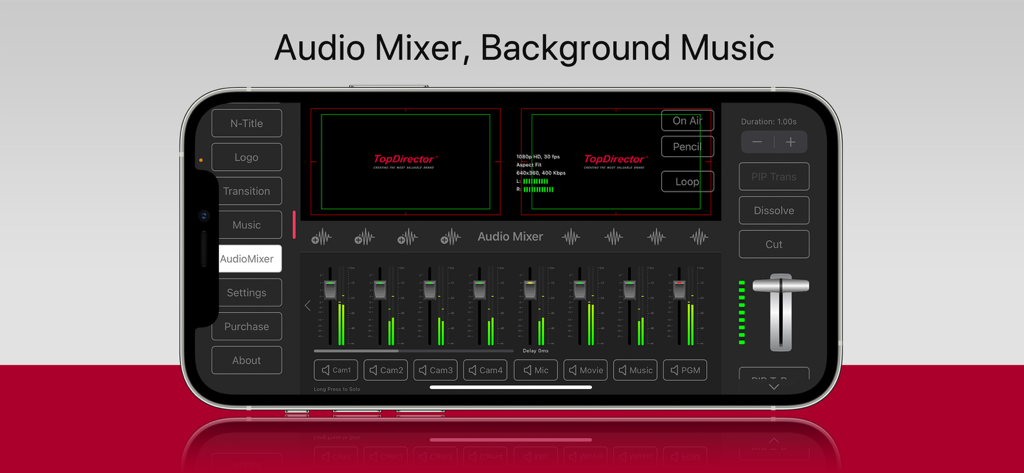
Professional audio mixer dashboard in TopDirector app showing multiple channel sliders and video previews on an iPhone
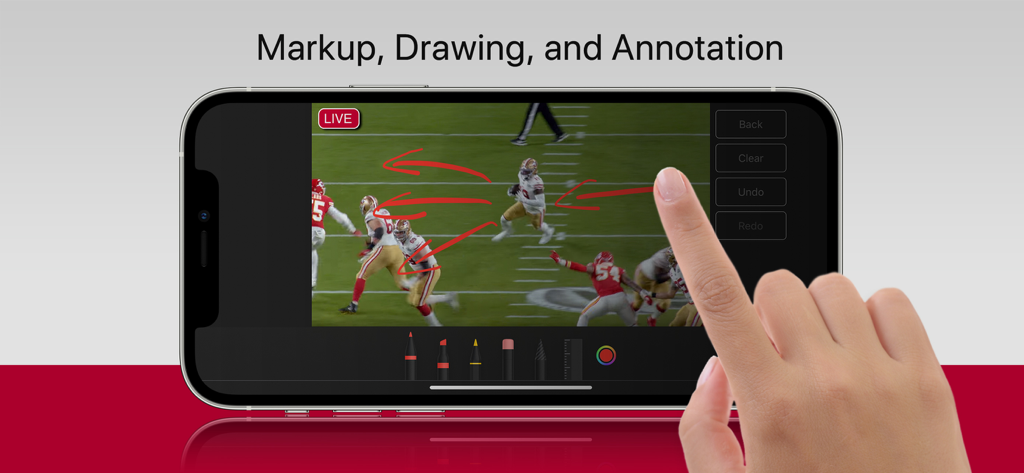
TopDirector app interface showing live sports broadcast markup and drawing tools on an iPhone
Description
Download
More Like This
Top-ranked apps in the same category

CapCut: Photo & Video Editor
BYTEDANCE PTE. LTD.

Instagram, Inc.

YouTube
Google LLC

Canva: AI Photo & Video Editor
Canva Pty Ltd

Snapchat
Snap, Inc.

快手
Beijing Kwai Technology Co., Ltd.

Edits: Video Editor
Instagram, Inc.

Meitu- AI Photo & Video Editor
Xiamen Meitu Technology Co., Ltd.

Google Photos: Backup & Edit
Google LLC
This page is not an official page of the app or its developer, but an independent editorial publication created for informational and commentary purposes. Unless expressly stated otherwise, neither the app nor its developer is affiliated with, endorsed by, sponsored by, authorized by, or otherwise officially connected with MWM, Apple, Google Play, the app publisher, or the app's developer, and nothing on this page implies that the app was developed using MWM's services. Any trademarks, logos, screenshots, and other content remain the property of their respective owners.