
This page is not an official page of the app or its developer, but an independent editorial publication created for informational and commentary purposes. Unless expressly stated otherwise, neither the app nor its developer is affiliated with, endorsed by, sponsored by, authorized by, or otherwise officially connected with MWM, Apple, Google Play, the app publisher, or the app's developer, and nothing on this page implies that the app was developed using MWM's services. Any trademarks, logos, screenshots, and other content remain the property of their respective owners.

Total Command
Empower your command with a reliable, single-screen digital board. Track units, manage PAR timers, and automate incident logs—designed for Battalion Chiefs and first responders who require absolute reliability in the field.
Downloads
400User Rating
Total Ratings
0Publisher
Category
ProductivityLocales
1Latest Version
1.1.34Size
2.6 MBFirst Released
Apr 10, 2016Command with Absolute Clarity
Ditch the grease pencils and clipboards. Total Command provides a single-screen digital command board designed to reduce cognitive load and enhance personnel accountability when every second counts.
Single-Screen Situational Awareness
Eliminate the risk of missing critical details. Our intuitive drag-and-drop interface keeps all units, divisions, and assignments on one screen—no more flipping through tabs during an incident.
Automated Personnel Accountability
Protect your crew with integrated PAR timers. Color-coded status updates provide instant visual cues on unit working times, while every action is automatically time-stamped for accurate logging.
The following screenshots and description are sourced directly from the app's official store listing and are the property of the app developer.
App Store
Screenshots
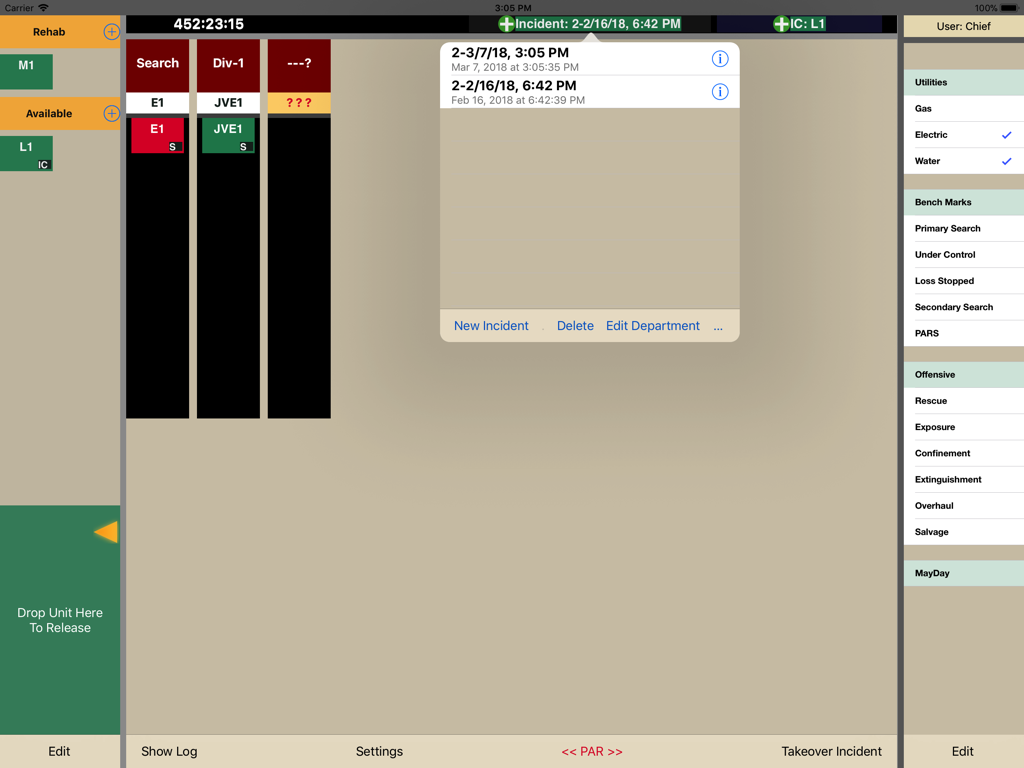
Digital incident command board showing unit assignments and emergency response checklists
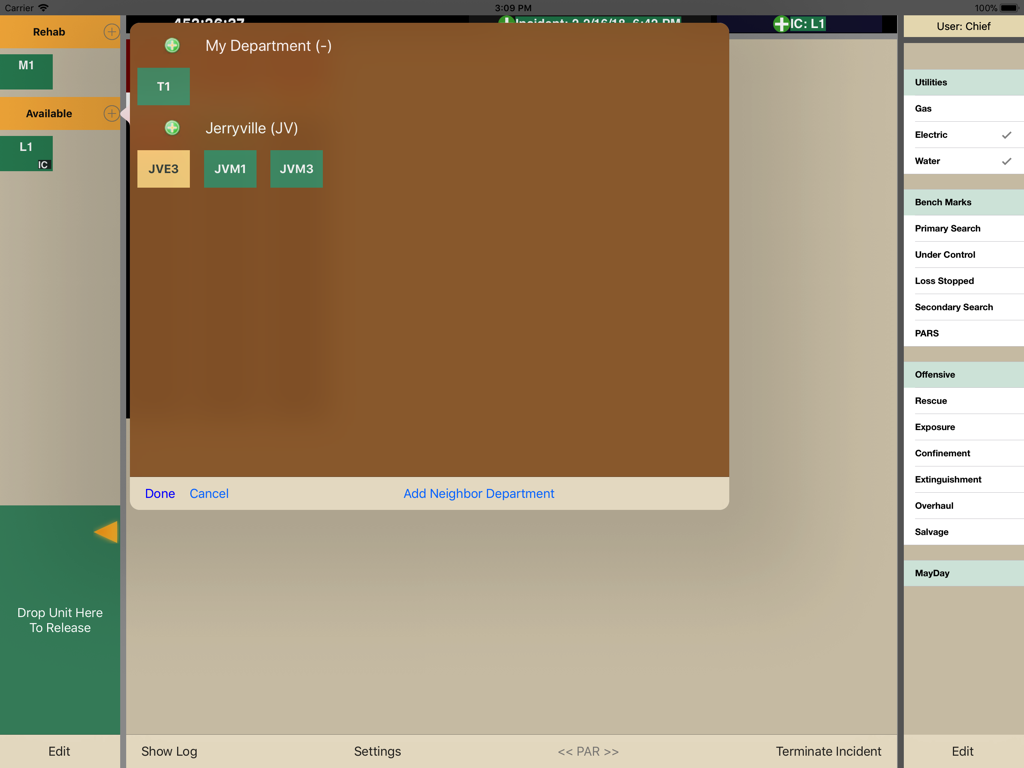
Total Command app dashboard on iPad showing unit tracking and department management for incident commanders
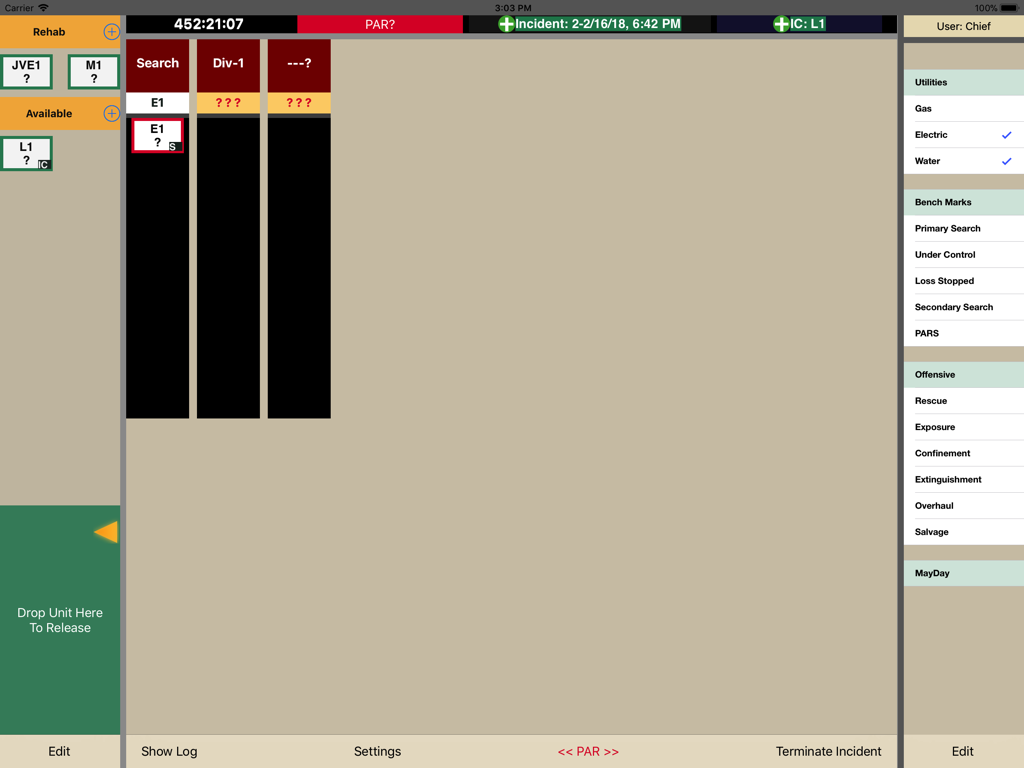
Digital incident command board for emergency services tracking units and safety benchmarks.
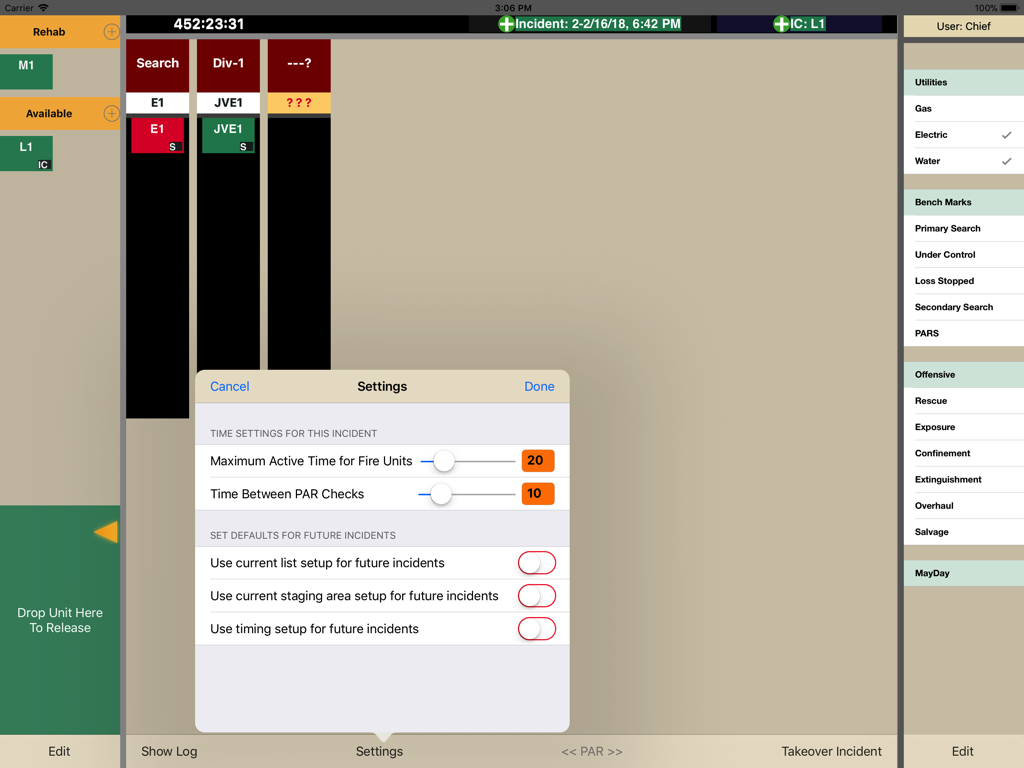
Settings menu in Total Command app for configuring active unit time and PAR check intervals on the incident dashboard.
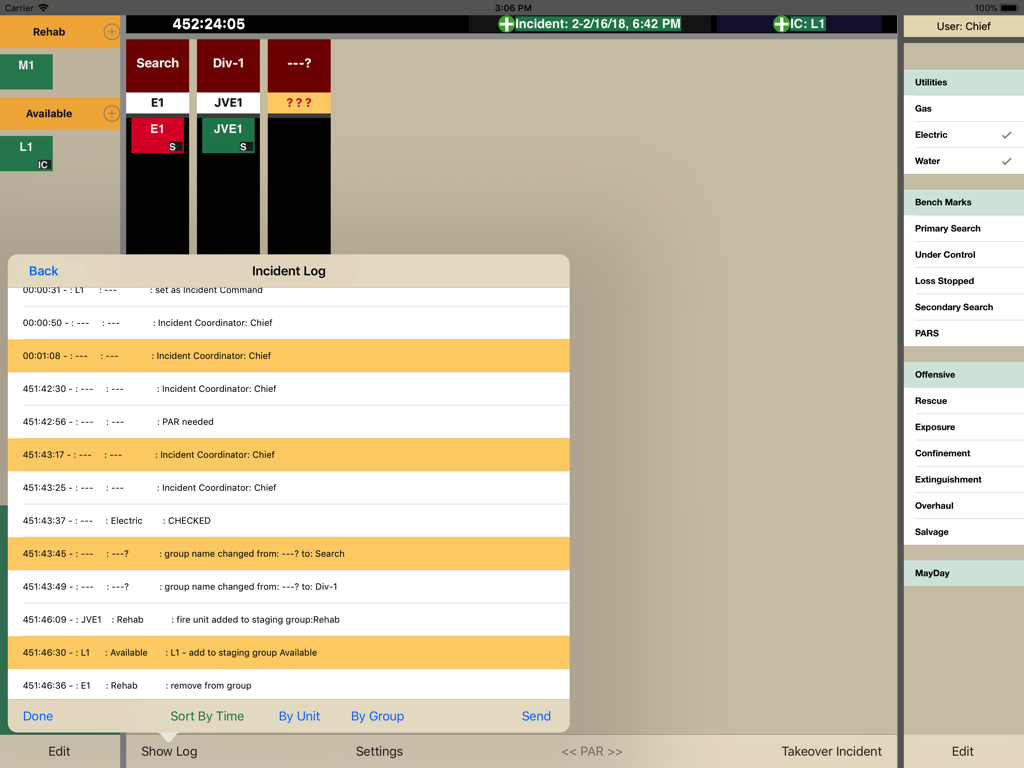
Incident log interface showing automated timestamps for tactical decisions and unit status updates
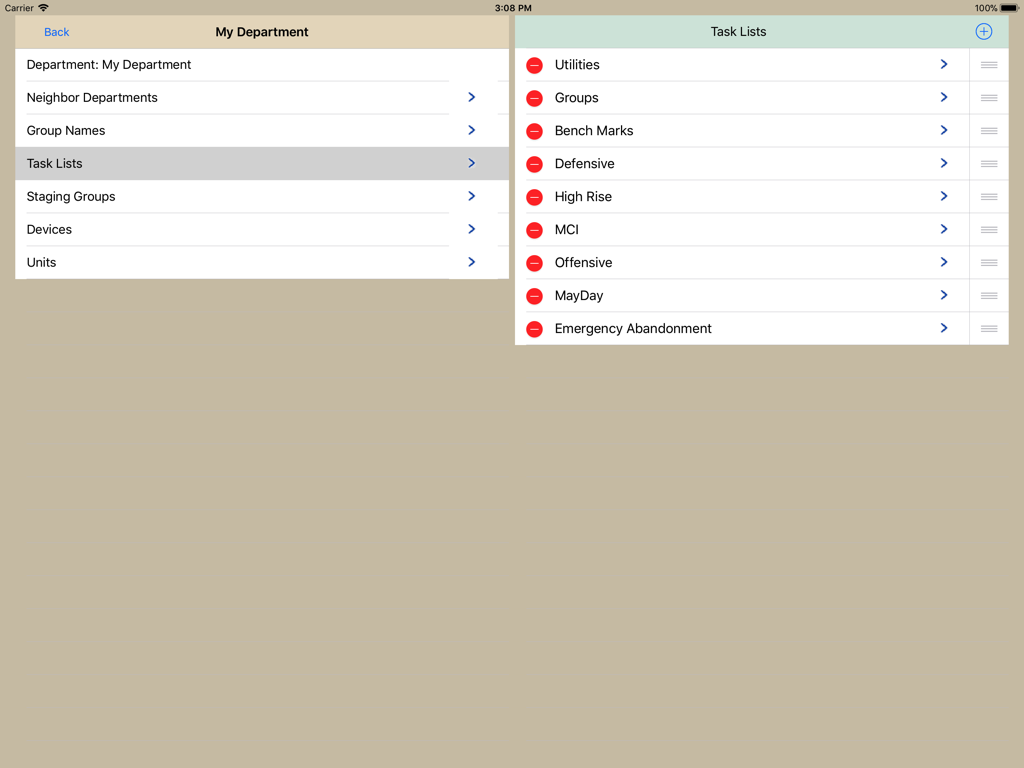
Interface of Total Command app showing customizable incident task lists and department settings.
Description
Download
More Like This
Top-ranked apps in the same category

ChatGPT
OpenAI OpCo, LLC

Google Gemini
Google LLC

Grok
X.AI Corporation

Gmail - Email by Google
Google LLC

千问 - 阿里最强大模型官方AI助手
Shanghai Zhixin Puhui Technology Co., Ltd.

Google Drive
Google LLC

Microsoft Authenticator
Microsoft Corporation

Google Sheets
Google LLC

Google Docs
Google LLC
This page is not an official page of the app or its developer, but an independent editorial publication created for informational and commentary purposes. Unless expressly stated otherwise, neither the app nor its developer is affiliated with, endorsed by, sponsored by, authorized by, or otherwise officially connected with MWM, Apple, Google Play, the app publisher, or the app's developer, and nothing on this page implies that the app was developed using MWM's services. Any trademarks, logos, screenshots, and other content remain the property of their respective owners.