
This page is not an official page of the app or its developer, but an independent editorial publication created for informational and commentary purposes. Unless expressly stated otherwise, neither the app nor its developer is affiliated with, endorsed by, sponsored by, authorized by, or otherwise officially connected with MWM, Apple, Google Play, the app publisher, or the app's developer, and nothing on this page implies that the app was developed using MWM's services. Any trademarks, logos, screenshots, and other content remain the property of their respective owners.


TrainDesign
Bring your vision to life on your iPad with intuitive touch controls. Effortlessly design complex track lines, adjust elevations, and master every curve with professional-grade accuracy.
Downloads
37K+User Rating
Total Ratings
100Publisher
Category
ProductivityLocales
2Latest Version
2.11Size
16.2 MBFirst Released
Feb 20, 2014Design Your Dream Layout with Precision
Transform your iPad into a powerful planning station for your model railroad. Avoid costly mistakes and perfect every curve before you lay a single piece of track.
Intuitive Touch Control
Skip the complex PC software. Use your fingers to stretch, shrink, and orient tracks naturally on your iPad, making the design process as rewarding as the build.
Precise Track Geometry
Fine-tune curve radii and track angles with professional accuracy. Ensure your locomotives navigate every turn flawlessly by planning for specific clearances and space.
The following screenshots and description are sourced directly from the app's official store listing and are the property of the app developer.
App Store
Screenshots
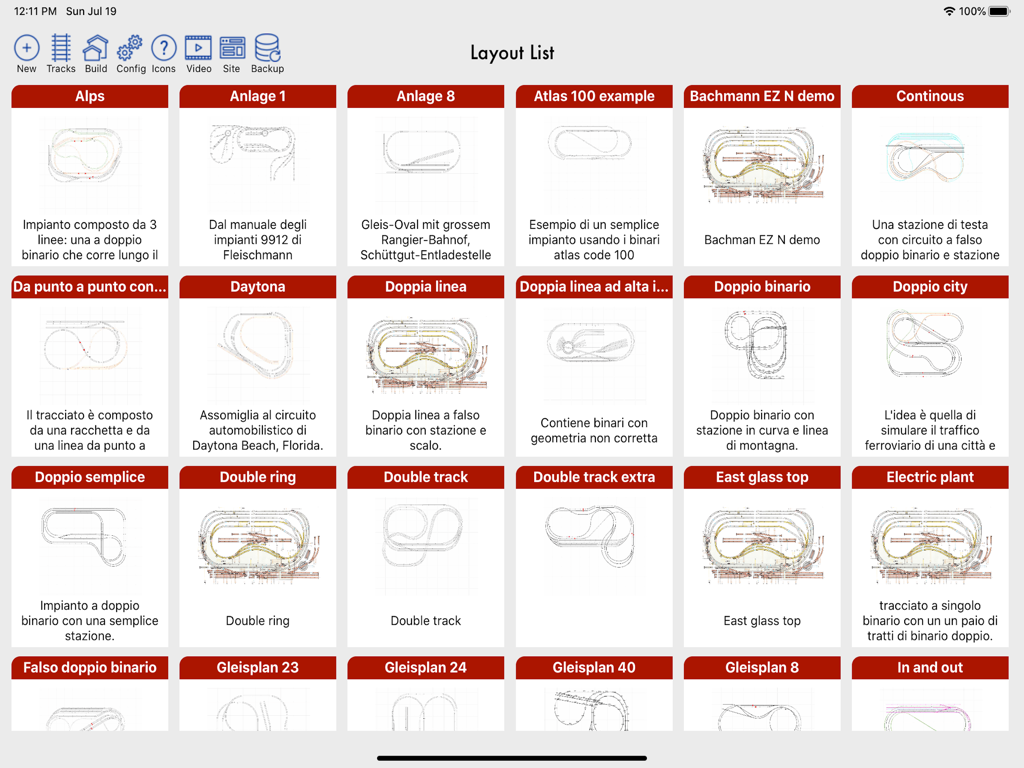
A grid of various model train track designs and layouts in the TrainDesign app for iPad
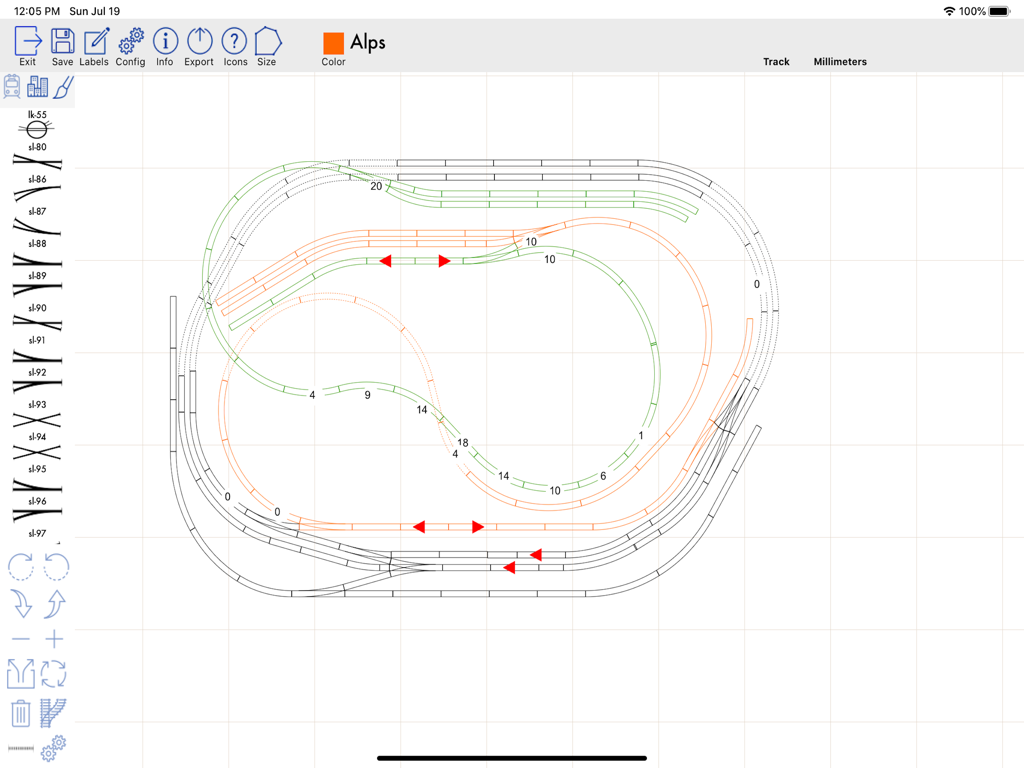
Model railroad track layout design on a grid within the TrainDesign iPad app
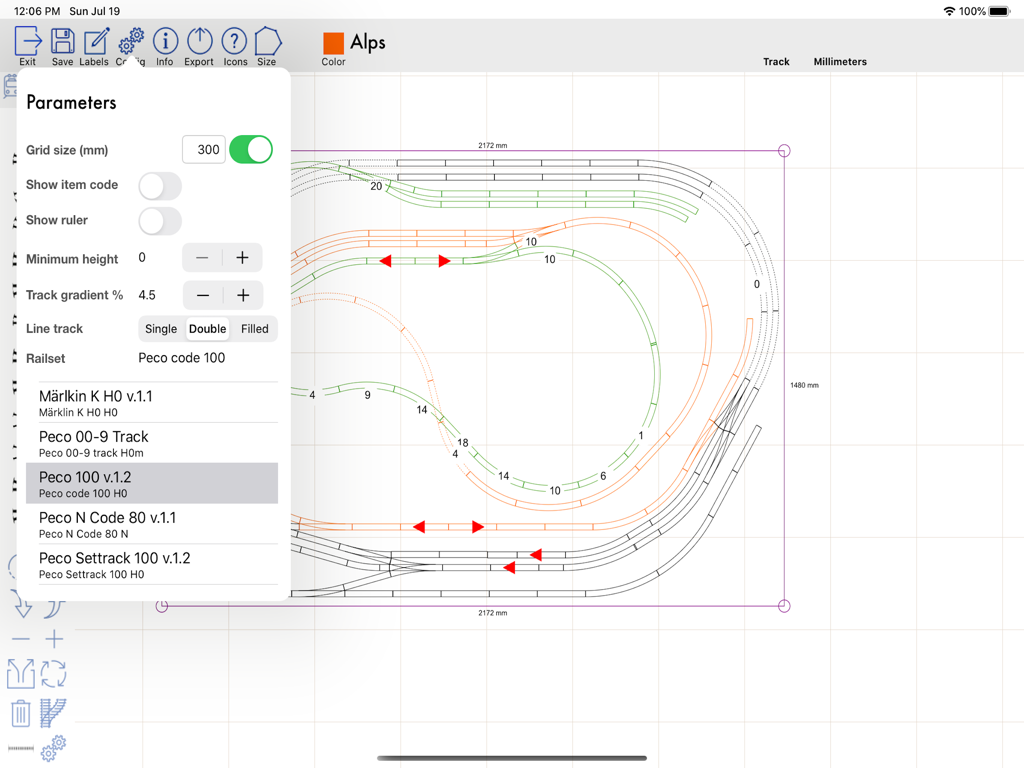
Interface of the TrainDesign app on iPad showing a model railroad track layout and the parameters menu for design adjustments
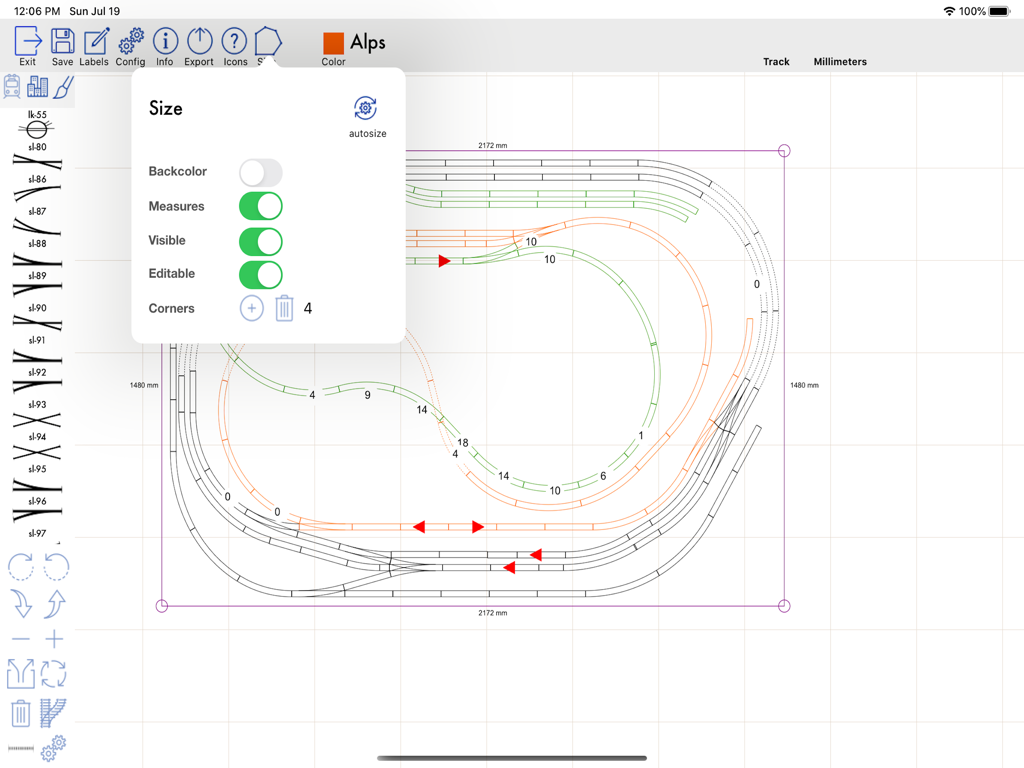
Model railroad track layout with size settings menu and measurements on an iPad
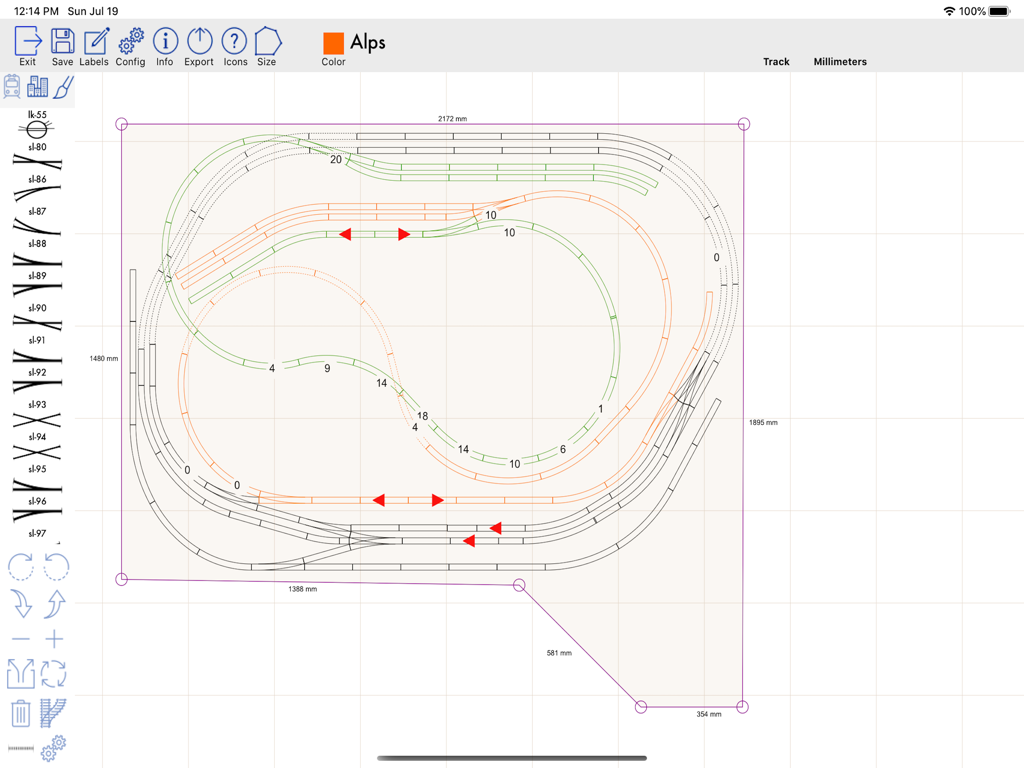
Digital blueprint of a model railroad track layout with measurements on a grid
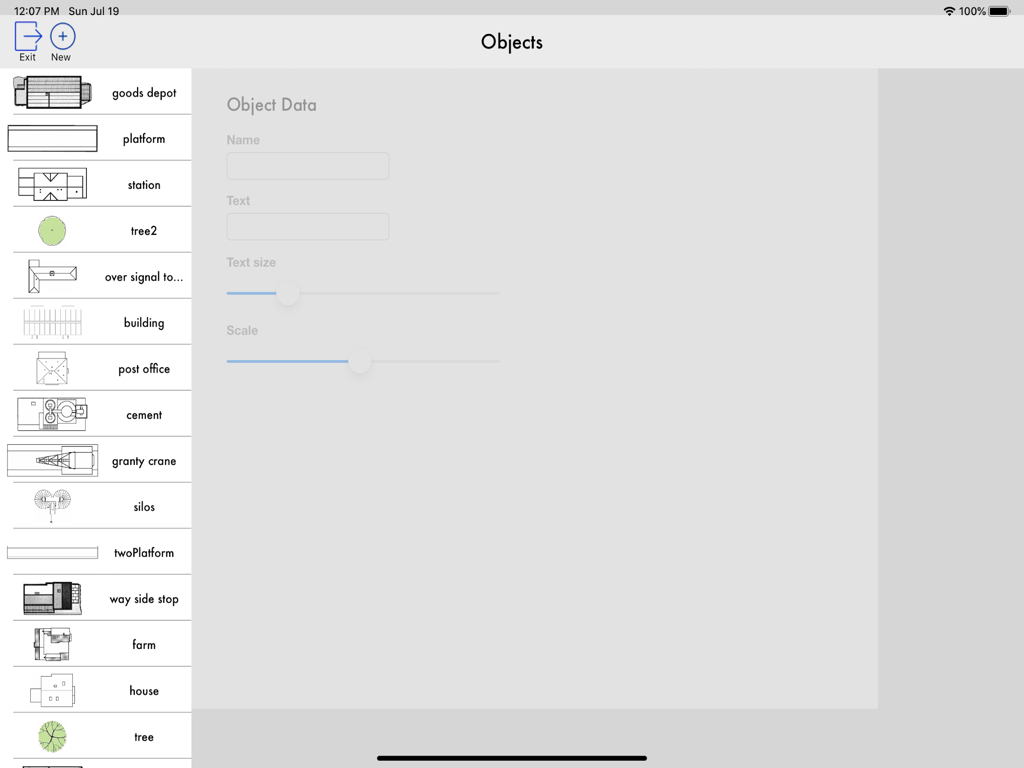
TrainDesign app interface showing a sidebar list of model railroad objects and a settings panel for object data and scaling
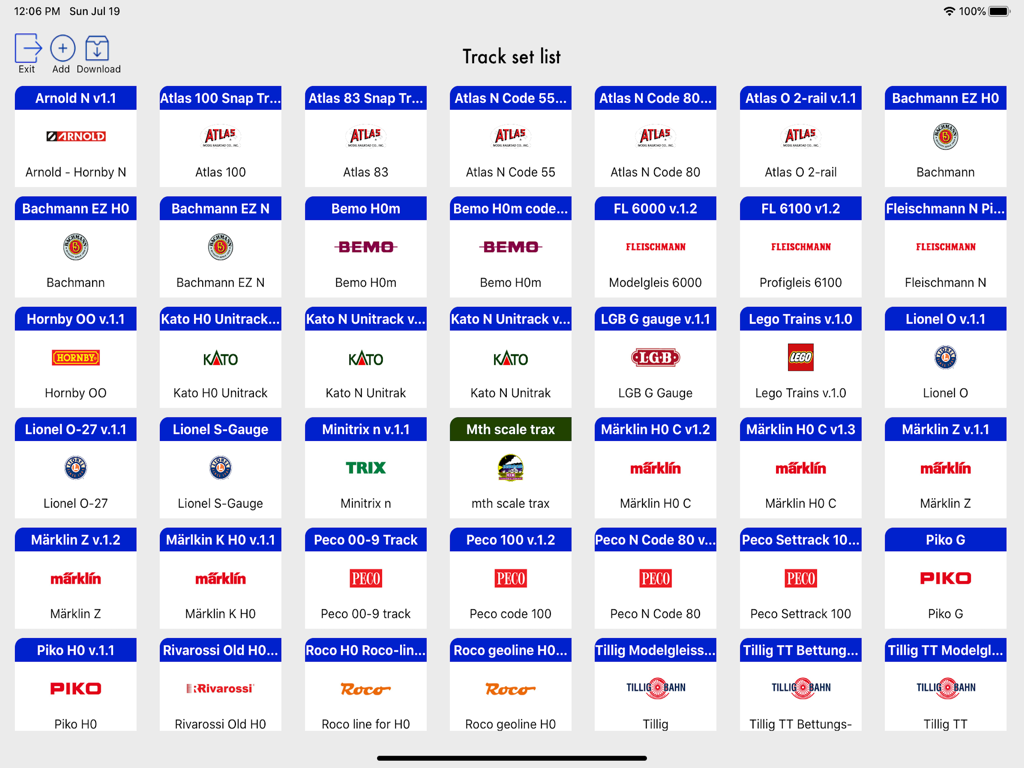
Track set selection screen in the TrainDesign app showing various model railroad brands for layout planning
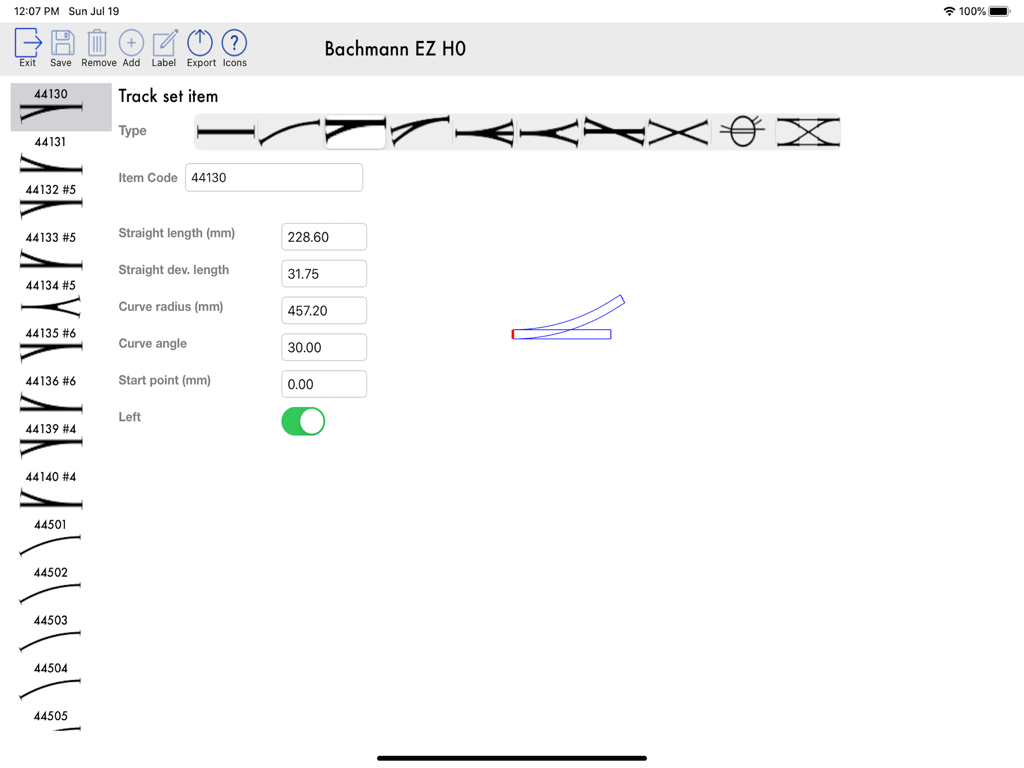
Interface of the TrainDesign app showing settings for a Bachmann EZ HO model train track piece including length and curve radius
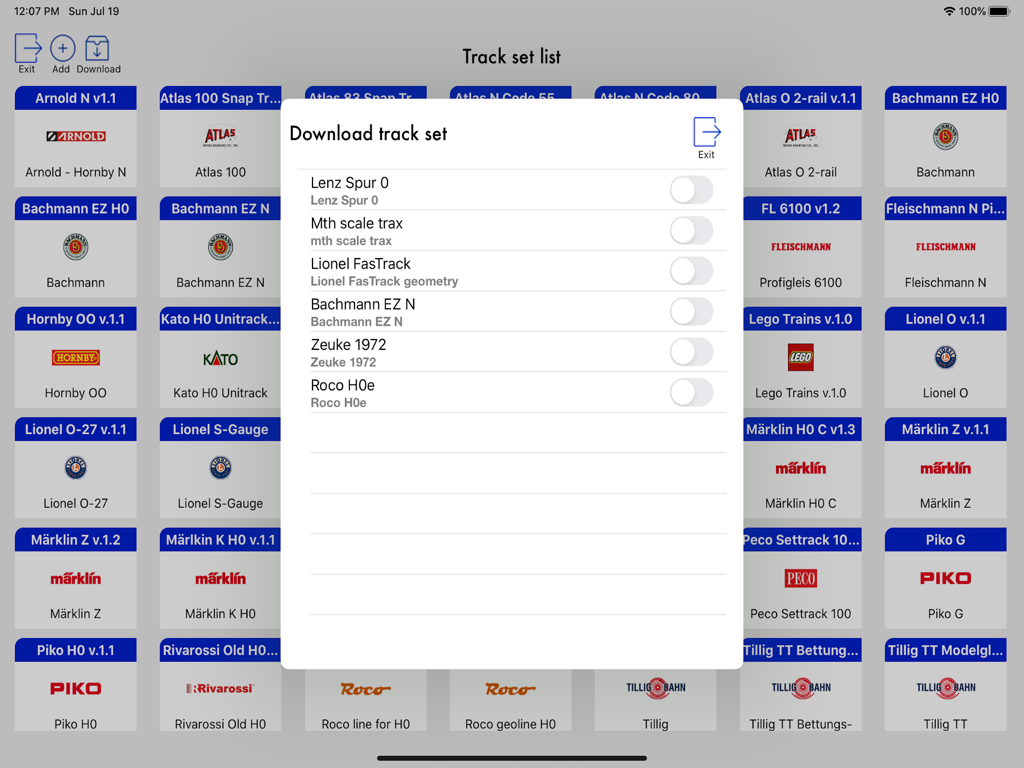
Interface showing various model railroad track brands and download options in the TrainDesign app.
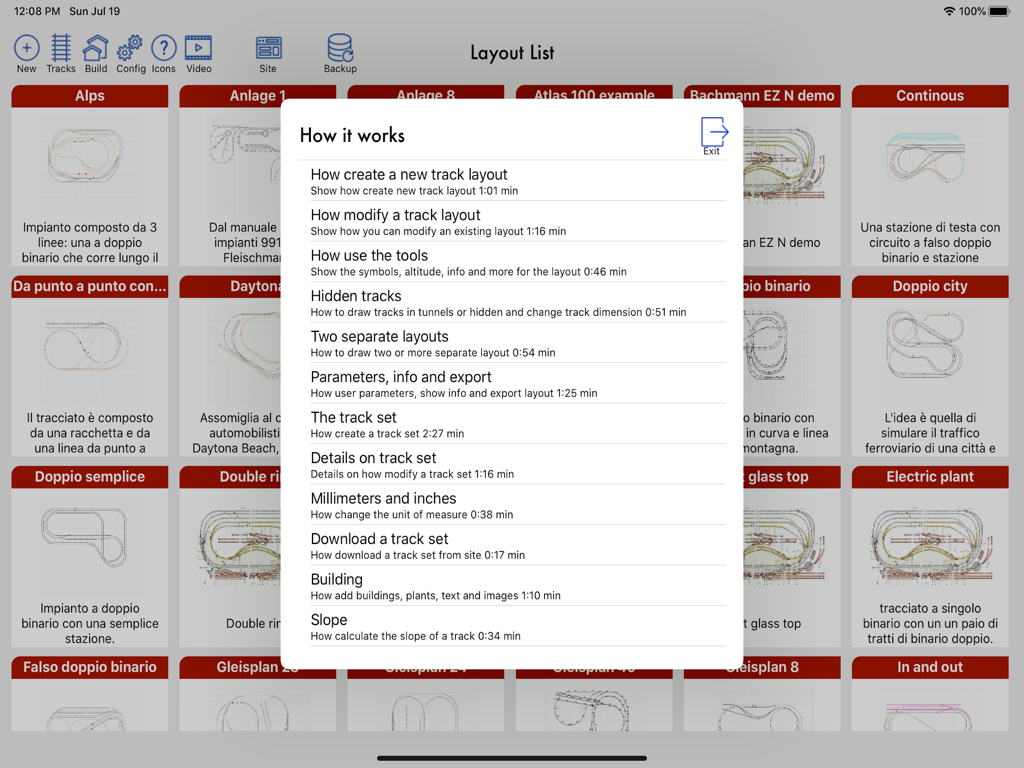
Interface of the TrainDesign app on iPad showing various track layouts and an overlay tutorial menu.
Description
Download
More Like This
Top-ranked apps in the same category

ChatGPT
OpenAI OpCo, LLC

Google Gemini
Google LLC

Grok
X.AI Corporation

Gmail - Email by Google
Google LLC

千问 - 阿里最强大模型官方AI助手
Shanghai Zhixin Puhui Technology Co., Ltd.

Google Drive
Google LLC

Microsoft Authenticator
Microsoft Corporation

Google Sheets
Google LLC

Google Docs
Google LLC
This page is not an official page of the app or its developer, but an independent editorial publication created for informational and commentary purposes. Unless expressly stated otherwise, neither the app nor its developer is affiliated with, endorsed by, sponsored by, authorized by, or otherwise officially connected with MWM, Apple, Google Play, the app publisher, or the app's developer, and nothing on this page implies that the app was developed using MWM's services. Any trademarks, logos, screenshots, and other content remain the property of their respective owners.