
This page is not an official page of the app or its developer, but an independent editorial publication created for informational and commentary purposes. Unless expressly stated otherwise, neither the app nor its developer is affiliated with, endorsed by, sponsored by, authorized by, or otherwise officially connected with MWM, Apple, Google Play, the app publisher, or the app's developer, and nothing on this page implies that the app was developed using MWM's services. Any trademarks, logos, screenshots, and other content remain the property of their respective owners.
Transcribe Video to Text: Vid2
Save hours of manual typing. Effortlessly turn your videos into accurate text for social media captions, lecture notes, or meeting minutes in seconds.
Downloads
100+User Rating
Total Ratings
0Publisher
Category
ProductivityLocales
19Latest Version
4.2Size
50.1 MBFirst Released
Sep 11, 2025Transform Every Video Into Value
Stop wasting hours on manual typing. Use advanced AI to instantly turn meetings, lectures, and social content into accurate, shareable text.
Lightning-Fast AI Transcription
Upload any video and get a full transcript in seconds—perfect for hitting tight deadlines and maximizing your daily productivity.
High-Precision Accuracy
Advanced speech recognition captures every word correctly, from complex technical lectures to fast-paced social media clips.
The following screenshots and description are sourced directly from the app's official store listing and are the property of the app developer.
App Store
Screenshots
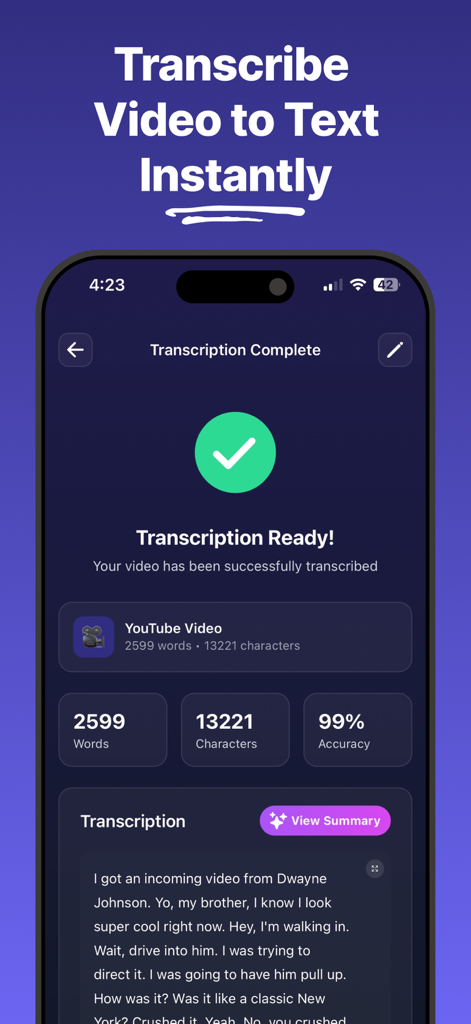
A mobile app screen showing a completed video transcription with 99 percent accuracy and a text preview
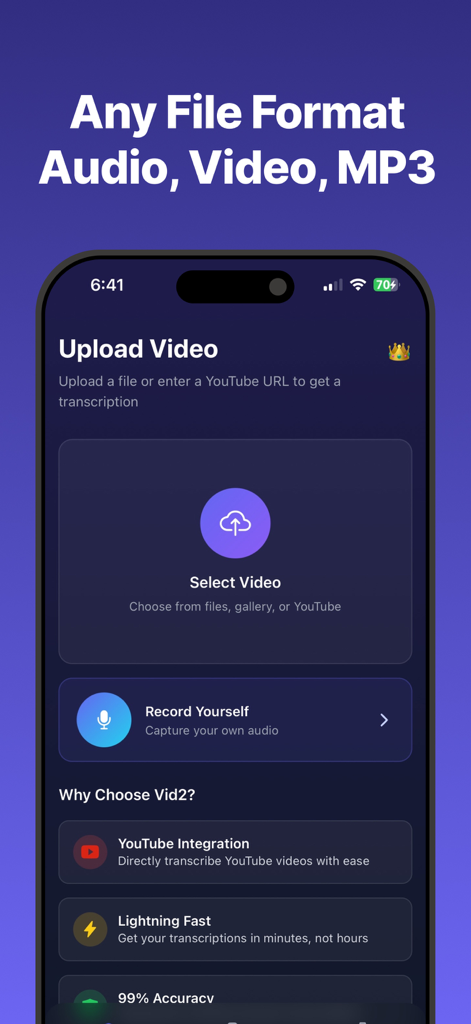
Interface of the Vid2 app showing options to upload video files or YouTube URLs for transcription.
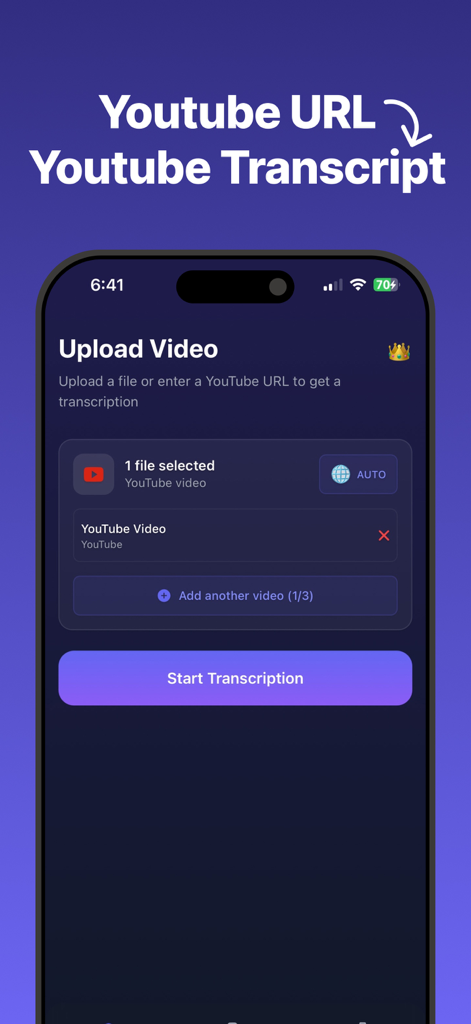
Interface of the Vid2 app showing the process of transcribing a YouTube video using a URL link
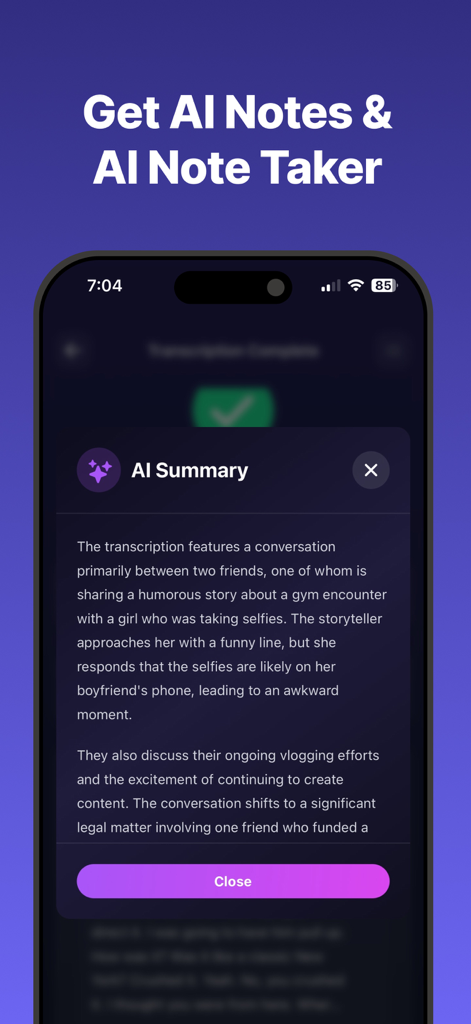
AI Summary feature in the Vid2 app showing a concise overview of a transcribed video conversation.
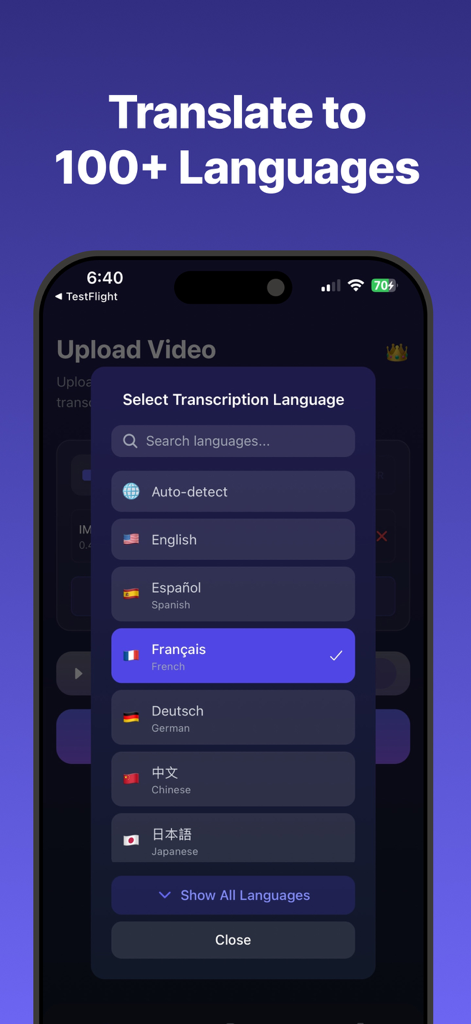
A mobile app interface displaying language selection for video transcription and translation in over 100 languages.
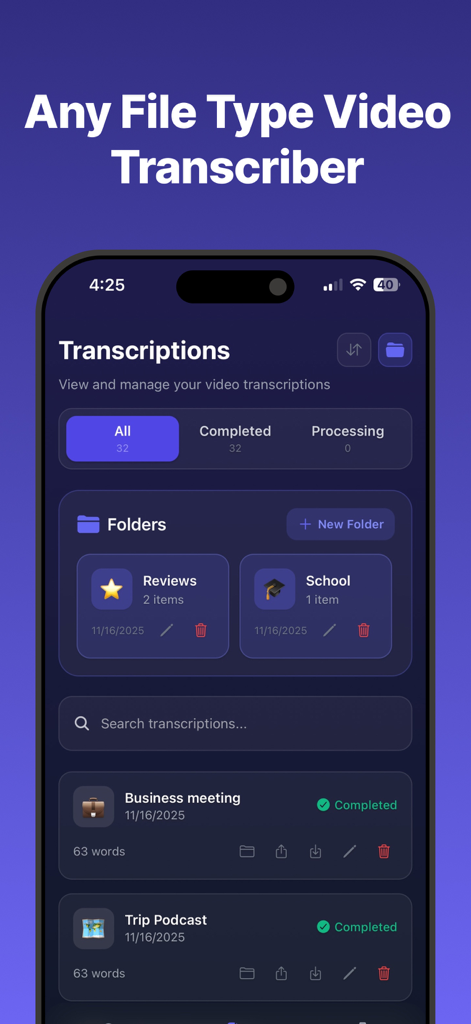
Vid2 mobile app dashboard showing organized folders and completed video to text transcriptions for business meetings and podcasts
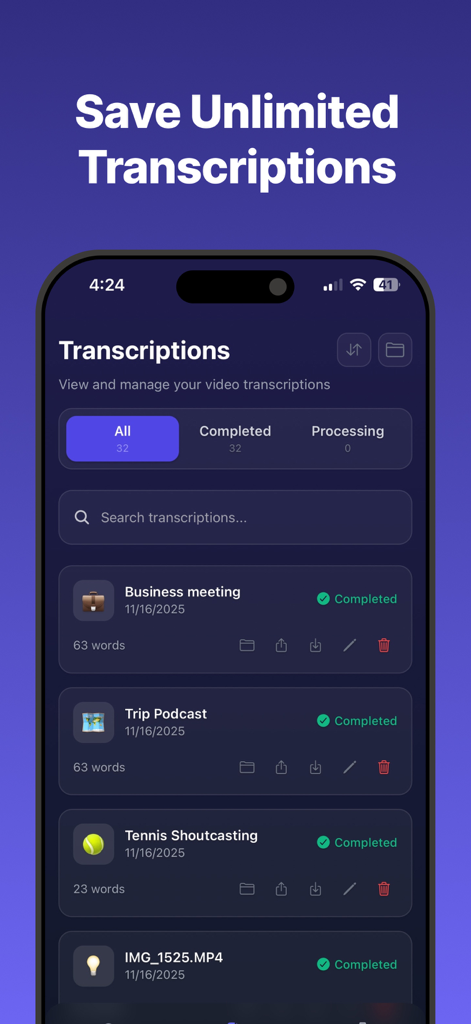
Vid2 app interface displaying a list of completed video transcriptions with search and management features for business meetings and podcasts
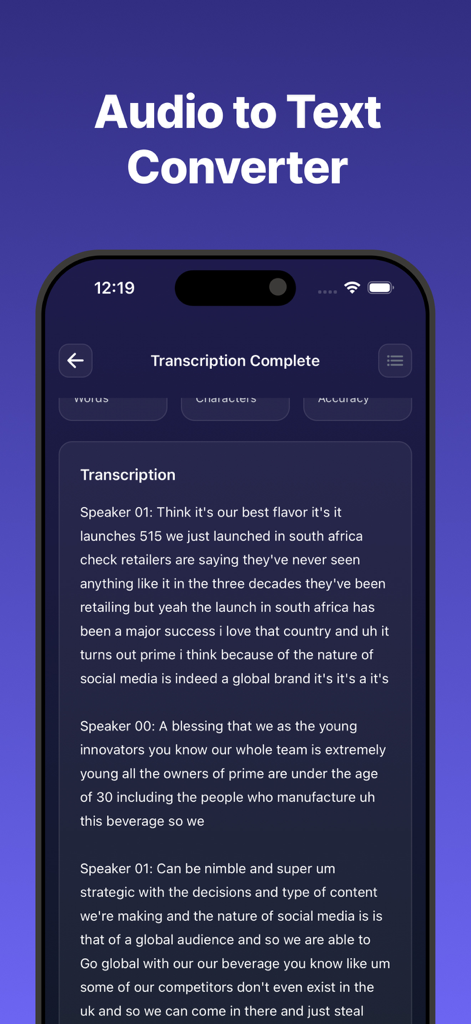
Interface of the Vid2 app showing a completed audio to text transcription with speaker labels
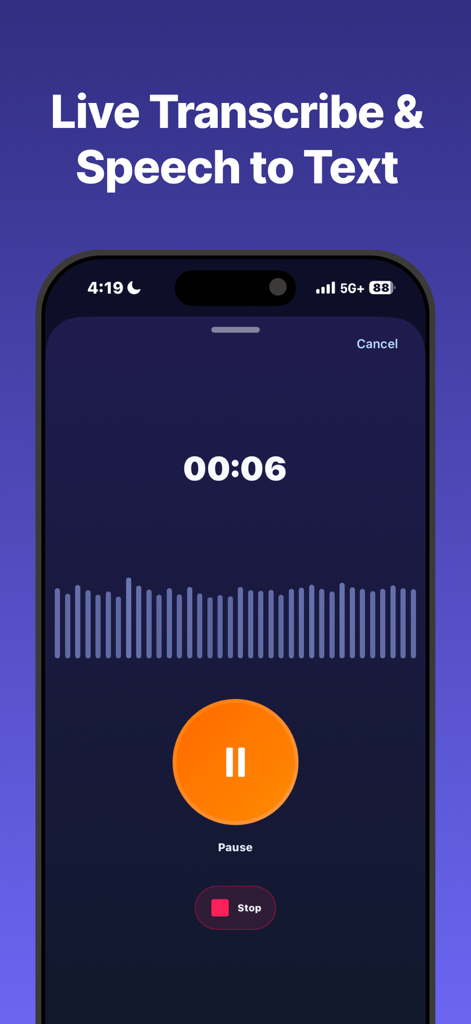
Interface showing a live speech-to-text recording session with a timer and waveform
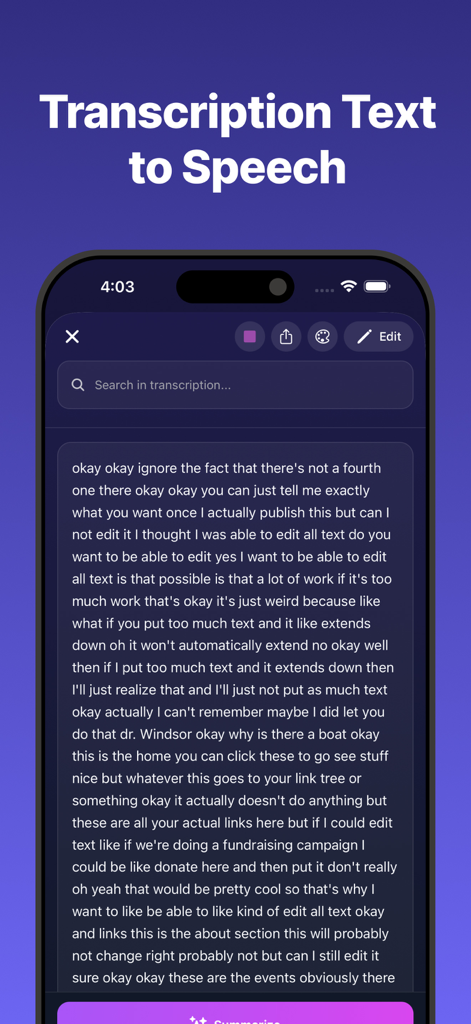
Mobile app interface showing transcribed text from a video with options to search, edit, and export.
Description
Download
More Like This
Top-ranked apps in the same category

ChatGPT
OpenAI OpCo, LLC

Google Gemini
Google LLC

Grok
X.AI Corporation

Gmail - Email by Google
Google LLC

千问 - 阿里最强大模型官方AI助手
Shanghai Zhixin Puhui Technology Co., Ltd.

Google Drive
Google LLC

Google Sheets
Google LLC

Microsoft Authenticator
Microsoft Corporation
Google Docs
Google LLC
This page is not an official page of the app or its developer, but an independent editorial publication created for informational and commentary purposes. Unless expressly stated otherwise, neither the app nor its developer is affiliated with, endorsed by, sponsored by, authorized by, or otherwise officially connected with MWM, Apple, Google Play, the app publisher, or the app's developer, and nothing on this page implies that the app was developed using MWM's services. Any trademarks, logos, screenshots, and other content remain the property of their respective owners.