
This page is not an official page of the app or its developer, but an independent editorial publication created for informational and commentary purposes. Unless expressly stated otherwise, neither the app nor its developer is affiliated with, endorsed by, sponsored by, authorized by, or otherwise officially connected with MWM, Apple, Google Play, the app publisher, or the app's developer, and nothing on this page implies that the app was developed using MWM's services. Any trademarks, logos, screenshots, and other content remain the property of their respective owners.

Translate Hola – AI Translator
Unlock instant, context-aware translations for any website or text. Experience a borderless internet with advanced AI integration designed specifically for your iPhone and iPad.
Downloads
22K+User Rating
Total Ratings
200Publisher
Category
ReferenceLocales
10Latest Version
2.18.0Size
163.3 MBFirst Released
Jun 25, 2020Browse the World Without Limits
Stop switching apps. Translate Hola integrates powerful AI directly into Safari, allowing you to read, research, and shop across the global web effortlessly.
Native Safari Extension
Eliminate the friction of copy-pasting. Translate entire websites or selected paragraphs instantly without ever leaving your browser.
AI-Powered Precision
Experience high-quality translations that understand context and nuance, providing a smooth and natural reading flow for complex articles.
Frequently Asked Questions
Everything you need to know about Translate Hola – AI Translator
Does Translate Hola – AI Translator integrate with Safari?
Yes, Hola Translator seamlessly integrates with Safari. This integration allows users to translate text and entire web pages directly within the Safari browser while browsing the web.
Can Translate Hola – AI Translator translate full web pages in Safari?
Yes, Translate Hola – AI Translator translates entire web pages within Safari. It enables users to effortlessly understand and navigate foreign content when browsing.
Does Translate Hola – AI Translator translate selected text?
Yes, Translate Hola – AI Translator supports the translation of selected text. Users simply select the text they wish to translate, and the app instantly provides accurate translations.
How many languages does Translate Hola – AI Translator support?
Translate Hola – AI Translator supports translation to over 100 languages. This extensive language support allows users to overcome language barriers and explore the global web.
How does Translate Hola – AI Translator ensure translation accuracy?
Translate Hola – AI Translator ensures translation accuracy through advanced translation technology. It leverages machine learning algorithms and linguistic models to deliver contextually relevant and high-quality translations.
Where can users find the Privacy Policy for Translate Hola – AI Translator?
The Privacy Policy for Translate Hola – AI Translator is available at https://telegra.ph/Privacy-Policy-01-31-9. This policy details the application's data handling practices.
The following screenshots and description are sourced directly from the app's official store listing and are the property of the app developer.
App Store
Screenshots
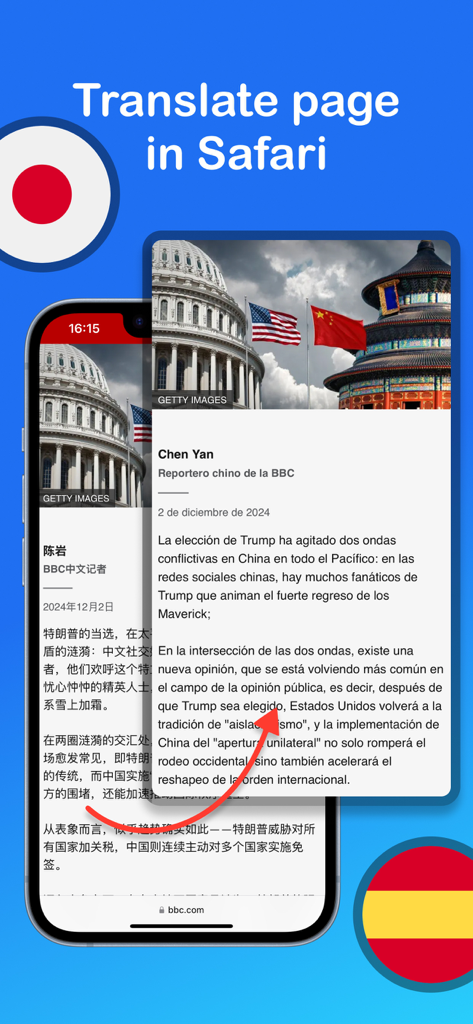
A demonstration of the Translate Hola app translating a news webpage within the Safari browser
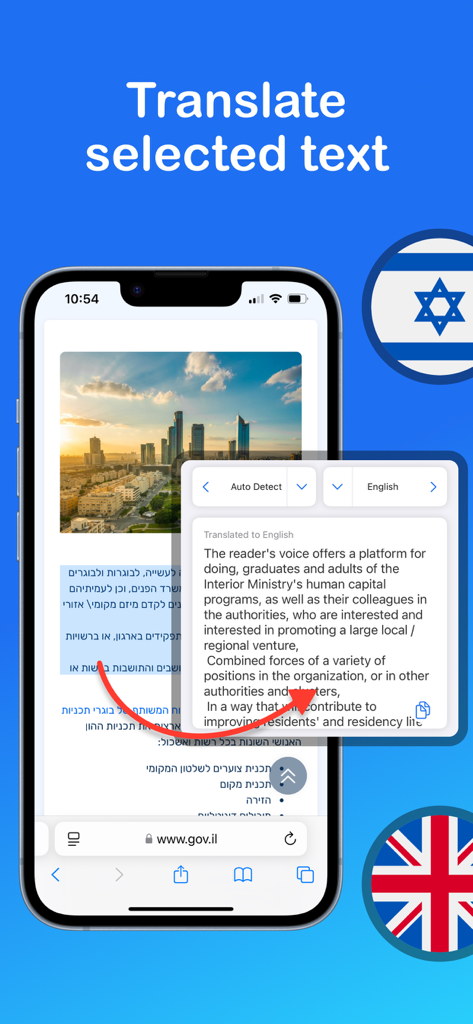
A screenshot showing the Translate Hola app translating selected Hebrew text into English within the Safari browser on an iPhone
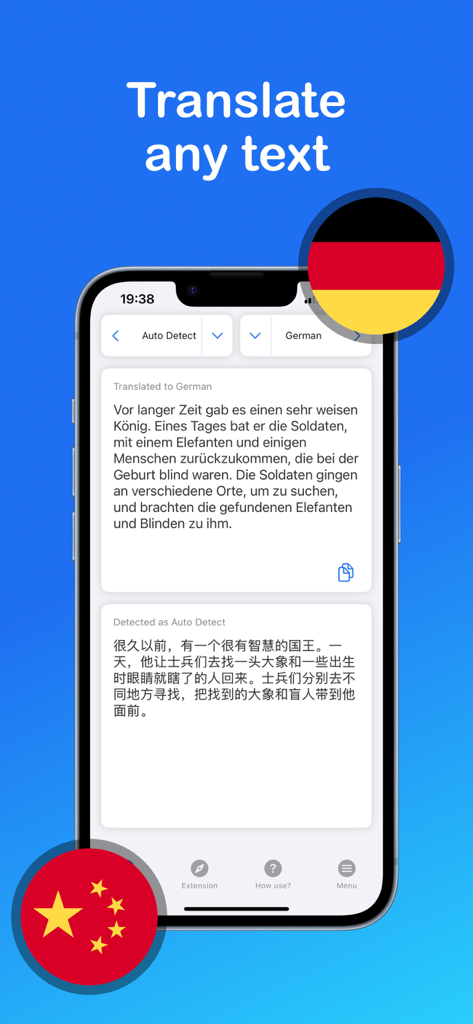
Translate Hola app interface displaying Chinese to German text translation
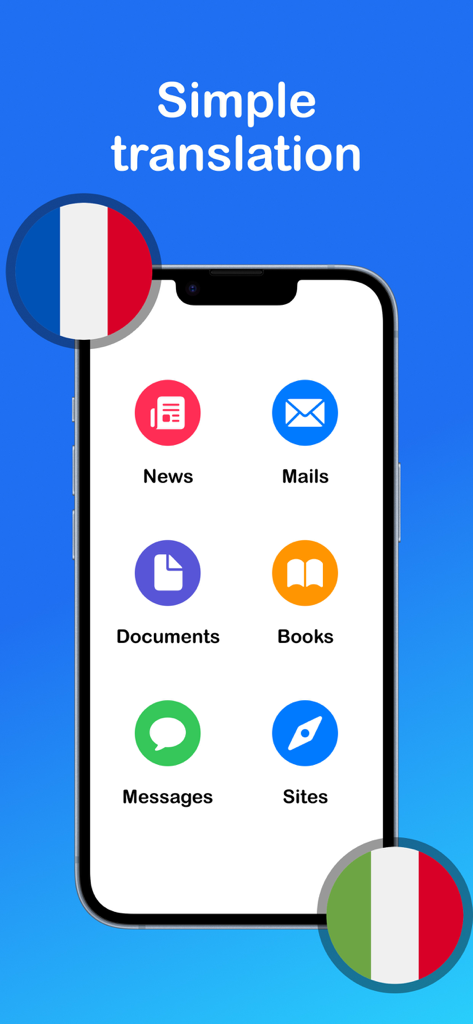
Translate Hola mobile app screen showing options to translate news emails documents books messages and websites
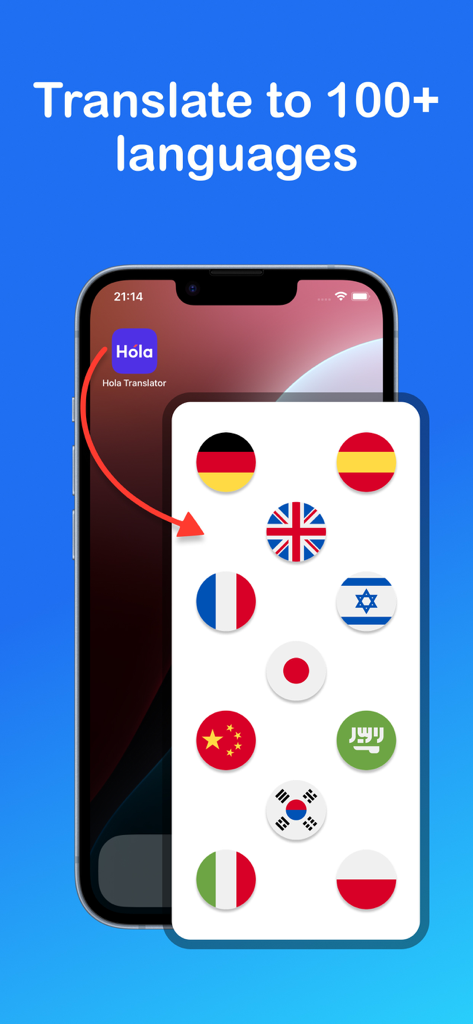
Translate Hola AI Translator app interface showing support for over 100 languages with a display of international flags on an iPhone screen
Description
Download
More Like This
Apps with similar features and user experience





This page is not an official page of the app or its developer, but an independent editorial publication created for informational and commentary purposes. Unless expressly stated otherwise, neither the app nor its developer is affiliated with, endorsed by, sponsored by, authorized by, or otherwise officially connected with MWM, Apple, Google Play, the app publisher, or the app's developer, and nothing on this page implies that the app was developed using MWM's services. Any trademarks, logos, screenshots, and other content remain the property of their respective owners.