
This page is not an official page of the app or its developer, but an independent editorial publication created for informational and commentary purposes. Unless expressly stated otherwise, neither the app nor its developer is affiliated with, endorsed by, sponsored by, authorized by, or otherwise officially connected with MWM, Apple, Google Play, the app publisher, or the app's developer, and nothing on this page implies that the app was developed using MWM's services. Any trademarks, logos, screenshots, and other content remain the property of their respective owners.


Tresorit
Protect your most sensitive files with zero-knowledge, end-to-end encryption. Store, sync, and share with the confidence that no one—not even us—can ever access your data.
Downloads
0User Rating
Total Ratings
0Publisher
Category
ProductivityLocales
5Latest Version
3.5.2479.4660Size
133.3 MBFirst Released
Nov 1, 2013Uncompromising Security for Your Most Sensitive Data
The ultimate zero-knowledge vault designed for professionals who prioritize privacy, compliance, and total control over their digital assets.
True Zero-Knowledge Encryption
Your files are encrypted on your device before they ever reach the cloud. This guarantees that only you and your chosen recipients can access your data—not even our admins can see it.
Secure External Collaboration
Replace risky email attachments with password-protected, encrypted links. Maintain professional standards by managing permissions and revoking access at any time, even after sending.
The following screenshots and description are sourced directly from the app's official store listing and are the property of the app developer.
App Store
Screenshots
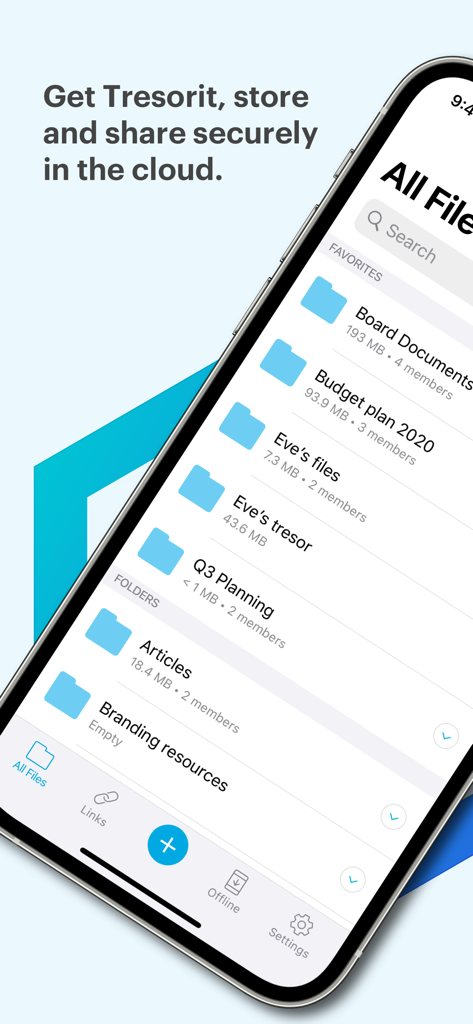
iPhone screen showing the Tresorit app interface with a list of encrypted files and folders stored in the cloud.
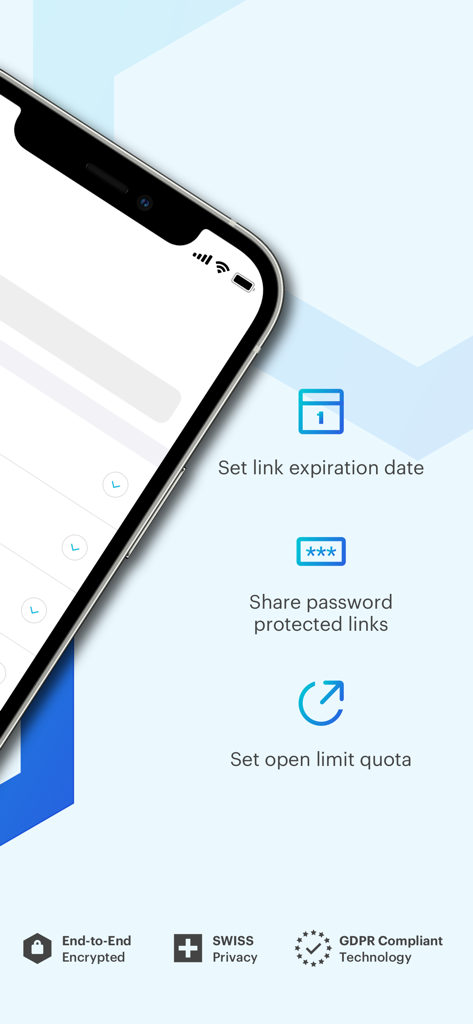
Tresorit app screen displaying secure link sharing options including password protection and expiration dates.
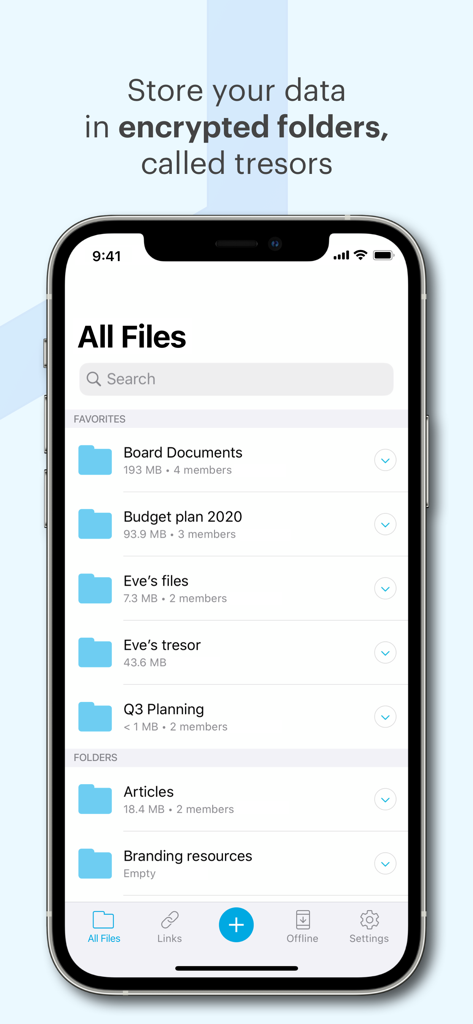
Tresorit mobile app interface showing a list of secure end to end encrypted folders
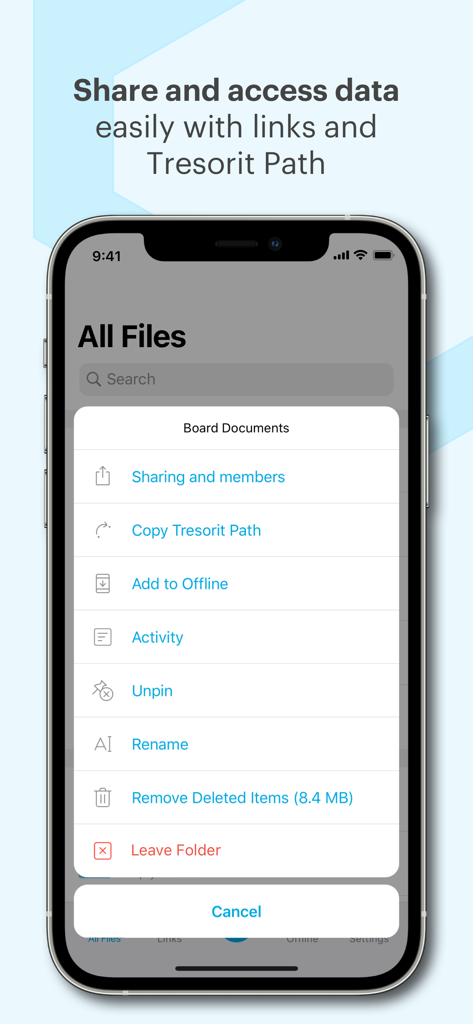
Tresorit app interface showing secure file sharing and folder management settings on iPhone
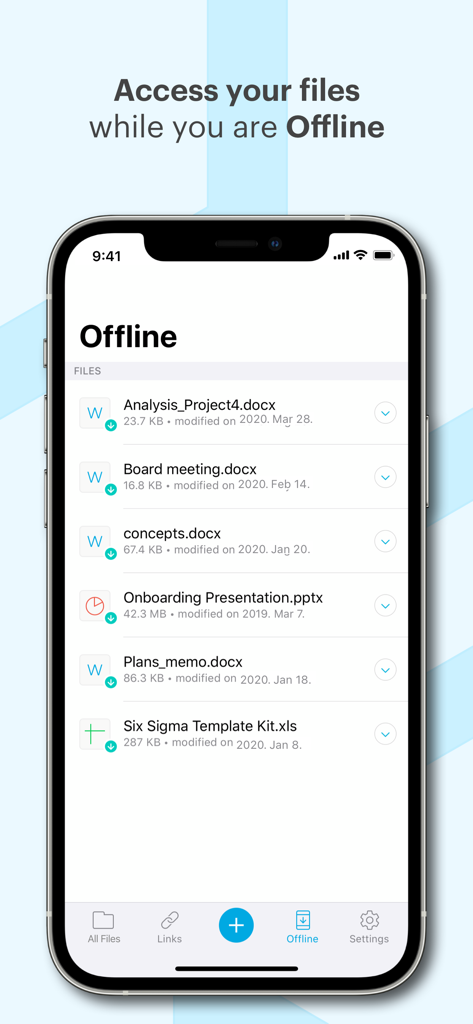
The Tresorit app interface on an iPhone displaying a list of secure files available for offline access.
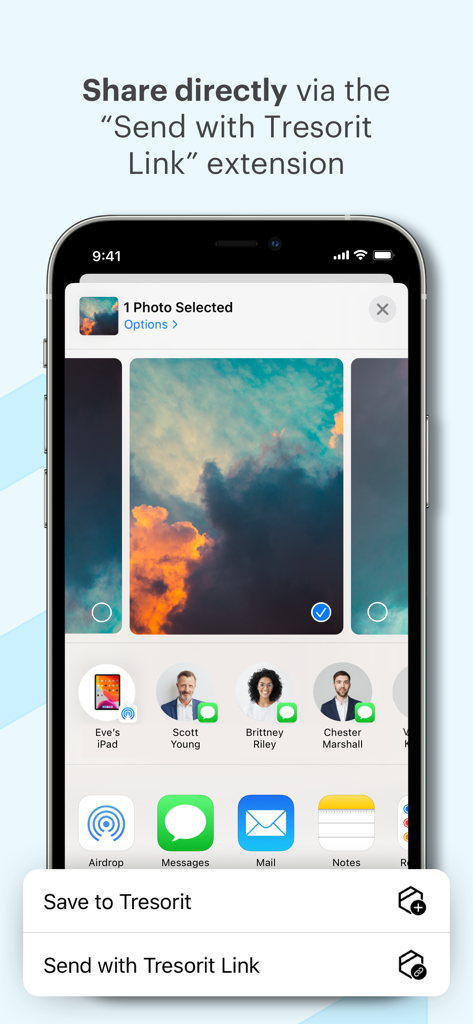
Tresorit iOS sharing extension showing the Send with Tresorit Link option for secure file sharing
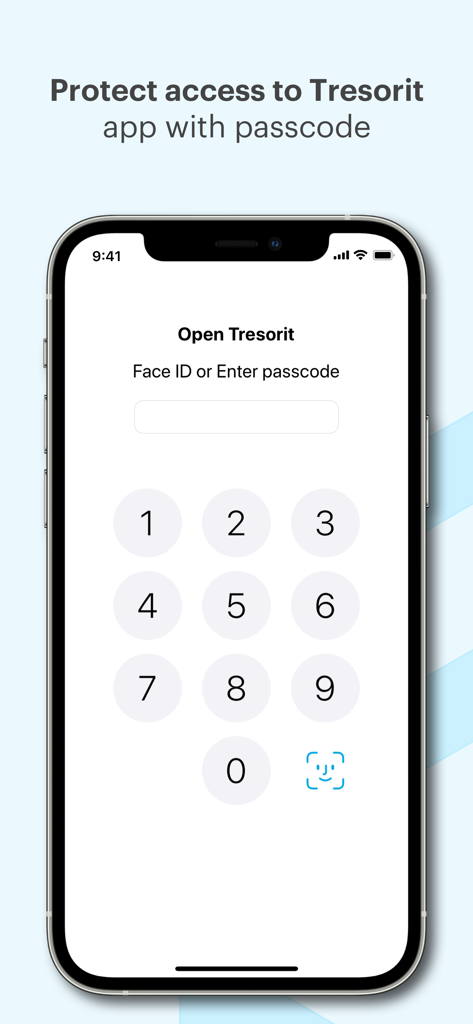
Tresorit app lock screen featuring passcode entry and Face ID authentication for secure access
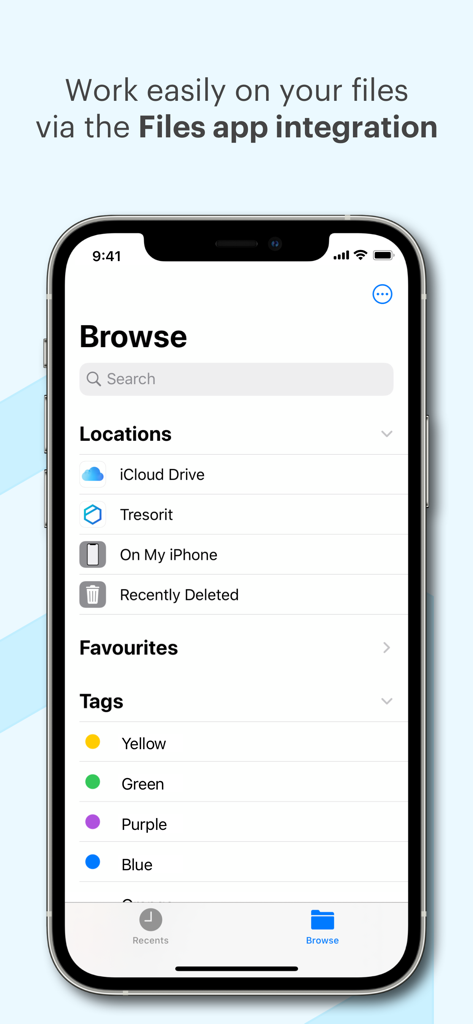
Tresorit integration with the iPhone Files app for easy file management.
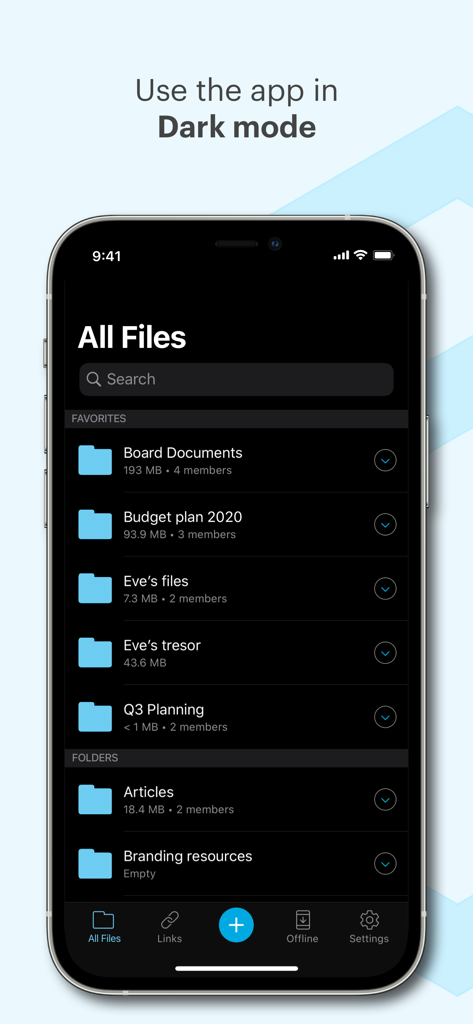
Tresorit mobile app interface displaying encrypted file folders in dark mode
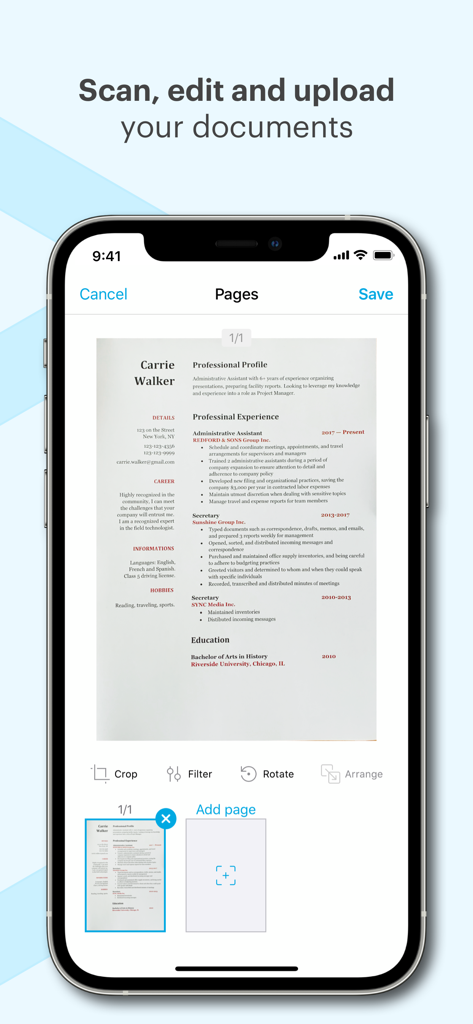
A smartphone showing the Tresorit app interface for scanning and editing documents with professional profile view and editing tools
Description
Download
More Like This
Top-ranked apps in the same category

ChatGPT
OpenAI OpCo, LLC

Google Gemini
Google LLC

Grok
X.AI Corporation

Gmail - Email by Google
Google LLC

千问 - 阿里最强大模型官方AI助手
Shanghai Zhixin Puhui Technology Co., Ltd.

Google Drive
Google LLC

Microsoft Authenticator
Microsoft Corporation

Google Sheets
Google LLC

Google Docs
Google LLC
This page is not an official page of the app or its developer, but an independent editorial publication created for informational and commentary purposes. Unless expressly stated otherwise, neither the app nor its developer is affiliated with, endorsed by, sponsored by, authorized by, or otherwise officially connected with MWM, Apple, Google Play, the app publisher, or the app's developer, and nothing on this page implies that the app was developed using MWM's services. Any trademarks, logos, screenshots, and other content remain the property of their respective owners.