
This page is not an official page of the app or its developer, but an independent editorial publication created for informational and commentary purposes. Unless expressly stated otherwise, neither the app nor its developer is affiliated with, endorsed by, sponsored by, authorized by, or otherwise officially connected with MWM, Apple, Google Play, the app publisher, or the app's developer, and nothing on this page implies that the app was developed using MWM's services. Any trademarks, logos, screenshots, and other content remain the property of their respective owners.


TrimCut - Video Editor
Elevate your TikTok, Reels, and YouTube Shorts with flawless AI retouching, instant auto-captions, and cinematic effects designed for the next generation of creators.
Downloads
3M+User Rating
Total Ratings
4K+Publisher
Category
Photo & VideoLocales
12Latest Version
3.0.9Size
179.8 MBFirst Released
Oct 10, 2024Create Content That Stops the Scroll
Professional-grade AI editing tools designed specifically for the next generation of creators. Turn your raw footage into viral-ready masterpieces in seconds.
Flawless AI Retouching
Get camera-ready instantly. Smooth skin and enhance your features with AI tools designed for that perfect influencer aesthetic in every frame.
One-Tap Auto Captions
Boost your engagement by up to 80%. Automatically generate accurate subtitles so your message hits home, even for the silent scrollers.
Frequently Asked Questions
Everything you need to know about TrimCut - Video Editor
What is TrimCut?
TrimCut is an all-in-one video editing studio and pro retouching app. It provides powerful AI tools, basic and advanced video editing features, and creative effects for producing captivating stories.
Does TrimCut offer AI-powered tools for video editing?
Yes, TrimCut offers powerful AI tools. These include AI Retouch for skin smoothing, Auto Captions for subtitles, AI Remove Background, slow-motion effects, and Auto Adjust for color and lighting balance.
How does TrimCut handle video background removal?
TrimCut features an AI Remove Background tool that instantly removes your video's background with one tap. This functionality is part of its powerful AI suite.
Can I add captions or subtitles automatically with TrimCut?
Yes, TrimCut provides an Auto Captions feature. It generates accurate subtitles or lyrics with a single tap, making videos more accessible and engaging for various platforms.
What subscription options are available for TrimCut Pro Unlimited?
TrimCut Pro Unlimited offers weekly, monthly, and yearly subscription types. Subscriptions renew automatically unless auto-renewal is turned off at least 24 hours before the current period ends.
Does TrimCut allow users to adjust video speed for slow-motion effects?
Yes, TrimCut allows users to create slow-motion effects. It features speed adjustment with customizable speed curves to transform moments into smooth, cinematic sequences.
Can TrimCut merge multiple video clips?
Yes, TrimCut can merge multiple video clips. It offers a "Trim & Merge" feature that seamlessly stitches clips together, a core function of its basic video editing capabilities.
What kind of filters and effects does TrimCut offer?
TrimCut provides a rich library of professional effects, including glitch, transition, VHS, and FX effects. It also offers cinematic filters to set the perfect mood for videos.
Where can I find the Privacy Policy for TrimCut?
The Privacy Policy for TrimCut is available online at https://pzmobile.com/app/en/policy. Users can review the policy for details on data handling and privacy practices.
Does TrimCut support multi-track editing?
Yes, TrimCut supports multi-track editing. It includes a multi-track timeline feature, allowing users to easily overlay videos, photos, stickers, and text for dynamic content creation.
The following screenshots and description are sourced directly from the app's official store listing and are the property of the app developer.
App Store
Screenshots
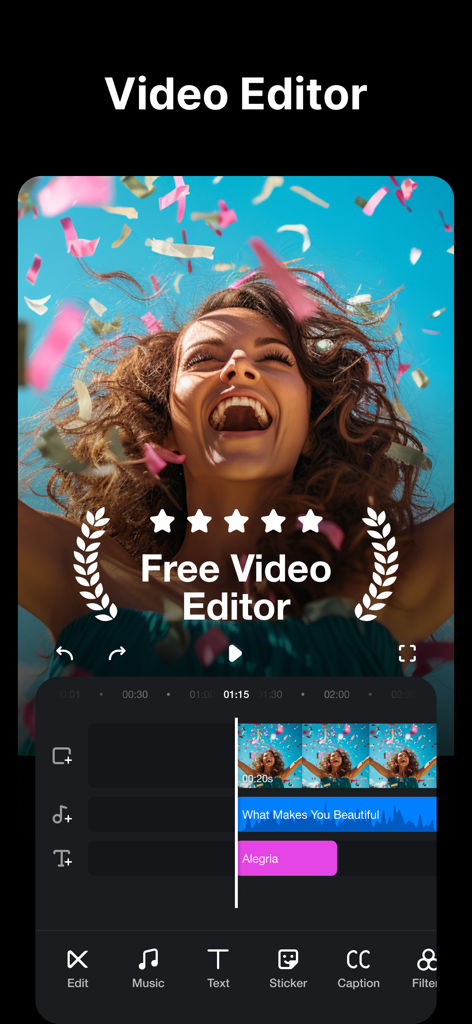
TrimCut video editor mobile app interface showing a multi track timeline with music and text effects.
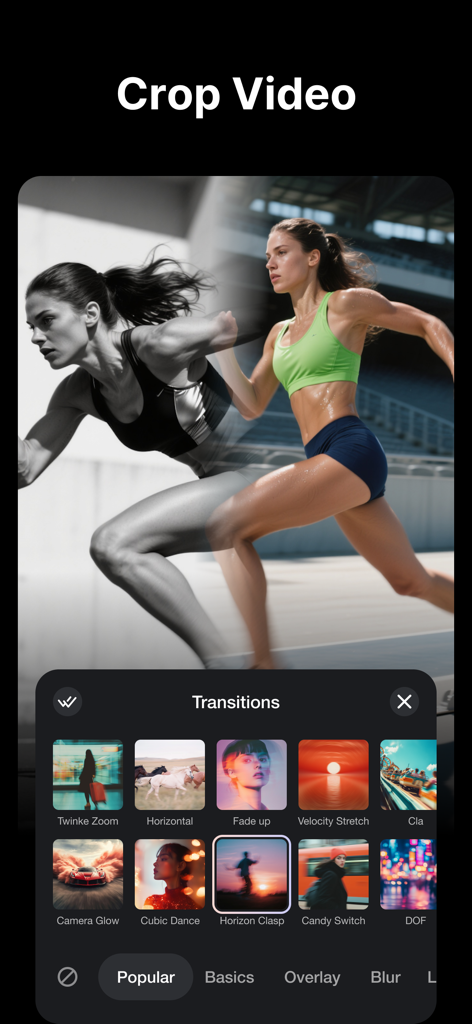
A library of cinematic video transitions in the TrimCut app interface for social media creators.

Interface of the TrimCut video editor app showing the merge video feature with a cinematic lifestyle clip and social media icons
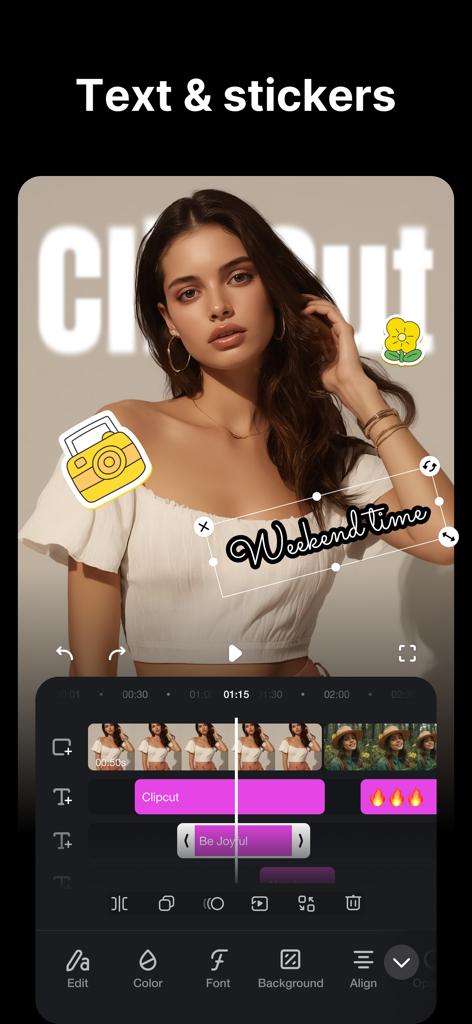
TrimCut app interface showing video editing with text and sticker overlays
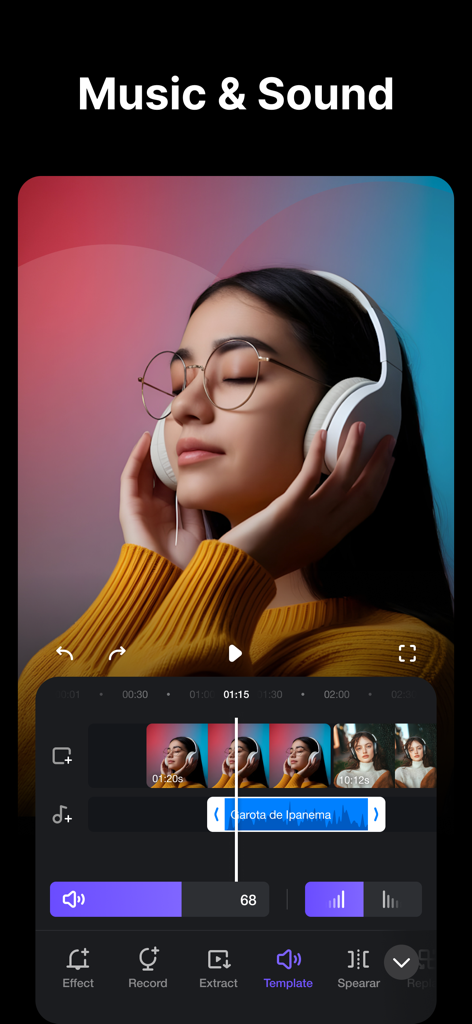
Interface of TrimCut app showing music and sound editing tools with an audio waveform and video timeline
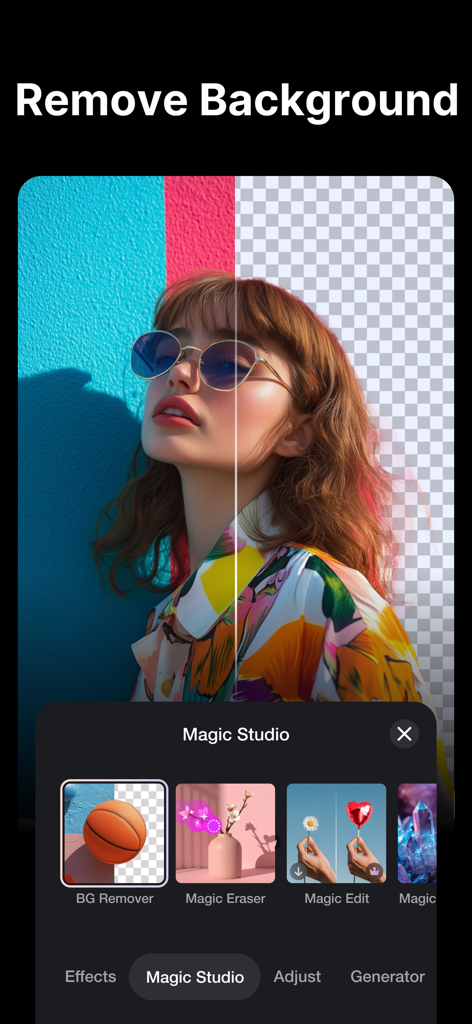
A split screen showing the AI background removal feature in the TrimCut video editing app.
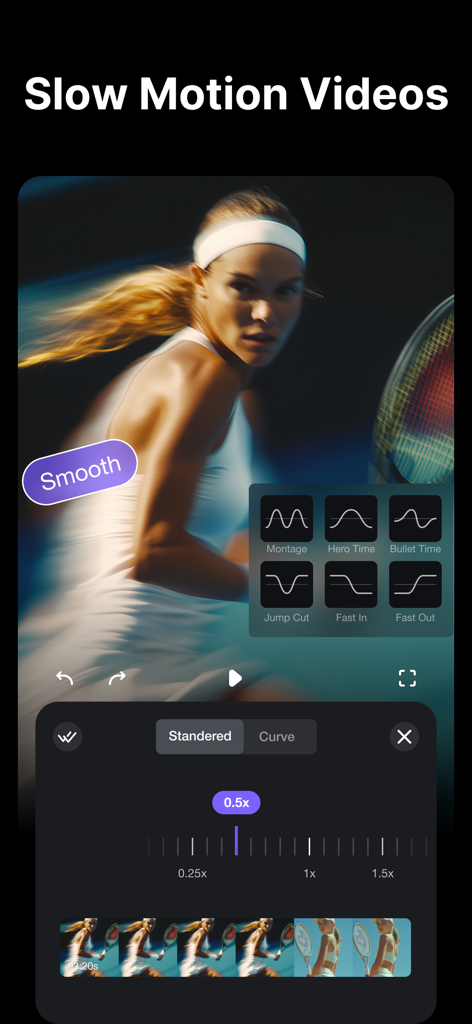
TrimCut video editor interface showing professional slow motion speed curve settings for a tennis video clip
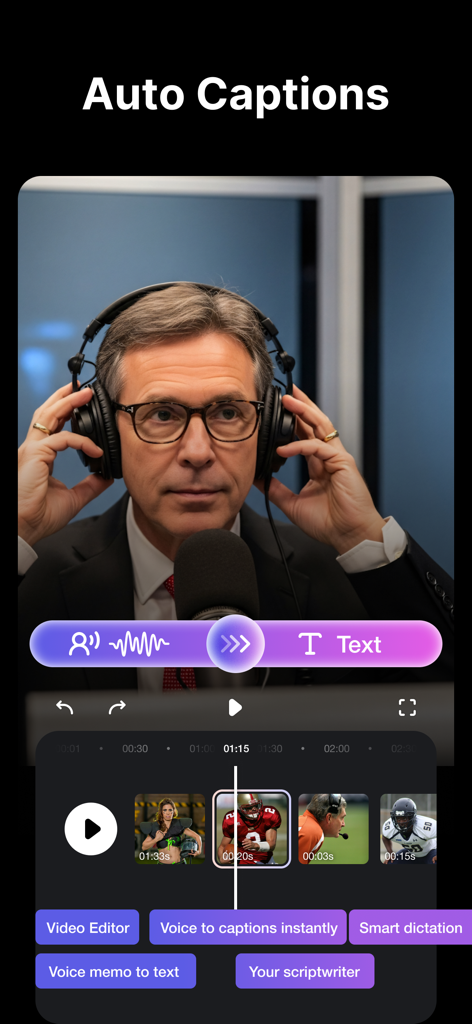
TrimCut app interface featuring auto captions and voice to text editing tools for social media videos
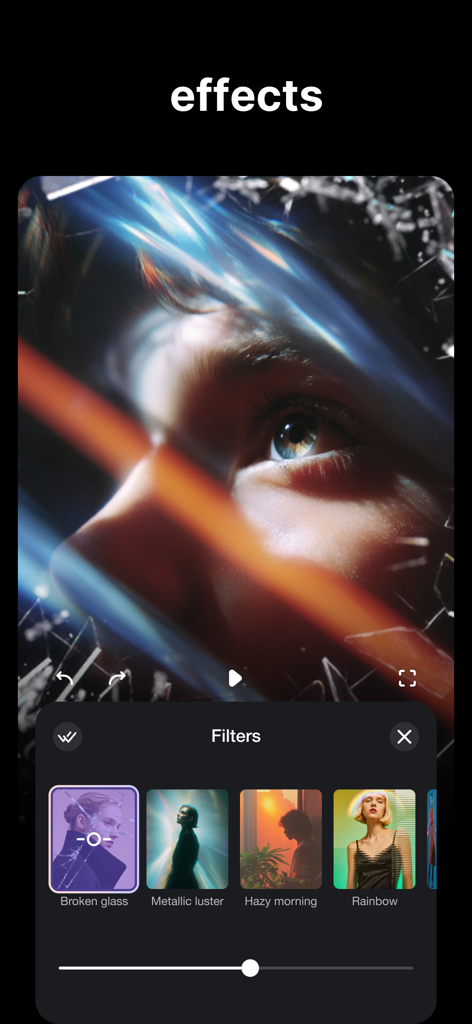
TrimCut app interface showing artistic video filters and a broken glass effect on a close up video clip.
Description
Download
More Like This
Apps with similar features and user experience

Edits: Video Editor
Instagram, Inc.

VLLO- Video Editor, Vlog Edits
vimosoft

YouCut - AI Video Editor
SHANTANU PTE. LTD.

必剪-B站官方出品
Shanghai Bilibili Animation Co.,Ltd

剪影 - 视频剪辑 & 卡点影集制作
Shanghai Jian Ji Software Technology Co., Ltd

Videoshop - Video Editor
Jajijujejo Inc.

VDIT - Video Maker & Editor
ImgBase, Inc.

Video Editor with Music・VidLab
Onelight Apps CY Ltd

Video Maker-movie maker&Editor
Changsha Fugui Bamboo Network Technology Co., Ltd.
This page is not an official page of the app or its developer, but an independent editorial publication created for informational and commentary purposes. Unless expressly stated otherwise, neither the app nor its developer is affiliated with, endorsed by, sponsored by, authorized by, or otherwise officially connected with MWM, Apple, Google Play, the app publisher, or the app's developer, and nothing on this page implies that the app was developed using MWM's services. Any trademarks, logos, screenshots, and other content remain the property of their respective owners.