
This page is not an official page of the app or its developer, but an independent editorial publication created for informational and commentary purposes. Unless expressly stated otherwise, neither the app nor its developer is affiliated with, endorsed by, sponsored by, authorized by, or otherwise officially connected with MWM, Apple, Google Play, the app publisher, or the app's developer, and nothing on this page implies that the app was developed using MWM's services. Any trademarks, logos, screenshots, and other content remain the property of their respective owners.


YouCut - AI Video Editor
Effortlessly edit for TikTok, Reels, and YouTube with AI auto-captions, 4K export, and pro tools. No watermarks and no banner ads—just pure creativity.
Downloads
4M+User Rating
Total Ratings
196K+Publisher
Category
Photo & VideoLocales
18Latest Version
1.26.1Size
136.0 MBFirst Released
Jul 17, 2022Professional Content Made Simple
Join over 4 million creators using YouCut’s advanced AI tools to turn raw footage into viral-ready masterpieces without the desktop software headache.
AI-Powered Productivity
Save hours of manual work with auto-generated captions, one-tap background removal, and AI video enhancement.
No Watermarks, No Limits
Keep your personal brand professional. Export your videos in stunning 4K resolution without any distracting logos or intrusive ads.
Frequently Asked Questions
Everything you need to know about YouCut - AI Video Editor
How does YouCut help users edit videos for social media?
YouCut functions as an AI video editor and maker for YouTube and other social media platforms. It offers tools like music, AI effects, captions, emoji, and text-to-speech for efficient video editing.
Does YouCut add a watermark to edited videos?
No, YouCut does not add a watermark to videos. It provides watermark-free editing, allowing users to create and share videos without branding.
Can YouCut enhance blurry videos and photos to HD quality?
Yes, YouCut features an AI Video Enhance tool. This function restores blurry videos and photos, converting them into high-definition quality.
What AI features does YouCut include for video editing?
YouCut integrates several AI features, including AI Avatar, AI Captions, AI Enhance, and AI Cutout. These tools streamline complex editing tasks for users.
How can I adjust video speed in YouCut?
YouCut offers Video Speed Control, allowing users to adjust video speed from 0.2× to 100×. This feature supports both fast and slow motion effects.
Does YouCut offer auto-caption generation for videos?
Yes, YouCut provides an Auto Captions feature. It generates accurate captions for videos, making content more accessible for social media platforms.
Is it possible to remove the background of a video or photo using YouCut?
Yes, YouCut allows users to remove backgrounds with AI in a single tap. It also offers options to change background color or blur it.
What kind of subscription options are available for YouCut Pro Unlimited?
YouCut Pro Unlimited offers an annual subscription for access to all features and paid materials. A one-time payment option is also available.
Can users extract music from videos within the YouCut app?
Yes, YouCut allows users to extract music directly from videos. This feature is part of its comprehensive music editing capabilities.
What is the maximum video resolution supported by YouCut?
YouCut - AI video editor and video maker supports resolutions up to 4K. This ensures high-quality video output for various platforms.
Does YouCut include an AI Art Generator feature?
Yes, YouCut includes an AI Art Generator. This feature transforms photos into various artistic styles.
Where can I find the Terms of Use and Privacy Policy for YouCut?
The Terms of Use and Privacy Policy for YouCut are available via direct links provided in the app description.
The following screenshots and description are sourced directly from the app's official store listing and are the property of the app developer.
App Store
Screenshots
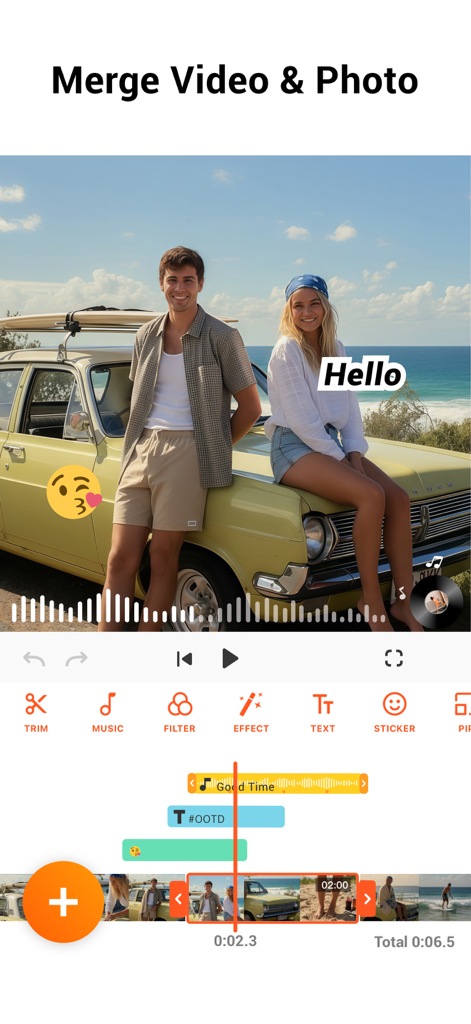
YouCut app interface demonstrating merging video and photos with music and text overlays
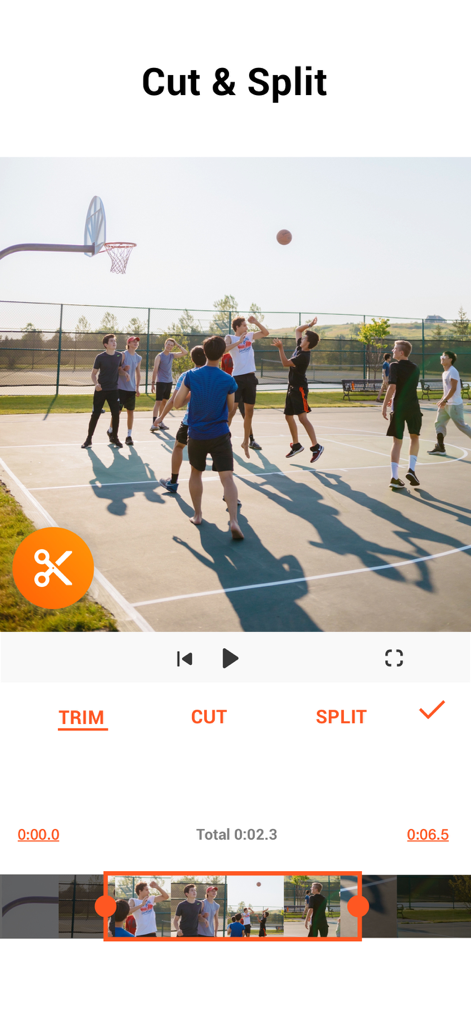
YouCut mobile app screen displaying video cutting and splitting options for a basketball clip
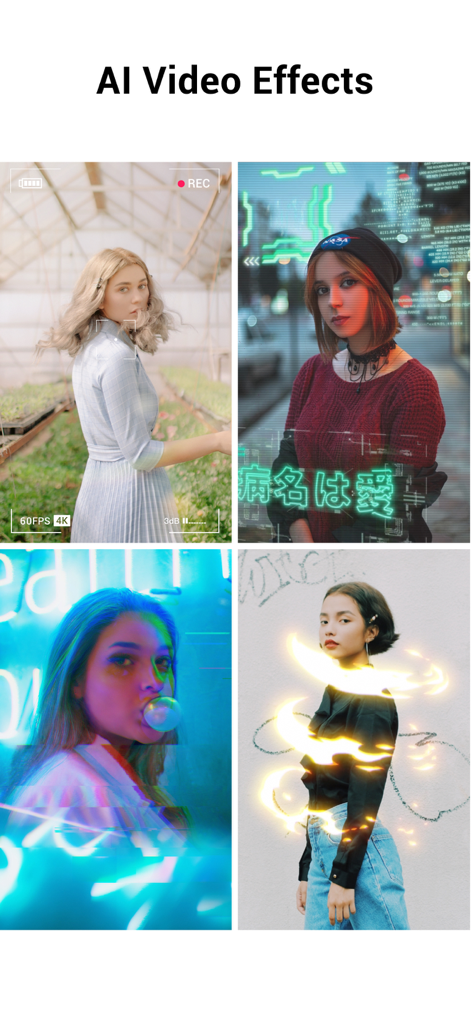
A collage of four different video clips showcasing AI effects like cyberpunk overlays and neon light trails
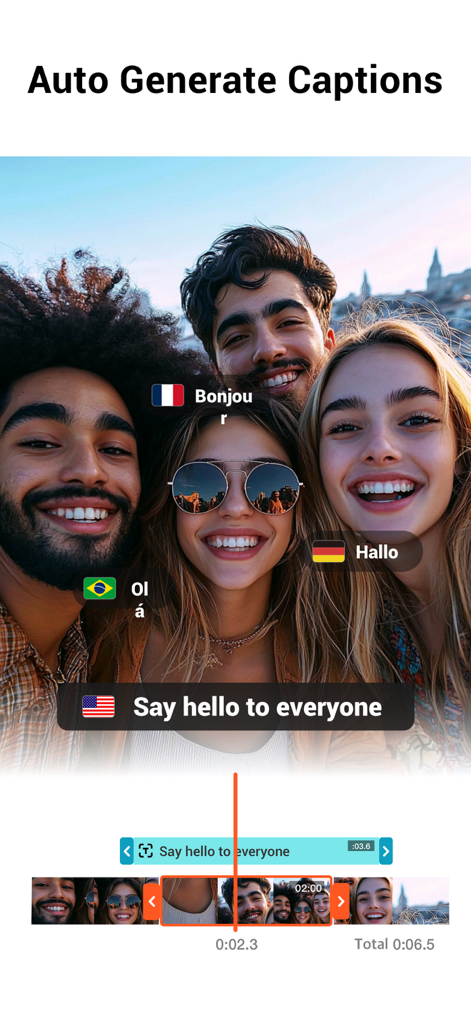
A group video in the YouCut app showing auto generated captions in multiple languages
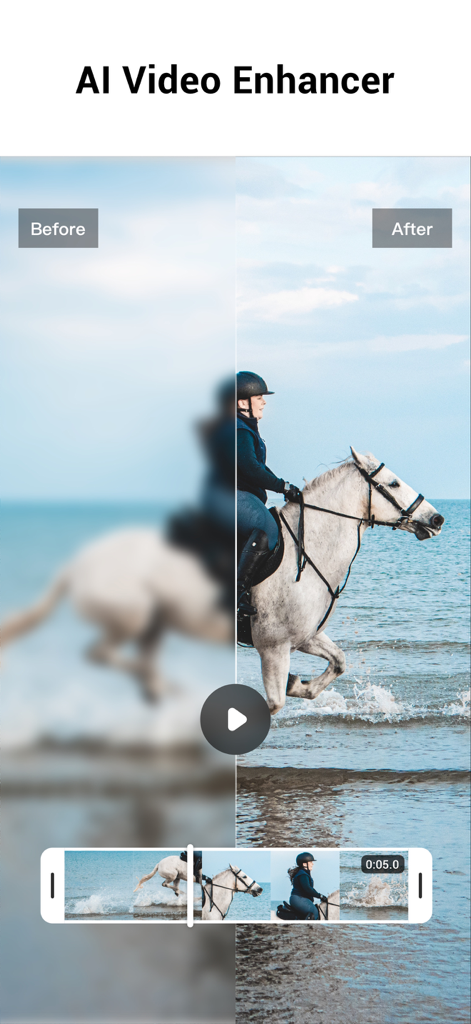
Before and after comparison of a blurry video restored to HD quality using the YouCut AI Video Enhancer feature
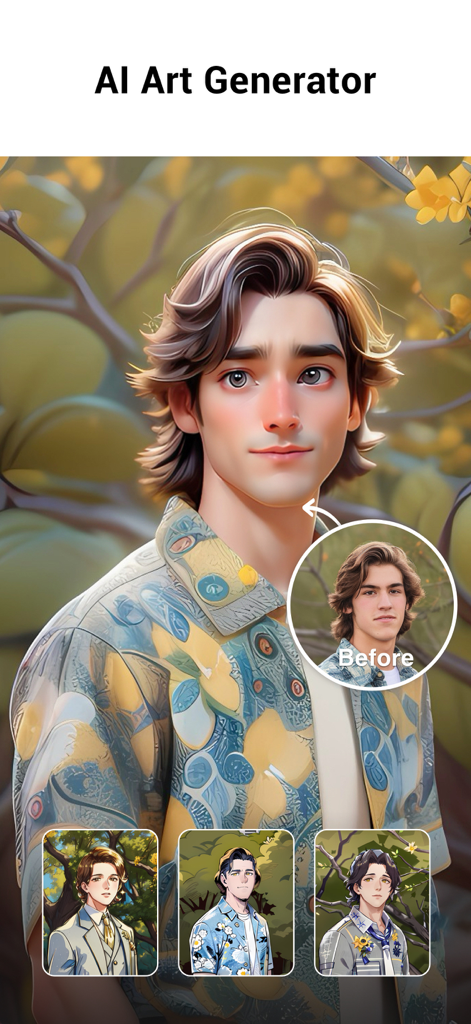
YouCut AI Art Generator feature showing a real photo transformed into a stylized cartoon avatar.
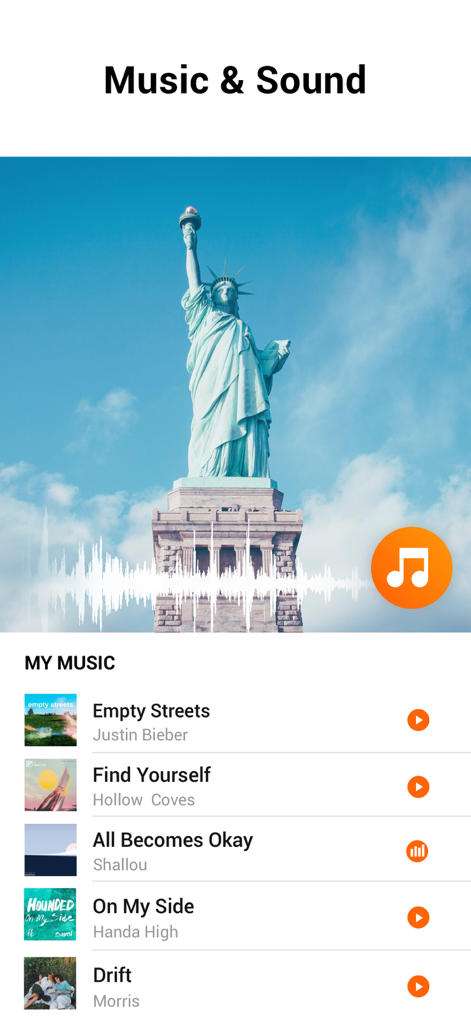
Interface of YouCut AI Video Editor showing the music and sound library for videos.
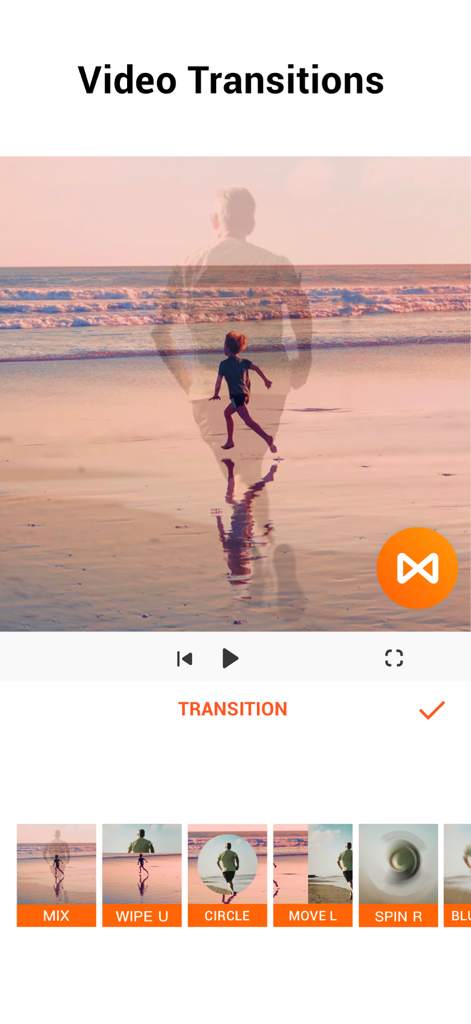
Interface of YouCut mobile app showing various video transition effects.
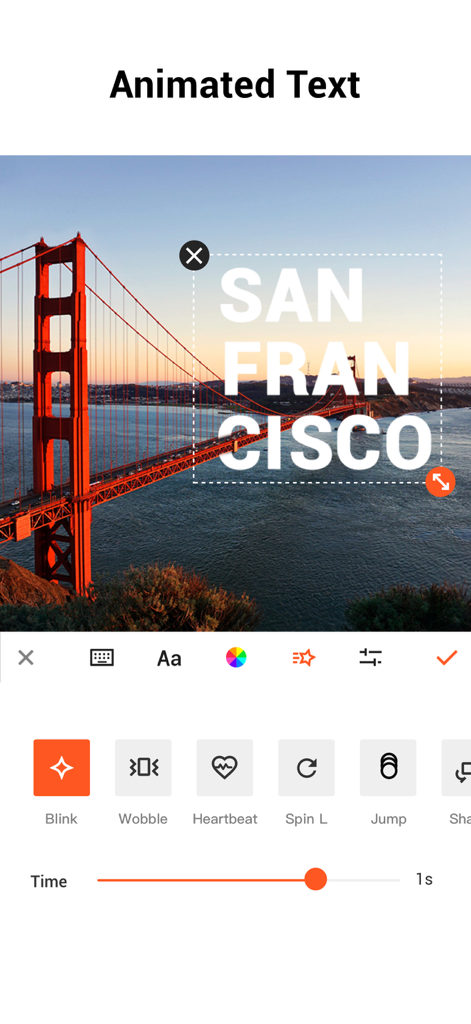
YouCut app interface displaying animated text options for mobile video editing
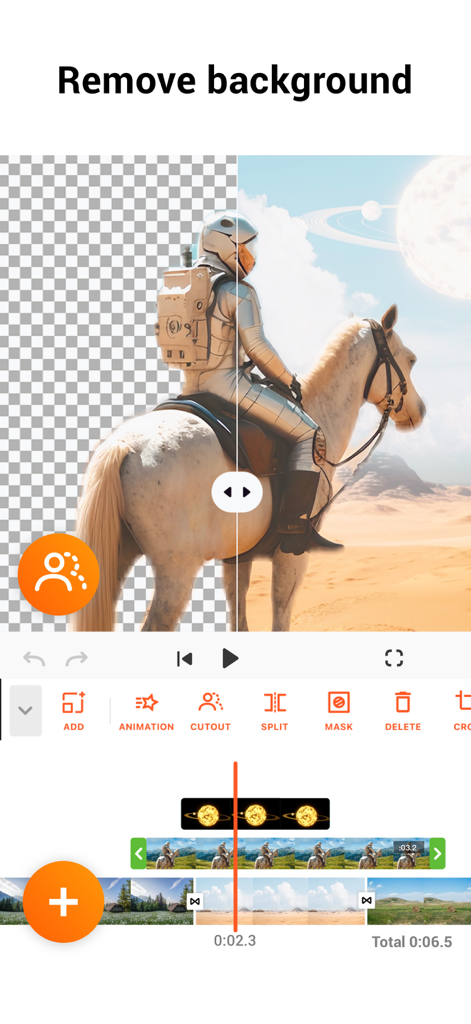
YouCut AI video editor background removal tool interface
Description
Download
More Like This
Apps with similar features and user experience

Edits: Video Editor
Instagram, Inc.

VLLO- Video Editor, Vlog Edits
vimosoft

必剪-B站官方出品
Shanghai Bilibili Animation Co.,Ltd

剪影 - 视频剪辑 & 卡点影集制作
Shanghai Jian Ji Software Technology Co., Ltd

Videoshop - Video Editor
Jajijujejo Inc.

VDIT - Video Maker & Editor
ImgBase, Inc.

Video Editor with Music・VidLab
Onelight Apps CY Ltd

Video Maker-movie maker&Editor
Changsha Fugui Bamboo Network Technology Co., Ltd.

一键水印-专业水印视频编辑大师
Chongqing tuanshui technology Co., Ltd.
This page is not an official page of the app or its developer, but an independent editorial publication created for informational and commentary purposes. Unless expressly stated otherwise, neither the app nor its developer is affiliated with, endorsed by, sponsored by, authorized by, or otherwise officially connected with MWM, Apple, Google Play, the app publisher, or the app's developer, and nothing on this page implies that the app was developed using MWM's services. Any trademarks, logos, screenshots, and other content remain the property of their respective owners.