
This page is not an official page of the app or its developer, but an independent editorial publication created for informational and commentary purposes. Unless expressly stated otherwise, neither the app nor its developer is affiliated with, endorsed by, sponsored by, authorized by, or otherwise officially connected with MWM, Apple, Google Play, the app publisher, or the app's developer, and nothing on this page implies that the app was developed using MWM's services. Any trademarks, logos, screenshots, and other content remain the property of their respective owners.


TV Cast for Chromecast ‣
Stop battling tiny screens. The app gives users direct command over their big-screen entertainment, pulling content from anywhere online.
Downloads
10M+User Rating
Total Ratings
92.2KPublisher
Category
Photo & VideoLocales
1Latest Version
3.12Size
31.5 MBFirst Released
Aug 27, 2014An evaluation of core functionalities and their impact on tech-savvy Chromecast users.
Key Feature Analysis: TV Cast for Chromecast ‣
Web Video Streaming
The app provides the capability to browse the internet and stream a wide array of online videos, including movies, TV shows, sports, and music, directly to Chromecast devices.
Ad & Popup Blocking
This tool features an integrated ad-blocker that effectively blocks advertisements and popups on most websites, ensuring an uninterrupted and clean viewing experience.
Personal Media Casting
It allows users to cast unlimited personal photos, videos, and music from their device or cloud services like iCloud and Dropbox to their television.
Cost-Effective Premium Access
The app offers a Premium Edition that unlocks all features, including future updates, through a single, one-time purchase, aligning with user preference over recurring subscriptions.
Remote Video Control
This tool provides a remote playbar that enables users to fast-forward or rewind videos and synchronizes control across multiple iOS devices connected to the same Chromecast.
Website Bookmarking
The app supports saving unlimited website bookmarks, with the option to synchronize and transfer them between different TV Cast apps and iOS devices via iCloud backup.
Frequently Asked Questions
Everything you need to know about TV Cast for Chromecast ‣
What does TV Cast for Chromecast do?
TV Cast for Chromecast enables users to browse the web and stream online videos, personal photos, videos, and music to their Chromecast or Google Cast-enabled TV.
Does TV Cast for Chromecast work with all Chromecast devices?
Yes, TV Cast for Chromecast works with all Chromecast devices from Google and on devices with Google Cast or Chromecast built-in.
Can TV Cast for Chromecast stream Netflix or Amazon Prime videos?
No, TV Cast for Chromecast does not support DRM-protected videos such as Amazon Prime, Netflix, Hulu, Vudu, DirecTV, Xfinity, or HBO now.
Does TV Cast for Chromecast require a subscription?
No, TV Cast for Chromecast does not require any subscriptions. Features are available through in-app purchases.
Does TV Cast for Chromecast include an ad-blocker?
Yes, TV Cast for Chromecast offers an Ad-Blocker as an upgrade feature, which blocks ads and popups on most websites and removes in-app sponsoring ads.
Can I cast personal photos and music with TV Cast for Chromecast?
Yes, the Personal Media upgrade feature allows casting unlimited personal photos, videos, and music directly from the device or cloud services like iCloud and Dropbox.
How can I get support for TV Cast for Chromecast?
Users can get support by emailing info@video-tv-cast.com. The app also offers fast premium support chat for assistance.
Does TV Cast for Chromecast mirror my device screen?
No, TV Cast for Chromecast streams only the video part of a website. It does not perform screen or tab mirroring of the entire website content.
Does TV Cast for Chromecast support subtitles?
Yes, the app offers a Subtitles upgrade feature, which enables the display of subtitles and closed captions on the TV.
How do I unlock all features in TV Cast for Chromecast?
All features in TV Cast for Chromecast are unlocked by purchasing the Premium Edition as an in-app purchase. This includes current and future features.
The following screenshots and description are sourced directly from the app's official store listing and are the property of the app developer.
App Store
Screenshots
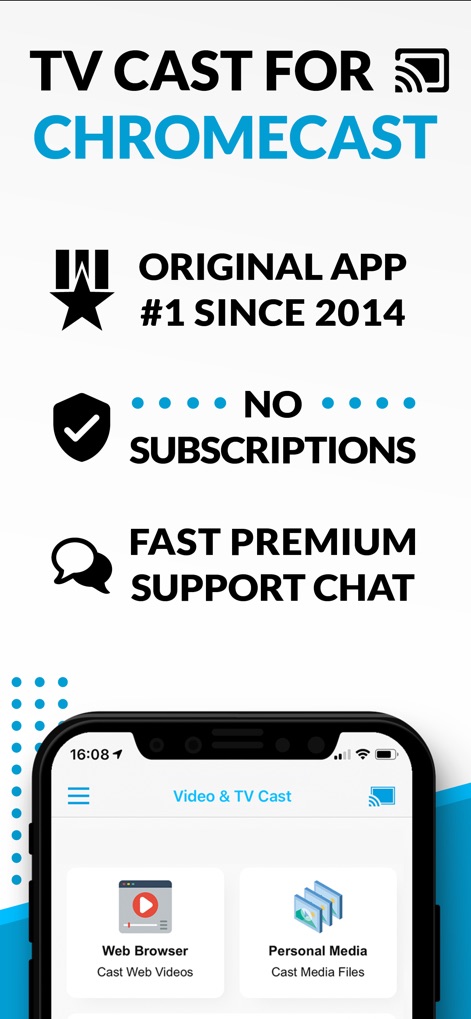
The app highlights its distinct 'No Subscriptions' advantage and the convenient access to 'Web Browser' and 'Personal Media' streaming.
Premium App Features

Users can effortlessly 'Cast Videos Movies & TV' from the web, demonstrating content displayed seamlessly from the 'mobile device to the big screen'.
Stream Web Content
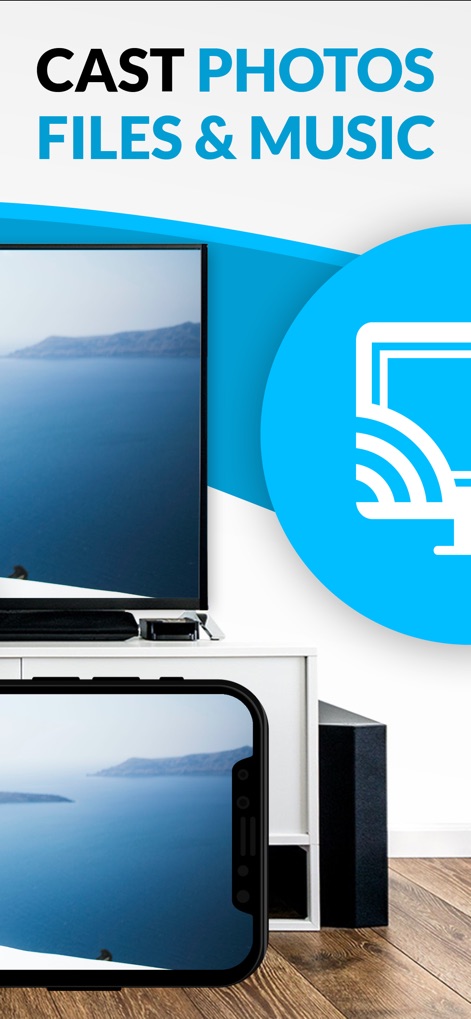
This tool enables direct streaming of 'Photos Files & Music', signified by the prominent 'Chromecast icon' indicating easy TV casting.
Personal Media On-Demand
Description
Download
More Like This
Apps with similar features and user experience



This page is not an official page of the app or its developer, but an independent editorial publication created for informational and commentary purposes. Unless expressly stated otherwise, neither the app nor its developer is affiliated with, endorsed by, sponsored by, authorized by, or otherwise officially connected with MWM, Apple, Google Play, the app publisher, or the app's developer, and nothing on this page implies that the app was developed using MWM's services. Any trademarks, logos, screenshots, and other content remain the property of their respective owners.