
This page is not an official page of the app or its developer, but an independent editorial publication created for informational and commentary purposes. Unless expressly stated otherwise, neither the app nor its developer is affiliated with, endorsed by, sponsored by, authorized by, or otherwise officially connected with MWM, Apple, Google Play, the app publisher, or the app's developer, and nothing on this page implies that the app was developed using MWM's services. Any trademarks, logos, screenshots, and other content remain the property of their respective owners.

TV Remote - Universal Control
Managing multiple remotes is a tired chore. This software empowers users to dominate every TV in the house with just their phone.
Downloads
25M+User Rating
Total Ratings
770.7KPublisher
Category
UtilitiesLocales
4Latest Version
2.0.9Size
209.4 MBFirst Released
Nov 19, 2020Key Features Analysis
An evaluation of core functionalities provided by 'TV Remote - Universal Control'.
Universal Compatibility
The app ensures broad compatibility with numerous popular smart TV brands, allowing users to consolidate control of multiple devices into a single app.
Comprehensive TV Control
The app offers full control over essential TV functions, including volume adjustments, channel changes, and input source selection, all from the user's mobile device.
Effortless Text Input
This tool provides a fast and simple keyboard for text input, significantly streamlining searches and data entry on smart TVs compared to traditional remote controls.
Voice Search Capability
It allows users to utilize voice commands for searching content, offering a convenient, hands-free control experience.
Intuitive Touchpad Navigation
The app features a large, responsive touchpad that simplifies menu browsing and content selection, enhancing the overall user experience.
Automatic Device Discovery
The app automatically detects compatible Smart TVs connected to the same Wi-Fi network, ensuring a quick and hassle-free setup process.
Frequently Asked Questions
Everything you need to know about TV Remote - Universal Control
What TV brands is the TV Remote - Universal Control app compatible with?
The TV Remote - Universal Control app is compatible with various TV brands, including Samsung, Roku, LG, Sony, FireTV, AndroidTV, Vizio, Hisense, TCL, and Philips.
How does the TV Remote app connect to a Smart TV?
The TV Remote app connects to your Smart TV via your home's WIFI network. It automatically detects Smart TVs on the same network for easy setup.
What TV functions can the TV Remote - Universal Control app manage?
The TV Remote - Universal Control app provides full control over TV functions, including volume adjustments, channel changes, and input source selection, directly from your mobile device.
Does the TV Remote app include a touchpad for navigation?
Yes, the TV Remote app includes a large touchpad for easy menu and content navigation on your Smart TV.
Can I use my phone's keyboard for search on the TV with the TV Remote app?
Yes, the TV Remote app offers fast and simple keyboard input for searching and typing directly on your Smart TV from your mobile device.
Does TV Remote - Universal Control support voice search?
Yes, TV Remote - Universal Control supports voice search for hands-free control of your Smart TV. This feature allows users to issue commands verbally.
What benefits does the Premium upgrade offer in the TV Remote app?
Upgrading to Premium in the TV Remote app removes ads and unlocks all available features, enhancing the user experience.
What subscription options are available for the TV Remote app Premium?
The TV Remote app offers multiple Premium subscription options, including a one-time payment, yearly (with a 3-day free trial), monthly, and weekly subscriptions.
Does the TV Remote - Universal Control app offer a free trial for its Premium features?
Yes, the TV Remote - Universal Control app offers a 3-day free trial with the yearly subscription option for its Premium features.
How does auto-renewal work for subscriptions in the TV Remote app?
Subscriptions in the TV Remote app automatically renew unless auto-renew is turned off at least 24-hours before the current period ends. Users manage auto-renewal in Account Settings.
Can the TV Remote - Universal Control app cast images or media to a TV?
Yes, the TV Remote - Universal Control app supports casting images and media from your mobile device directly to your Smart TV.
The following screenshots and description are sourced directly from the app's official store listing and are the property of the app developer.
App Store
Screenshots
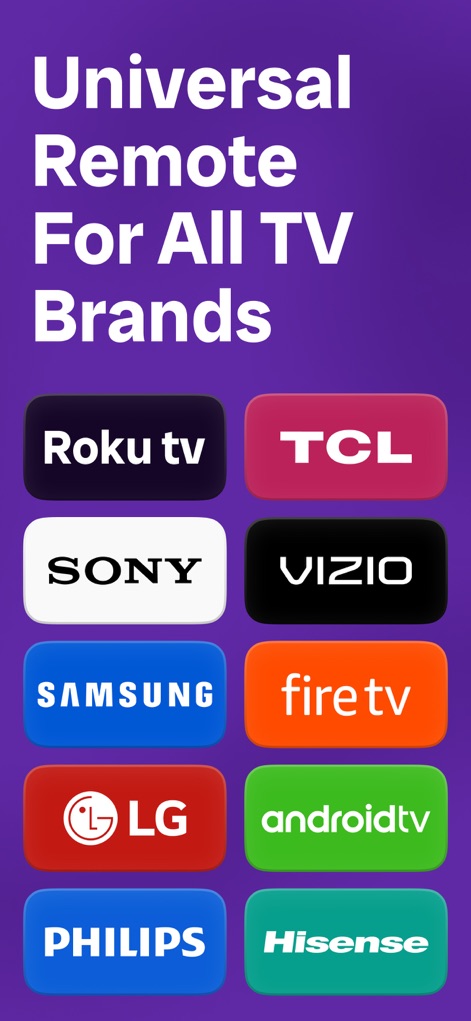
Universal Compatibility
Discover the app's impressive compatibility, supporting a wide array of popular TV brands including Samsung and Roku for comprehensive control.
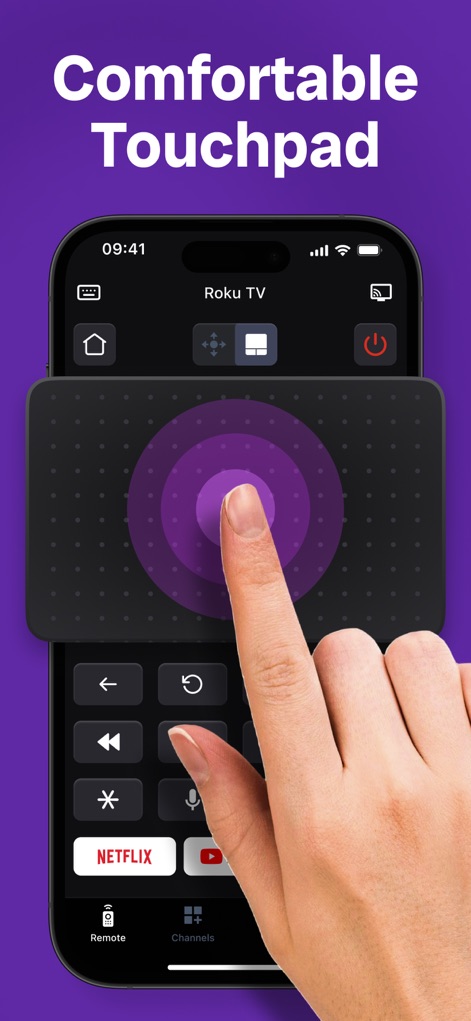
Precise Control
Experience intuitive navigation through the app's large, responsive touchpad, complemented by quick-access shortcuts for services like Netflix.
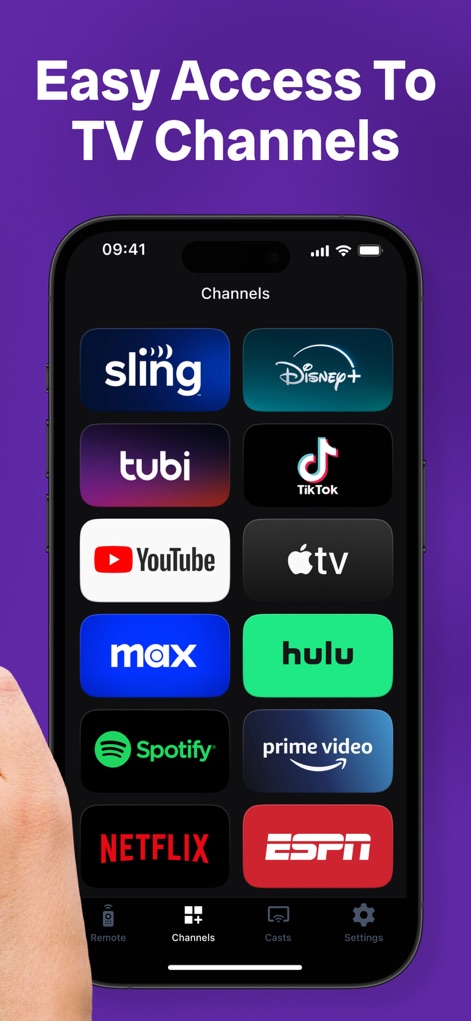
Instant Channel Launch
Users can easily access and launch preferred channels directly, with a visually organized grid showcasing streaming apps such as Disney+ and YouTube.
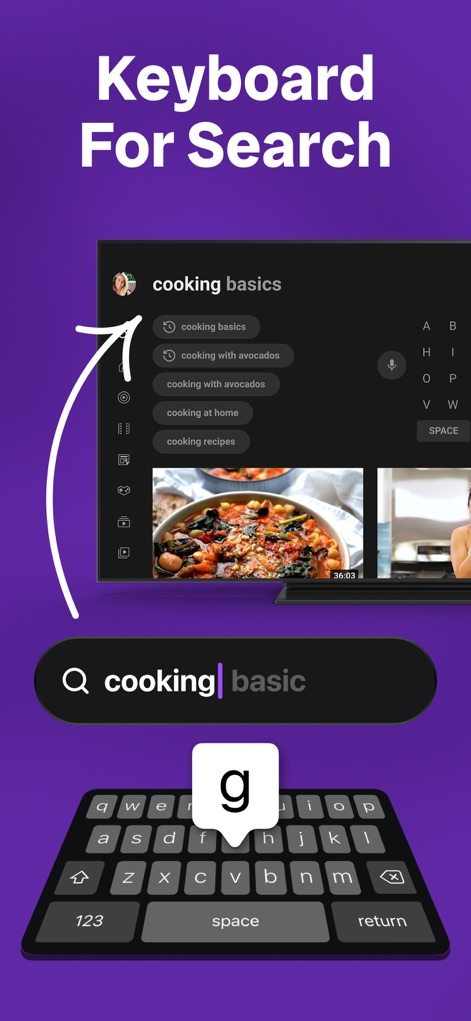
Smart Keyboard Input
The tool offers fast and simple keyboard input, efficiently displaying search queries and suggestions directly on the TV screen.
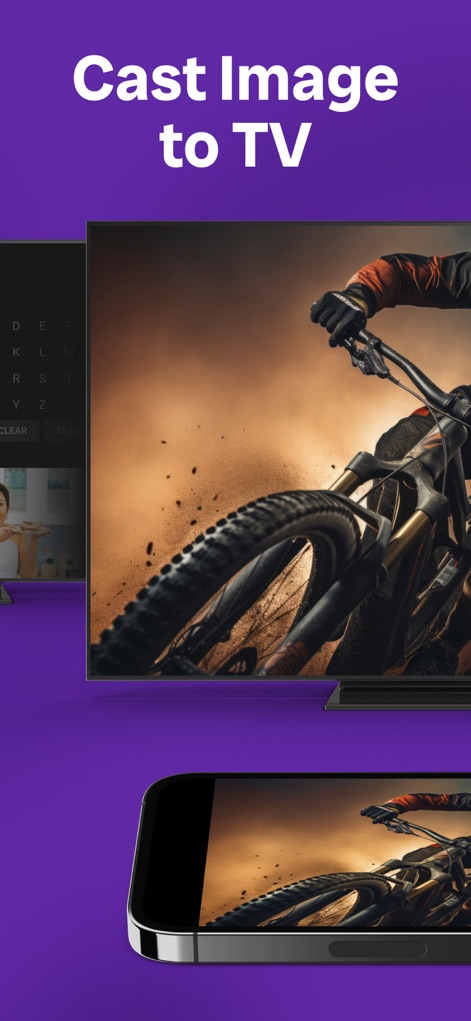
Share Photos to TV
Effortlessly cast personal images from the mobile device to the TV, providing a clear and engaging visual experience on the larger display.
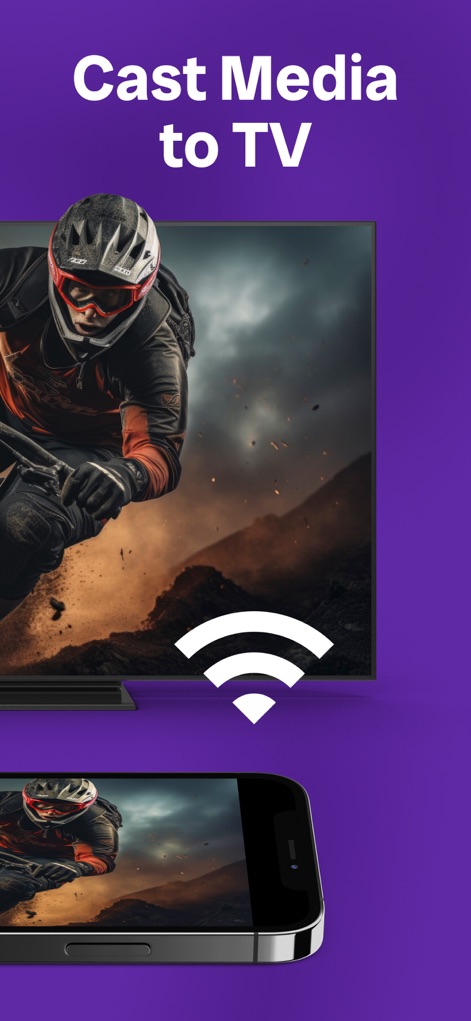
Dynamic Media Streaming
Stream various media content directly to the TV screen, utilizing robust WiFi connectivity for a smooth and uninterrupted viewing session.
Description
Download
More Like This
Apps with similar features and user experience

The Roku App (Official)
ROKU INC

TV Remote & Smart TV Control
To Ngoc Mai

Universal TV Remote Control .
Apps Venture Inc.

TV Remote, Universal Remote
Hangzhou Yingshitong Technology Co., Ltd.

TV Remote Control “Universo”
Nemo Apps LLC

TV Remote・Universal Control #1
Mihai Turlea

Remote Smart Tv Universal
clement gasner

Remote TV Control TCL Onn App
CEMAL CAGLAR KIRICI

TV Remote Control Universal AI
Anh Ngo
This page is not an official page of the app or its developer, but an independent editorial publication created for informational and commentary purposes. Unless expressly stated otherwise, neither the app nor its developer is affiliated with, endorsed by, sponsored by, authorized by, or otherwise officially connected with MWM, Apple, Google Play, the app publisher, or the app's developer, and nothing on this page implies that the app was developed using MWM's services. Any trademarks, logos, screenshots, and other content remain the property of their respective owners.