
This page is not an official page of the app or its developer, but an independent editorial publication created for informational and commentary purposes. Unless expressly stated otherwise, neither the app nor its developer is affiliated with, endorsed by, sponsored by, authorized by, or otherwise officially connected with MWM, Apple, Google Play, the app publisher, or the app's developer, and nothing on this page implies that the app was developed using MWM's services. Any trademarks, logos, screenshots, and other content remain the property of their respective owners.


Twomon SE
The high-performance bridge for Windows power users. Get lag-free dual-screen productivity in the classroom, at the café, or in the studio with a simple plug-and-play connection.
Downloads
81K+User Rating
Total Ratings
2K+Publisher
Category
ProductivityLocales
1Latest Version
4.8.3Size
49.6 MBFirst Released
Sep 11, 2018Unlock Your Ultimate Dual-Monitor Workflow
Transform your iPad into a professional-grade USB monitor for your Windows PC. Experience high-speed, lag-free productivity designed for creators, students, and power users.
Instant Plug-and-Play Connectivity
Forget complex networking or laggy wireless setups. Simply connect your USB cable for an immediate, stable connection that turns your iPad into a workspace extension.
Pro-Grade, Lag-Free Performance
Optimized for high-demand tasks like video editing and coding. The wired connection ensures zero latency, providing the fluid response time professionals require.
The following screenshots and description are sourced directly from the app's official store listing and are the property of the app developer.
App Store
Screenshots
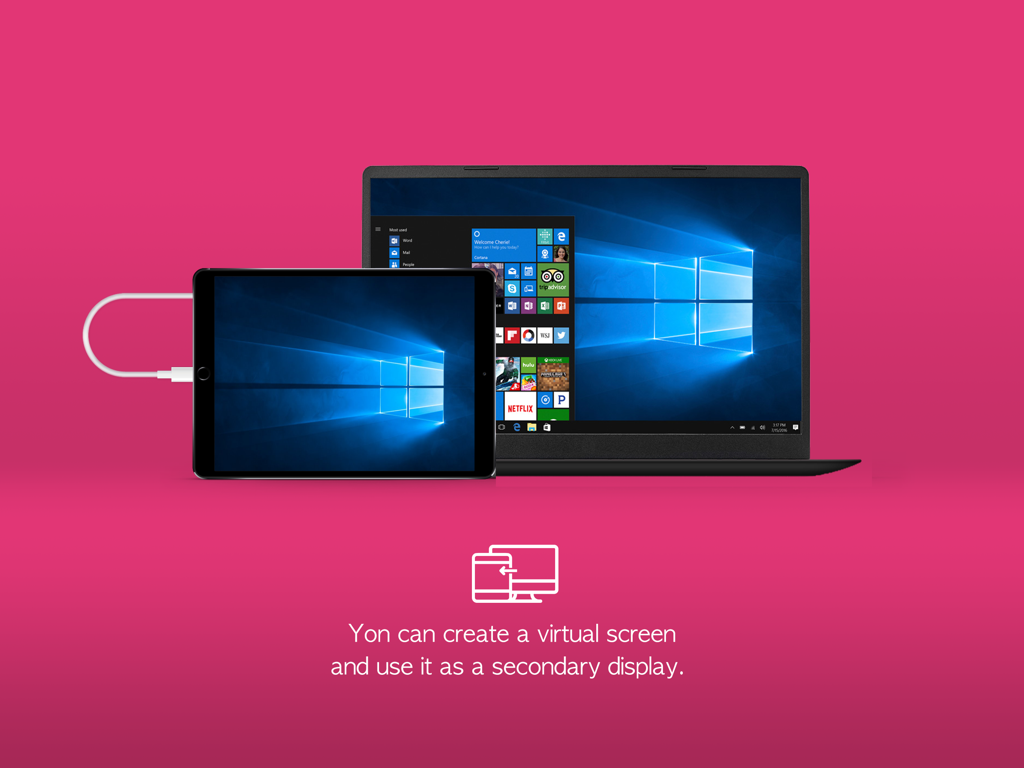
An iPad connected to a Windows laptop with a USB cable acting as a secondary display screen.
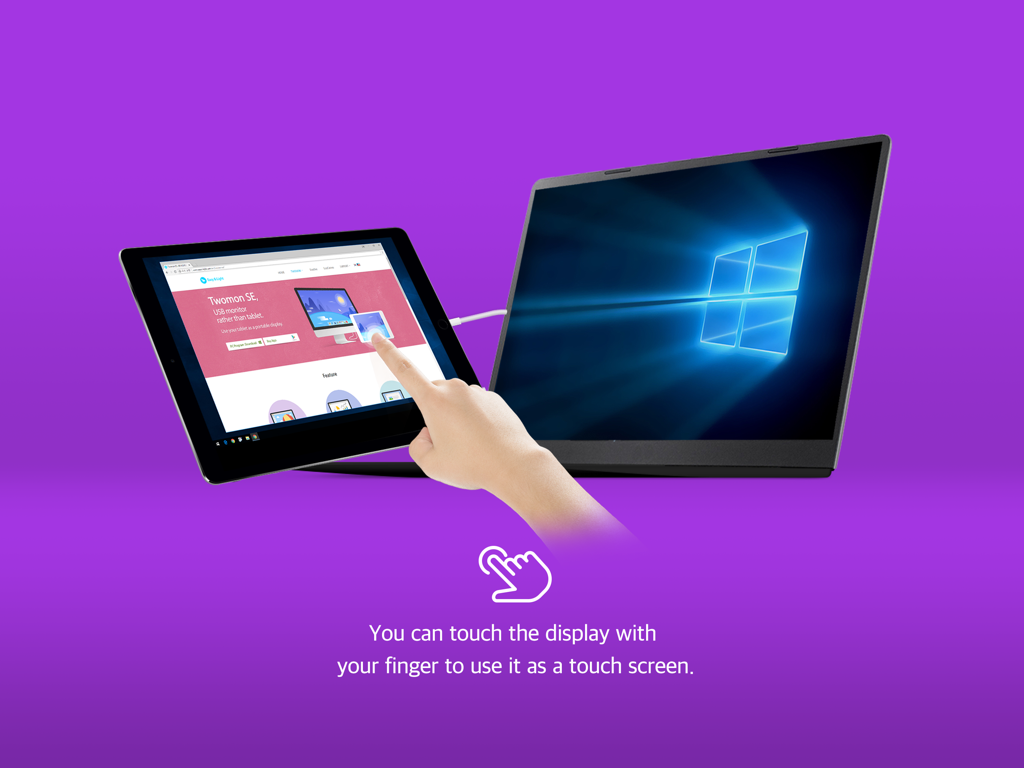
iPad being used as a touch screen second monitor for a Windows laptop
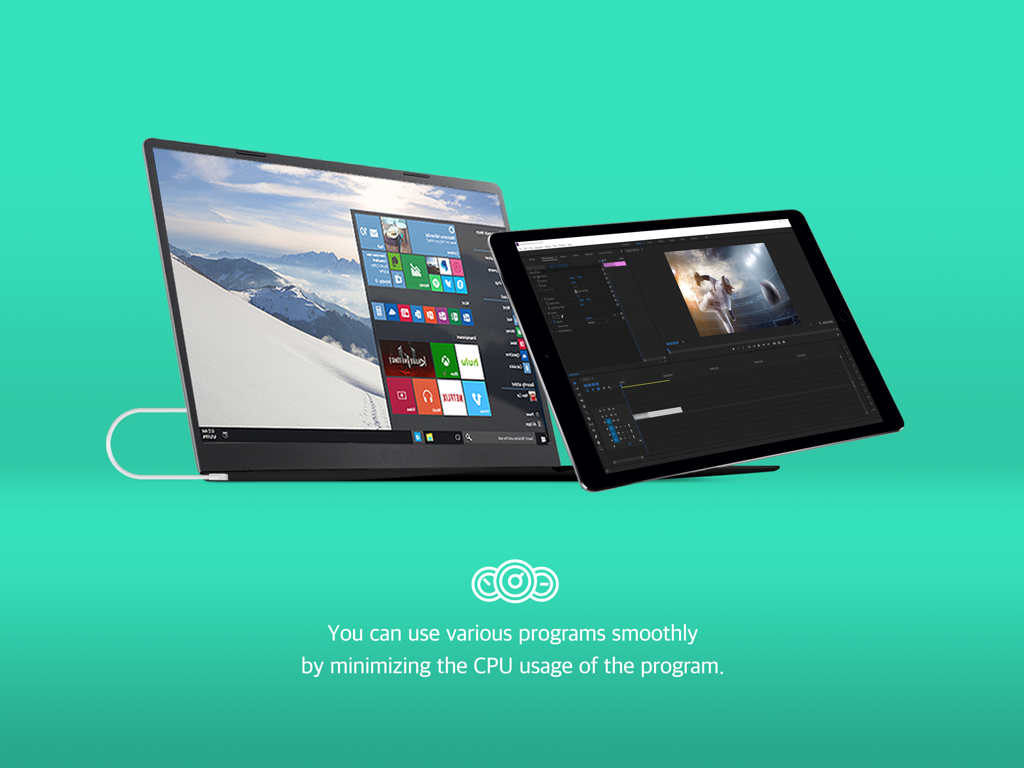
iPad used as a second monitor for a Windows laptop showing a video editing program
Description
Download
More Like This
Top-ranked apps in the same category

ChatGPT
OpenAI OpCo, LLC

Google Gemini
Google LLC

Grok
X.AI Corporation

Gmail - Email by Google
Google LLC

千问 - 阿里最强大模型官方AI助手
Shanghai Zhixin Puhui Technology Co., Ltd.

Google Drive
Google LLC

Microsoft Authenticator
Microsoft Corporation

Google Sheets
Google LLC

Google Docs
Google LLC
This page is not an official page of the app or its developer, but an independent editorial publication created for informational and commentary purposes. Unless expressly stated otherwise, neither the app nor its developer is affiliated with, endorsed by, sponsored by, authorized by, or otherwise officially connected with MWM, Apple, Google Play, the app publisher, or the app's developer, and nothing on this page implies that the app was developed using MWM's services. Any trademarks, logos, screenshots, and other content remain the property of their respective owners.