
This page is not an official page of the app or its developer, but an independent editorial publication created for informational and commentary purposes. Unless expressly stated otherwise, neither the app nor its developer is affiliated with, endorsed by, sponsored by, authorized by, or otherwise officially connected with MWM, Apple, Google Play, the app publisher, or the app's developer, and nothing on this page implies that the app was developed using MWM's services. Any trademarks, logos, screenshots, and other content remain the property of their respective owners.


TypeIt4Me Touch
Turbocharge your mobile productivity with custom shorthand. Sync your Mac snippets via iCloud to type faster, eliminate typos, and reclaim your time in any app.
Downloads
65K+User Rating
Total Ratings
100Publisher
Category
ProductivityLocales
1Latest Version
3.5.16Size
61.1 MBFirst Released
Jan 17, 2009Turbocharge Your Mobile Workflow
Eliminate the friction of mobile typing. TypeIt4Me Touch brings desktop-level speed to your iPhone and iPad with powerful, custom text expansion.
Desktop-to-Mobile Continuity
Access your entire Mac library of shorthand abbreviations on your iOS devices. Sync via iCloud to keep your professional snippets consistent across your ecosystem.
System-Wide Expansion
Use our custom keyboard extension to trigger expansions in any app. From Mail and Slack to Safari, your personalized shortcuts are always at your fingertips.
The following screenshots and description are sourced directly from the app's official store listing and are the property of the app developer.
App Store
Screenshots
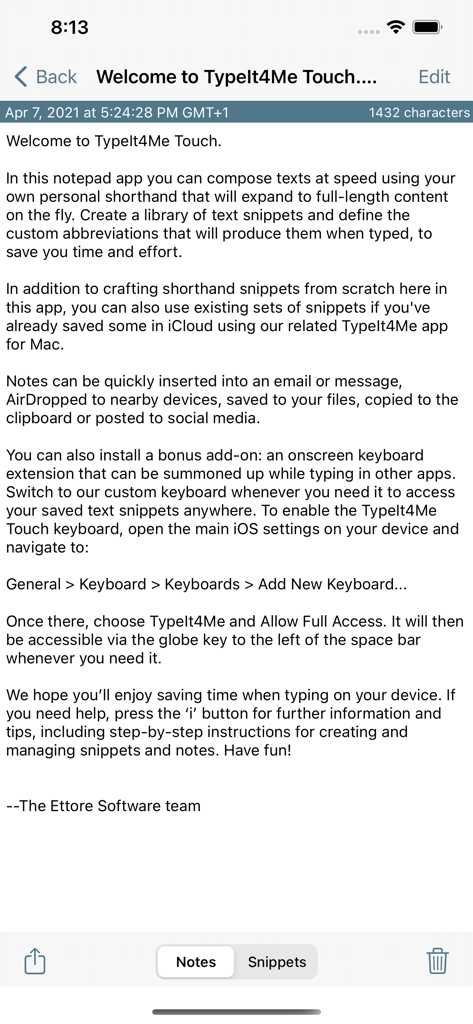
Welcome screen of TypeIt4Me Touch app displaying an introduction to text expansion features
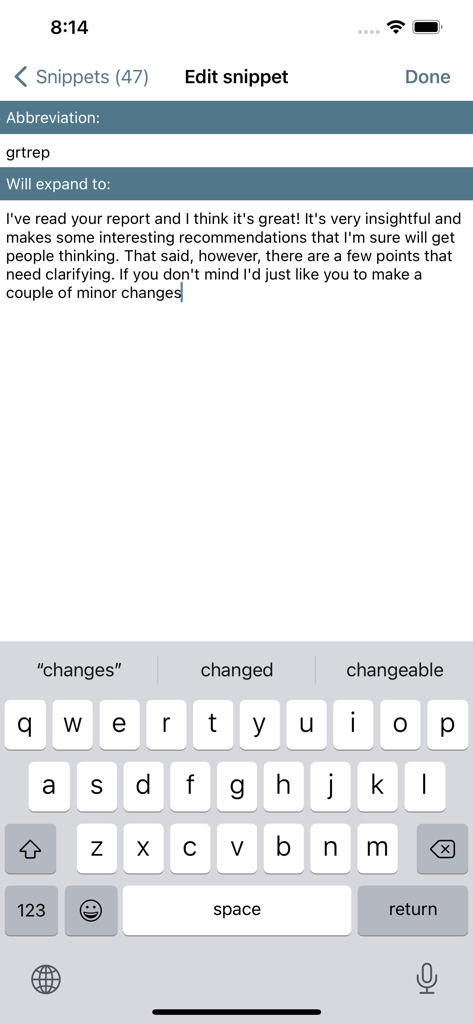
TypeIt4Me Touch app screen showing the creation of a custom shorthand abbreviation for text expansion
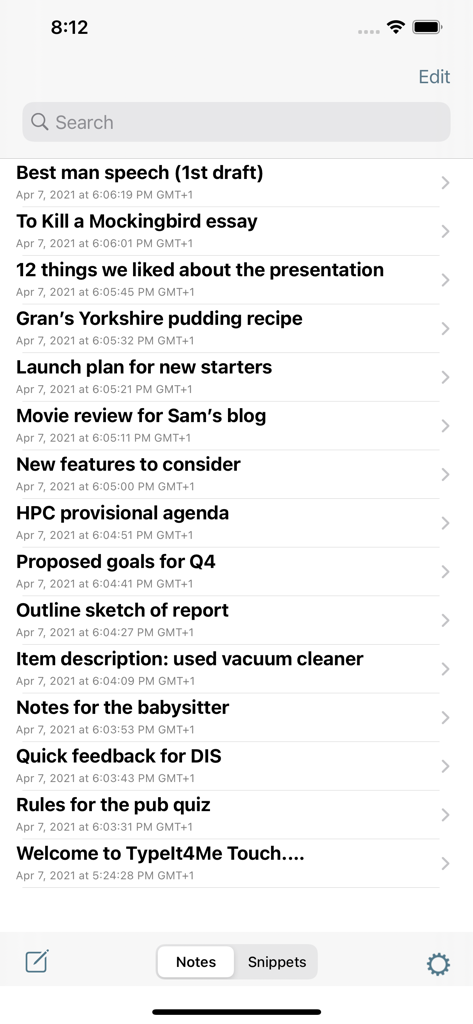
A list of saved notes within the TypeIt4Me Touch app interface showing titles like speech drafts and essays.
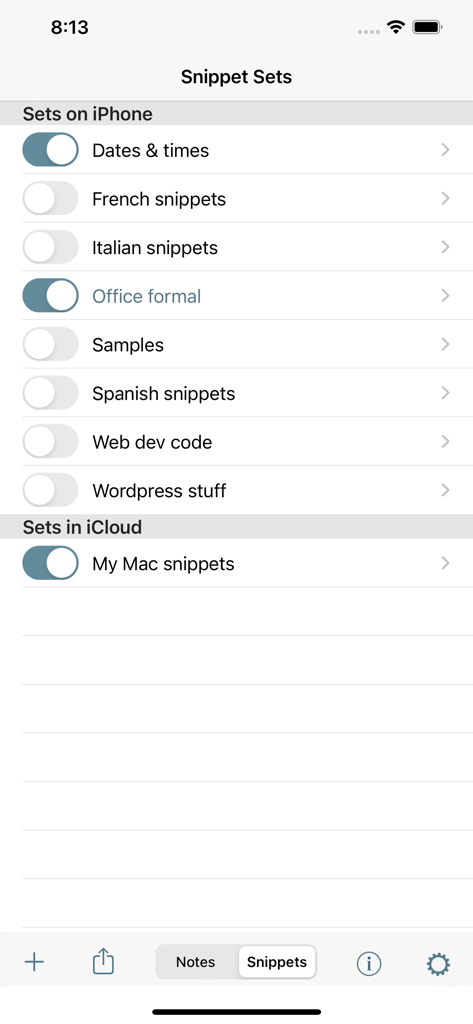
TypeIt4Me Touch snippet sets management interface showing local and iCloud synced shortcuts
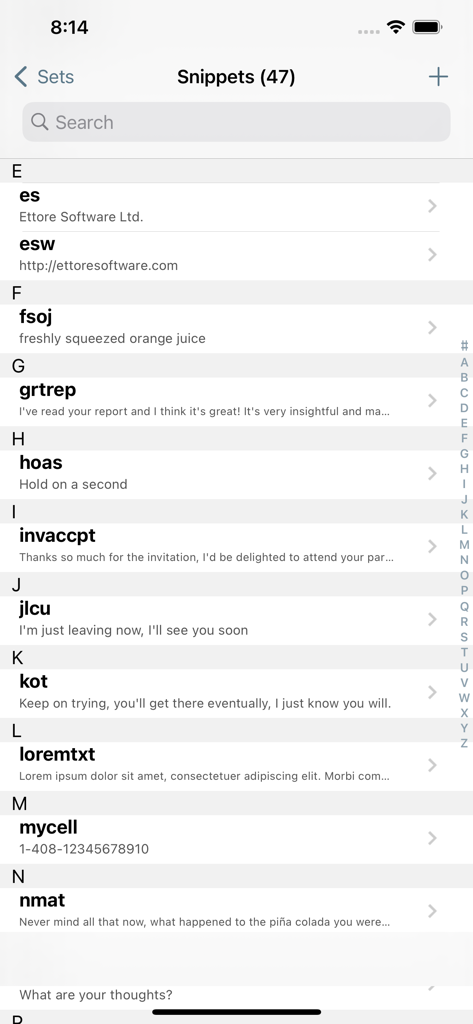
A list of text expansion snippets and shorthand abbreviations in the TypeIt4Me Touch app
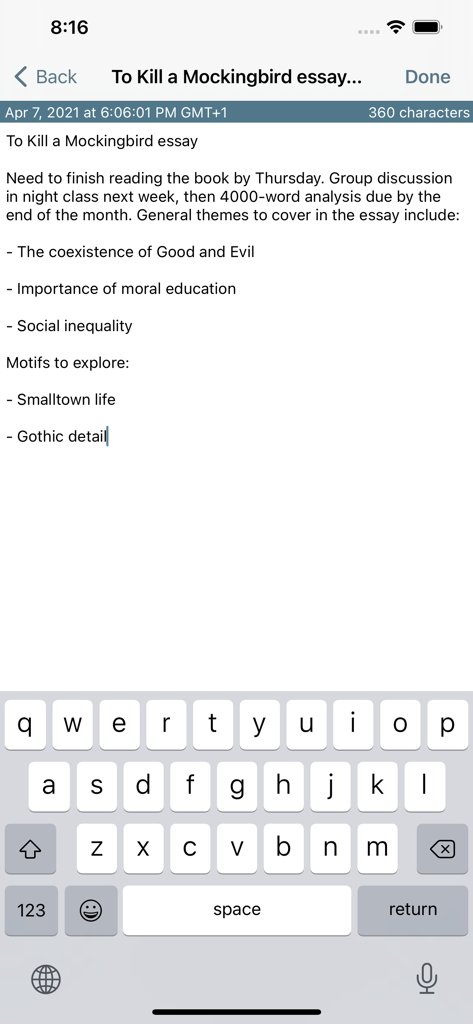
Drafting an essay note with the TypeIt4Me Touch mobile interface and keyboard.
Description
Download
More Like This
Top-ranked apps in the same category

ChatGPT
OpenAI OpCo, LLC

Google Gemini
Google LLC

Grok
X.AI Corporation

Gmail - Email by Google
Google LLC

千问 - 阿里最强大模型官方AI助手
Shanghai Zhixin Puhui Technology Co., Ltd.

Google Drive
Google LLC

Microsoft Authenticator
Microsoft Corporation

Google Sheets
Google LLC

Google Docs
Google LLC
This page is not an official page of the app or its developer, but an independent editorial publication created for informational and commentary purposes. Unless expressly stated otherwise, neither the app nor its developer is affiliated with, endorsed by, sponsored by, authorized by, or otherwise officially connected with MWM, Apple, Google Play, the app publisher, or the app's developer, and nothing on this page implies that the app was developed using MWM's services. Any trademarks, logos, screenshots, and other content remain the property of their respective owners.