
This page is not an official page of the app or its developer, but an independent editorial publication created for informational and commentary purposes. Unless expressly stated otherwise, neither the app nor its developer is affiliated with, endorsed by, sponsored by, authorized by, or otherwise officially connected with MWM, Apple, Google Play, the app publisher, or the app's developer, and nothing on this page implies that the app was developed using MWM's services. Any trademarks, logos, screenshots, and other content remain the property of their respective owners.


unMix - AI Vocal Remover
Instantly extract vocals, drums, and instruments from any track with pro-level AI precision. Perfect for crafting viral TikTok remixes, high-quality karaoke, and custom stems in seconds.
Downloads
128K+User Rating
Total Ratings
500Publisher
Category
MusicLocales
13Latest Version
7.5.23Size
72.4 MBFirst Released
Jan 13, 2022Elevate Your Music Production
Join millions of creators using unMix to deconstruct songs with professional-grade AI. Whether you're a DJ, musician, or TikToker, we give you full control over every track.
Pro Vocal Isolation
Extract crystal-clear vocals or create the perfect instrumental for high-end karaoke using the original artist production.
Multi-Track Stem Splitting
Isolate drums, bass, or guitar to master your instrument or build professional-grade remixes from any audio or video file.
Frequently Asked Questions
Everything you need to know about unMix - AI Vocal Remover
What is unMix - AI Vocal Remover?
unMix - AI Vocal Remover is a music separator and stem splitter app. It uses AI to extract vocals, instruments like drums, bass, piano, and guitar, or any specific sound from audio and video tracks.
Can unMix separate vocals from any song?
Yes, unMix - AI Vocal Remover can separate vocals from any track, whether it is audio or video. The app employs cutting-edge AI music technology for precise vocal extraction and instrument isolation.
Does unMix support separating individual instruments like drums or guitar?
Yes, unMix - AI Vocal Remover supports separating individual instruments. It can isolate drums, bass, piano, and guitar from any song, providing users with distinct instrumental tracks.
Who is the unMix app designed for?
unMix - AI Vocal Remover is designed for karaoke singers, musicians, DJs, YouTubers, content creators, vloggers, and podcasters. It serves both professional and personal music projects.
Can I remove background noise using unMix?
Yes, unMix - AI Vocal Remover allows users to remove background noise, including wind. The app provides tools to clean up audio and isolate desired sounds with precision.
What file types can unMix process?
unMix - AI Vocal Remover can process audio and video files. It also offers the functionality to convert videos to MP3 format for further processing and separation.
Can unMix help with learning musical instruments?
Yes, unMix - AI Vocal Remover can assist in learning instruments. Users can extract drums, piano, guitar, or bass from any song to practice and learn individual parts.
Does unMix provide lyrics for karaoke?
Yes, unMix - AI Vocal Remover supports lyrics. The app allows users to sing with lyrics, enhancing the karaoke experience by displaying the text for the track.
How can users save and export tracks from unMix?
Users can easily save separated and mixed tracks to their device or share them with friends. unMix - AI Vocal Remover provides options for exporting the processed audio.
Does unMix detect BPM (Beats Per Minute)?
Yes, unMix - AI Vocal Remover features BPM detection. Users can determine the Beats Per Minute of a track with a single tap within the application.
The following screenshots and description are sourced directly from the app's official store listing and are the property of the app developer.
App Store
Screenshots
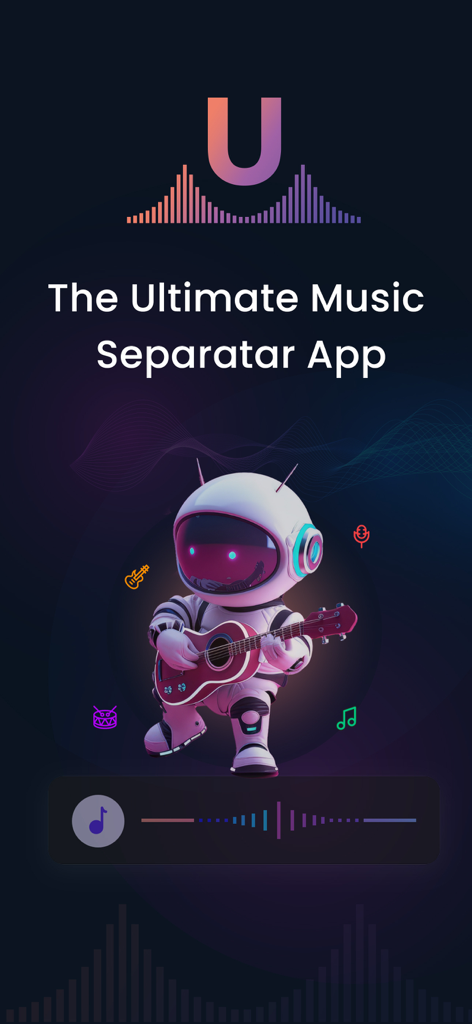
unMix AI music separator app screen featuring an astronaut playing guitar
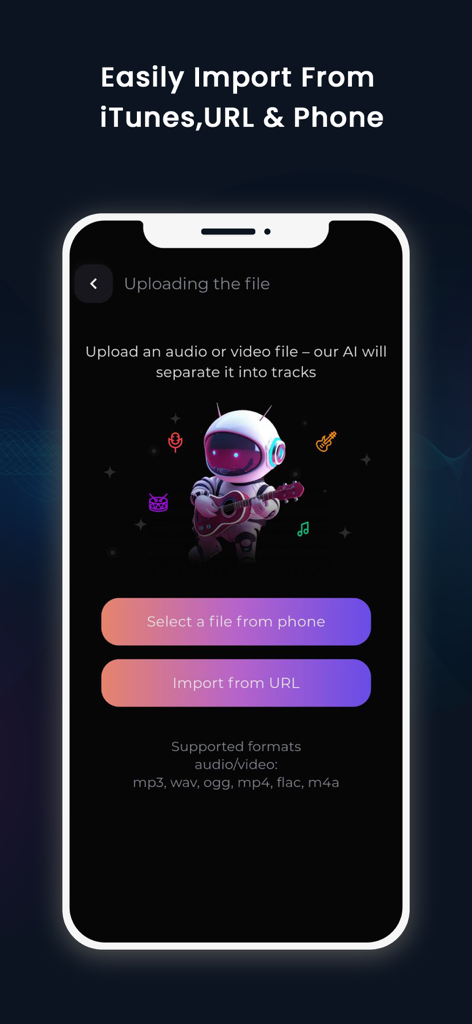
unMix app interface showing options to import music or video files from phone storage and URLs
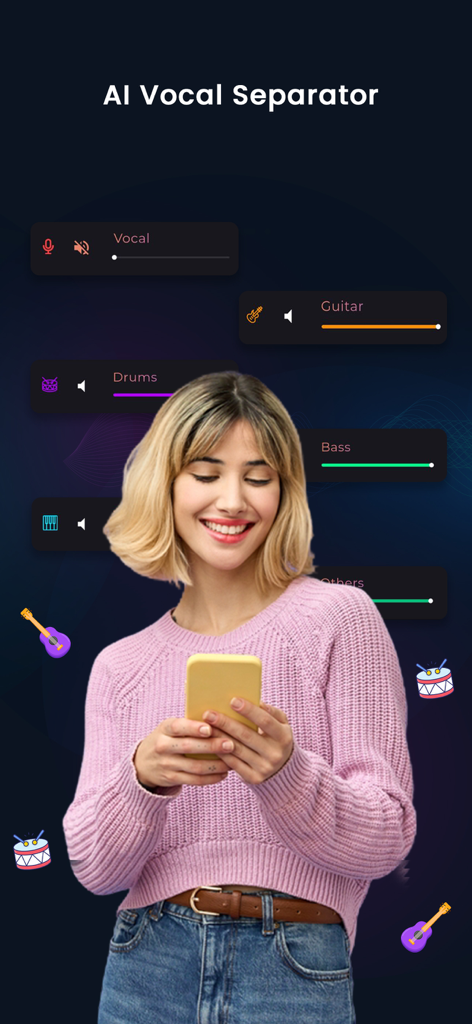
A woman using the unMix app on her phone to separate music stems like vocals, guitar, drums, and bass
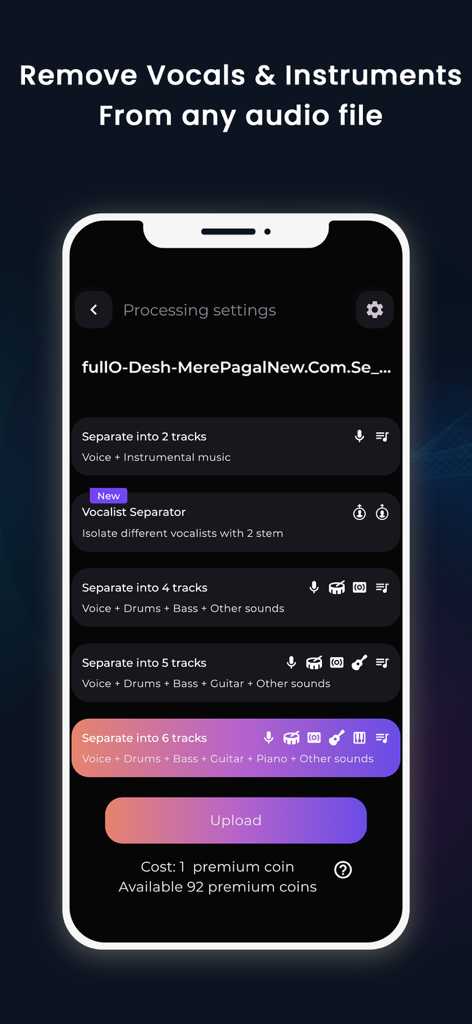
Interface of the unMix app showing options to separate audio into multiple instrumental and vocal tracks
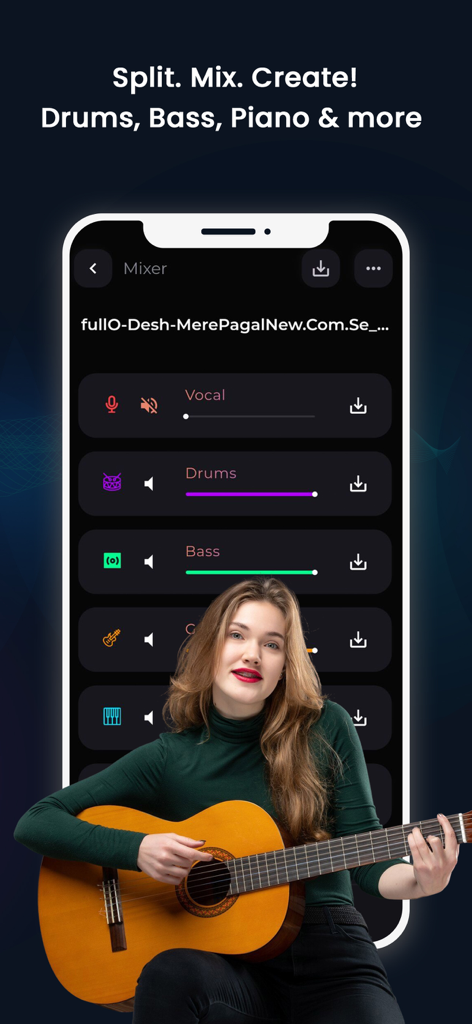
Mobile app interface of unMix showing AI music stem separation with a musician playing guitar.
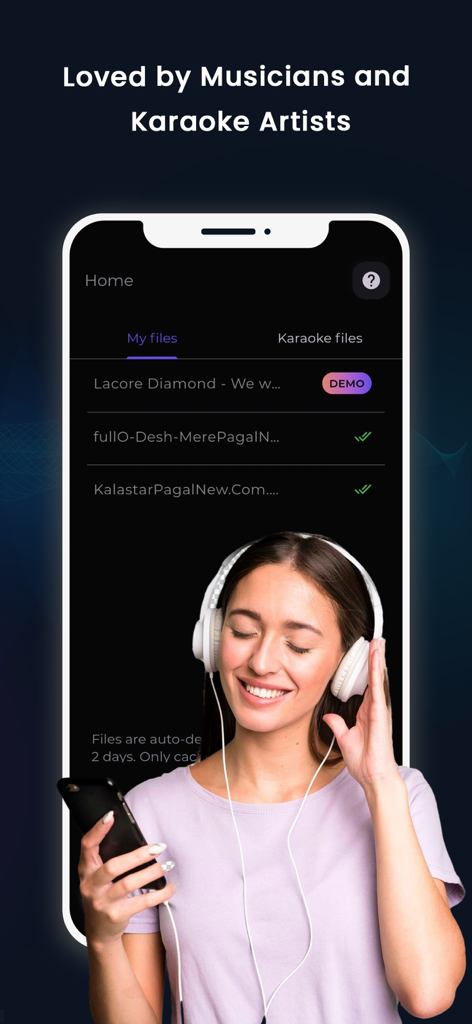
Interface of the unMix AI Vocal Remover app showing music files with a smiling woman wearing headphones
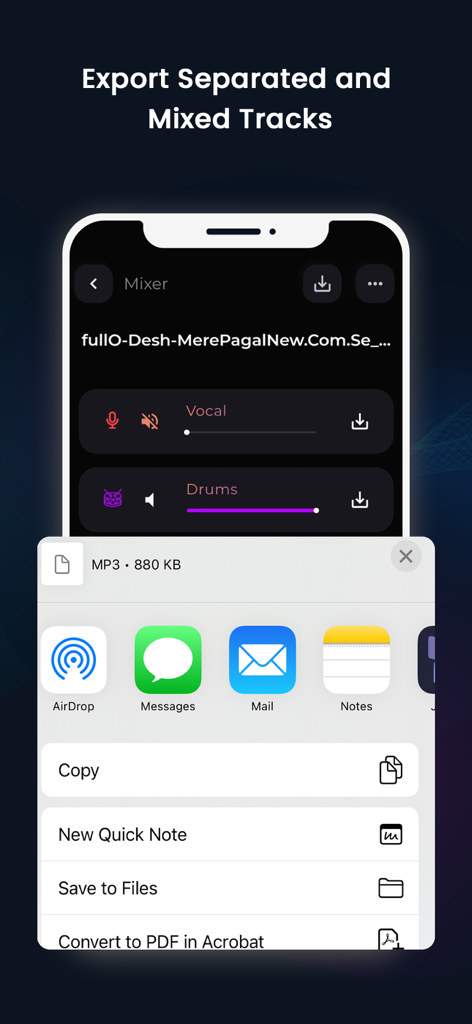
Interface showing how to export and share separated music tracks in the unMix app.
Description
Download
More Like This
Apps with similar features and user experience

Music Speed Changer ▶▶▶
Single Minded Productions, LLC

Vocal Remover - Musiclab
CHENGDU Yiwo Tech Development Co., Ltd

Audio Fusion
景睿 文

Audio Jam: AI for musicians
Kiraku Tech Co., Ltd.

Anytune Pro+: Studio Tools
Anytune Inc.

Moises: The Musician's App
Moises Systems Inc

Strum - Play Guitar
W185 Holdings LLC

Chordify: Songs, Chords, Tuner
Chordify BV

Chord ai - Play any song!
Nomad AI OU
This page is not an official page of the app or its developer, but an independent editorial publication created for informational and commentary purposes. Unless expressly stated otherwise, neither the app nor its developer is affiliated with, endorsed by, sponsored by, authorized by, or otherwise officially connected with MWM, Apple, Google Play, the app publisher, or the app's developer, and nothing on this page implies that the app was developed using MWM's services. Any trademarks, logos, screenshots, and other content remain the property of their respective owners.