
This page is not an official page of the app or its developer, but an independent editorial publication created for informational and commentary purposes. Unless expressly stated otherwise, neither the app nor its developer is affiliated with, endorsed by, sponsored by, authorized by, or otherwise officially connected with MWM, Apple, Google Play, the app publisher, or the app's developer, and nothing on this page implies that the app was developed using MWM's services. Any trademarks, logos, screenshots, and other content remain the property of their respective owners.


VeivoVerse: AI Video Generator
From viral TikTok trends to heartwarming memories, create professional-quality HD videos from text or photos in seconds—no editing skills required.
Downloads
6K+User Rating
Total Ratings
100Publisher
Category
Photo & VideoLocales
1Latest Version
2.0Size
157.9 MBFirst Released
Oct 7, 2025Create Without Limits
From viral social trends to cinematic storytelling, VeivoVerse puts the power of a professional studio in your pocket with cutting-edge AI.
Instant Text-to-Video
Turn your wildest ideas into HD cinematic scenes with just a few words—no cameras or crew required.
Viral-Ready AI Effects
Jump on the latest trends with one-tap Earth Zoom, AI Dance, and Muscle Max effects designed to stop the scroll.
Frequently Asked Questions
Everything you need to know about VeivoVerse: AI Video Generator
How does VeivoVerse create AI videos?
VeivoVerse transforms photos, text, and video clips into cinematic videos using its AI engine. It automatically generates scenes, motion, and storytelling without requiring editing skills.
Does VeivoVerse require prior editing skills?
No, VeivoVerse does not require any prior editing skills. The app is designed for anyone to create professional quality AI videos instantly.
What are the main video creation modes in VeivoVerse?
VeivoVerse offers multiple creation modes, including Image to Video, Text to Video, and Video Extension. It allows transforming static images, prompts, and existing clips into cinematic content.
Can VeivoVerse generate videos from text prompts?
Yes, VeivoVerse can generate videos from text prompts. The 'Text to Video' mode allows users to enter a prompt, and AI creates cinematic scenes and trailers.
What trending AI effects are available in VeivoVerse?
VeivoVerse offers trending AI effects like Old Photo Revival, Earth Zoom Challenge, Muscle Max, Warm Embrace, and AI Dance Motion. These effects add unique visual dynamics to videos.
How many users does VeivoVerse have?
VeivoVerse has over 5 million happy users worldwide. This demonstrates its widespread adoption and trust among creators.
Does VeivoVerse provide video templates?
Yes, VeivoVerse provides video templates for various themes. Users can utilize these templates for video transitions and different styles like Hollywood-Style Martial or Christmas celebrations.
What is the 'Fusion' feature in VeivoVerse?
The 'Fusion' feature in VeivoVerse allows users to upload up to three images. The AI then merges these images into one cinematic and cohesive video.
Where can I find VeivoVerse's privacy policy?
The privacy policy for VeivoVerse is available on its official website. Users can access it directly at https://veivo.io/privacy.
Can VeivoVerse extend existing video clips?
Yes, VeivoVerse can extend existing video clips. The 'Video Extension' mode seamlessly extends video clips with AI-powered continuity, enhancing storytelling.
What video quality does VeivoVerse support?
VeivoVerse supports HD cinematic quality for its generated videos. Users can select options like 1080P, ensuring high-resolution output suitable for social media and ads.
The following screenshots and description are sourced directly from the app's official store listing and are the property of the app developer.
App Store
Screenshots
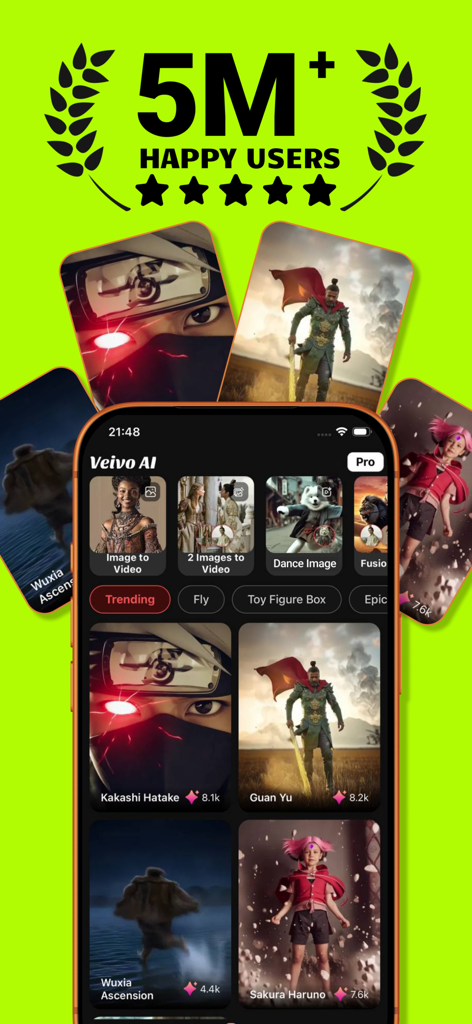
VeivoVerse AI video generator app interface displaying image to video and fusion features with a milestone of 5 million happy users.
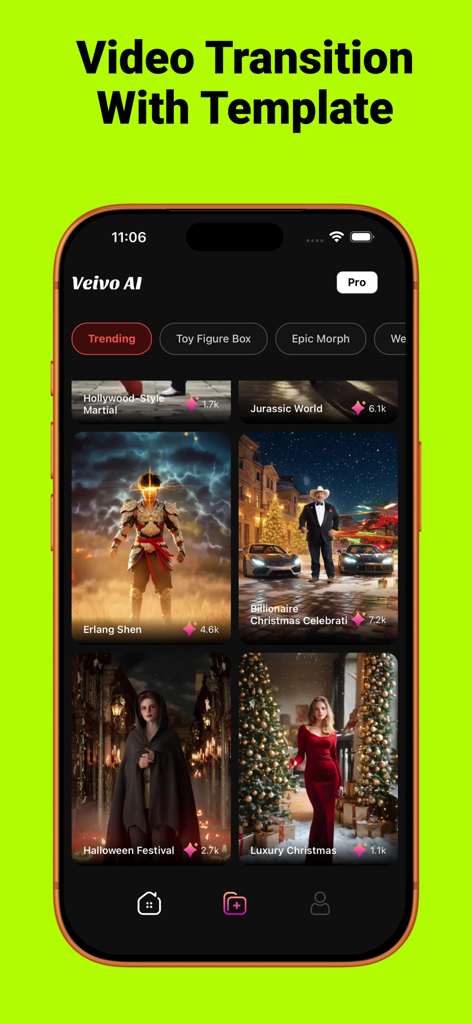
iPhone screen displaying the Veivo AI app with a variety of trending video transition templates including cinematic and holiday themes.
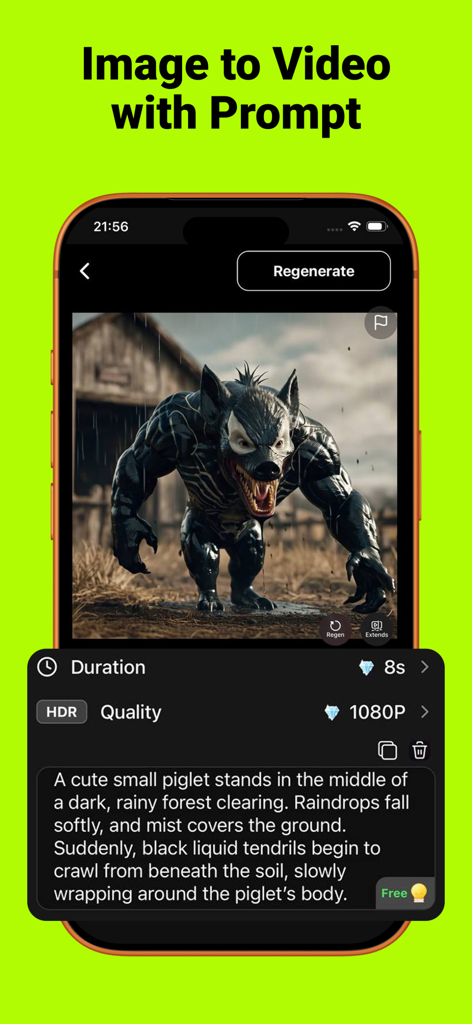
Interface of VeivoVerse app showing a cinematic monster generated from a detailed text prompt with settings for 1080P HDR quality.
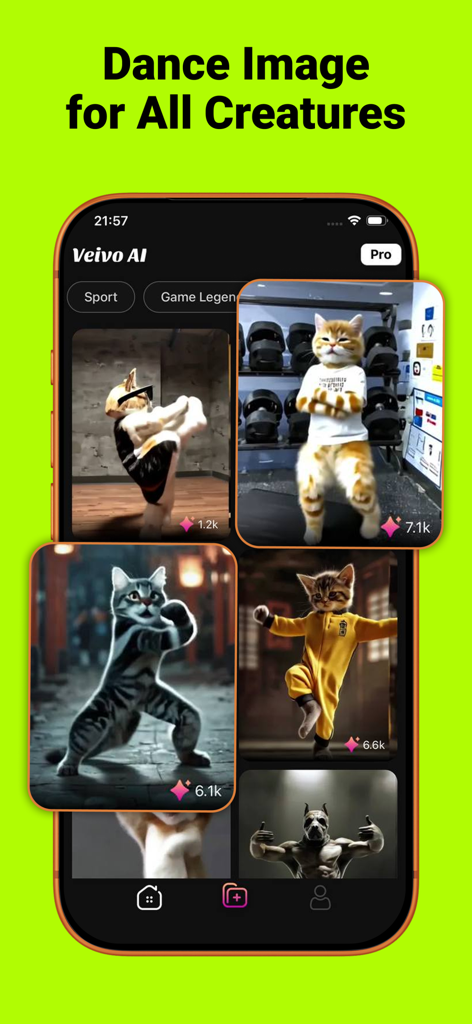
A mobile app screen for VeivoVerse showing AI generated videos of animals dancing and performing martial arts poses.
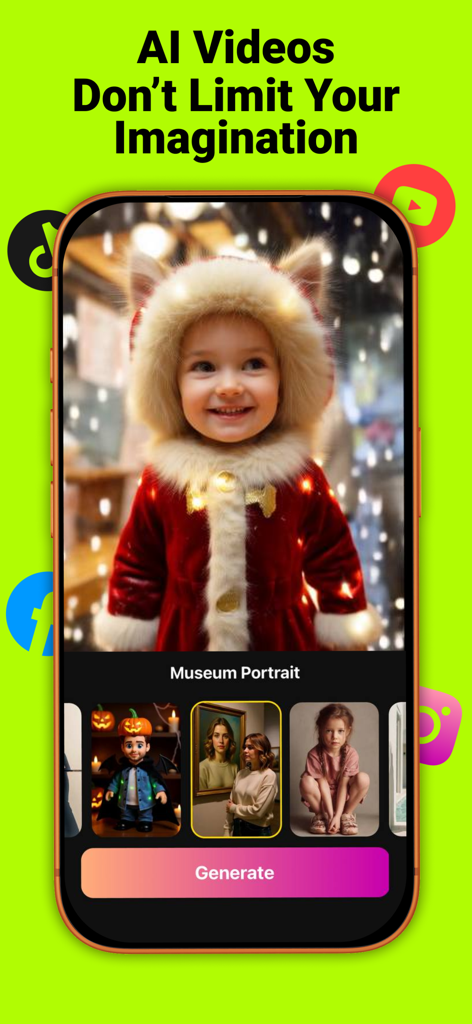
VeivoVerse mobile app screen showing AI video generation with creative styles and social media integration.
Description
Download
More Like This
Top-ranked apps in the same category

CapCut: Photo & Video Editor
BYTEDANCE PTE. LTD.

Instagram, Inc.

YouTube
Google LLC

Canva: AI Photo & Video Editor
Canva Pty Ltd

Snapchat
Snap, Inc.

快手
Beijing Kwai Technology Co., Ltd.

Edits: Video Editor
Instagram, Inc.

Meitu- AI Photo & Video Editor
Xiamen Meitu Technology Co., Ltd.

Google Photos: Backup & Edit
Google LLC
This page is not an official page of the app or its developer, but an independent editorial publication created for informational and commentary purposes. Unless expressly stated otherwise, neither the app nor its developer is affiliated with, endorsed by, sponsored by, authorized by, or otherwise officially connected with MWM, Apple, Google Play, the app publisher, or the app's developer, and nothing on this page implies that the app was developed using MWM's services. Any trademarks, logos, screenshots, and other content remain the property of their respective owners.