
This page is not an official page of the app or its developer, but an independent editorial publication created for informational and commentary purposes. Unless expressly stated otherwise, neither the app nor its developer is affiliated with, endorsed by, sponsored by, authorized by, or otherwise officially connected with MWM, Apple, Google Play, the app publisher, or the app's developer, and nothing on this page implies that the app was developed using MWM's services. Any trademarks, logos, screenshots, and other content remain the property of their respective owners.


Vibe Code: Codex & Claude AI
Stay in the flow from terminal to mobile. Monitor your AI agents, approve their next steps, and keep your Claude Code sessions moving wherever you are.
Downloads
3K+User Rating
Total Ratings
0Publisher
Category
Developer ToolsLocales
1Latest Version
1.3.7Size
66.2 MBFirst Released
Sep 16, 2025Vibe Code Anywhere, Anytime
The ultimate companion for Claude Code. Reclaim your freedom and stay in control of your AI-driven development workflow from your desk to your pocket.
Break Free From the Desk
Step away while your AI works. Monitor progress and approve agent actions from your phone or tablet without losing your flow or momentum.
Real-Time Agent Alerts
Eliminate downtime with instant push notifications. Get pinged the second your AI agent needs input, clarification, or a final project check-off.
Frequently Asked Questions
Everything you need to know about Vibe Code: Codex & Claude AI
What is Vicoa (Vibe Code Anywhere)?
Vicoa, also known as Vibe Code Anywhere, is an application that allows developers to use Claude Code on any device. It enables seamless continuation of coding sessions across laptops, phones, and tablets, ensuring productivity on the go.
What are the key features of Vicoa?
Vicoa's key features include continuing Claude Code sessions across devices, instant alerts for AI agent input, picking up tasks where you left off, and real-time updates from your AI agent. It also offers simple setup.
How does Vicoa (Vibe Code Anywhere) work?
To use Vicoa, install its CLI on your terminal, then sign in to authorize it. After setup, you can start a Claude Code session as usual and switch between devices seamlessly at any time.
Can I receive notifications from my AI agent using Vicoa?
Yes, Vicoa provides instant alerts when your AI agent needs clarification or has finished a task. It also shows live updates from your agent in real time, helping you stay connected.
Is Vicoa compatible with Claude Code?
Yes, Vicoa is designed for developers using Claude Code. It allows you to start and continue Claude Code sessions across multiple devices, including laptops, mobile phones, and tablets.
Can I pick up my coding session with Vicoa after stepping away?
Yes, Vicoa allows you to pick up right where you left off in your Claude Code session, even if your laptop is running a long process. You can seamlessly continue on your phone or tablet.
Where can I find the Terms of Use for Vicoa?
The Terms of Use for Vicoa are available online. You can access them at the following URL: https://habitrewards.me/terms-of-use.
The following screenshots and description are sourced directly from the app's official store listing and are the property of the app developer.
App Store
Screenshots
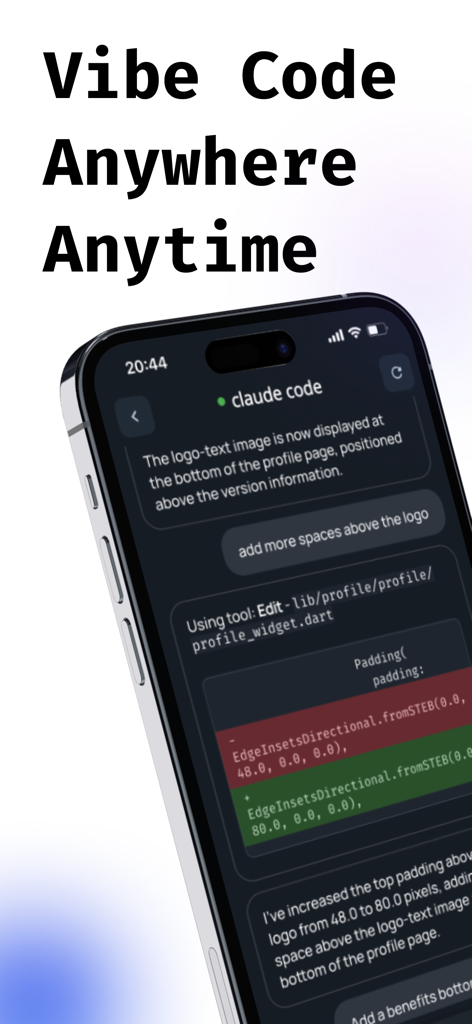
Vibe Code app interface showing Claude Code integration and terminal output on a smartphone
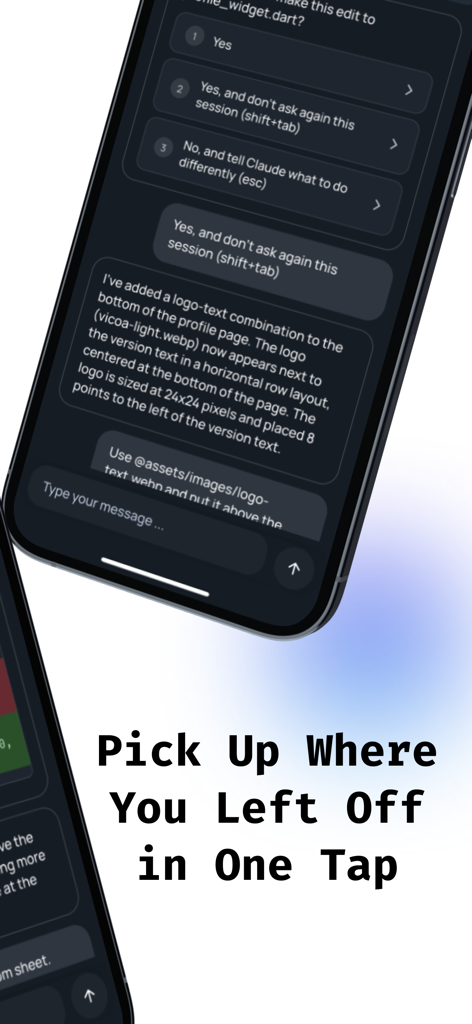
Mobile interface of the Vibe Code app showing an AI agent session for managing code workflows on a smartphone.
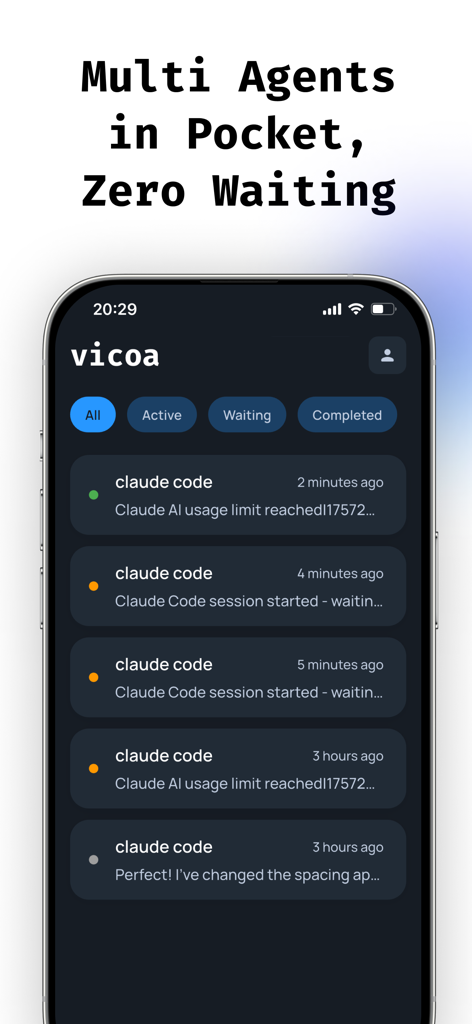
Mobile dashboard in Vicoa app showing status of multiple Claude AI coding agents
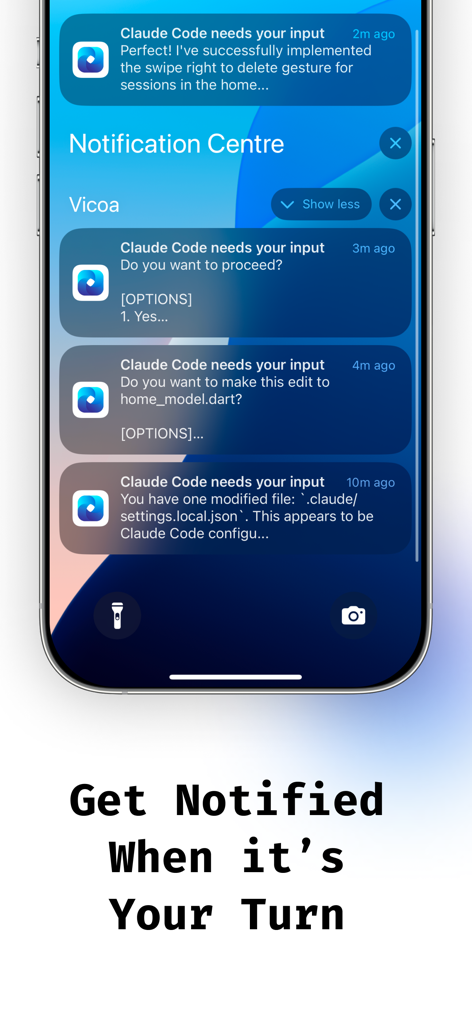
iPhone lock screen displaying push notifications from the Vicoa app showing AI agent updates and input requests for Claude Code
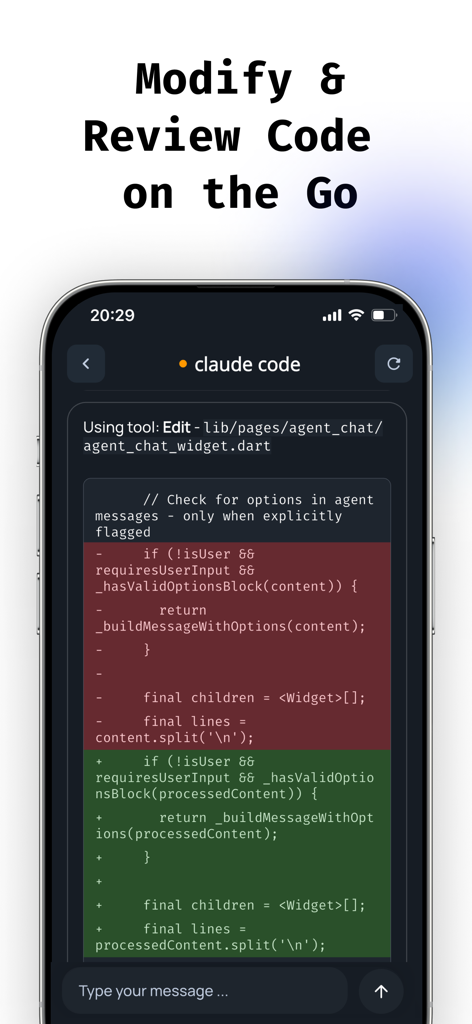
Mobile app interface showing a code diff for review and modification using Claude AI
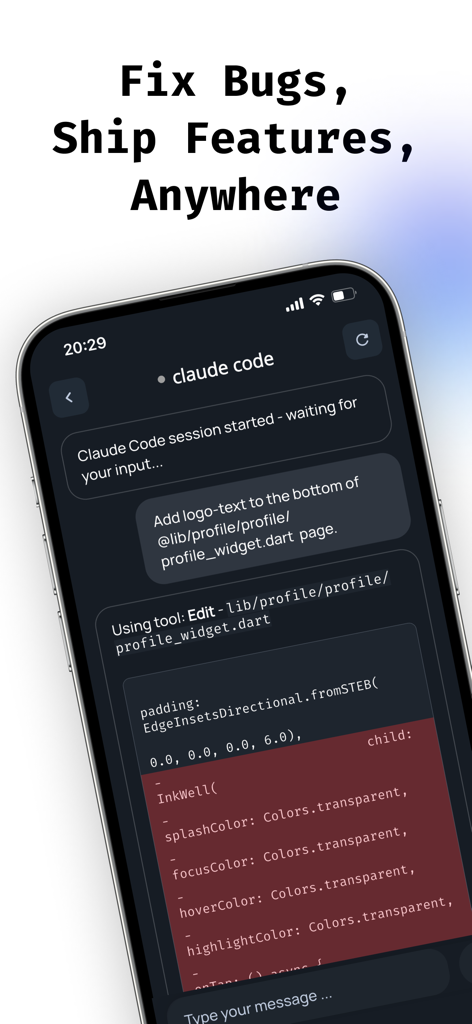
Smartphone screen displaying the Vibe Code app interface with an active Claude Code AI session for mobile development

Vicoa mobile app splash screen featuring the logo and slogan Code Wherever Ship Faster
Description
Download
More Like This
Top-ranked apps in the same category

TestFlight
Apple Inc.

Replit: Vibe Code Apps
Replit, Inc

GitHub
GitHub

O-KAM Pro
Shenzhen VeePai IoT Intelligent Technology LLC

Apple Developer
Apple Inc.

Expo Go
650 Industries, Inc.

Scriptable
Simon Stovring

App Store Connect
Apple Inc.

Sekai: Create · Remix · Play
Versa AI, Inc.
This page is not an official page of the app or its developer, but an independent editorial publication created for informational and commentary purposes. Unless expressly stated otherwise, neither the app nor its developer is affiliated with, endorsed by, sponsored by, authorized by, or otherwise officially connected with MWM, Apple, Google Play, the app publisher, or the app's developer, and nothing on this page implies that the app was developed using MWM's services. Any trademarks, logos, screenshots, and other content remain the property of their respective owners.