
This page is not an official page of the app or its developer, but an independent editorial publication created for informational and commentary purposes. Unless expressly stated otherwise, neither the app nor its developer is affiliated with, endorsed by, sponsored by, authorized by, or otherwise officially connected with MWM, Apple, Google Play, the app publisher, or the app's developer, and nothing on this page implies that the app was developed using MWM's services. Any trademarks, logos, screenshots, and other content remain the property of their respective owners.


Video Cutter: Trim and Merge
The fastest way for creators to trim, merge, and enhance clips for TikTok and Reels. No complex timelines, no hidden fees, and absolutely no watermarks on your final cut.
Downloads
3K+User Rating
Total Ratings
200Publisher
Category
Photo & VideoLocales
1Latest Version
4.3Size
26.4 MBFirst Released
Aug 22, 2022Create Content That Stands Out
Professional-grade editing tools designed for speed. Polish your videos for TikTok, Reels, and more—all without watermarks or complex timelines.
Precision Trimming & Merging
Stitch your favorite moments together or cut out the fluff with frame-by-frame accuracy to capture the perfect sequence.
No Watermarks, Ever
Keep your content clean and professional. Export high-quality videos ready for your feed without any branding distractions.
The following screenshots and description are sourced directly from the app's official store listing and are the property of the app developer.
App Store
Screenshots
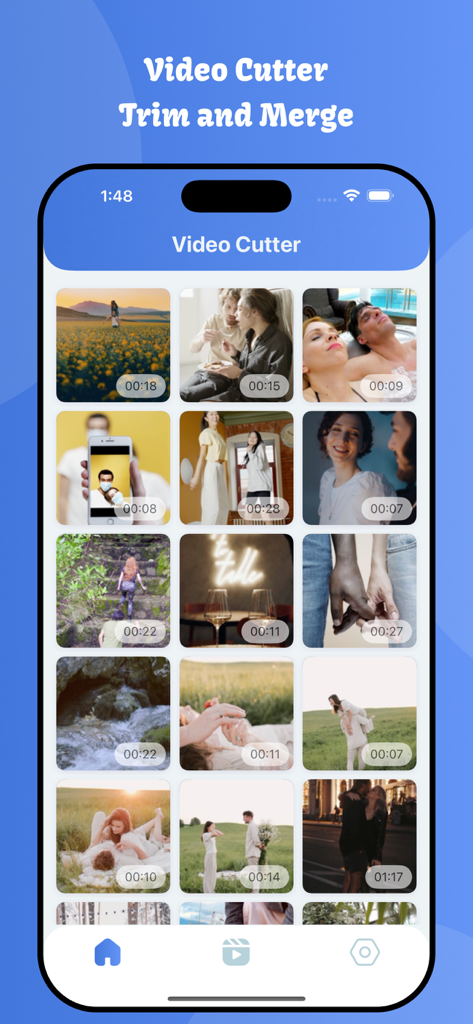
A gallery view in the Video Cutter app showing a grid of personal video clips with their timestamps on an iPhone.
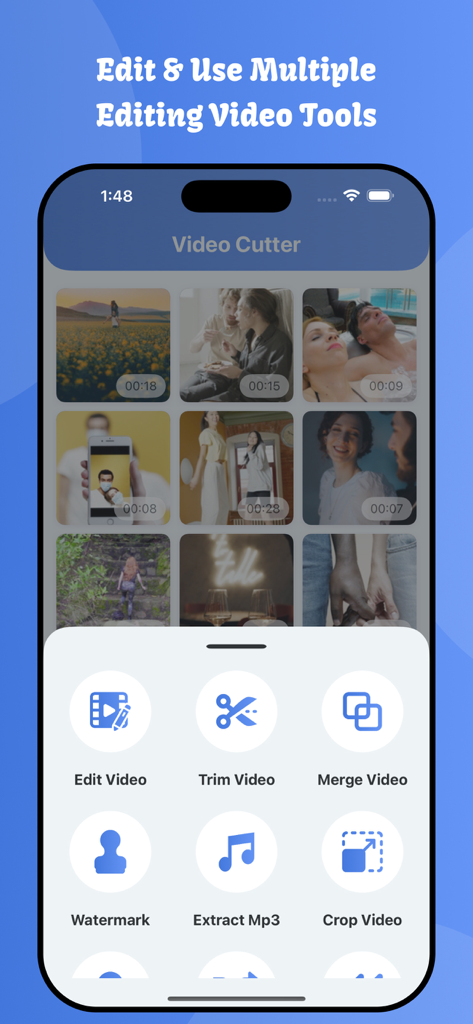
Video Cutter app interface showing options to trim merge and edit videos on an iPhone
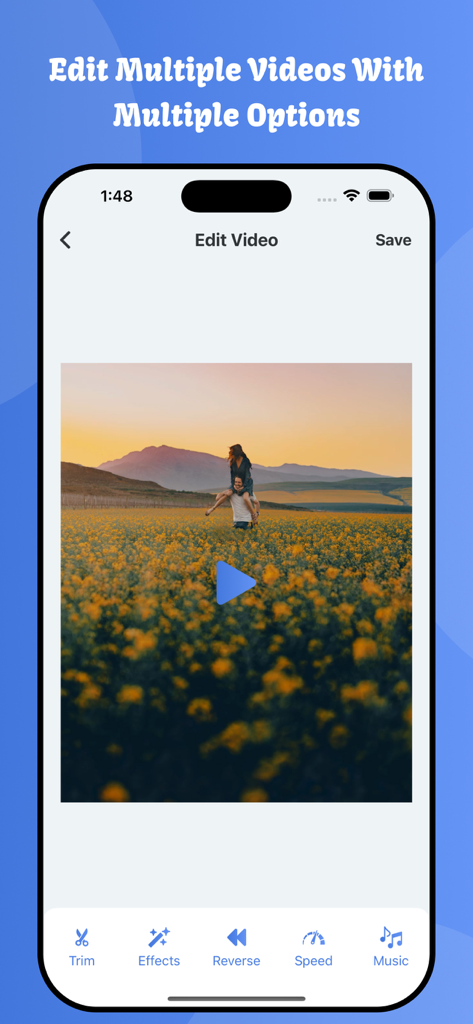
Mobile video editing interface showing options for trim, effects, reverse, speed, and music.
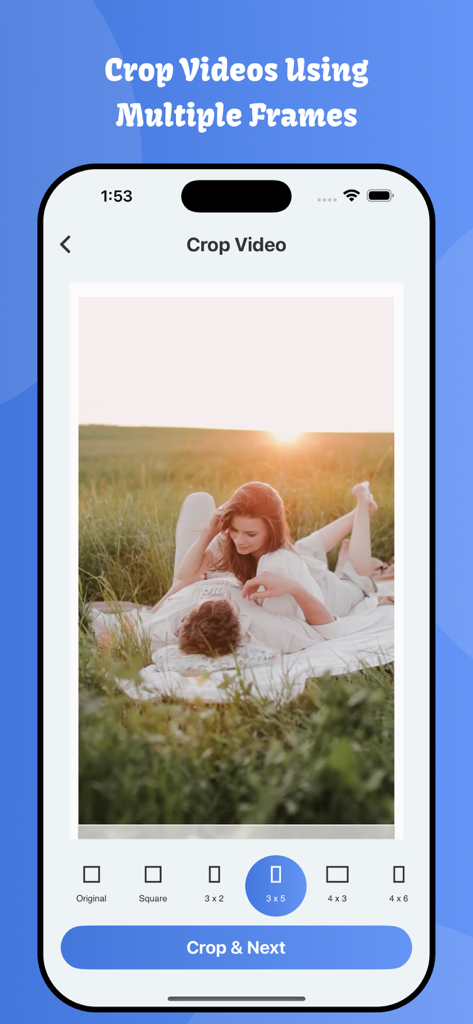
A mobile interface for cropping a video with various aspect ratio options like square and 3 by 5

Mobile app screen showing a list of saved video edits in a grid layout

Interface of the Video Cutter app showing multiple video clips selected to be merged into one
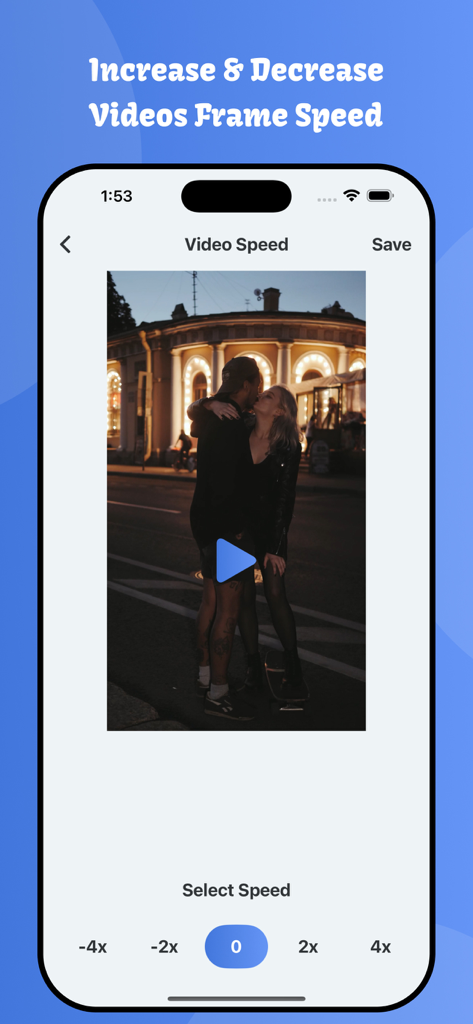
Interface for increasing or decreasing video frame speed in the Video Cutter app
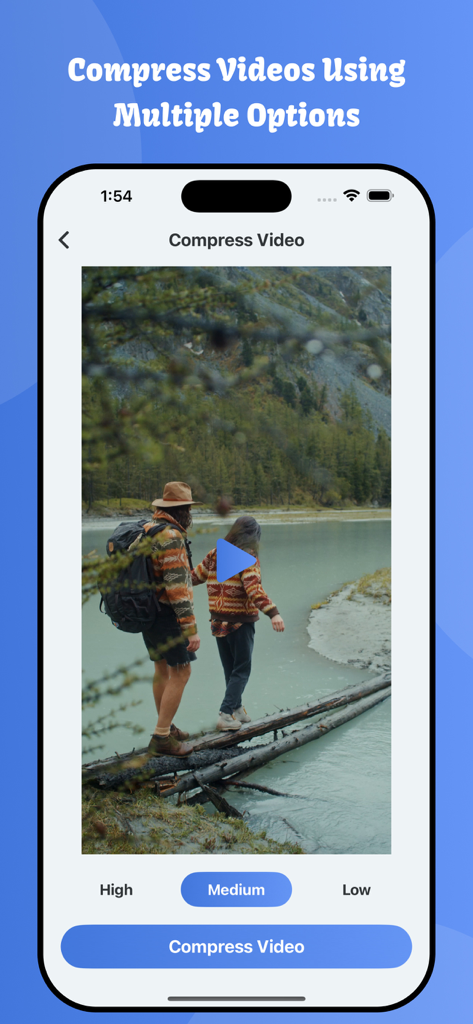
Mobile app interface showing video compression options for high medium and low quality to save device storage
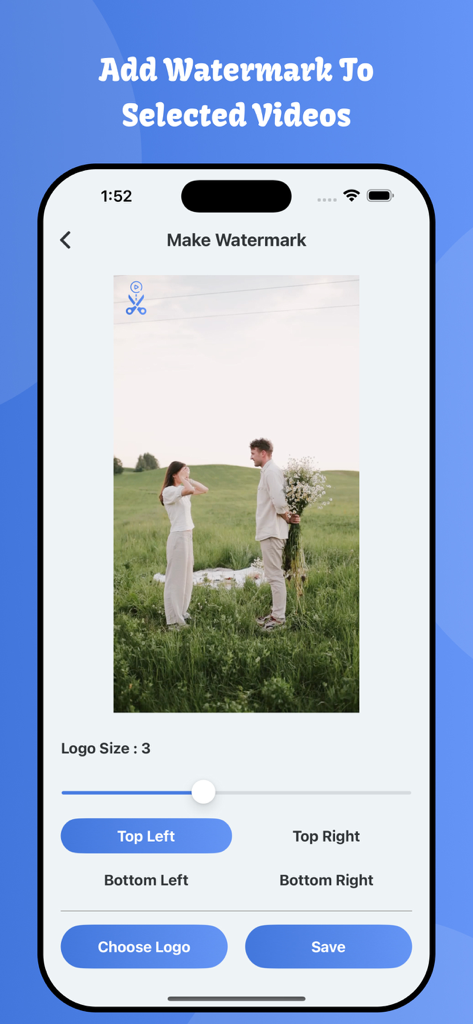
A mobile screen showing the custom watermark tool for adding logos to videos.
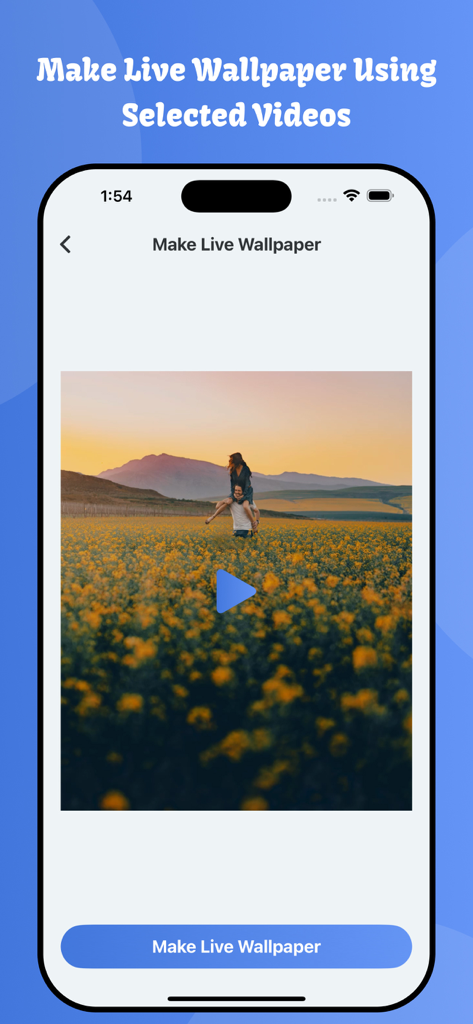
An iPhone screen showing the video cutter app interface for creating a live wallpaper from a video of a couple in a flower field.
Description
Download
More Like This
Top-ranked apps in the same category

CapCut: Photo & Video Editor
BYTEDANCE PTE. LTD.

Instagram, Inc.

YouTube
Google LLC

Canva: AI Photo & Video Editor
Canva Pty Ltd

Snapchat
Snap, Inc.

快手
Beijing Kwai Technology Co., Ltd.

Edits: Video Editor
Instagram, Inc.

Meitu- AI Photo & Video Editor
Xiamen Meitu Technology Co., Ltd.

Google Photos: Backup & Edit
Google LLC
This page is not an official page of the app or its developer, but an independent editorial publication created for informational and commentary purposes. Unless expressly stated otherwise, neither the app nor its developer is affiliated with, endorsed by, sponsored by, authorized by, or otherwise officially connected with MWM, Apple, Google Play, the app publisher, or the app's developer, and nothing on this page implies that the app was developed using MWM's services. Any trademarks, logos, screenshots, and other content remain the property of their respective owners.