Video to MP3: Convert to Audio

Video to MP3: Convert to Audio


Download on App Store
Logo of Video to MP3: Convert to Audio

Video to MP3: Convert to Audio – Turn Any Video into High-Quality Sound in Seconds

Effortlessly extract audio from social media, screen recordings, or your camera roll. Perfect for creating custom ringtones, listening offline, and saving storage on your iPhone.

Download on App Store

Publisher

Yolleg Ltd

Category

Utilities

Downloads

9K+

User Rating

1.7/5

Total Ratings

0

Locales

1

Simplicity in Action

Discover the interface used by 9K+ users.
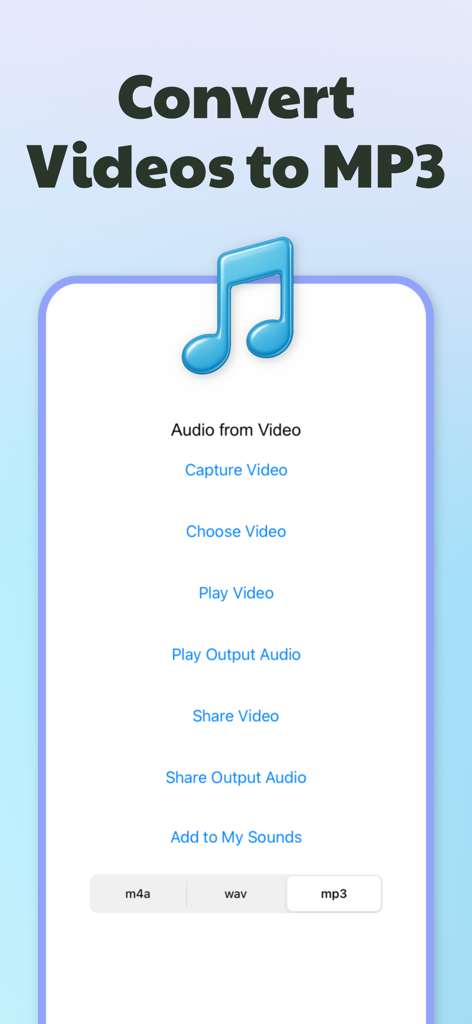
Mobile app screen for converting video to mp3 and m4a audio formats

Mobile app screen for converting video to mp3 and m4a audio formats

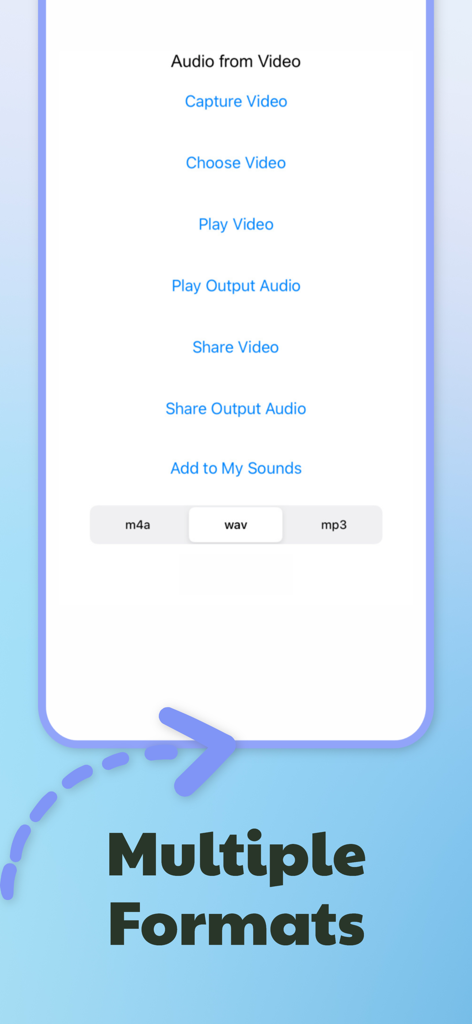
Mobile app screen showing multiple audio export formats including m4a wav and mp3

Mobile app screen showing multiple audio export formats including m4a wav and mp3

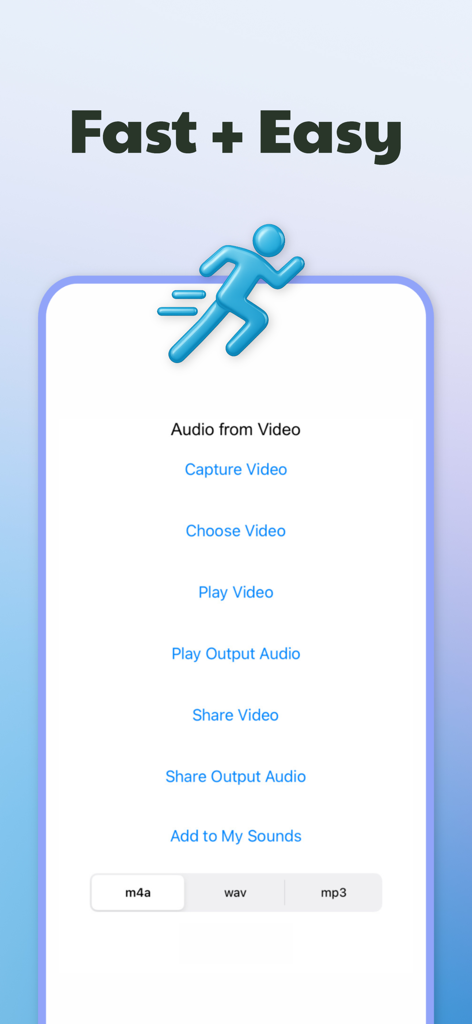
Mobile app interface for converting video to audio with fast and easy extraction tools

Mobile app interface for converting video to audio with fast and easy extraction tools

Transform Your Video Library into Audio

The tools that make this app stand out, trusted by 9K+ users.

🔋

Listen Anytime, Screen Off

Stop draining your battery by leaving videos open. Convert clips to MP3 to enjoy background play without paying for premium video service tiers.

📱

Reclaim Your Phone Storage

Audio files use up to 90% less space than high-res video, allowing you to keep thousands of tracks and podcasts without running out of room.

✂️

Perfect for Content Creators

Easily extract viral sounds from social media clips to use in your own video edits, background tracks, or as personalized ringtones.

About the app

Everything you need to know about Video to MP3: Convert to Audio.

Description

Video to MP3: Convert to Audio is your ultimate solution to effortlessly extract high-quality audio from any video file on your iOS device. Whether you have videos from social media, personal recordings, or somewhere else our powerful converter transforms them into crisp audio files in popular formats like MP3 and M4A. Key Features: • Fast & Simple Conversion – Convert video files into audio in just a few taps with an intuitive interface designed for everyone. • Multiple Audio Formats – Choose from MP3, M4A, and more to suit your listening preferences and compatibility needs. • High-Quality Audio Extraction – Enjoy crystal-clear sound every time, perfect for podcasts, music tracks, and audio note backups. • Versatile Compatibility – Works with various video sources so you can extract audio from home videos, or any video saved on your device. • Share and Enjoy – Seamlessly export your converted audio to your favorite music players, cloud services, or share directly on social media. Video to MP3: Convert to Audio is the perfect tool for audio enjoyers, content creators, music enthusiasts, podcasters, and anyone looking to enjoy audio content offline. Our user-friendly design ensures that even those with minimal technical skills can convert videos to audio quickly and effectively. Download Video to MP3: Convert to Audio now and transform your video library into a personalized audio experience. Experience the convenience of a high-quality video-to-audio converter right at your fingertips. Get started today and take advantage of the easiest way to extract audio from videos on your iOS device. --------------------------- Terms of Use https://www.yolleg.com/terms/audiofromvideo Privacy Policy https://www.yolleg.com/privacy/audiofromvideo

Latest Version

1.27

Size

116.8 MB

First Released

May 3, 2022

Stop Watching, Start Listening

Turn your favorite videos into high-quality MP3s in seconds. Download now and take your audio library offline, anywhere.

Download on App Store

App information, icons, screenshots, and descriptions displayed on this page are sourced from the Apple App Store and are the property of their respective developers. Download estimates and rankings are based on MWM's proprietary models and may not reflect actual figures. This page is provided for informational and analytical purposes only.

Believe this page infringes your intellectual property? File a dispute