
This page is not an official page of the app or its developer, but an independent editorial publication created for informational and commentary purposes. Unless expressly stated otherwise, neither the app nor its developer is affiliated with, endorsed by, sponsored by, authorized by, or otherwise officially connected with MWM, Apple, Google Play, the app publisher, or the app's developer, and nothing on this page implies that the app was developed using MWM's services. Any trademarks, logos, screenshots, and other content remain the property of their respective owners.


Video To Photo - Frame Grabber
Stop settling for blurry screenshots. Effortlessly extract stunning, high-resolution photos from your videos with millisecond precision. The essential tool for creators, parents, and perfectionists who never want to miss a fleeting memory.
Downloads
1K+User Rating
Total Ratings
100Publisher
Category
Photo & VideoLocales
1Latest Version
1.0.5Size
56.8 MBFirst Released
Nov 7, 2023Capture Every Perfect Millisecond
Stop worrying about the shutter button. Record your favorite moments in high-definition video and extract professional-grade photos with absolute precision.
Frame-by-Frame Precision
Scrub through your footage with manual control to find the exact millisecond where the lighting, pose, and emotion are flawless.
High-Resolution Exports
Forget blurry screenshots. Extract crisp, high-quality stills from your 4K videos that are ready for your Instagram grid or professional printing.
The following screenshots and description are sourced directly from the app's official store listing and are the property of the app developer.
App Store
Screenshots
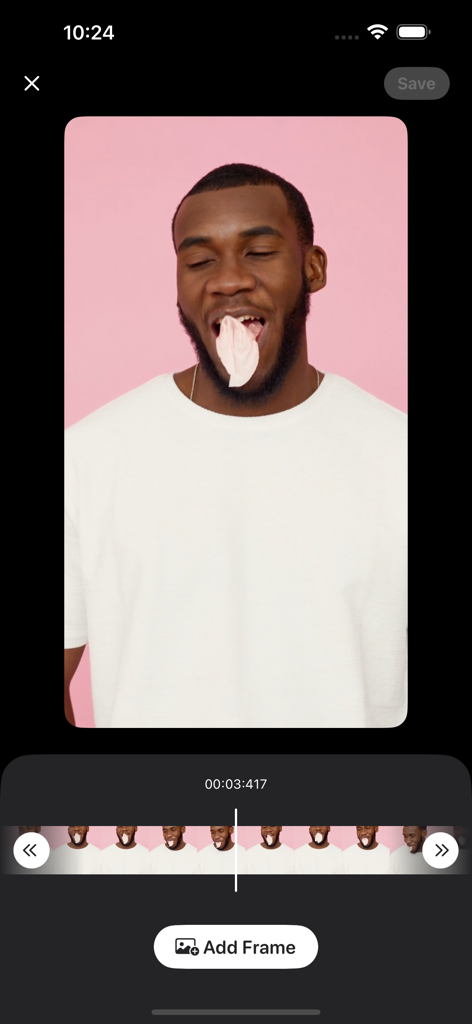
Precision frame selection interface in the Video to Photo app
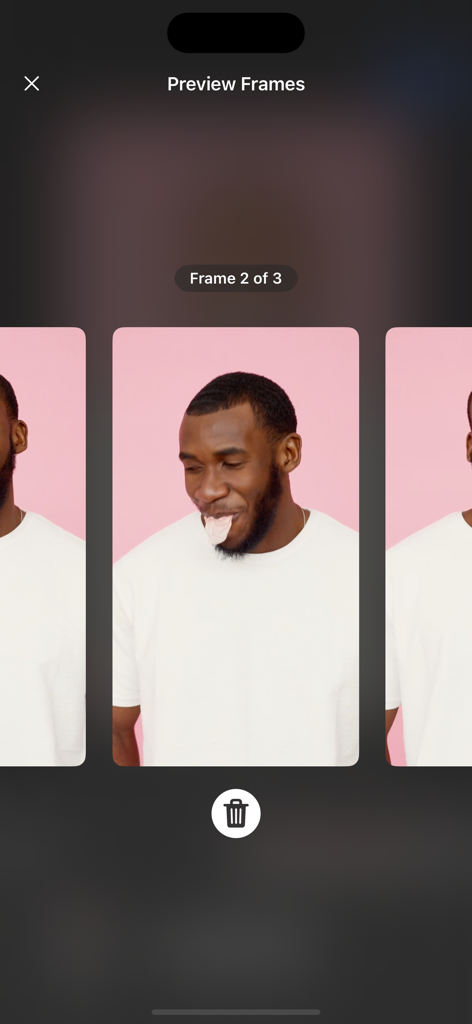
Interface of the app showing three captured video frames of a man for selection
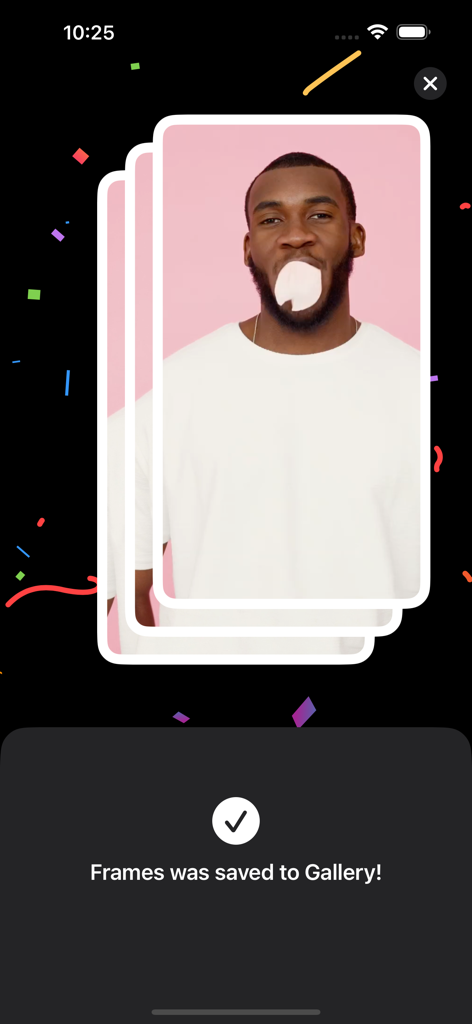
A success message screen showing that extracted video frames have been saved to the gallery
Description
Download
More Like This
Top-ranked apps in the same category

CapCut: Photo & Video Editor
BYTEDANCE PTE. LTD.

Instagram, Inc.

YouTube
Google LLC

Canva: AI Photo & Video Editor
Canva Pty Ltd

Snapchat
Snap, Inc.

快手
Beijing Kwai Technology Co., Ltd.

Edits: Video Editor
Instagram, Inc.

Meitu- AI Photo & Video Editor
Xiamen Meitu Technology Co., Ltd.

Google Photos: Backup & Edit
Google LLC
This page is not an official page of the app or its developer, but an independent editorial publication created for informational and commentary purposes. Unless expressly stated otherwise, neither the app nor its developer is affiliated with, endorsed by, sponsored by, authorized by, or otherwise officially connected with MWM, Apple, Google Play, the app publisher, or the app's developer, and nothing on this page implies that the app was developed using MWM's services. Any trademarks, logos, screenshots, and other content remain the property of their respective owners.