
This page is not an official page of the app or its developer, but an independent editorial publication created for informational and commentary purposes. Unless expressly stated otherwise, neither the app nor its developer is affiliated with, endorsed by, sponsored by, authorized by, or otherwise officially connected with MWM, Apple, Google Play, the app publisher, or the app's developer, and nothing on this page implies that the app was developed using MWM's services. Any trademarks, logos, screenshots, and other content remain the property of their respective owners.


VideoLUT - Color Grade Editor
Elevate your visual aesthetic with 2,500+ presets, .cube support, and advanced tools like skin masks and HSL curves—all built for the mobile-first filmmaker.
Downloads
29K+User Rating
Total Ratings
200Publisher
Category
Photo & VideoLocales
12Latest Version
2.65Size
298.9 MBFirst Released
Oct 29, 2016Professional Color Grading, Anywhere
Bridge the gap between mobile capture and cinematic excellence with the industry’s most powerful LUT engine and grading suite designed for the prosumer creator.
Desktop Power on Mobile
Import and use industry-standard .cube and .3dl LUTs from DaVinci Resolve or Premiere Pro directly on your iPhone or iPad for a seamless cross-platform workflow.
Surgical Color Precision
Master your aesthetic with skin masks, HSL curves, and CMYK tools—giving you the granular control needed to perfect skin tones and signature color stories.
The following screenshots and description are sourced directly from the app's official store listing and are the property of the app developer.
App Store
Screenshots
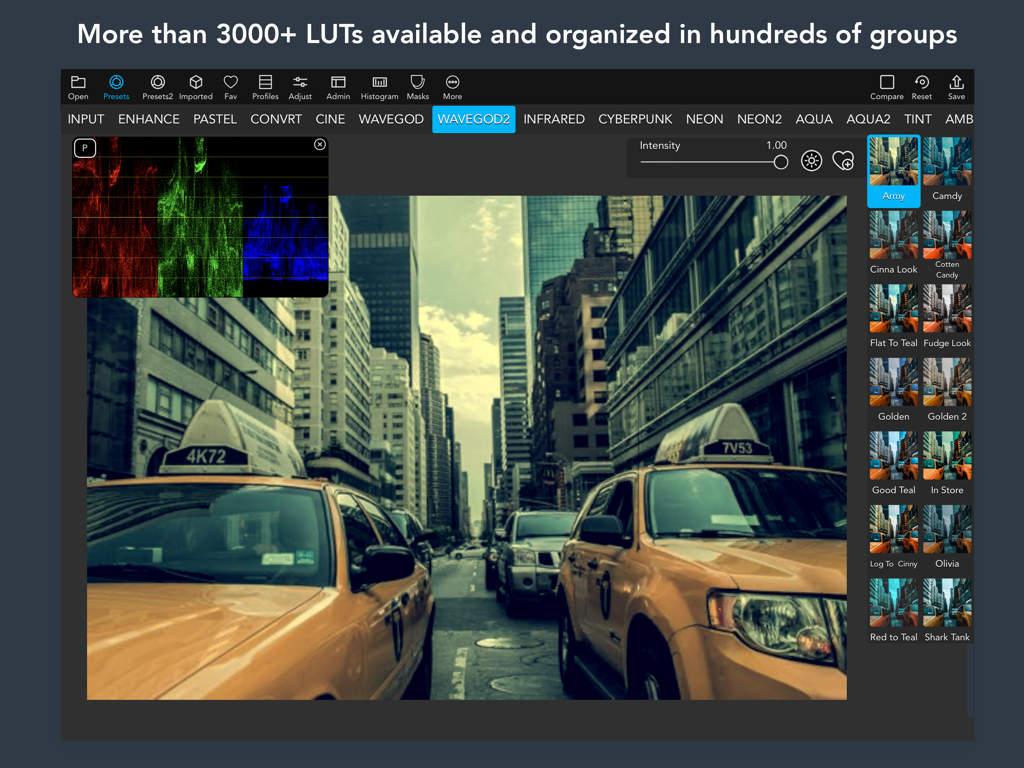
VideoLUT app interface on iPad showcasing cinematic color grading presets and professional histogram tools for video editors
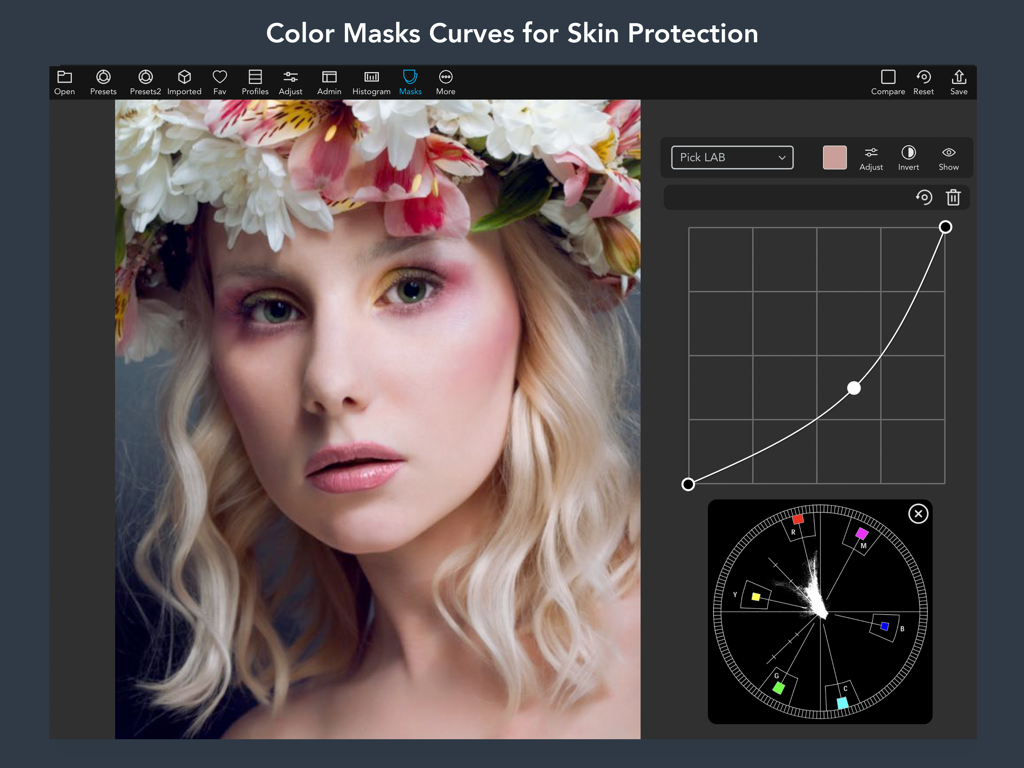
VideoLUT app interface showing color mask curves and skin protection tools on an iPad
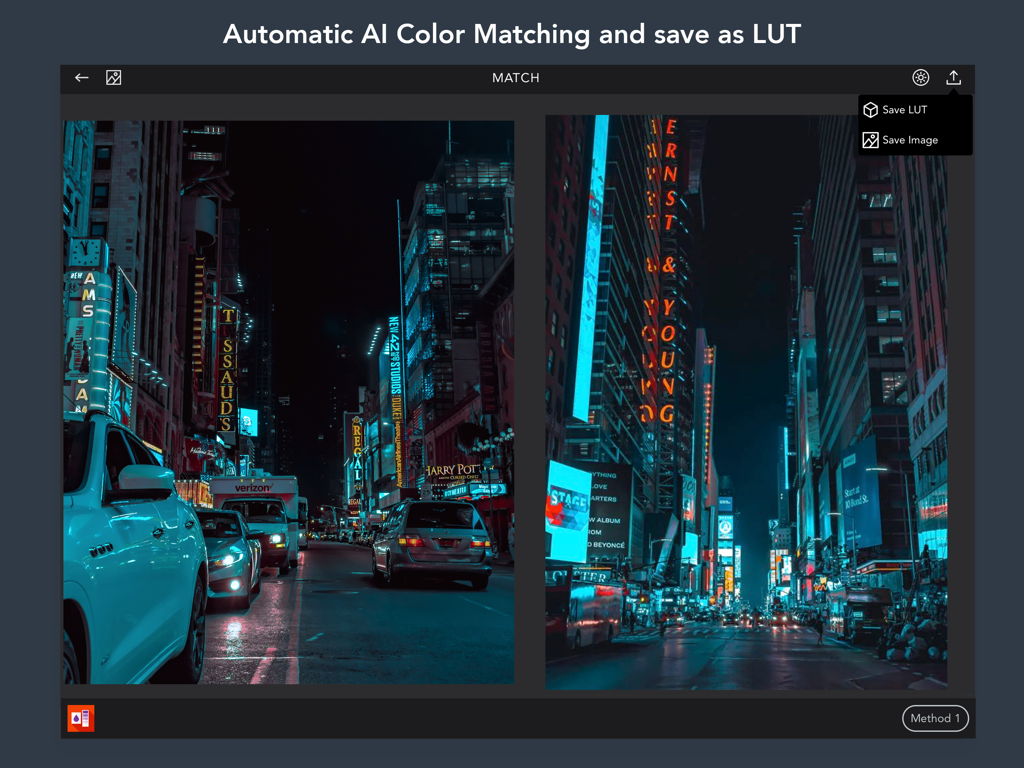
Automatic AI color matching between two city night photos in VideoLUT app interface
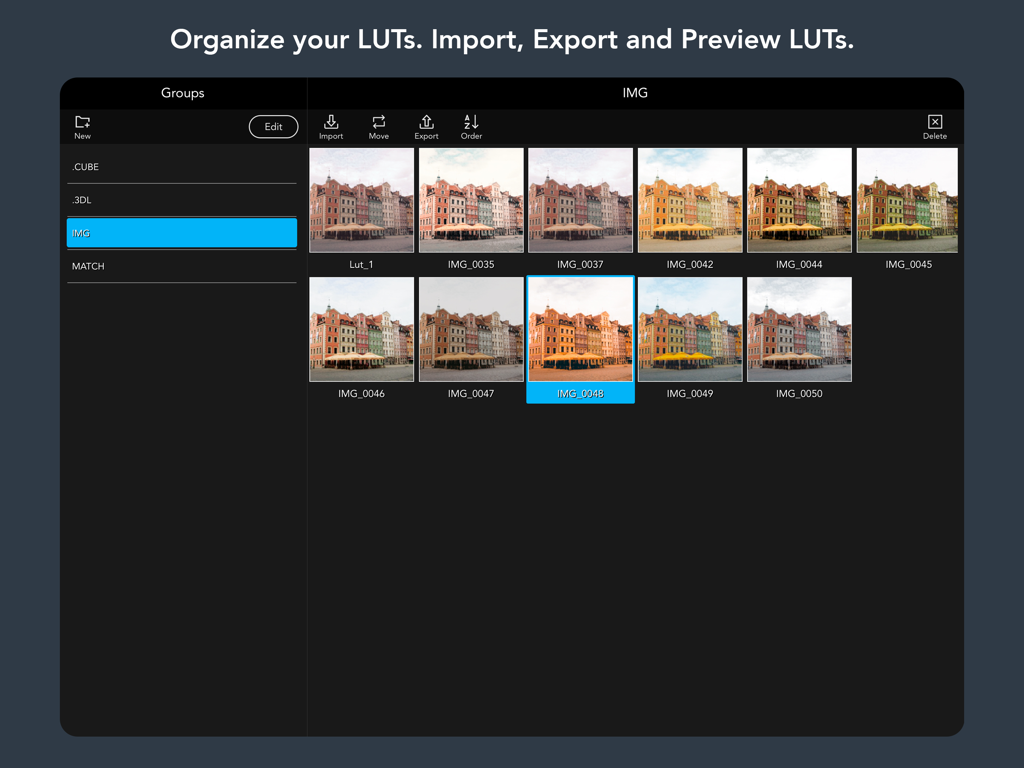
iPad interface of VideoLUT app showing a library of cinematic color grade previews.
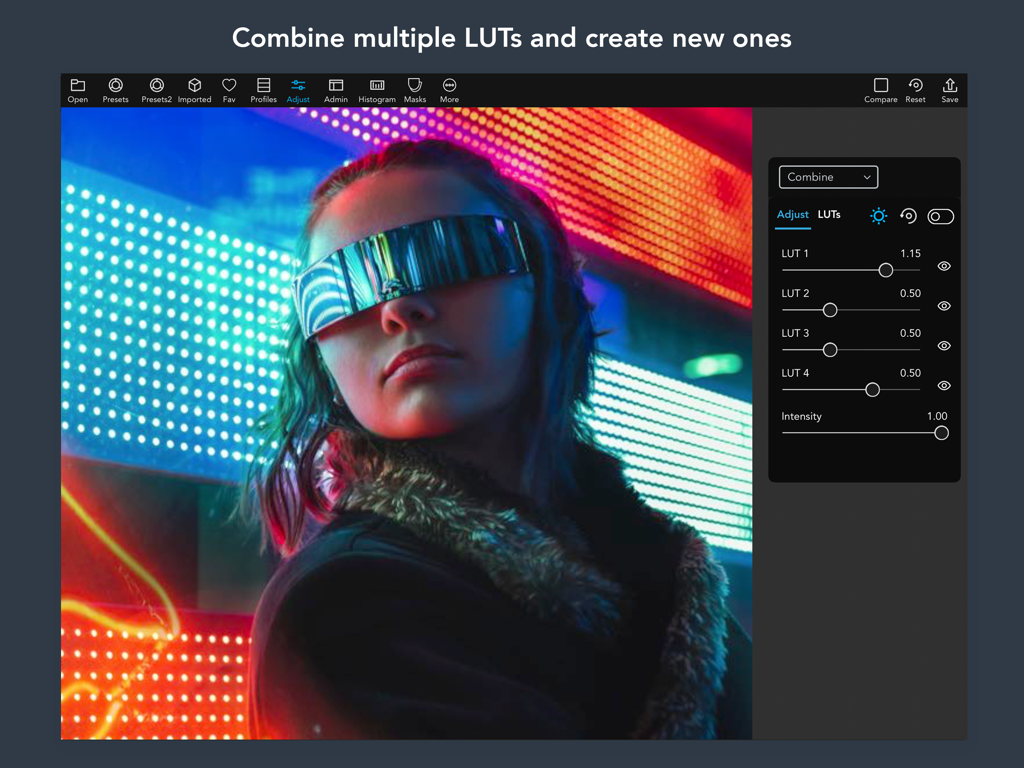
Interface of VideoLUT app showing sliders to combine multiple color grading LUTs on a cinematic image
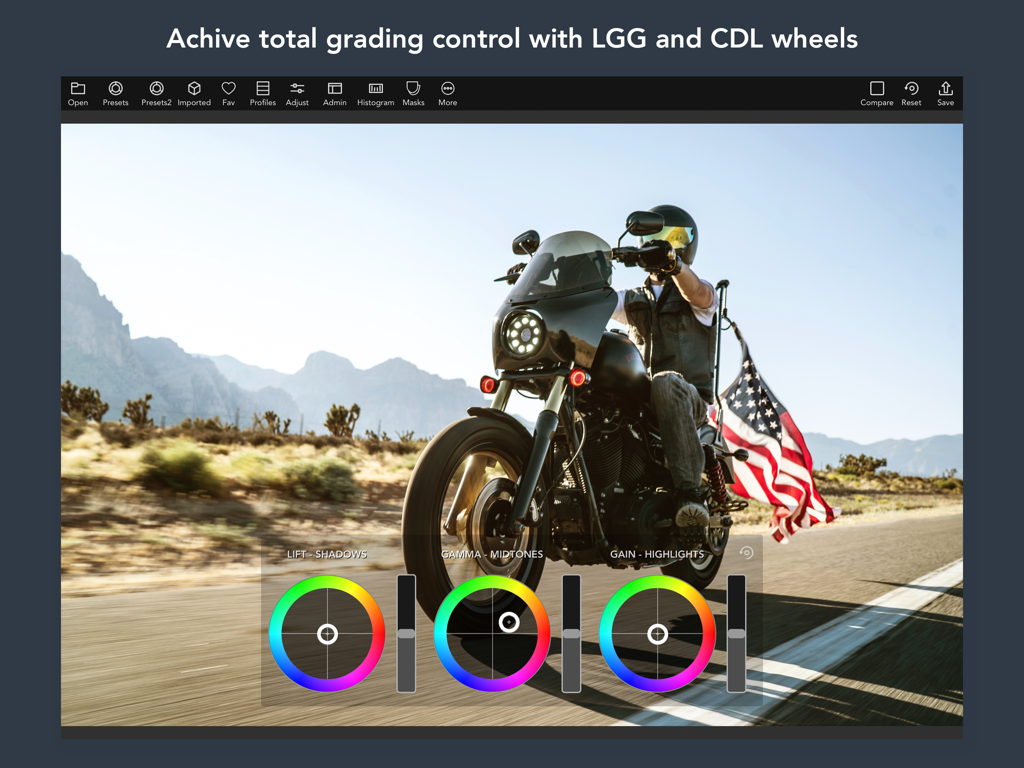
Professional color grading interface showing LGG and CDL wheels being used to edit a cinematic video on an iPad
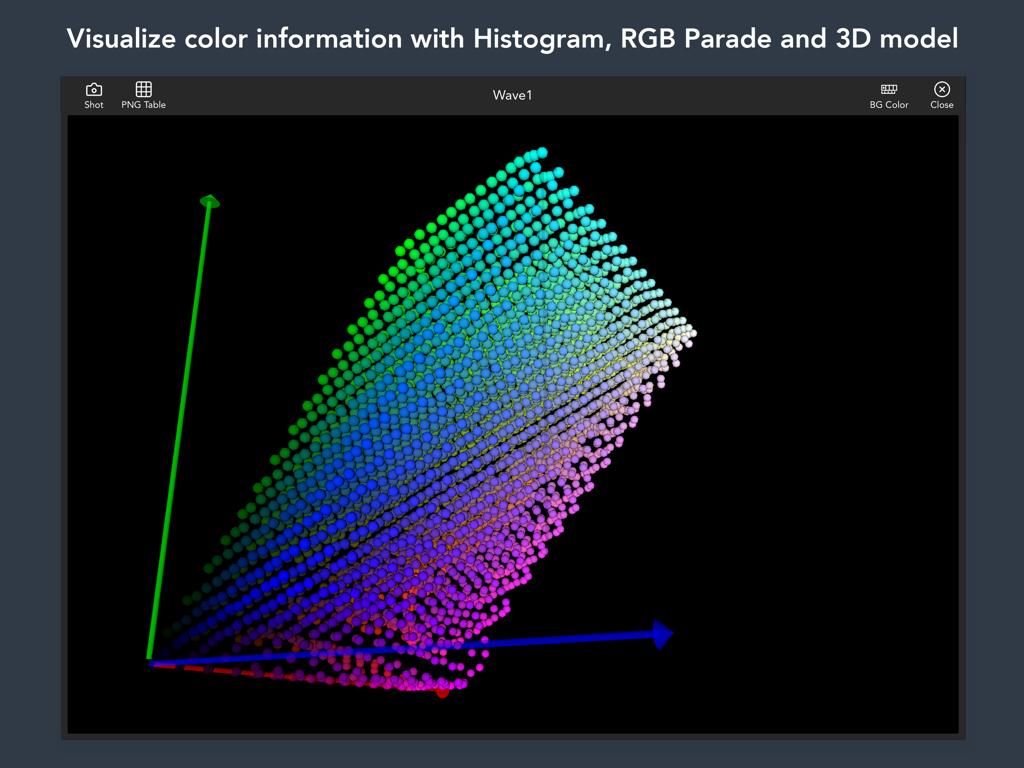
A 3D color model visualization within the VideoLUT app interface showing color distribution across three axes.
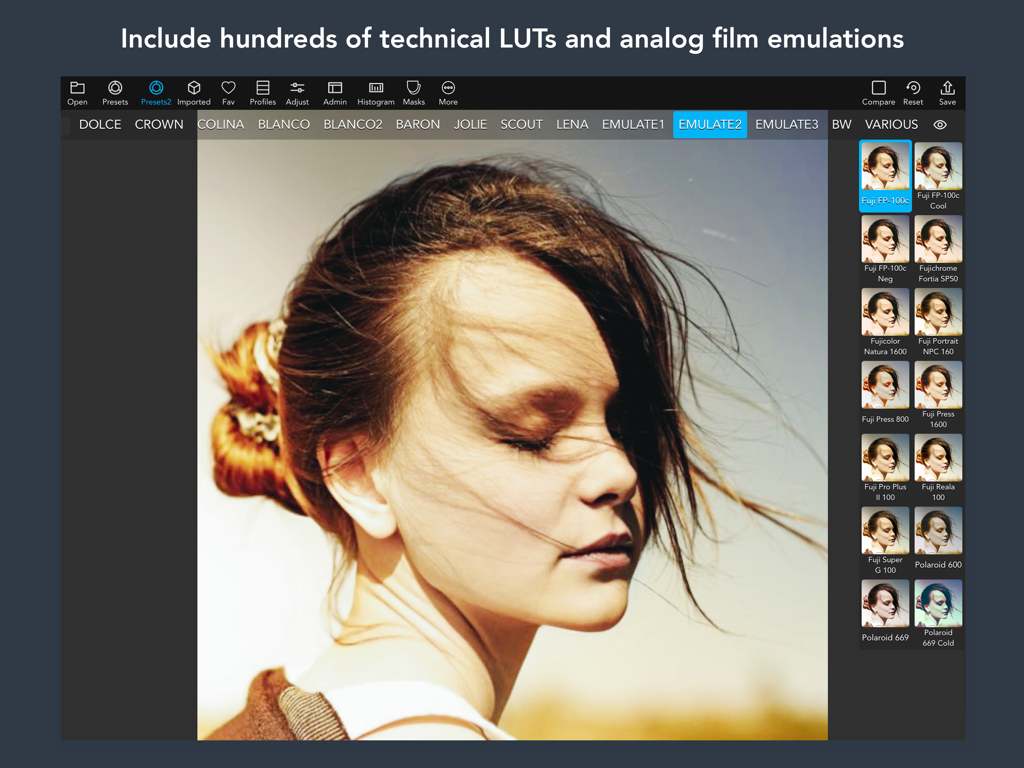
VideoLUT interface displaying analog film emulation presets for professional color grading
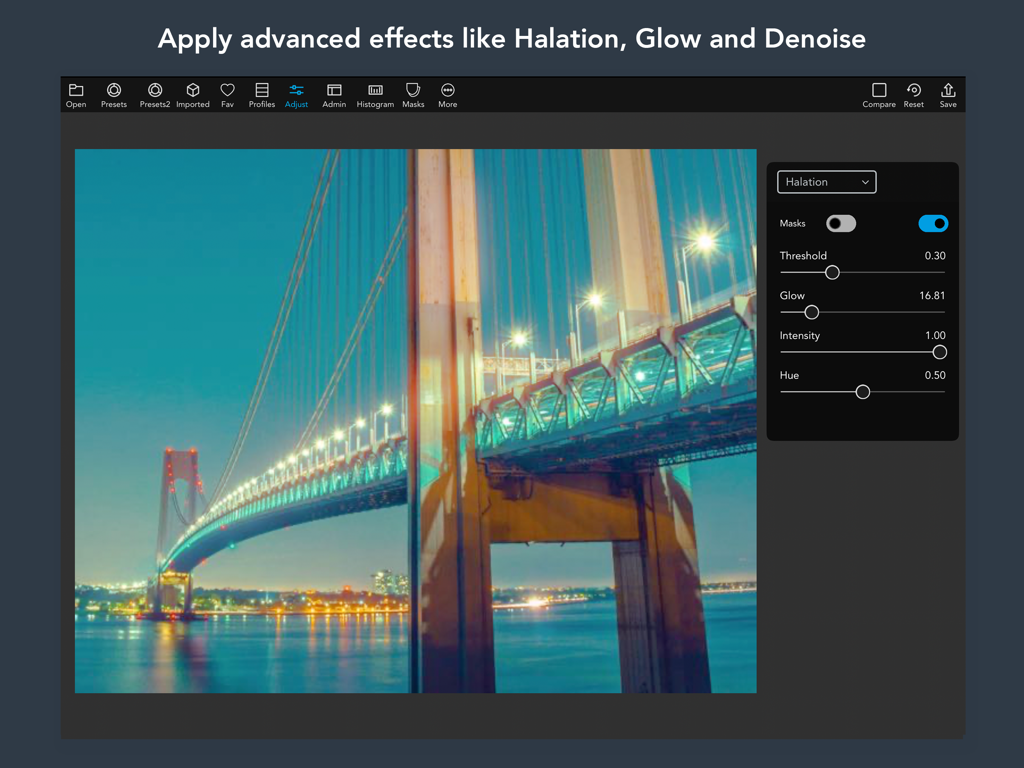
VideoLUT iPad app interface showing halation and glow effect settings on a cinematic night bridge photo
Description
Download
More Like This
Top-ranked apps in the same category

CapCut: Photo & Video Editor
BYTEDANCE PTE. LTD.

Instagram, Inc.

YouTube
Google LLC

Canva: AI Photo & Video Editor
Canva Pty Ltd

Snapchat
Snap, Inc.

快手
Beijing Kwai Technology Co., Ltd.

Edits: Video Editor
Instagram, Inc.

Meitu- AI Photo & Video Editor
Xiamen Meitu Technology Co., Ltd.

Google Photos: Backup & Edit
Google LLC
This page is not an official page of the app or its developer, but an independent editorial publication created for informational and commentary purposes. Unless expressly stated otherwise, neither the app nor its developer is affiliated with, endorsed by, sponsored by, authorized by, or otherwise officially connected with MWM, Apple, Google Play, the app publisher, or the app's developer, and nothing on this page implies that the app was developed using MWM's services. Any trademarks, logos, screenshots, and other content remain the property of their respective owners.