
This page is not an official page of the app or its developer, but an independent editorial publication created for informational and commentary purposes. Unless expressly stated otherwise, neither the app nor its developer is affiliated with, endorsed by, sponsored by, authorized by, or otherwise officially connected with MWM, Apple, Google Play, the app publisher, or the app's developer, and nothing on this page implies that the app was developed using MWM's services. Any trademarks, logos, screenshots, and other content remain the property of their respective owners.


Vidua
Secure your most important transactions with the highest eIDAS-qualified electronic signature. Register once via a secure video call and sign international documents with total confidence for three years.
Downloads
222K+User Rating
Total Ratings
5K+Publisher
Category
ProductivityLocales
2Latest Version
3.25.11Size
266.4 MBFirst Released
Nov 14, 2022Legally Binding. Globally Trusted.
Streamline high-stakes international transactions with the highest level of identity assurance, designed for the security-conscious professional.
Qualified Digital Signatures
Execute cross-border contracts with a Qualified Electronic Signature (QES), providing the same legal weight as a handwritten signature under eIDAS standards.
Expert Human Verification
Bypass unreliable AI automated checks. Establish a secure, government-vetted identity through a brief video call with a trained Vidua professional.
Frequently Asked Questions
Everything you need to know about Vidua
What is the Vidua app?
The Vidua app allows you to register for services, sign with a qualified electronic signature, identify yourself, and share personal data with consent. It enables secure online actions.
How do I register for Vidua services?
You register for Vidua services via a video connection with a Vidua employee on your smartphone. The process includes setting a PIN, providing email, taking a selfie, scanning ID, video call, and confirming.
What documents are required for Vidua registration?
You need a valid passport or identity card, remaining valid for at least 30 days on the registration day. A driver's license cannot be used for Vidua registration.
Is the Vidua app compatible with an iPad?
No, the Vidua app is not suitable for use with an iPad. It is designed specifically for smartphone use during the registration process.
How long is a Vidua registration valid?
A Vidua registration is valid for three years. This validity period applies when the same smartphone used during the initial registration is utilized.
Is the Vidua app secure for electronic signatures?
Yes, the Vidua app enables signing at the highest security level with a qualified electronic signature. It adheres to security measures similar to those of Cleverbase, its owner.
Who developed the Vidua app?
Cleverbase developed the Vidua app. Cleverbase operates as a Qualified Trust Service Provider under license from the Dutch government and uses Vidua as its brand name.
What personal data does the Vidua app collect?
The Vidua app processes your smartphone's IP address, the operating system's name and version, and the mobile device's unique identifier.
Does the Vidua app comply with GDPR?
Yes, the Vidua app processes personal data in accordance with the General Data Protection Regulation and the privacy statement available on the Cleverbase website.
Can the Vidua app help me share my personal data?
Yes, the Vidua app enables you to share your personal data with explicit consent. After registration, users can choose with whom they share their data.
The following screenshots and description are sourced directly from the app's official store listing and are the property of the app developer.
App Store
Screenshots
Vidua mobile app welcome screen featuring the logo and tagline Acting online without worry
Vidua mobile app interface showing the remote registration process with a document and checkmark icon.
A smiling woman at breakfast showing the Vidua logo with the slogan its just that simple
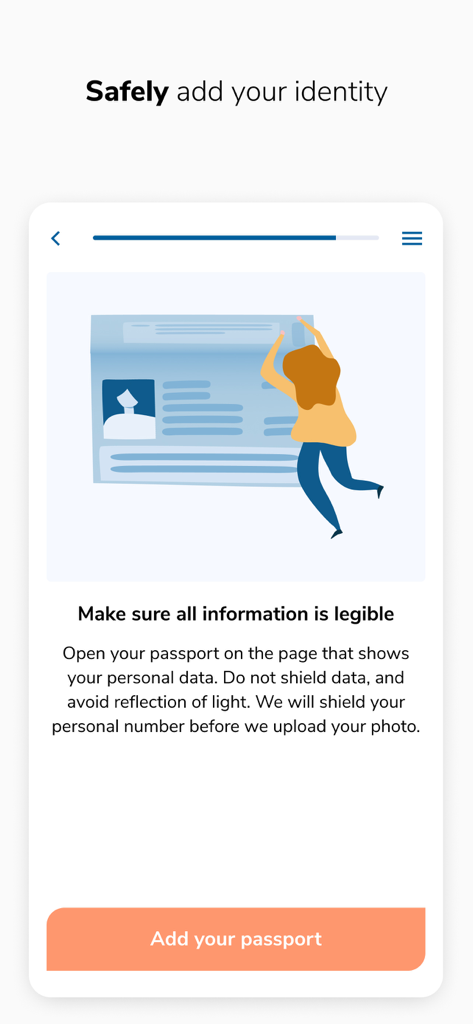
Vidua app screen showing instructions for safely adding a passport for digital identity verification with a person holding an ID illustration and an Add your passport button
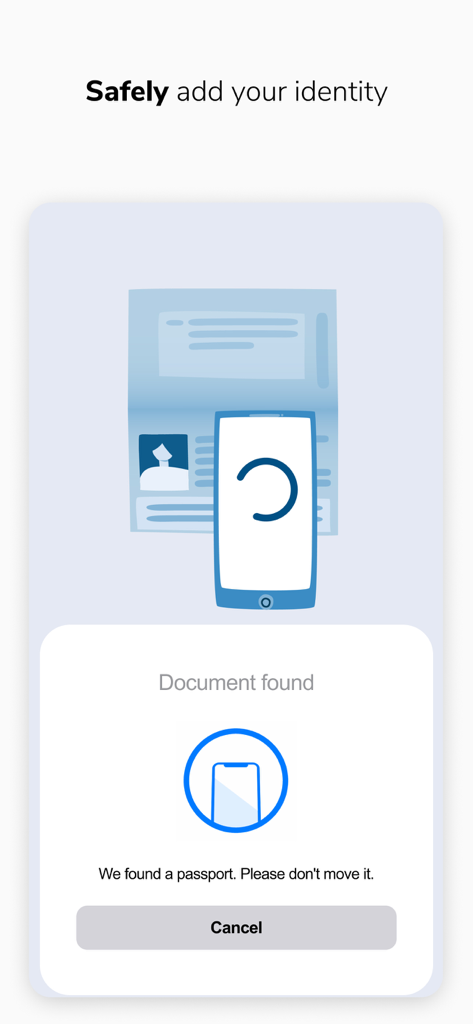
Mobile screen of Vidua app showing the process of scanning a passport to safely add a digital identity
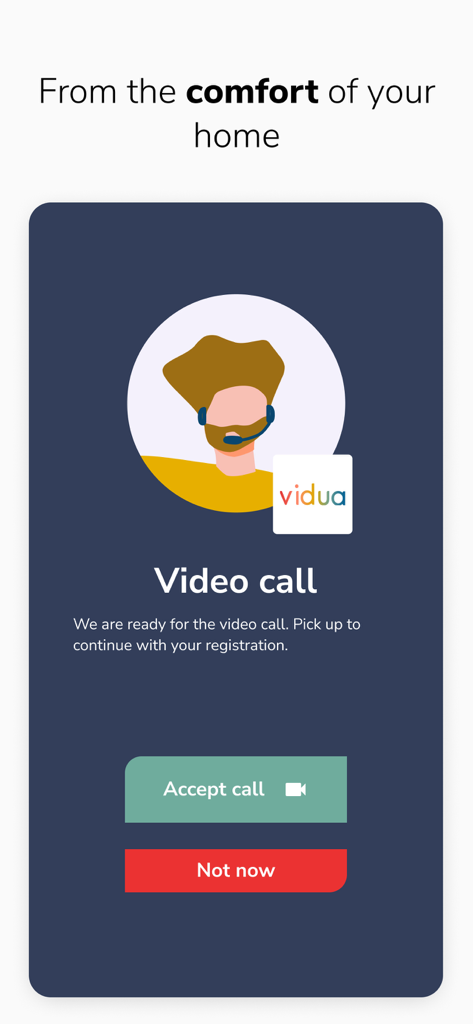
Vidua app screen showing an incoming video call for identity verification during the registration process.
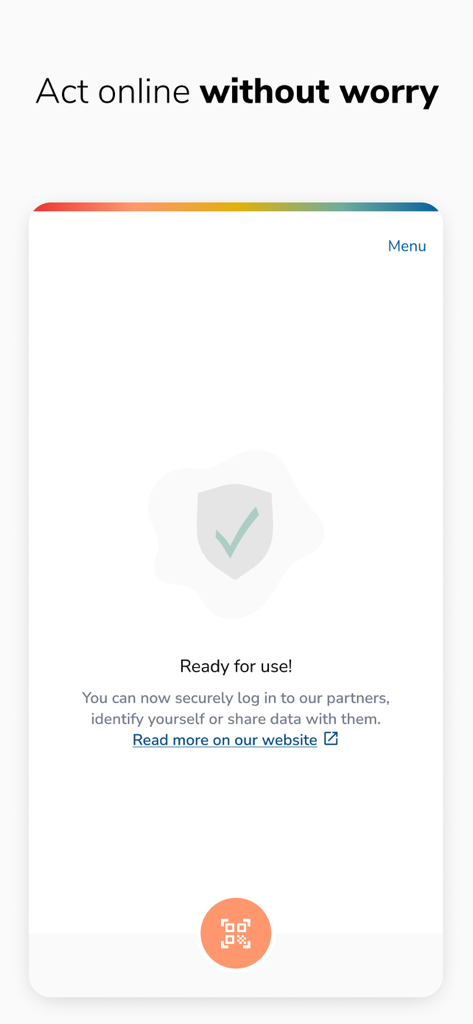
Vidua app interface showing a shield icon with a checkmark and the message Ready for use to act online without worry.
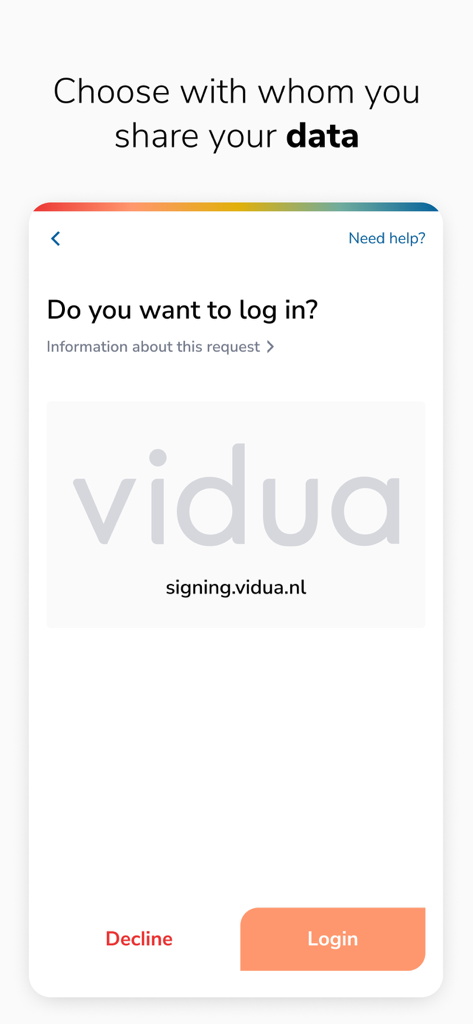
A secure login request screen in the Vidua app for sharing data
Description
Download
More Like This
Apps with similar features and user experience

Nect Wallet
Nect GmbH

POSTIDENT
Deutsche Post AG

Evrotrust
Evrotrust Technologies Ad

livesign - doc signing & VOI
thelawstore.com.au pty ltd

IDnow Online-Ident
IDnow Gmbh
SafeID
Safeweb Seguranca da Informacao Ltda
A-Trust Signatur
A-Trust GmbH

ID.Abonent
MSK MOBAIL, OOO

Thirdfort
Thirdfort Limited
This page is not an official page of the app or its developer, but an independent editorial publication created for informational and commentary purposes. Unless expressly stated otherwise, neither the app nor its developer is affiliated with, endorsed by, sponsored by, authorized by, or otherwise officially connected with MWM, Apple, Google Play, the app publisher, or the app's developer, and nothing on this page implies that the app was developed using MWM's services. Any trademarks, logos, screenshots, and other content remain the property of their respective owners.