
This page is not an official page of the app or its developer, but an independent editorial publication created for informational and commentary purposes. Unless expressly stated otherwise, neither the app nor its developer is affiliated with, endorsed by, sponsored by, authorized by, or otherwise officially connected with MWM, Apple, Google Play, the app publisher, or the app's developer, and nothing on this page implies that the app was developed using MWM's services. Any trademarks, logos, screenshots, and other content remain the property of their respective owners.

Vintage Scene
The professional-grade tool for photographers and hobbyists to create authentic aged effects with high-resolution textures, sepia tones, and distressed paper finishes.
Downloads
169K+User Rating
Total Ratings
1K+Publisher
Category
Photo & VideoLocales
-Latest Version
4.60Size
50.5 MBFirst Released
Jul 24, 2010Give Your Modern Memories a Timeless Soul
Experience the most sophisticated vintage photo engine designed for photographers who value authenticity, high resolution, and the beauty of the past.
Authentic Historical Textures
Automatically blend distressed paper, sepia tones, and unique grain to recreate the soul of Victorian or mid-century photography.
High-Resolution Masterpieces
Built for pro-level quality, our engine supports full-sized images perfect for physical family albums, home decor, or professional prints.
Frequently Asked Questions
Everything you need to know about Vintage Scene
What is Vintage Scene?
Vintage Scene is special effects software that transforms new photos into vintage, old-school, or retro images. It automatically applies classic effects to achieve an aged look.
How does Vintage Scene make photos look old?
Vintage Scene applies a unique algorithm combining sepia tone, grain, darkened edges, distressed paper, and a fade effect. Users control and customize each component for a unique photo appearance.
Can I create custom presets in Vintage Scene?
Yes, Vintage Scene includes a visual preset system. Users can create and re-use their own custom presets, accessible through the "Save" menu within the application.
Does Vintage Scene support high-resolution images?
Yes, Vintage Scene supports full-size images and is built to produce high-resolution images. It applies sophisticated photo filters to ensure a high quality end result.
Who is the Vintage Scene app designed for?
Vintage Scene caters to photography enthusiasts, graphic artists, photographers, and hobbyists. It provides compelling, high-quality results for creating vintage-style photos.
Is Vintage Scene easy to use?
Yes, Vintage Scene is easy to use. It offers a visual preset system for quick application and provides user control to change each component for a unique look.
Does Vintage Scene have a preview mode for images?
Yes, Vintage Scene includes a preview mode for a quick workflow. Large images render at full quality when saved or emailed from the application.
What photo effects does Vintage Scene apply?
Vintage Scene applies several classic effects automatically, including sepia tone, grain, darkened edges, distressed paper, and a fade effect. Users can also select various borders and paper textures.
Can I customize effects in Vintage Scene?
Yes, Vintage Scene allows users to customize individual components for a unique look. This includes adjusting elements like sepia tone, grain, darkened edges, distressed paper, and fade.
The following screenshots and description are sourced directly from the app's official store listing and are the property of the app developer.
App Store
Screenshots
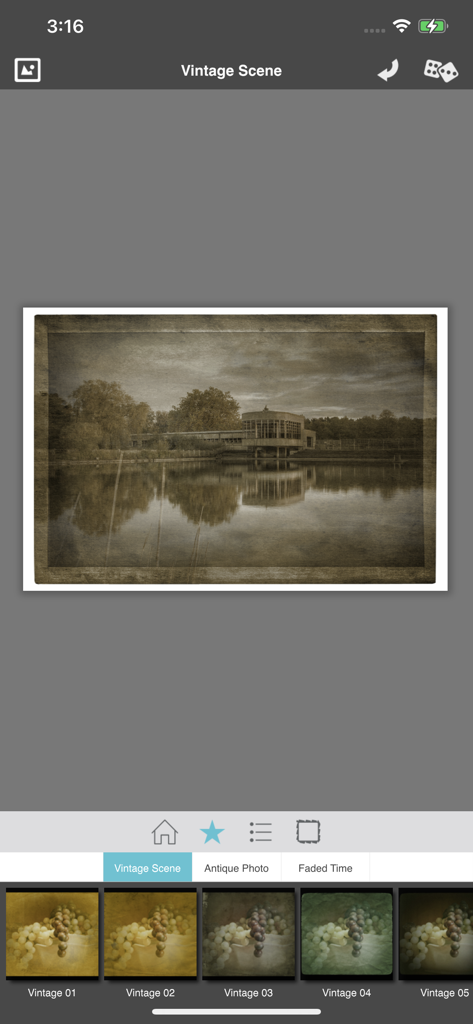
Vintage Scene app interface showing an edited landscape photo with a sepia filter and aged paper effect
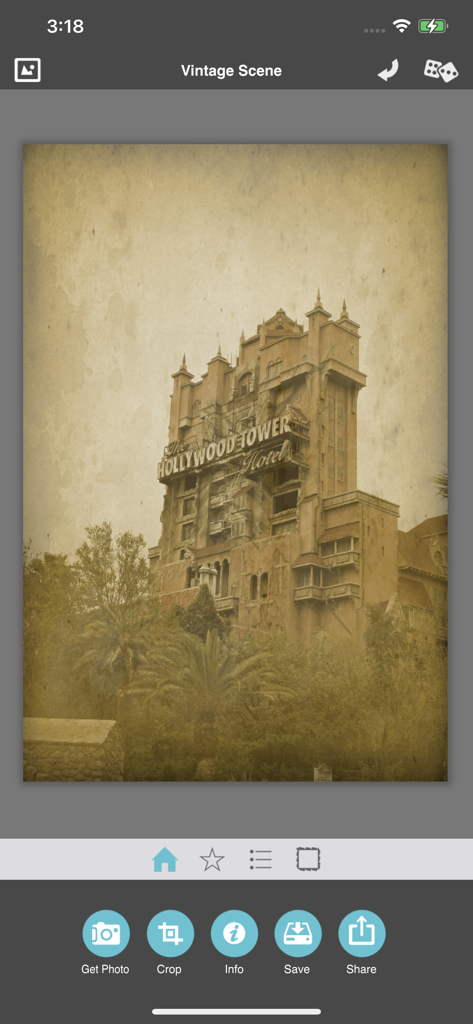
Vintage Scene app interface displaying a sepia toned aged photo of a tall building with distressed paper texture
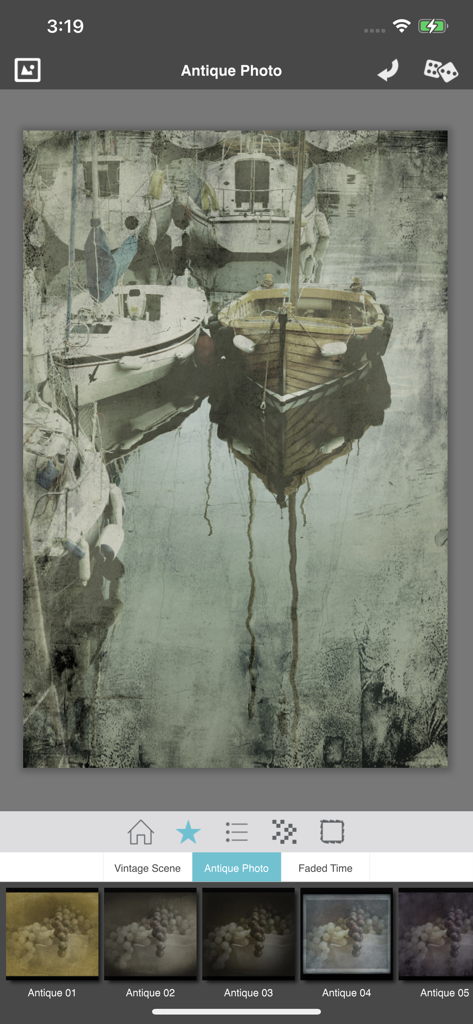
Vintage Scene app interface showing an antique photo filter applied to a scene with boats
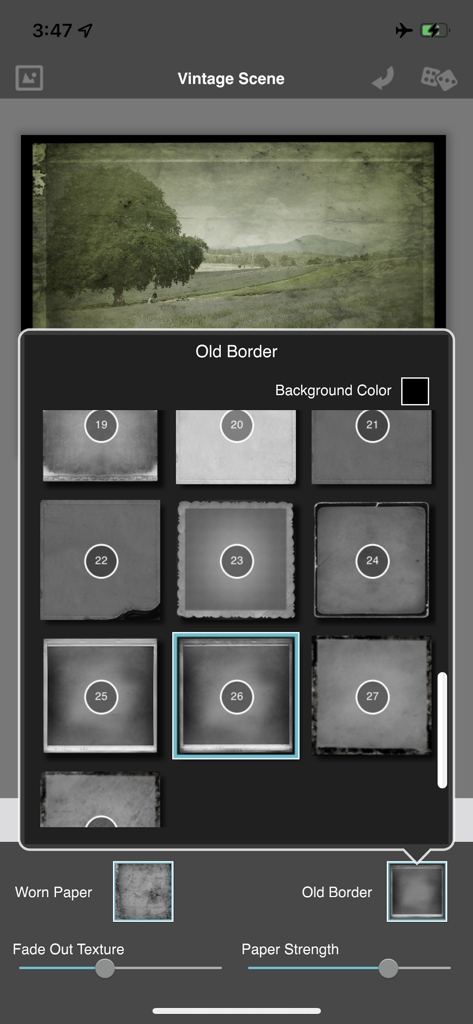
Vintage Scene app interface showing various antique border options for photo editing
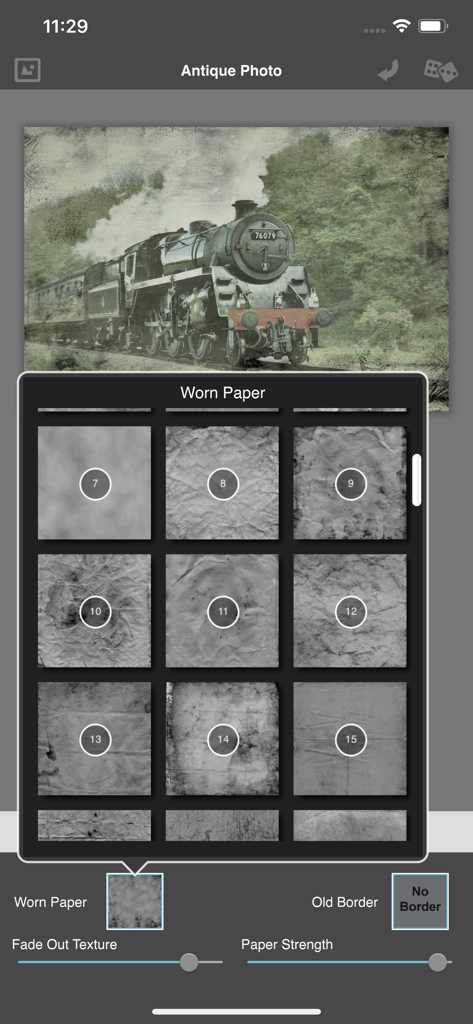
User interface of the Vintage Scene app displaying worn paper texture options for an antique photo effect
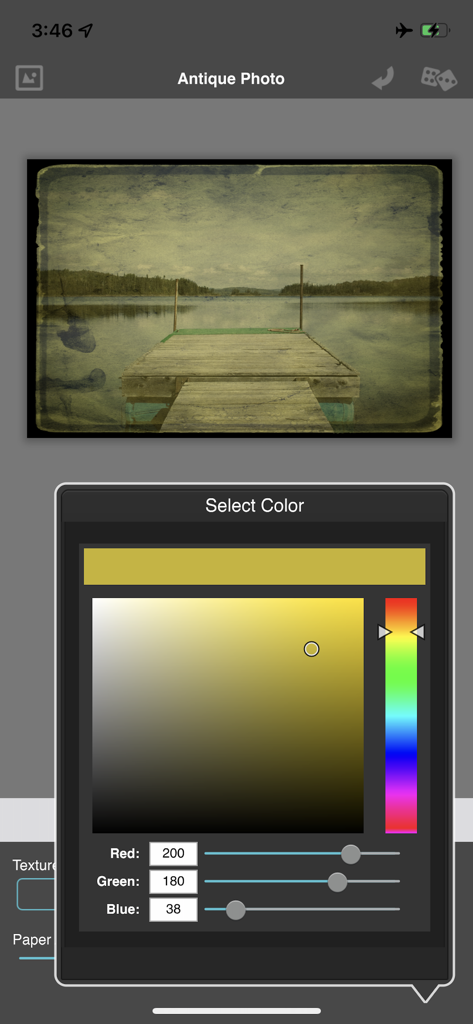
Vintage Scene app interface showing a color picker used to customize an antique photo filter on a lake image
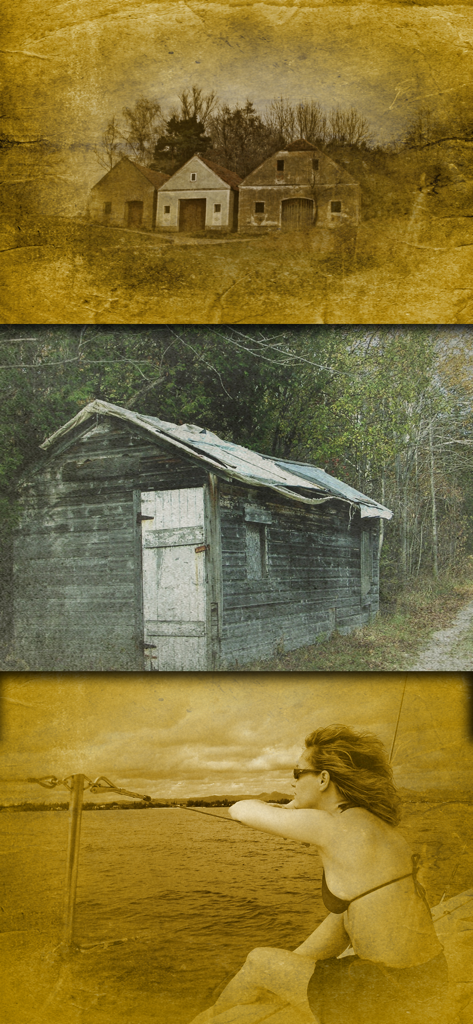
Three photos demonstrating vintage filters with sepia tones and distressed paper textures.
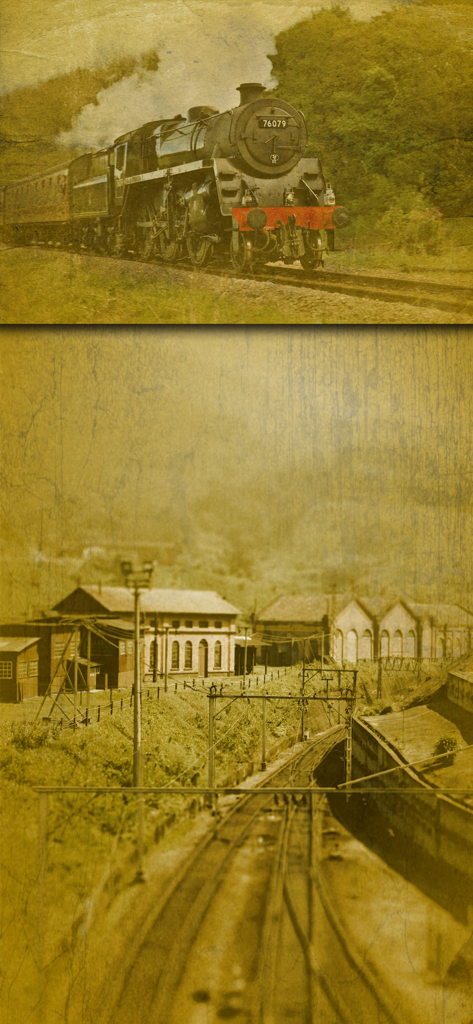
Sepia-toned historical photo of a steam train and railway buildings with distressed textures
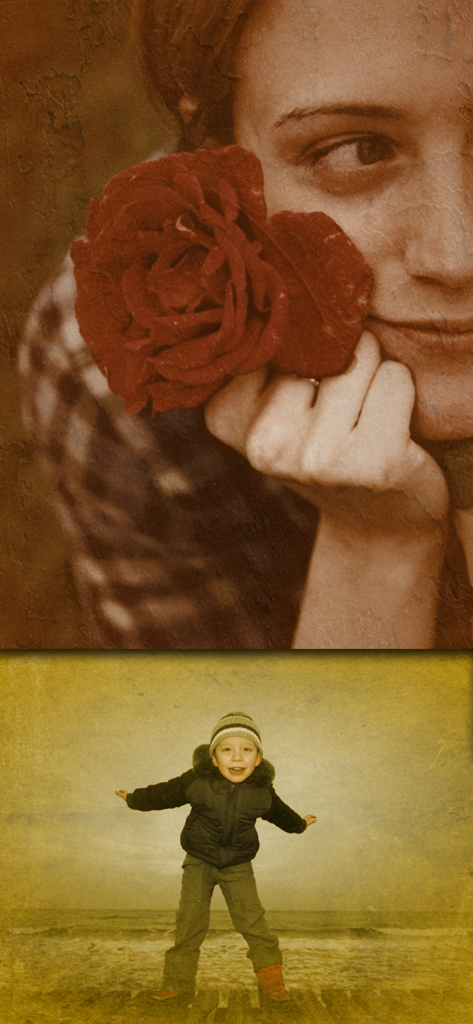
Two photos edited with vintage filters showing sepia tones and distressed paper textures
Description
Download
More Like This
Top-ranked apps in the same category

CapCut: Photo & Video Editor
BYTEDANCE PTE. LTD.

Instagram, Inc.

YouTube
Google LLC

Canva: AI Photo & Video Editor
Canva Pty Ltd

Snapchat
Snap, Inc.

快手
Beijing Kwai Technology Co., Ltd.

Edits: Video Editor
Instagram, Inc.

Meitu- AI Photo & Video Editor
Xiamen Meitu Technology Co., Ltd.

Google Photos: Backup & Edit
Google LLC
This page is not an official page of the app or its developer, but an independent editorial publication created for informational and commentary purposes. Unless expressly stated otherwise, neither the app nor its developer is affiliated with, endorsed by, sponsored by, authorized by, or otherwise officially connected with MWM, Apple, Google Play, the app publisher, or the app's developer, and nothing on this page implies that the app was developed using MWM's services. Any trademarks, logos, screenshots, and other content remain the property of their respective owners.