Virtual Phone Number for WA

Virtual Phone Number for WA

Download on App Store
Logo of Virtual Phone Number for WA

Virtual Phone Number for WA: Professional Lines for Your Business

Stop using your personal number for work. Get a clean, non-recycled virtual number guaranteed to work with WhatsApp Business—no second SIM or extra phone required.

Download on App Store

Publisher

PEYOTE DIGITAL LTD

Category

Utilities

Downloads

88K+

User Rating

2.4/5

Total Ratings

700

Locales

16

A Glimpse Inside

Discover the interface used by 88K+ users.

vSim virtual phone number for WhatsApp and WhatsApp Business

vSim virtual phone number for WhatsApp and WhatsApp Business

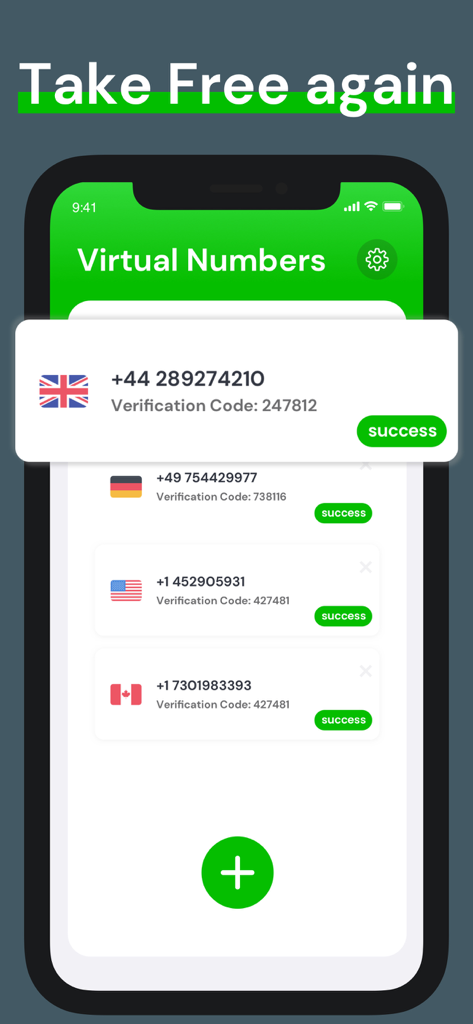
Smartphone app screen displaying a list of international virtual phone numbers with successful verification codes for UK Germany USA and Canada

Smartphone app screen displaying a list of international virtual phone numbers with successful verification codes for UK Germany USA and Canada

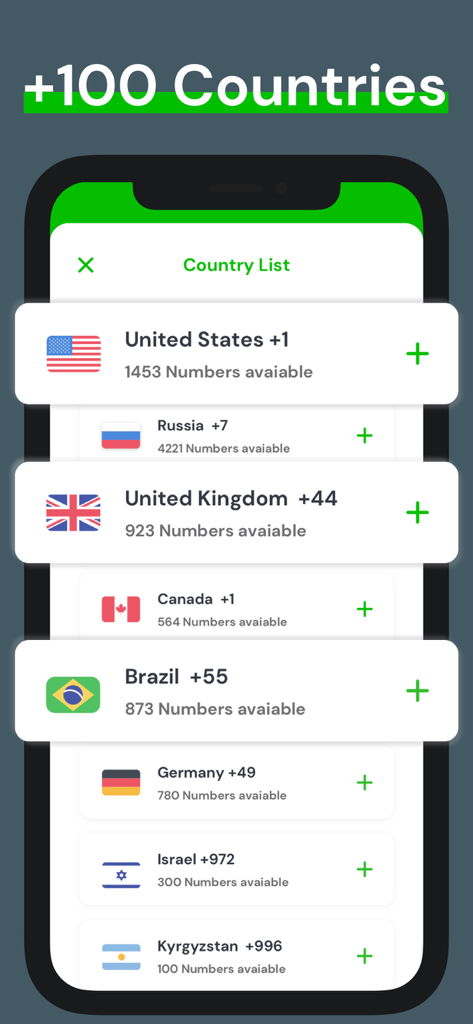
Screen showing virtual phone numbers available from over 100 countries including the United States and United Kingdom

Screen showing virtual phone numbers available from over 100 countries including the United States and United Kingdom

A screen from the vSim app highlighting twenty-four seven in-app customer support for virtual phone numbers.

A screen from the vSim app highlighting twenty-four seven in-app customer support for virtual phone numbers.

vSim app splash screen featuring a smiling woman on a phone call with the text Virtual Phone for You

vSim app splash screen featuring a smiling woman on a phone call with the text Virtual Phone for You

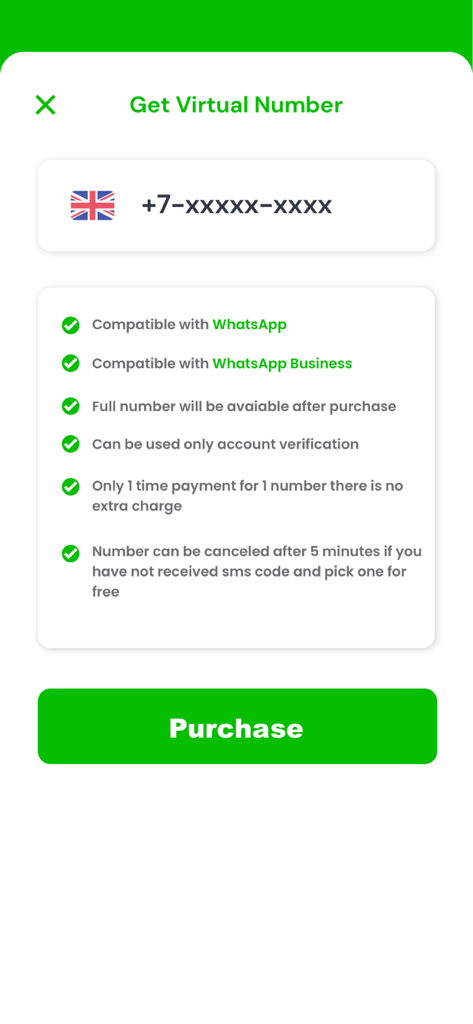
A mobile app screen displaying features and a purchase button for a virtual phone number compatible with WhatsApp Business.

A mobile app screen displaying features and a purchase button for a virtual phone number compatible with WhatsApp Business.

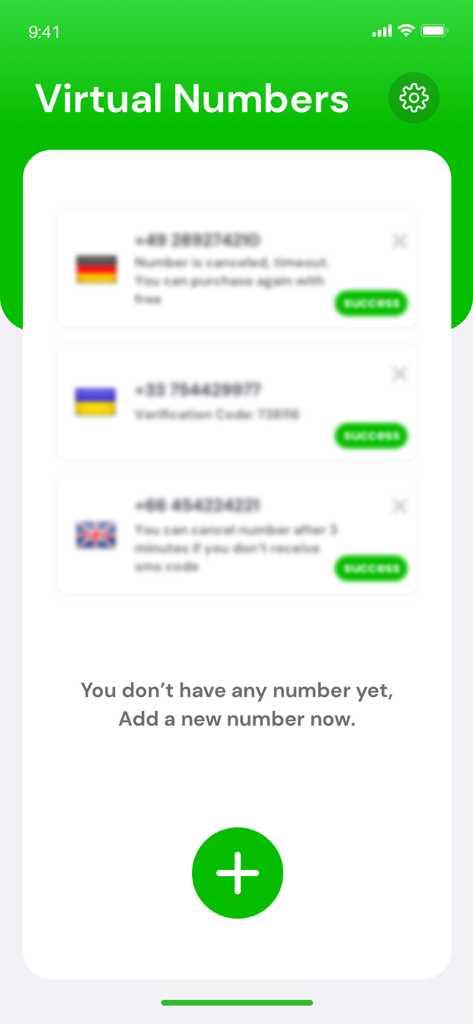
Mobile app screen showing a list of virtual phone numbers and a green button to add a new number.

Mobile app screen showing a list of virtual phone numbers and a green button to add a new number.

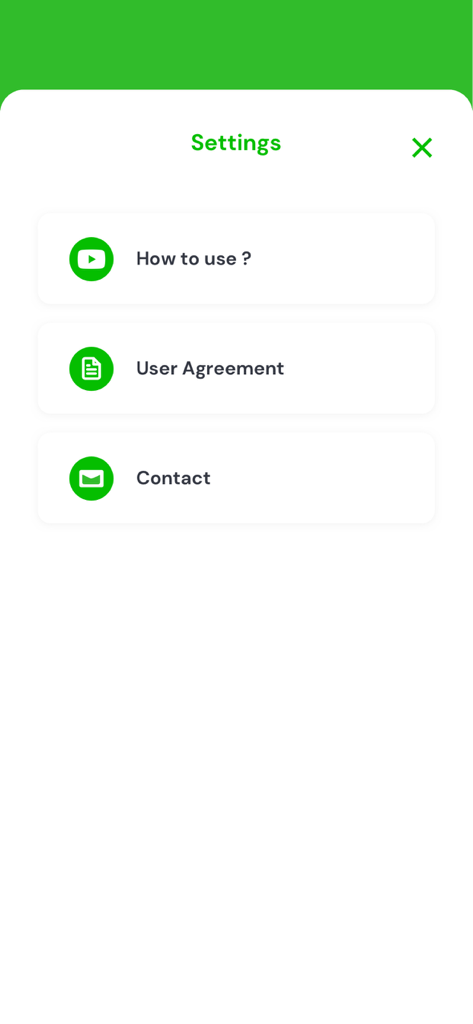
Settings screen of the vSim app showing options for How to use User Agreement and Contact information.

Settings screen of the vSim app showing options for How to use User Agreement and Contact information.

Elevate Your Business Communication

The tools that make this app stand out, trusted by 88K+ users.

🛡️

Complete Privacy & Separation

Keep your personal phone number private. Manage clients and leads on WhatsApp without mixing your work and personal life.

Guaranteed Compatibility

Unlike other providers, our numbers are clean and non-recycled, specifically tested to work flawlessly with WhatsApp Business registration.

🌍

Global Professionalism

Choose from over 100 countries to establish a local presence anywhere in the world, all managed from your existing device.

About the app

Everything you need to know about Virtual Phone Number for WA.

Description

vSim provides clean, private, non-recycled phone numbers guaranteed to work with WhatsApp or WhatsApp Business! Why Virtual Numbers Application? • Not all numbers are compatible with WhatsApp. Many numbers are blocked from using WhatsApp Business, especially from other virtual number providers! • Virtual Numbers App provides clean, private, non-recycled phone numbers guaranteed to work with WhatsApp Business! • Forget about ordering another SIM and device, setting up a landline or any other hassle! Get a number at the click of a button! • Virtual Numbers App provides numbers from over 100 countries, but if you don't have a local phone number for your country, you can still get a US number or any other number and activate a WhatsApp account! What is Whatsapp Business? WhatsApp Business is another WhatsApp app designed to be used by business owners to chat with their customers and provides additional features specifically designed for businesses. Also, Why Whatsapp Business? • Talk to your customers using their favorite chat application! • Be completely separate between your personal conversations and business customers and prospects. • Set up your business profile for your customers to see, including opening hours and workplace. • Automatic reply message outside of working hours. • Automatic greeting for new customers to send you the first message. • Labeling of customers (New Customer, Pending Payment etc.). How to use 1. Use the Virtual Numbers App to get a phone number compatible with Whatsapp and WhatsApp Business. 2. Use the number to create a business account in Whatsapp and WhatsApp Business. 3. Advertise for your customers to reach you! Trademark Notice 1. This application is a standalone application and is owned by WhatsApp Inc. or Facebook Inc. It is in no way associated with. 2.WhatsApp name, associated trademarks, logos and banners, WhatsApp Inc. or trademarks of their respective organizations. 3. All trademarks, product names and company names or logos mentioned herein are the property of their respective entities. Contact Email: virtualnumber@omboinc.com

Latest Version

2.2

Size

25.2 MB

First Released

Feb 25, 2021

Start Your Professional WhatsApp Business Account Today

Get a clean, guaranteed virtual number in seconds. Join the thousands of entrepreneurs separating work from life with vSim.

Download on App Store
FAQ

Frequently Asked Questions

Everything you need to know about Virtual Phone Number for WA

What is Virtual Phone Number for WA?

Virtual Phone Number for WA, also known as vSim, provides private, non-recycled virtual phone numbers guaranteed to work with WhatsApp and WhatsApp Business. It simplifies obtaining a dedicated number for communication without needing a physical SIM.

Does Virtual Phone Number for WA guarantee compatibility with WhatsApp Business?

Yes, Virtual Phone Number for WA guarantees that its provided phone numbers are compatible and will work with WhatsApp Business. Many other virtual numbers are blocked, but vSim ensures functionality for business communication.

How many countries does Virtual Phone Number for WA support?

Virtual Phone Number for WA supports numbers from over 100 countries. Users can select a virtual number from various international locations, including the United States, United Kingdom, and Germany, as displayed in the app.

How do I use the Virtual Phone Number for WA app?

To use the Virtual Phone Number for WA app, first acquire a compatible virtual phone number within the app. Next, use this number to create a WhatsApp or WhatsApp Business account. Finally, advertise your new number to customers.

Is a virtual number from Virtual Phone Number for WA a one-time purchase?

Yes, Virtual Phone Number for WA indicates a one-time payment for each virtual number, with no additional charges. If the SMS code is not received within five minutes, the number can be cancelled and a new one selected for free.

What are the benefits of using WhatsApp Business with a vSim number?

WhatsApp Business, used with a vSim number, allows separating personal and business conversations. It also enables creating a business profile, setting up automatic replies, sending greeting messages, and labeling customers for better organization.

Does the Virtual Phone Number for WA app offer customer support?

Yes, vSim provides 7/24 customer support directly within the Virtual Phone Number for WA application. Users can access assistance for any inquiries or issues they encounter while using their virtual numbers.

Can I use a US virtual number from Virtual Phone Number for WA if I am not in the US?

Yes, Virtual Phone Number for WA allows users to obtain a US number or any other available international number. They can activate a WhatsApp account with this number, even if they lack a local phone number for their country.

App information, icons, screenshots, and descriptions displayed on this page are sourced from the Apple App Store and are the property of their respective developers. Download estimates and rankings are based on MWM's proprietary models and may not reflect actual figures. This page is provided for informational and analytical purposes only.

Believe this page infringes your intellectual property? File a dispute