
Viz - Smart TV remote control

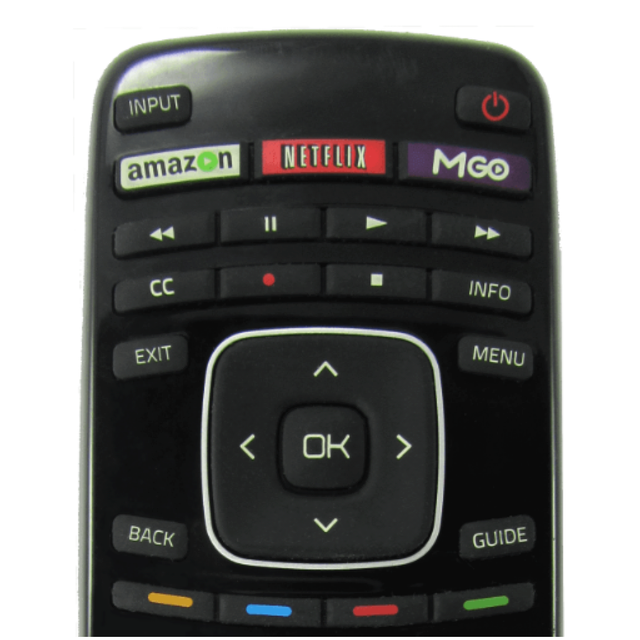
Say goodbye to lost remotes and tedious on-screen typing. Take full control of your D-series and XRT models with a fast keyboard and intuitive touchpad designed for your iPhone.
Publisher
Category
UtilitiesDownloads
5M+User Rating
Total Ratings
42K+Locales
1Discover the interface used by 5M+ users.
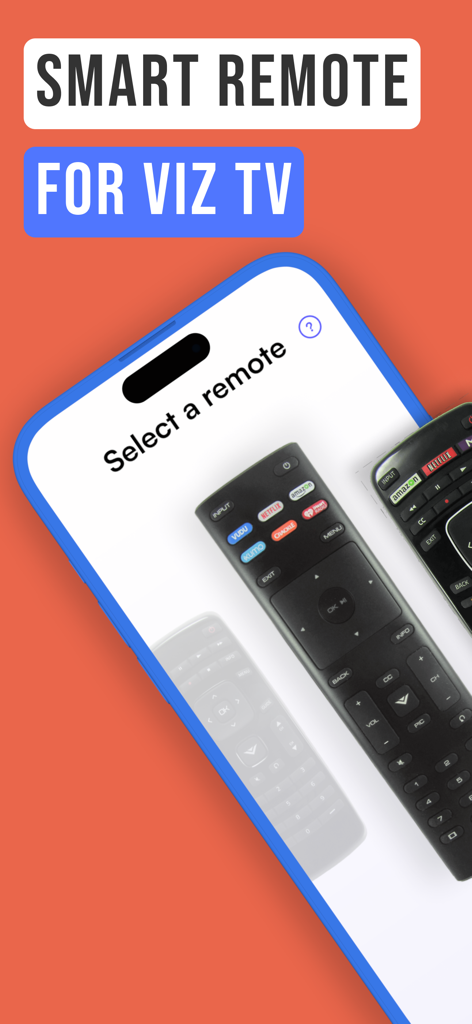
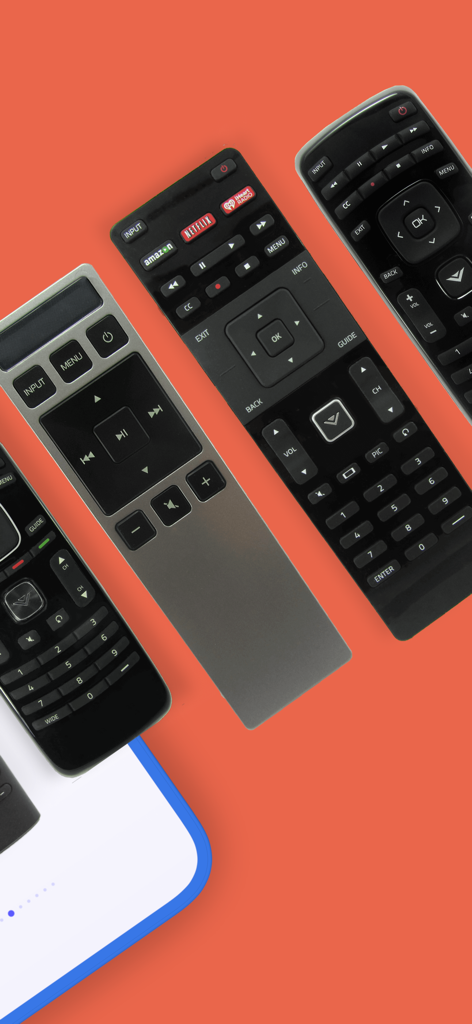
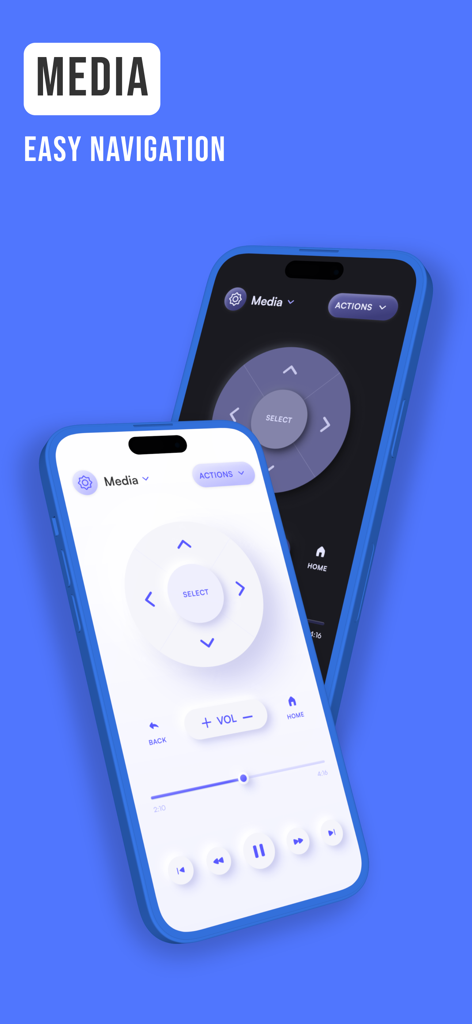
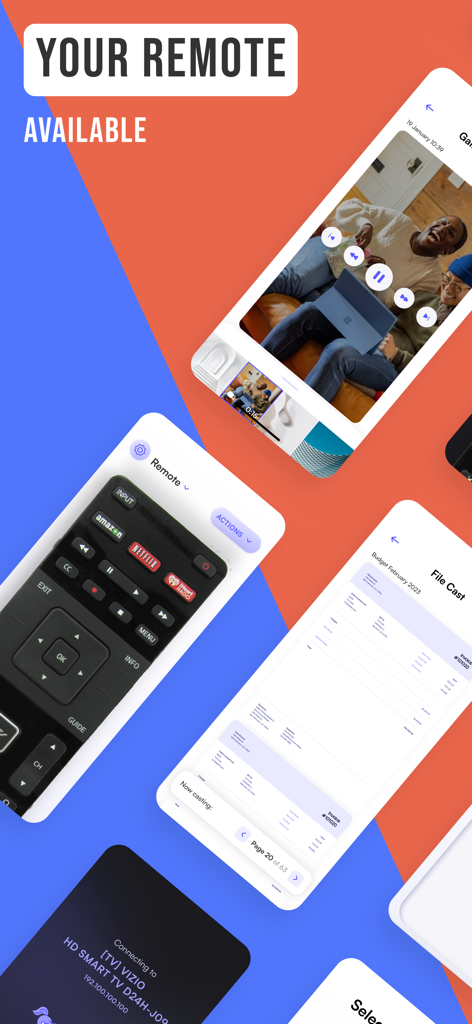
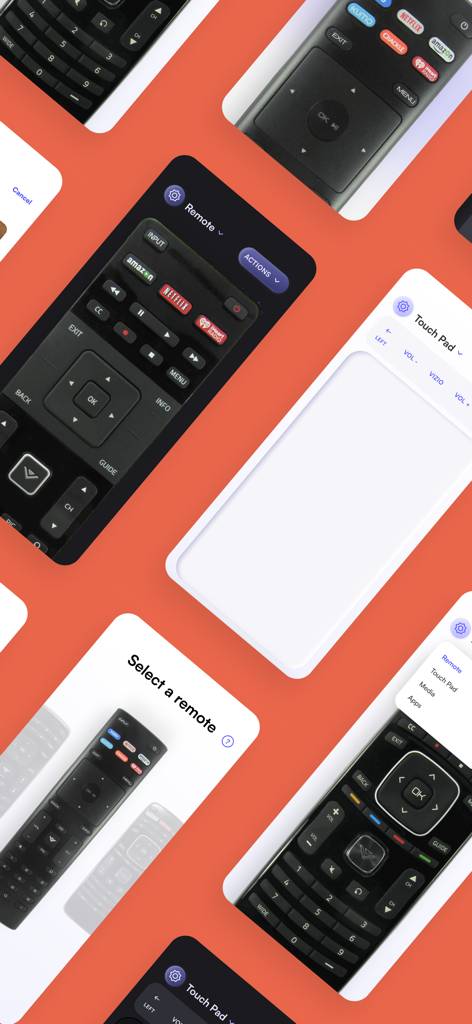
The tools that make this app stand out, trusted by 5M+ users.
Skip the complicated pairing process. Our app recognizes your Vizio D-Series or XRT models instantly so you can get back to your show in seconds.
Stop clicking through letters one by one. Use your phone's native keyboard to search for movies on Netflix or YouTube with lightning speed.
Your last used remote is automatically saved for one-tap access. Whether you're in the kitchen or on the couch, your TV is always within reach.
Everything you need to know about Viz - Smart TV remote control.
Description
Latest Version
17.7
Size
96.6 MB
First Released
Mar 2, 2019
Join over 5 million users who have upgraded their Vizio experience. Download now for instant control, a lightning-fast keyboard, and zero setup time.
Everything you need to know about Viz - Smart TV remote control
The Viz - Smart TV remote control app provides easy control for remote models and smart cast for Vizio TVs, featuring a touchpad, keyboard, and media casting capabilities.
The Viz - Smart TV remote control app is compatible with Vizio models XRT140R, XRT136, D24f-F1, D43f-F1, D50f-F, and other standard/official Vizio remotes.
Yes, the Viz - Smart TV remote control app features a fast touchpad and keyboard for quick swipes and efficient typing on your TV.
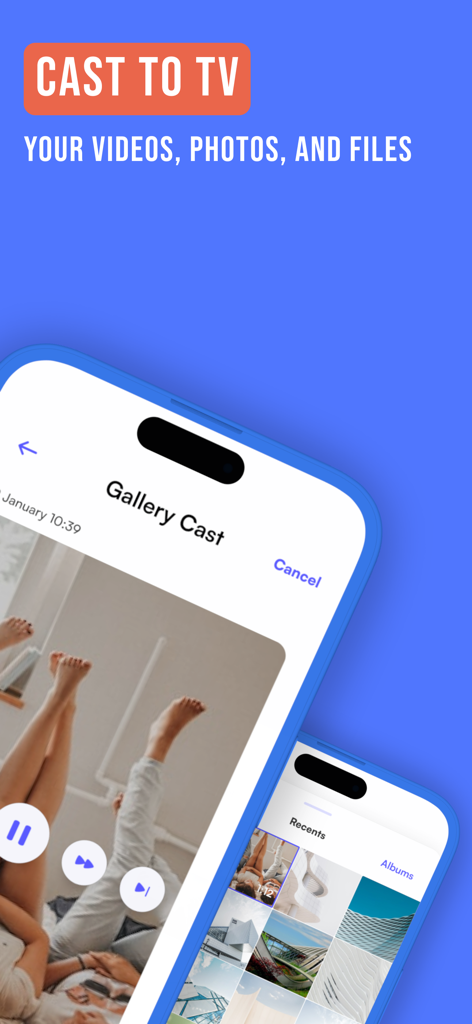
Yes, the Viz - Smart TV remote control app allows you to cast your videos, photos, and files directly to your TV.
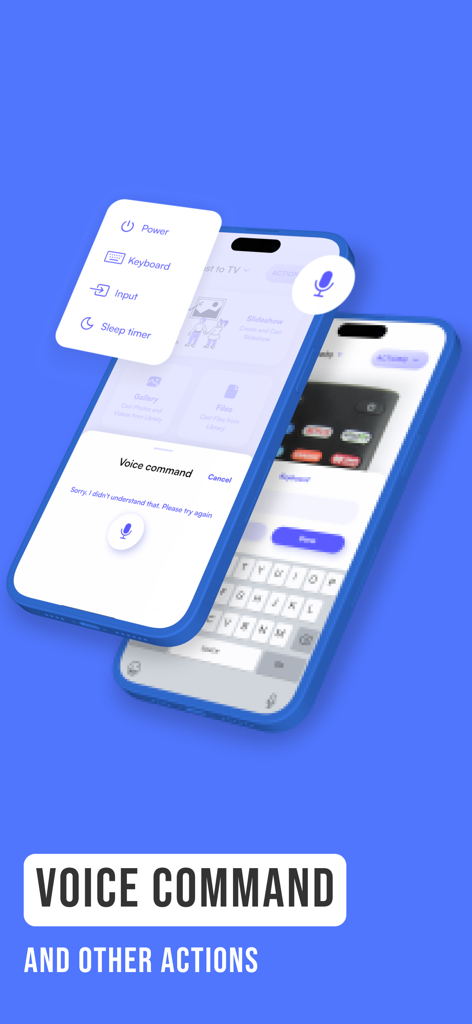
Yes, the Viz - Smart TV remote control app supports voice commands, along with other actions like power control, input selection, and a sleep timer.
The Viz - Smart TV remote control app saves your last used remote for quick and easy access the next time you open the application.
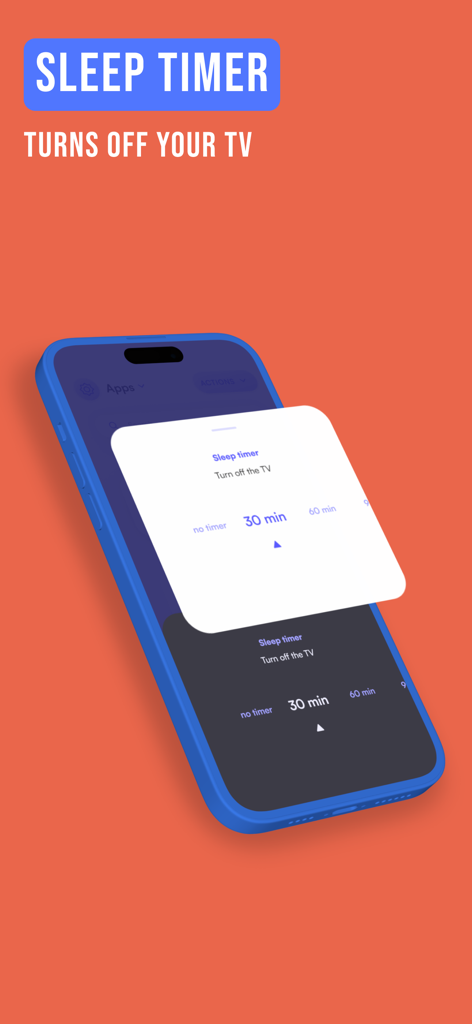
Yes, the Viz - Smart TV remote control app includes a sleep timer feature that allows you to automatically turn off your TV after a set duration.
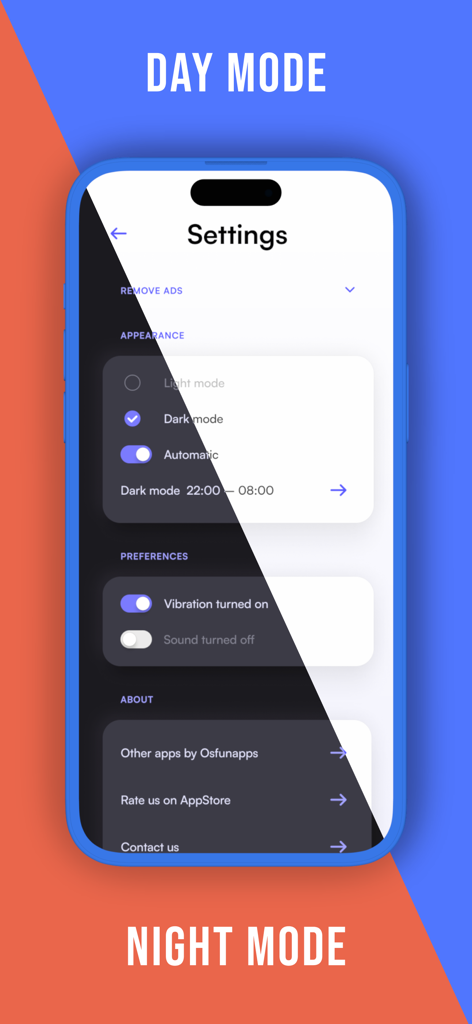
Yes, the Viz - Smart TV remote control app supports both Day Mode and Night Mode, providing options for light and dark themes within the settings.
You can contact support for the Viz - Smart TV remote control app by emailing admin@os-apps.com for questions or if your remote is not working.
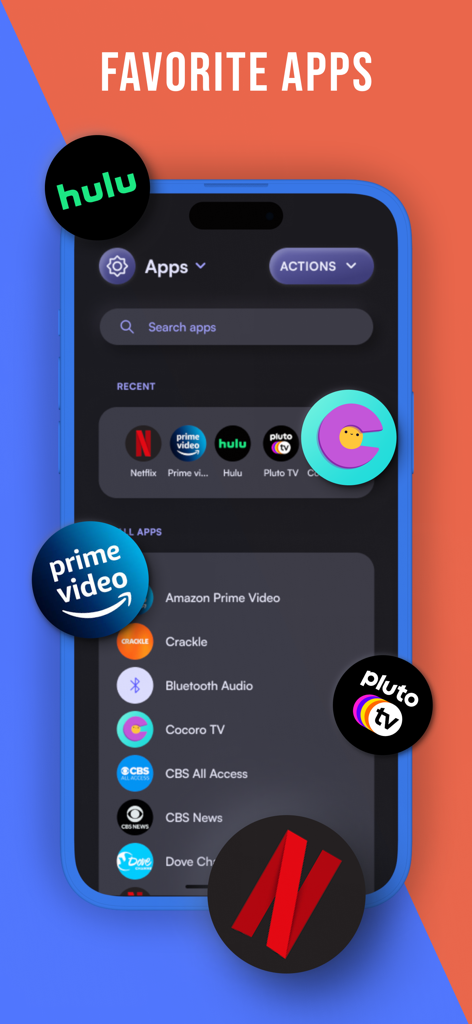
Yes, the Viz - Smart TV remote control app features a "Favorite Apps" section, allowing quick launching of applications like Netflix, Prime Video, Hulu, and Pluto TV on your television.
Apps with similar features and user experience

Beijing Xiaomi Co., Ltd

Space Exploration Technologies Corp.

Shanghai Lunkuo Technology Co., Ltd

HESUNG INNOVATION LIMITED

Securitas Direct

Automated Pet Care Products Inc.

Merkury Innovations LLC

ADT LLC

X-Sense USA LLC.
App information, icons, screenshots, and descriptions displayed on this page are sourced from the Apple App Store and are the property of their respective developers. Download estimates and rankings are based on MWM's proprietary models and may not reflect actual figures. This page is provided for informational and analytical purposes only.
Believe this page infringes your intellectual property? File a dispute