
Vizio TV Remote: VizCast

Say goodbye to lost remotes and clunky buttons. Navigate, adjust volume, and launch your favorite streaming apps instantly from your smartphone.
Publisher
Category
UtilitiesDownloads
2K+User Rating
Total Ratings
100Locales
1Discover the interface used by 2K+ users.
The tools that make this app stand out, trusted by 2K+ users.
Forget the setup hassle. Connect instantly to your Vizio Smart TV over your home network and start browsing your favorite shows in seconds.
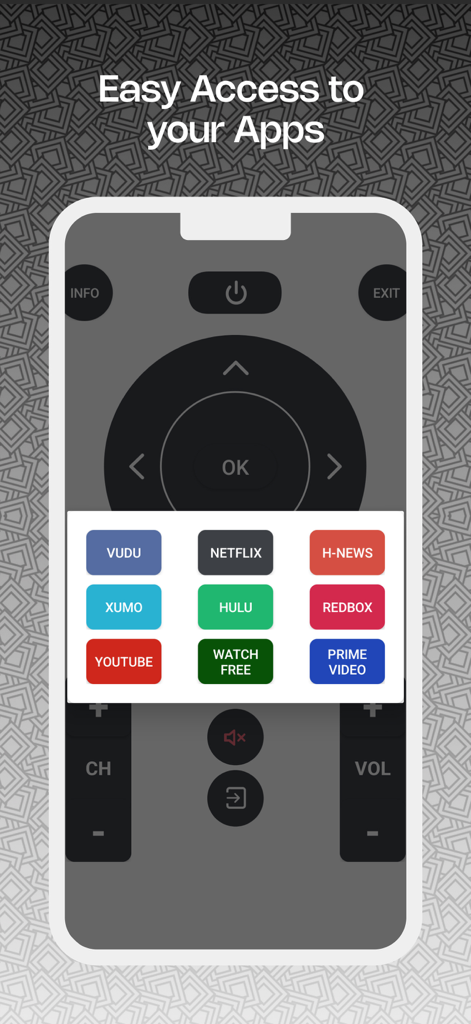
Stop scrolling through clunky TV menus. Launch Netflix, YouTube, and Disney+ directly from your phone's interface for immediate viewing.
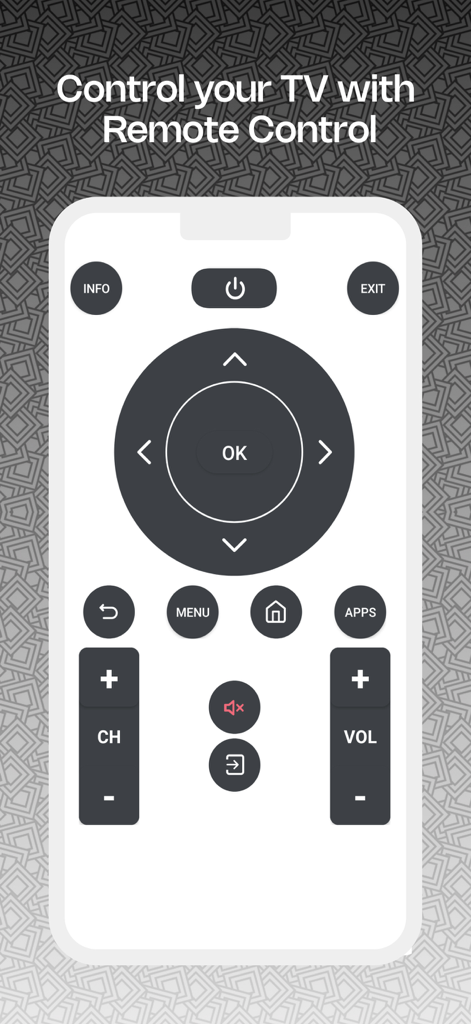
Experience fluid navigation with responsive arrow keys and volume controls that feel more natural and faster than a traditional plastic remote.
Everything you need to know about Vizio TV Remote: VizCast.
Description
Latest Version
1.5
Size
10.9 MB
First Released
Dec 1, 2024
Join thousands of Vizio users who have upgraded to a smarter viewing experience. Download VizCast now to control your TV, launch apps, and type with ease—all from your phone.
Everything you need to know about Vizio TV Remote: VizCast
Vizio TV Remote: VizCast is an app that provides intuitive navigation and control of your TV from your smartphone, enhancing your overall viewing experience.
To connect Vizio TV Remote: VizCast, ensure both your phone and smart TV are on the same Wi-Fi network. The app then connects instantly for immediate control.
Yes, Vizio TV Remote: VizCast allows you to open and manage favorite TV apps directly from its remote interface, as shown with services like Netflix and YouTube.
No, Vizio TV Remote: VizCast is not affiliated with the official Vizio brand. It is an independent application developed for user convenience in controlling their TV.
Yes, Vizio TV Remote: VizCast offers an ads-free remote control experience through its weekly, monthly, and yearly subscription plans.
Vizio TV Remote: VizCast subscriptions, including weekly, monthly, and yearly options, charge your iTunes Account. Auto-renewal occurs unless turned off 24 hours prior.
Vizio TV Remote: VizCast provides intuitive arrow keys for smooth navigation, along with dedicated buttons for power, menu, home, and volume control.
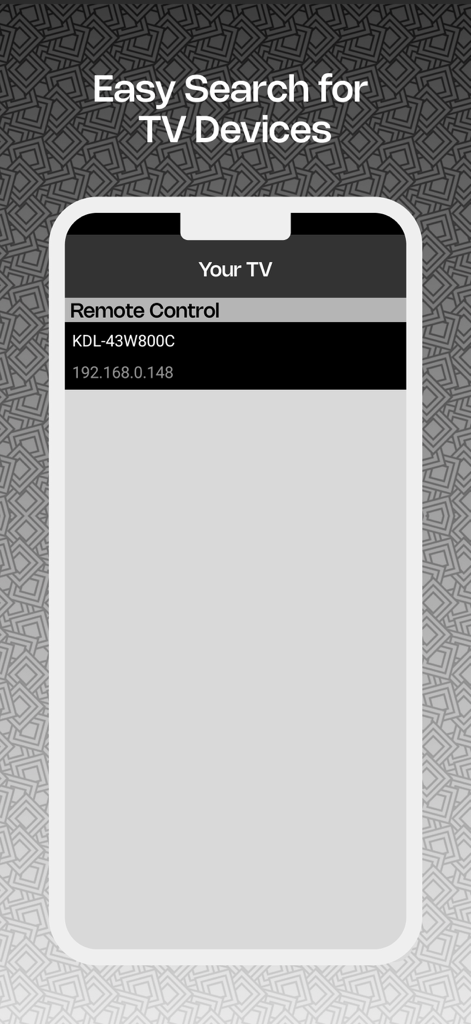
Vizio TV Remote: VizCast facilitates easy search for TV devices. It displays discovered TVs, including their names and IP addresses, for selection within the app.
Top-ranked apps in the same category

Google LLC

Google LLC

China Mobile Online Services Co., Ltd.

Google LLC

Servicos e Informacoes do Brasil

DEEP FLOW SOFTWARE SERVICES - FZCO

Servicos e Informacoes do Brasil

CHINA TELECOM Corporation Ltd.

Microsoft Corporation
App information, icons, screenshots, and descriptions displayed on this page are sourced from the Apple App Store and are the property of their respective developers. Download estimates and rankings are based on MWM's proprietary models and may not reflect actual figures. This page is provided for informational and analytical purposes only.
Believe this page infringes your intellectual property? File a dispute