WA Dual Messenger for WhatsApp
Download on App Store

This page is not an official page of the app or its developer, but an independent editorial publication created for informational and commentary purposes. Unless expressly stated otherwise, neither the app nor its developer is affiliated with, endorsed by, sponsored by, authorized by, or otherwise officially connected with MWM, Apple, Google Play, the app publisher, or the app's developer, and nothing on this page implies that the app was developed using MWM's services. Any trademarks, logos, screenshots, and other content remain the property of their respective owners.

Logo of WA Dual Messenger for WhatsApp
Download on App Store

WA Dual Messenger for WhatsApp

The smart solution for separating work and life on a single device. Sync multiple accounts instantly, protect your privacy with Face ID, and let our AI assistant summarize long threads or draft professional replies.

Key Figures

Downloads

25K+

User Rating

4.6/5

Total Ratings

300

Publisher

Divyesh Kacharola

Category

Social Networking

Locales

7

Latest Version

2.5

Size

44.3 MB

First Released

Jun 11, 2025
Features

Master Your Communication with Pro Tools

Streamline your workflow by managing multiple accounts, leveraging AI-powered insights, and securing your most private conversations in one powerful workspace.

Dual Account Mastery

Seamlessly bridge your work and personal life by running two accounts on a single device with instant QR-sync and real-time notifications.

Smart AI Chat Assistant

Beat communication fatigue with AI that summarizes long threads, drafts professional replies, and translates 30+ languages on the fly.

The following screenshots and description are sourced directly from the app's official store listing and are the property of the app developer.

App Store

Screenshots
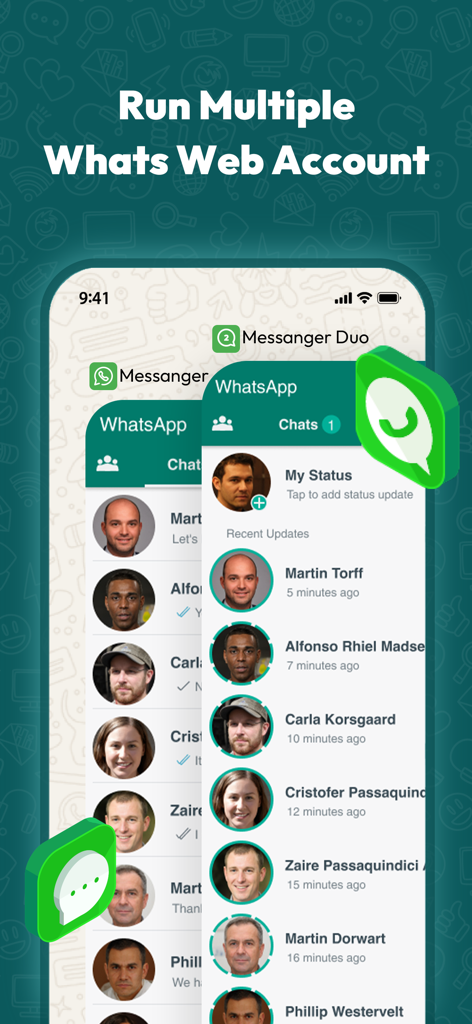
WA Dual Messenger for WhatsApp - Interface of WA Dual Messenger showing multiple WhatsApp Web accounts on one smartphone
Interface of WA Dual Messenger showing multiple WhatsApp Web accounts on one smartphone

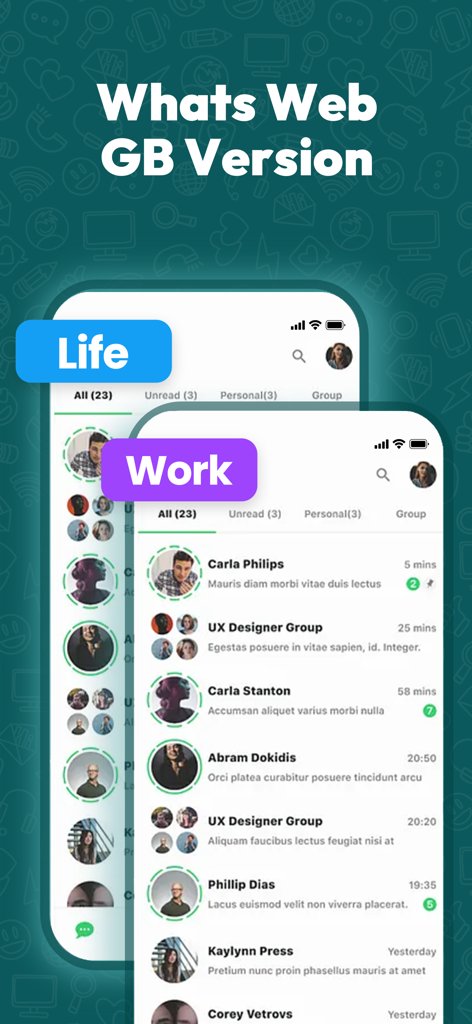
WA Dual Messenger for WhatsApp - Interface of WA Dual Messenger showing separate accounts for work and life
Interface of WA Dual Messenger showing separate accounts for work and life

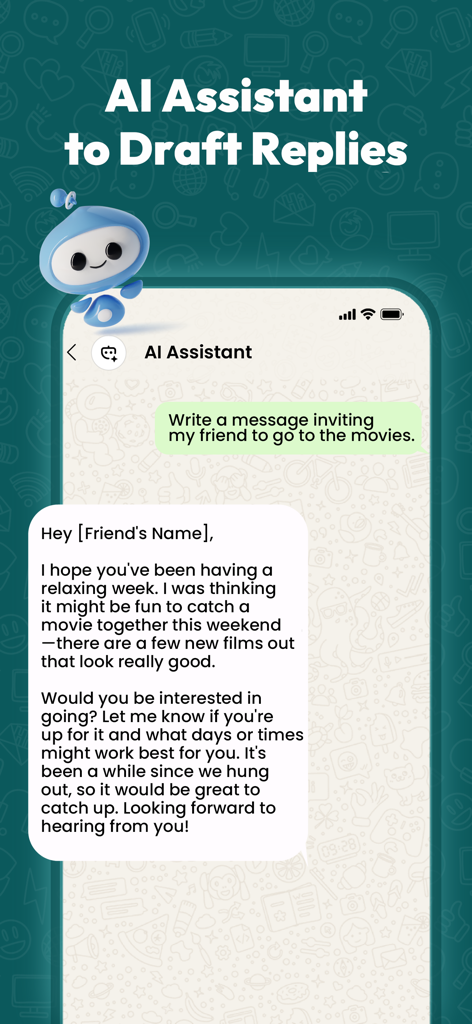
WA Dual Messenger for WhatsApp - Smartphone screen showing an AI assistant drafting a WhatsApp message inviting a friend to the movies
Smartphone screen showing an AI assistant drafting a WhatsApp message inviting a friend to the movies

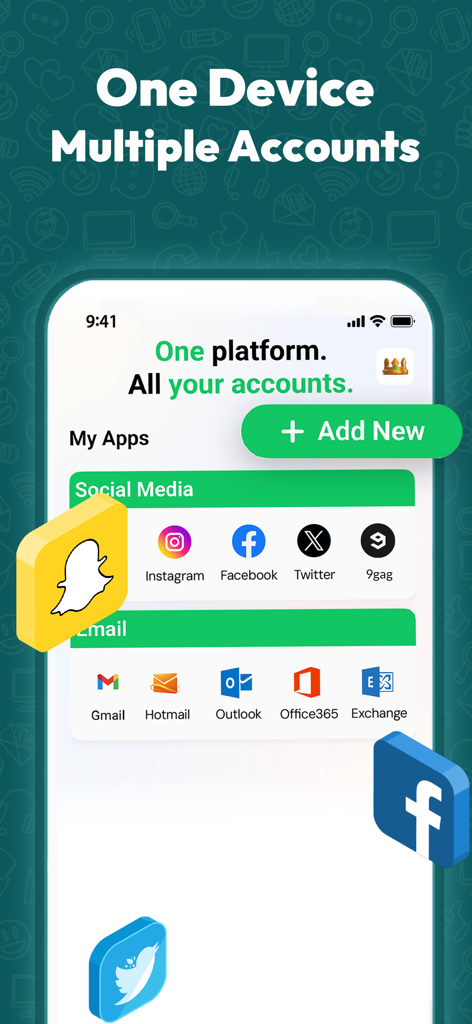
WA Dual Messenger for WhatsApp - Mobile app screen showing the management of multiple social media and email accounts in one platform
Mobile app screen showing the management of multiple social media and email accounts in one platform

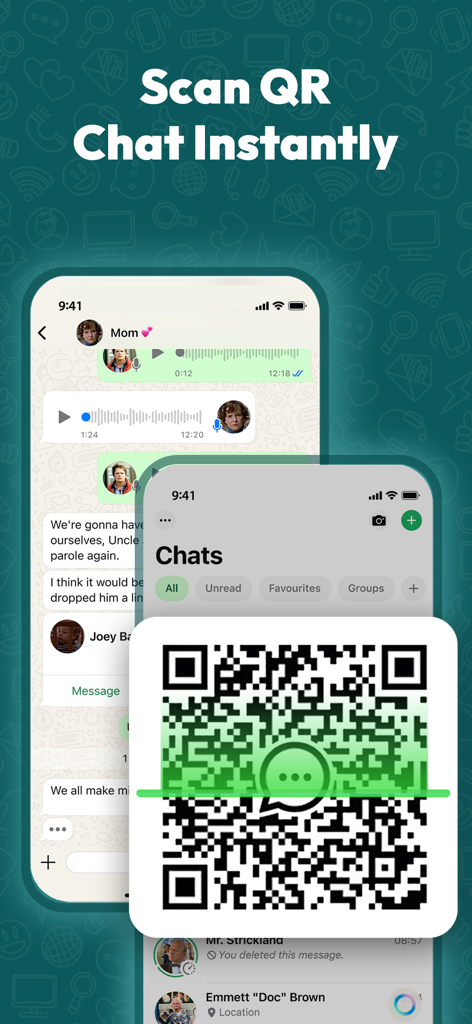
WA Dual Messenger for WhatsApp - QR code scanning interface for instant dual WhatsApp account setup on an iPhone
QR code scanning interface for instant dual WhatsApp account setup on an iPhone

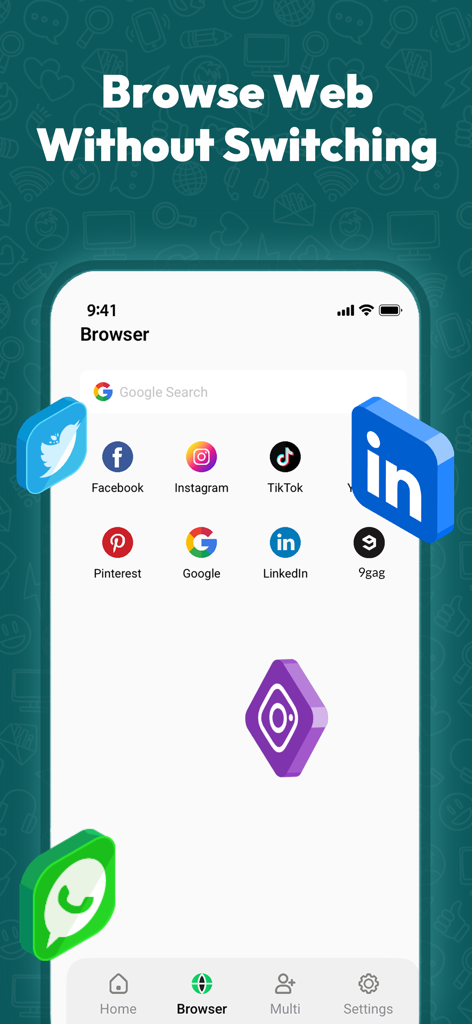
WA Dual Messenger for WhatsApp - In app browser screen with quick access icons for popular social media platforms
In app browser screen with quick access icons for popular social media platforms

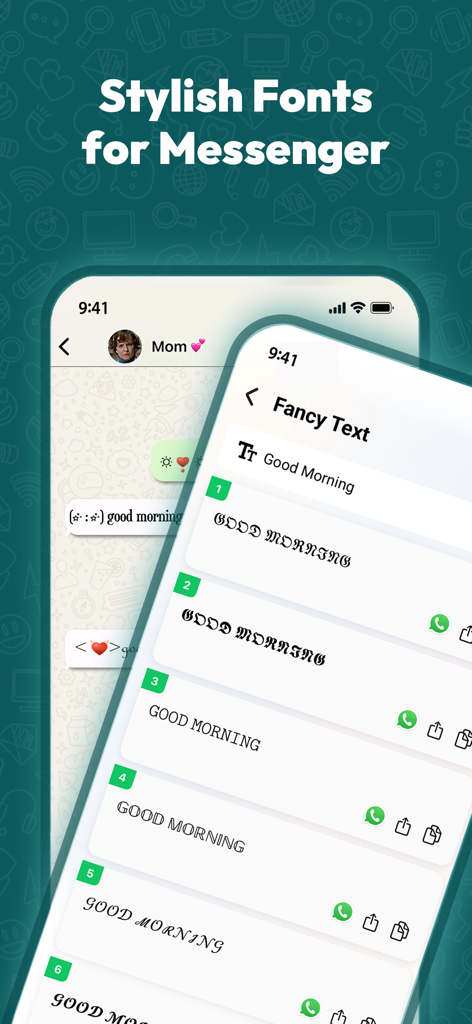
WA Dual Messenger for WhatsApp - Mobile app screen showing various stylish font and fancy text styles for messenger.

Mobile app screen showing various stylish font and fancy text styles for messenger.

Description

Scan QR → Switch chats instantly, lock them with Face ID, and let our built-in AI Assistant draft quick replies or translate messages on the fly. Stay Connected Like a Pro with Duo Web Scanner - The Ultimate Multi-Account Chat App! One-tap Whats Web login via QR scan, plus seamless Dual Web Access. Manage multiple messaging accounts seamlessly with Dual Messenger - your smart solution for switching between personal, social, and professional conversations. Whether you're juggling work and personal life or managing multiple business profiles, Messenger Duo helps you stay organized and efficient. Improve conversations effortlessly with our built-in AI Chatbot. Ask it to draft messages, summarize long threads, or translate into different languages. Simply type your request and watch the AI craft polished replies and provide context-aware suggestions so you can focus on what matters most. Boost Your Messaging Game with Smart Tools and Creative Features. Dual Messenger goes beyond account management by offering powerful tools like AI Chat, Quick Send, Fancy Fonts, Text Repeater, Kaomoji, and more. Customise your chats, express yourself creatively, and save time. For added security, Dual Chat includes an App Lock feature to protect your chats and personal data, ensuring your privacy stays intact. Why Dual Messenger? ◉ Dual & Unlimited Accounts - Run personal, business or creator numbers side-by-side. ◉ AI Chatbot - Summarize chats, write greetings, fix grammar or translate 30 + languages. ◉ One-Tap QR Login - Fast, private login that never stores your credentials. ◉ App Lock & Vault - Face ID / Touch ID + PIN to keep work messages confidential. ◉ Quick-Send & Direct Chat - Message any number without saving it to contacts. ◉ Fonts, Decoration & Kaomoji - Personalize every post or status. ◉ Real-Time Sync - See every reply the moment it lands. ◉ Custom Text - Cool fonts, symbols, and emoticons. Perfect for standing out in group chats and on social media. Use dual WA to operate two WA accounts simultaneously on your phone. Your all-in-one companion app comes with advanced tools and extra features. From managing multiple accounts to customising your chats, it enhances every part of your messaging experience with power, privacy, and personalisation at your fingertips. Seamless Web Access for Popular Messaging Platforms. Manage your chats through the web versions of top messaging apps, giving you more flexibility and control. How It Works 1. Tap "Add Account" → Scan WhatsWeb QR. 2. Chats sync in seconds-no phone battery drain. 3. Ask AI for help anytime. Instantly manage all your chats on WA Web and Whats Web. Run Dual Web Accounts for personal and business. WAWeb Dual Messenger and Web Dual Space App. Subscriptions: If you subscribe through Apple, payment will be charged to your App Store Account at confirmation of purchase. The subscription automatically renews unless auto-renew is turned off at least 24 hours before the end of the current period. Subscriptions and auto-renewal can be managed by going to your App Store Account Settings after purchase. Disclaimer: - This is an UNOFFICIAL tool for WhatsApp Messenger. - We are NOT affiliated, associated, authorized, endorsed by, or in any way officially connected with WhatsApp LLC or any of its subsidiaries or affiliates. Usage falls within the guidelines of "fair use." - The application is created by an independent developer. WhatsApp feature is loaded from the web version, published at http://web.whatsapp.com and other social media features are loaded from their own web versions. Privacy Policy - https://bigvid.xyz/duo-web-policy.html Terms of Service - https://bigvid.xyz/duo-web-terms.html

Download

Download on App Store

This page is not an official page of the app or its developer, but an independent editorial publication created for informational and commentary purposes. Unless expressly stated otherwise, neither the app nor its developer is affiliated with, endorsed by, sponsored by, authorized by, or otherwise officially connected with MWM, Apple, Google Play, the app publisher, or the app's developer, and nothing on this page implies that the app was developed using MWM's services. Any trademarks, logos, screenshots, and other content remain the property of their respective owners.