WAV Converter, WAV to MP3

WAV Converter, WAV to MP3

Download on App Store
Logo of WAV Converter, WAV to MP3

WAV Converter, WAV to MP3: Fast, Free, and Private Audio Conversion

No subscriptions, no sign-ups, and no cloud uploads. Convert unlimited files with pro-level control over bitrate and quality, directly on your iPhone or iPad.

Download on App Store

Publisher

Alberto Gonzalez

Category

Utilities

Downloads

1K+

User Rating

4.6/5

Total Ratings

0

Locales

1

Simplicity in Action

Discover the interface used by 1K+ users.
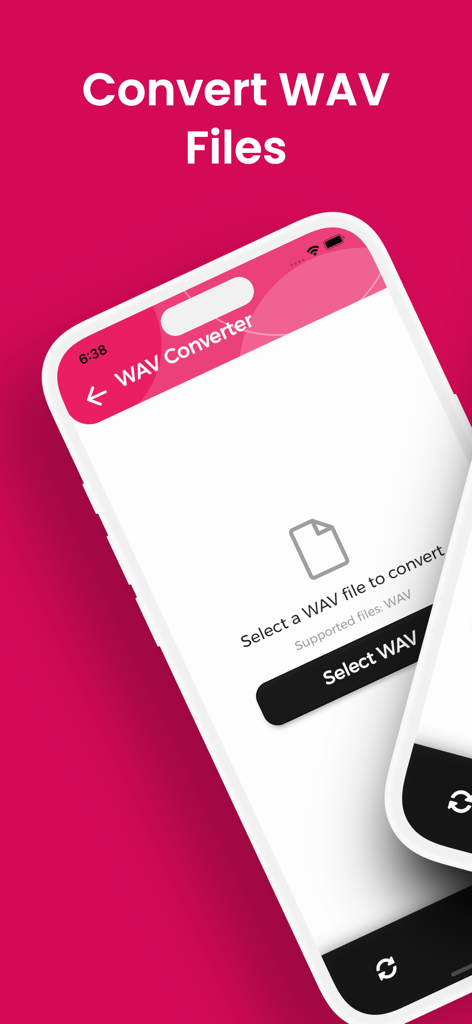
WAV Converter app main screen on iPhone showing the option to select a WAV file for conversion

WAV Converter app main screen on iPhone showing the option to select a WAV file for conversion

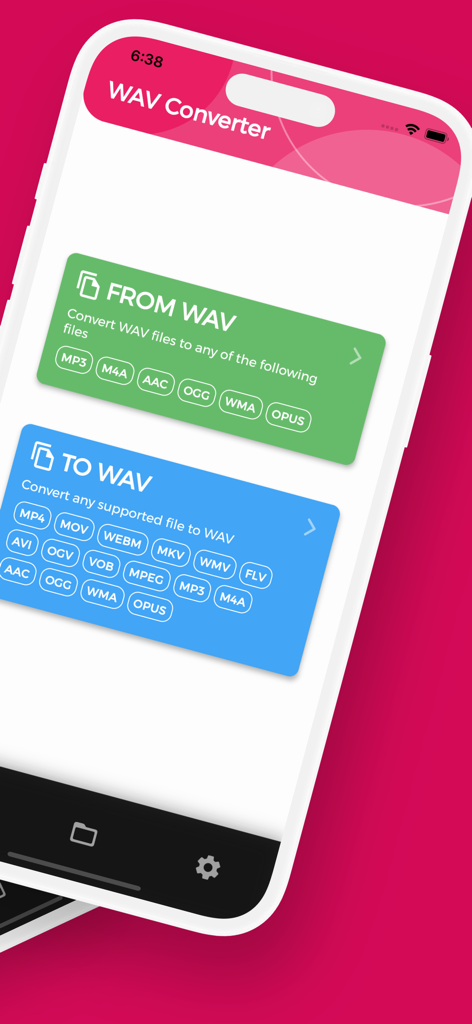
WAV Converter home screen displaying options to convert audio files from and to WAV format.

WAV Converter home screen displaying options to convert audio files from and to WAV format.

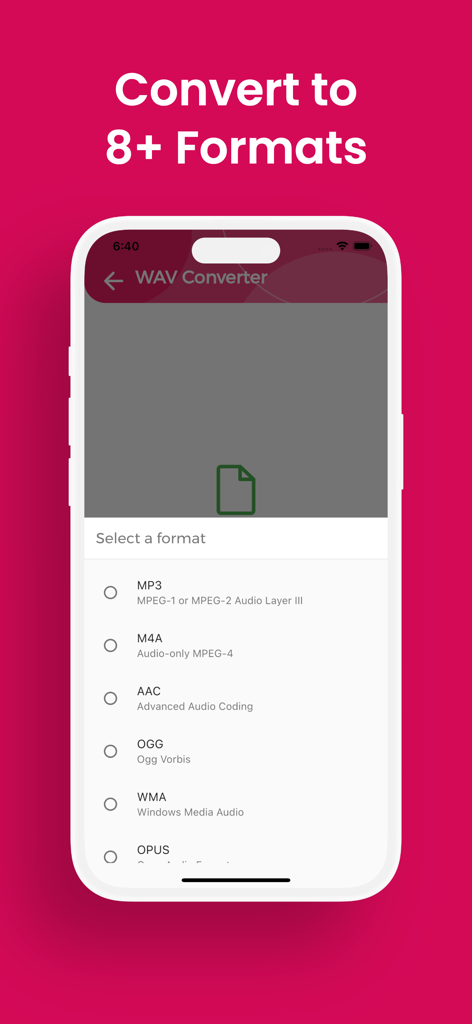
Mobile app screen showing a list of audio formats for conversion including MP3 M4A and AAC

Mobile app screen showing a list of audio formats for conversion including MP3 M4A and AAC

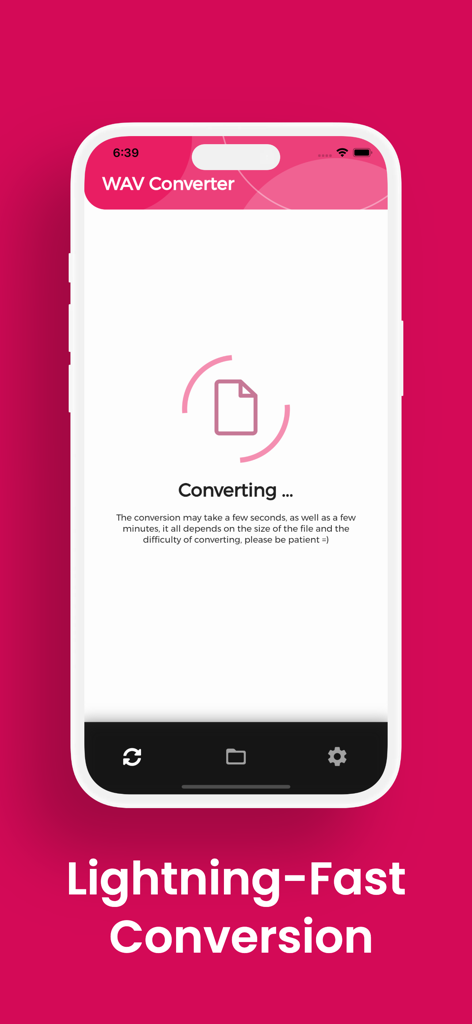
WAV Converter app interface showing a file conversion in progress on a mobile screen

WAV Converter app interface showing a file conversion in progress on a mobile screen

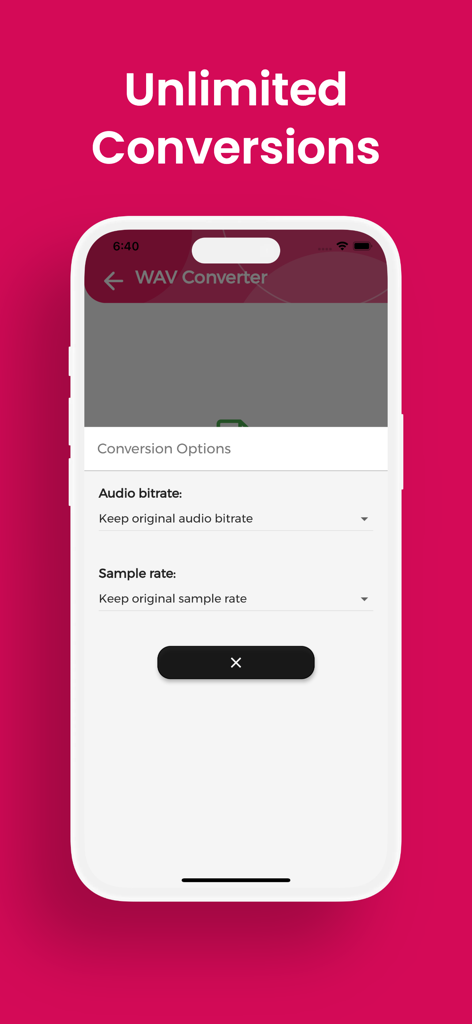
Audio bitrate and sample rate selection screen in the WAV Converter mobile application

Audio bitrate and sample rate selection screen in the WAV Converter mobile application

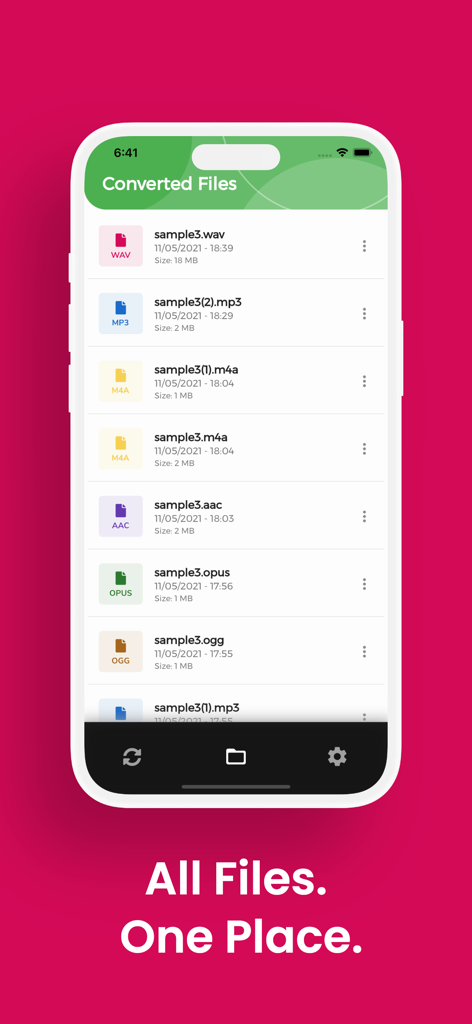
Mobile app screen showing a list of converted audio files in WAV, MP3, M4A, AAC, and OGG formats.

Mobile app screen showing a list of converted audio files in WAV, MP3, M4A, AAC, and OGG formats.

Pro-Grade Tools for the Modern Creative

The tools that make this app stand out, trusted by 1K+ users.

🚀

Unlimited & Subscription-Free

Skip the monthly fees and sign-ups. Enjoy unlimited, lightning-fast conversions for all your audio files without any hidden costs.

🔐

Privacy-First Local Processing

Your creative work stays yours. Files are processed entirely on your device, ensuring total privacy and the ability to work offline.

🎚️

Studio-Quality Customization

Fine-tune your output with adjustable bitrates and sample rates. Convert between WAV, MP3, FLAC, and more while preserving every detail.

About the app

Everything you need to know about WAV Converter, WAV to MP3.

Description

Need to convert WAV to MP3, OGG or AAC? With WAV Converter you get unlimited, lightning fast conversions on your iPhone or iPad with no fees, no sign-ups, just perfect audio every time. Stop wrestling with files your device won’t play. WAV Converter lets you flip any WAV or turn dozens of formats back into WAV while preserving every decibel of sound. • Wide format support – Convert WAV to MP3, OGG, AAC, FLAC, M4A, WMA, OPUS…and back again. • Unlimited & free – No file-size caps, quotas, paywalls or subscriptions. • Fast & precise – Local engine optimizes each sample, so even long tracks finish in seconds. • Custom output – Choose audio bitrate and sample rate before exporting. • Private by design – Files stay on your device; no email or registration required. • Easy file access – Converted items land in the “WAV Converter” folder, ready to share. • Multilingual UI – English, Spanish, French, German, Italian, Portuguese, Russian, Japanese and Chinese. Download WAV Converter today and unlock every WAV file you own, convert, share and enjoy it anywhere!

Latest Version

1.5.14

Size

73.5 MB

First Released

May 13, 2021

Ready to Convert Without the Hassle?

Get unlimited WAV to MP3 conversions with zero subscriptions and total privacy. Download the local engine that fits your creative workflow today.

Download on App Store

App information, icons, screenshots, and descriptions displayed on this page are sourced from the Apple App Store and are the property of their respective developers. Download estimates and rankings are based on MWM's proprietary models and may not reflect actual figures. This page is provided for informational and analytical purposes only.

Believe this page infringes your intellectual property? File a dispute