
This page is not an official page of the app or its developer, but an independent editorial publication created for informational and commentary purposes. Unless expressly stated otherwise, neither the app nor its developer is affiliated with, endorsed by, sponsored by, authorized by, or otherwise officially connected with MWM, Apple, Google Play, the app publisher, or the app's developer, and nothing on this page implies that the app was developed using MWM's services. Any trademarks, logos, screenshots, and other content remain the property of their respective owners.


Web IDE: AI Code Editor
Transform your iPhone into a professional-grade engineering workstation. Leverage advanced AI agents to 'Vibe Code' websites from scratch or manage complex projects with full Git, Terminal, and Live Server integration.
Downloads
500User Rating
Total Ratings
0Publisher
Category
Developer ToolsLocales
1Latest Version
3.6.3.0Size
47.3 MBFirst Released
Sep 3, 2025Build Anything, Anywhere
Experience the power of Vibe Coding. Whether you're a beginner describing your first app or a pro managing Git repos, Web IDE turns your iPhone into a high-performance workstation.
AI-Powered Vibe Coding
Turn ideas into functional code instantly. Describe your project and let our autonomous AI agents handle the design, logic, and structure.
Pro-Level Dev Environment
Access a full terminal, Git integration, and multi-language support. It’s a desktop-class IDE optimized for your mobile workflow.
The following screenshots and description are sourced directly from the app's official store listing and are the property of the app developer.
App Store
Screenshots
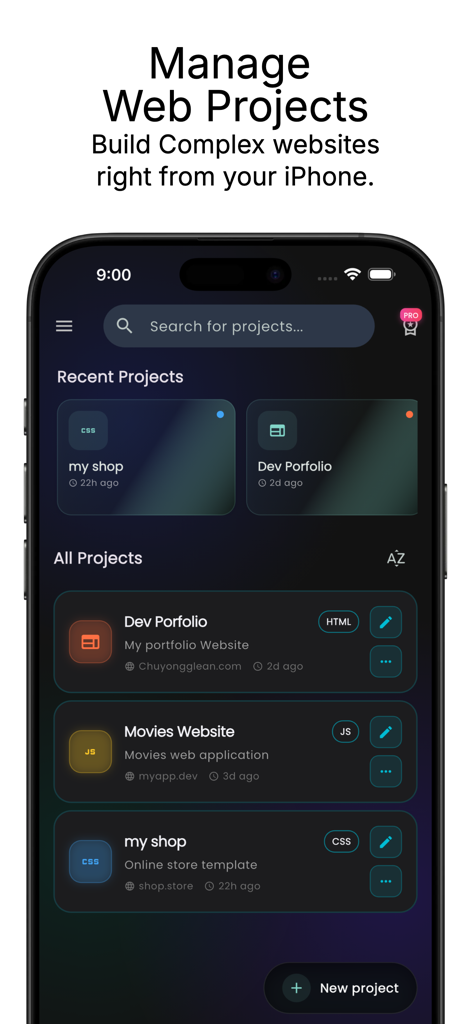
Web IDE app screen showing recent and all web projects with edit buttons on iPhone
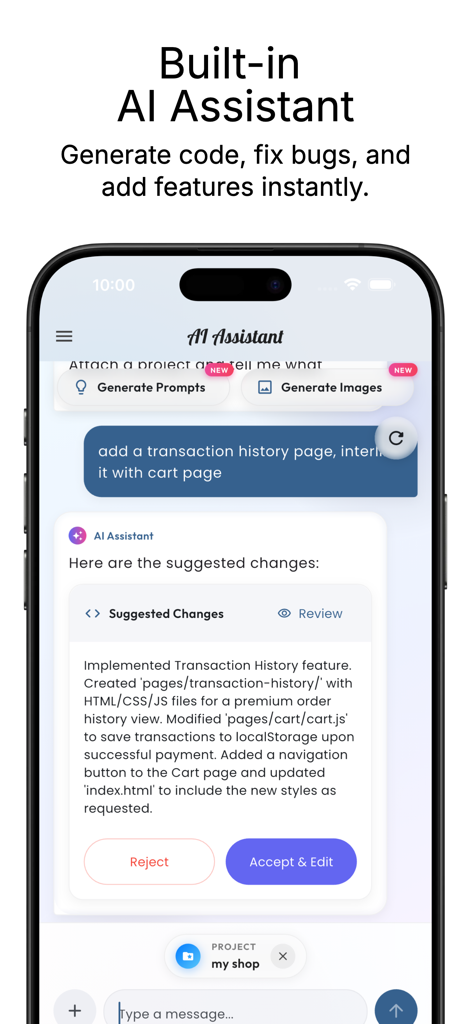
Built in AI assistant in Web IDE mobile app proposing code changes for a web project
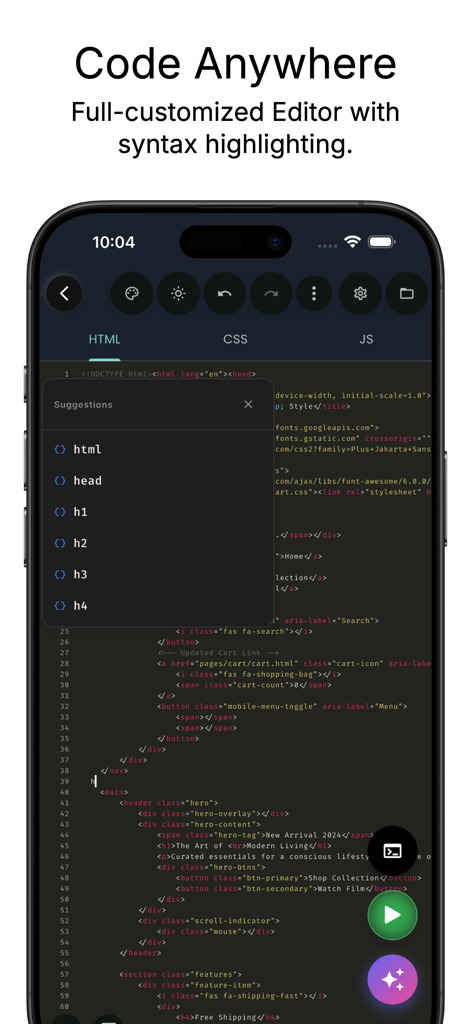
iPhone screen showing a mobile code editor with HTML syntax highlighting and an auto-complete suggestion menu
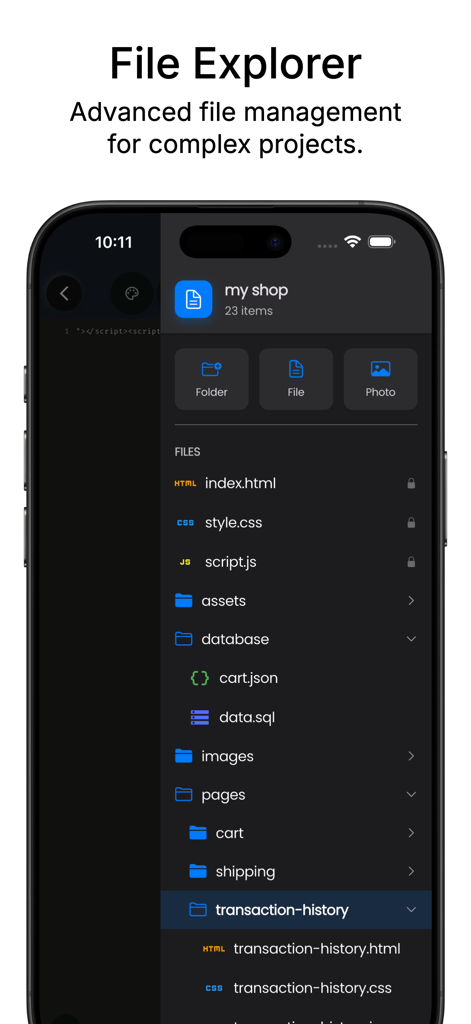
Screenshot of the Web IDE app showing a mobile file explorer with a professional project folder structure including HTML, CSS, and JS files.
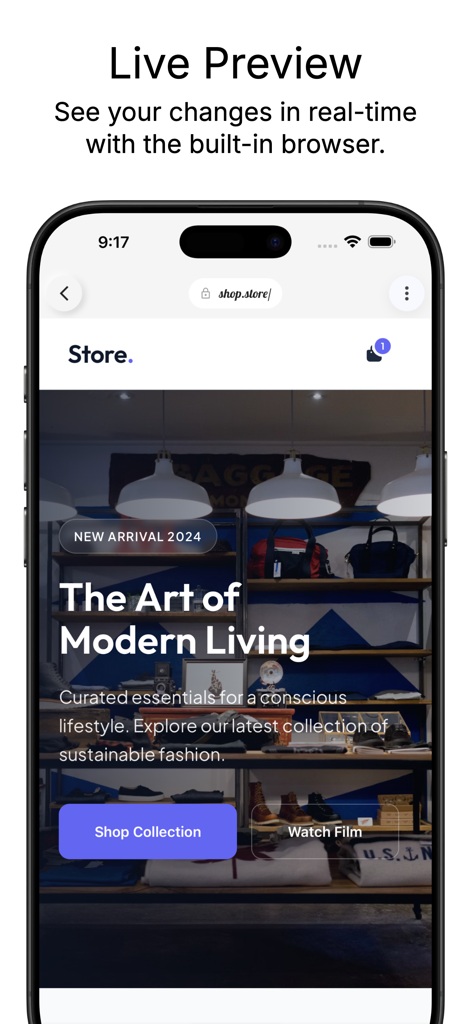
A mobile website live preview inside the Web IDE app built-in browser.
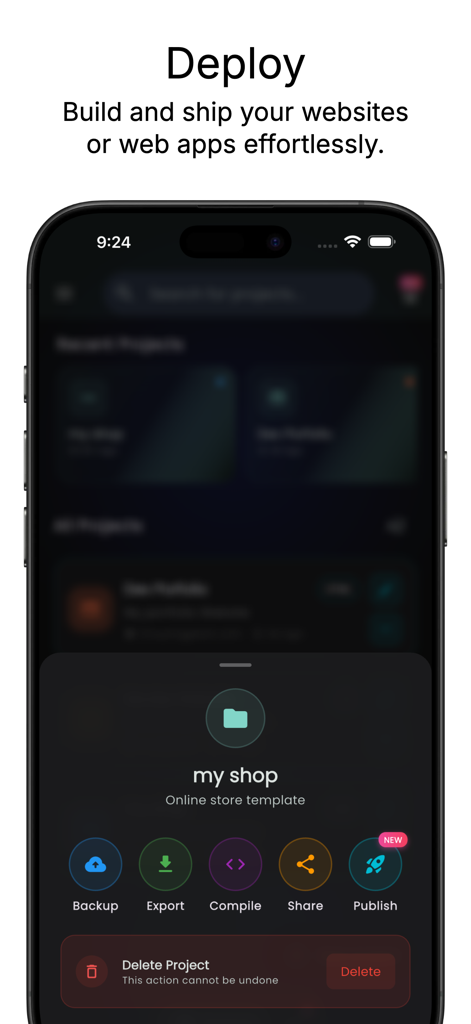
iPhone screen showing project deployment and publishing options within the Web IDE app
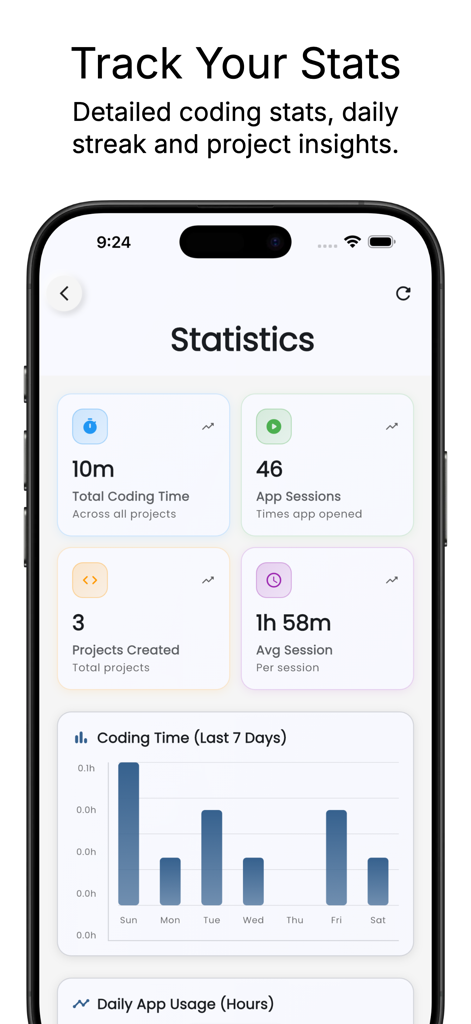
A mobile screen showing coding statistics including total coding time, app sessions, projects created, and a weekly activity bar chart within the Web IDE app.
Description
Download
More Like This
Top-ranked apps in the same category

TestFlight
Apple Inc.

Replit: Vibe Code Apps
Replit, Inc

GitHub
GitHub

O-KAM Pro
Shenzhen VeePai IoT Intelligent Technology LLC

Apple Developer
Apple Inc.

Expo Go
650 Industries, Inc.

Scriptable
Simon Stovring

App Store Connect
Apple Inc.

Sekai: Create · Remix · Play
Versa AI, Inc.
This page is not an official page of the app or its developer, but an independent editorial publication created for informational and commentary purposes. Unless expressly stated otherwise, neither the app nor its developer is affiliated with, endorsed by, sponsored by, authorized by, or otherwise officially connected with MWM, Apple, Google Play, the app publisher, or the app's developer, and nothing on this page implies that the app was developed using MWM's services. Any trademarks, logos, screenshots, and other content remain the property of their respective owners.